

Overview
AI Texture, officially called "My Texture" in the game's interface, is one of the AI Features in inZOI. It generates custom textures from text prompts typed by the player. The AI model runs locally on the player's GPU rather than in the cloud, which means it requires a graphics card with at least 8GB of VRAM. GPUs below that threshold (such as the RTX 3050 with 6GB) cannot access the feature at all, even though the base game only requires 6GB VRAM.
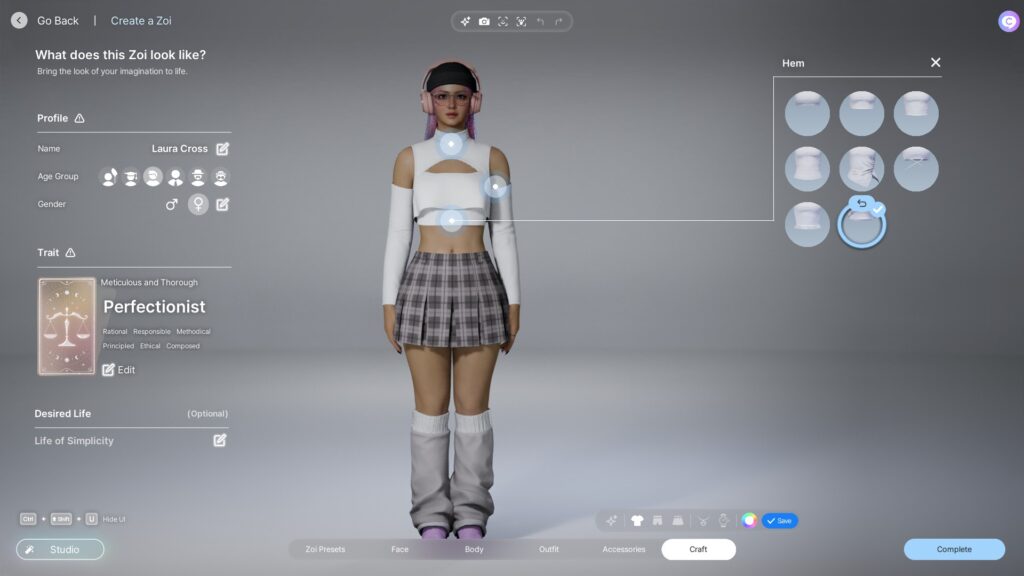
My Texture has been available since the Early Access launch on March 28, 2025. It was also accessible in the free Creative Studio demo that ran from March 20-28, 2025.
How it Works
The workflow for generating a custom texture:
Select a clothing item, furniture piece, wall, or floor that supports texture customization.
Open the color or material editor for that item.
Click "My Texture" at the bottom of the customization panel.
Click the four-pointed star icon to open the AI generator.
Type a descriptive English prompt (for example, "weathered wood with irregular grains in warm tones").
Press "Create" and wait several seconds while the GPU processes the request.
Preview the result on the item. Click "Save" to keep it, or regenerate for a different variation.
Repeating the same prompt produces similar but slightly varied results each time. Saved textures are stored in the My Texture library and can be reused across different items and builds.
Adjustments
After generating a texture, several sliders are available to fine-tune how it appears on the item:
Slider | Effect |
|---|---|
Pattern scale | Makes the pattern larger or smaller on the surface. |
Horizontal position | Shifts the texture left or right. |
Vertical position | Shifts the texture up or down. |
Gloss effect | Adjusts the shininess of the material. |
What it Can Be Applied To
Category | Examples |
|---|---|
Main color, sub-color, and accent areas of garments in Create a Zoi. | |
Sofas, seating, cushions, and other objects in Build Mode. | |
Walls | Applied through Build Mode's Customize Mode. |
Floors | Custom flooring textures through Customize Mode. |
As an alternative to AI generation, players can also upload custom image files (PNG and other formats) through the "Load Texture" option.
Prompt Tips
Prompts must be in English. Simple, descriptive prompts tend to produce better results than abstract or complex requests. Some tested prompt ideas from community guides:
Prompt Type | Result Description |
|---|---|
"Night sky" or "Galaxy" | Stars and nebula patterns in dark blue and purple hues. |
"Tidal wave" | Cerulean and white with curved flowing lines. |
"Floral" | Yellow and orange flower patterns. |
"Bohemian" or "Boho" | Sunflower-like patterns. Works well on dresses and bucket hats. |
"Cityscape" | High-rise buildings with a monotone palette. Creates unique stripes at certain scales. |
"Weathered wood with irregular grains" | Realistic wood texture in warm tones. |
AI Training Data
KRAFTON stated in an official Discord AMA (February 28, 2025) that all art assets used to train the AI model come from KRAFTON's own games (including PUBG) and copyright-free material. No third-party copyrighted training data was used.
Update History
Version | Date | Change |
|---|---|---|
Launch | March 28, 2025 | My Texture available at Early Access launch. |
v0.2.0 | June 2025 | Fixed bug where My Texture thumbnails appeared white after exiting the UI. |
v0.4.0 | October 2025 | Canvas-downloaded textures temporarily disabled from the My Texture list for performance reasons. |
v0.4.3 | November 11, 2025 | Canvas texture functionality restored. AMD GPU compatibility fix for high-end cards. |
Requirements and Known Issues
Minimum 8GB GPU VRAM required. The game temporarily lowers graphics settings during texture generation to free up GPU resources.
Prompts must be in English. Other languages will produce unpredictable results.
Some AMD GPUs had compatibility issues before v0.4.3.
Windows 11 write protection (antivirus settings) can block the feature on some systems.
Floor tile flip tools may not work correctly with My Texture on certain surfaces.
A community mod on Nexus Mods exists to bypass the VRAM requirement by reporting 24GB to the game, though this is unofficial and unsupported.
Related Features
My Texture is one of four AI-powered tools in inZOI:
Feature | Function |
|---|---|
My Texture | Text-to-texture generation (this article). |
Converts 2D images into 3D decorative objects. | |
Small language model driving Zoi personalities and inner thoughts. | |
Creates custom poses and dance motions from video or image input. |