

Furniture
Complete guide to furniture in inZOI Build Mode: all 9 categories with item examples and price ranges, the color/material customization system, My Texture (AI texture generation), the Craft tab with 4 custom furniture types, 3D Printer details, placement controls, and furniture added in recent updates.
On This Page
Accessing Furniture
Furniture is placed through Build Mode (press I or click the Build Mode icon). The Furniture tab organizes items by room type. Within each category, items are sorted further by type (beds, chairs, tables, lighting, etc.). Prices are listed in Meow and deducted automatically when you place an item.
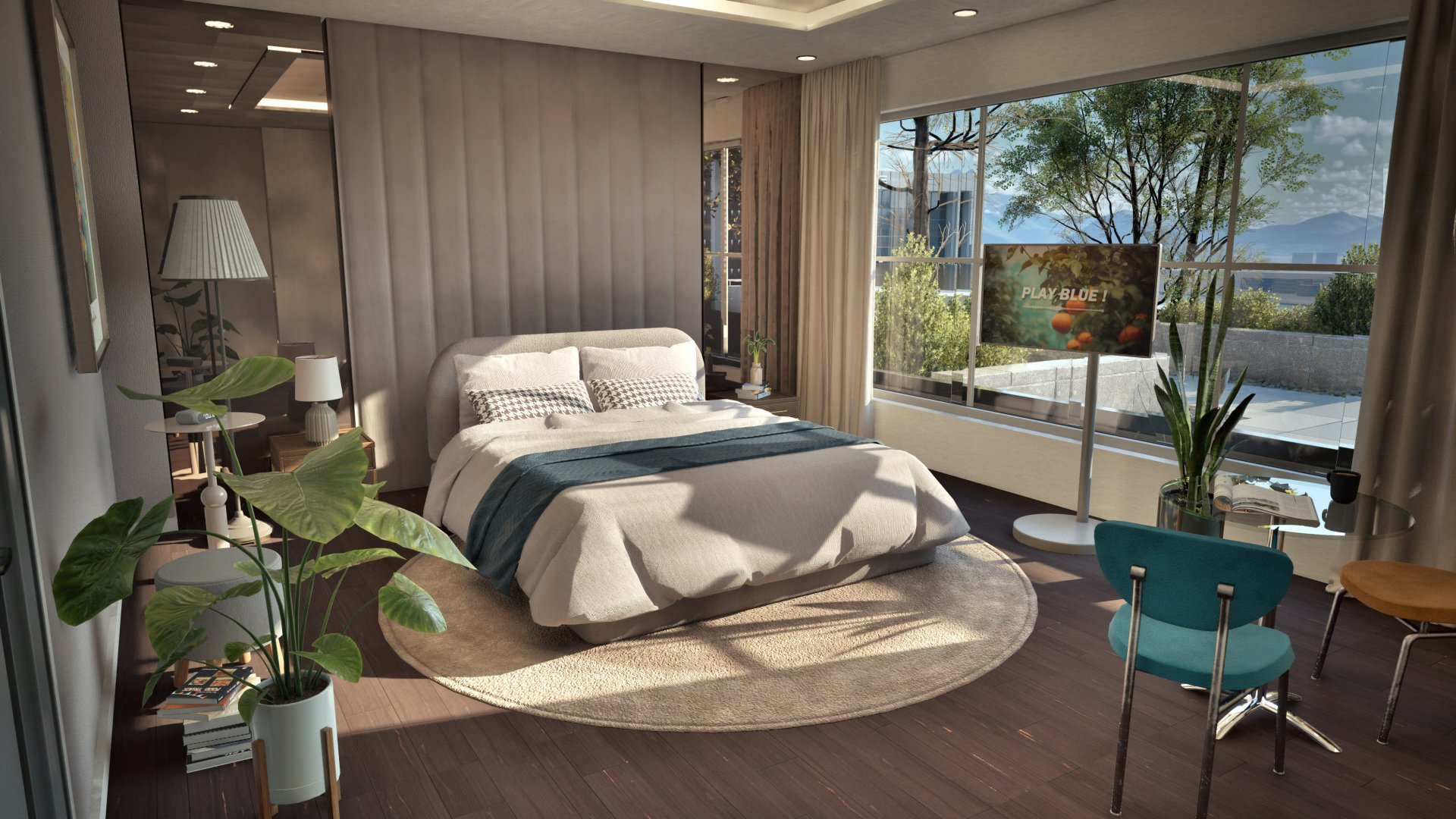
Furniture Categories
There are 9 furniture categories in Build Mode:
Bedroom
See main article: Bedroom Furniture
Beds (adult and child), cabinets, wardrobes, hangers, rugs, storage, dressing tables, lighting, side tables, mirrors, stickers, and toys. Adult beds range from 350 to 2,080 Meow:
Image | Item | Description |
|---|---|---|
| Natural Single Bed | 350 Meow |
| Steel Dream Single Bed | 400 Meow |
| Minimalist Queen Bed | 1,050 Meow |
| Round Head Queen Bed | 1,200 Meow |
| Classic Queen Bed | 1,400 Meow |
| Curved Head Queen Bed | 1,600 Meow |
| Modern Classic Queen Bed | 2,080 Meow |
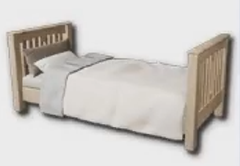
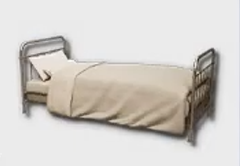
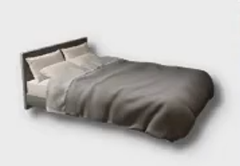
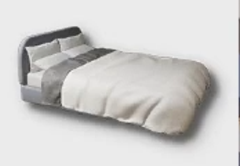
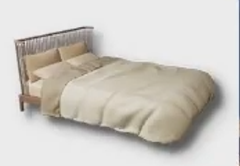
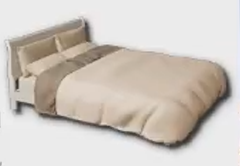
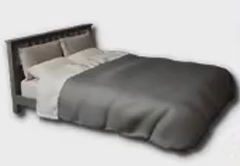
Children's beds include the Basic Children's Bed (320 Meow) and the Duck-Shaped Children's Bed (450 Meow). Baby furniture like the Changing Table (113 Meow), Sitting Support Chair (100 Meow), and Toddler Bouncer (428 Meow) is also in this category, though toddler furniture is currently decorative only in Early Access.
Living Room
See main article: Living Room Furniture
Sofas, TVs, cushions, chairs, rugs, and audio equipment. Sofas double as nap spots for partial sleep recovery.
Kitchen
See main article: Kitchen Furniture
Refrigerators, coffee machines, ovens, stovetops, range hoods, countertops, dining tables, and bar counters. The refrigerator and oven are the two main cooking appliances. Interact with either to open the cooking panel. See Restaurants and Dining for recipe details.
Bathroom
See main article: Bathroom Furniture
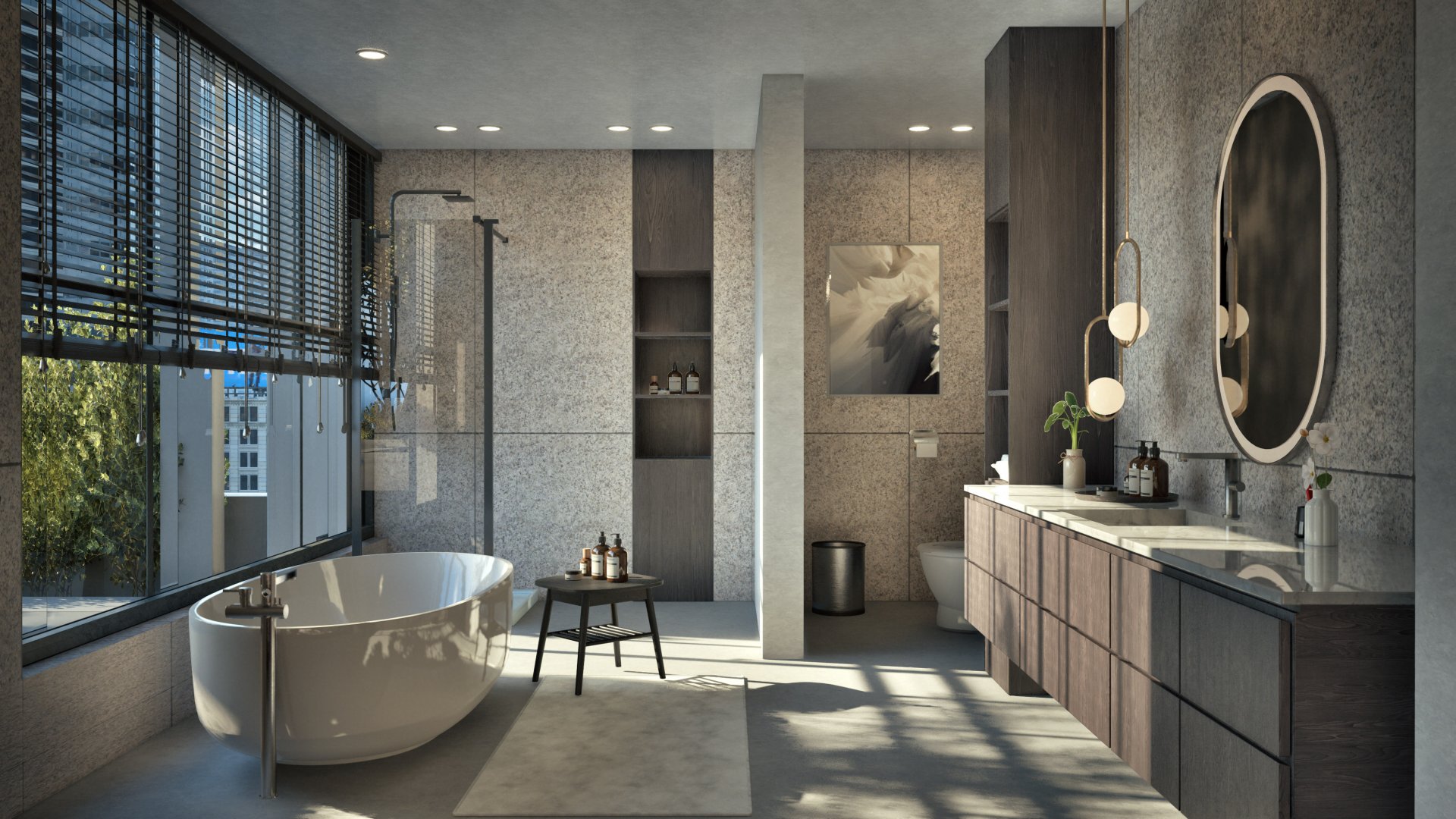
Sinks, bathtubs, shower booths, toilets, shelves, and bathroom supplies. Bathing fulfills the Hygiene need.
Home Office
See main article: Home Office Furniture
Computers, computer tables/desks, office supply clutter, shelves, cabinets, bookcases, paintings, and plants. The computer is used for music composition, job searching, programming skill training, and selling digital creations.
Hobby
See main article: Hobby Furniture
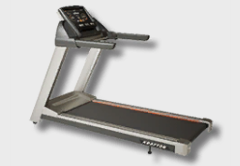
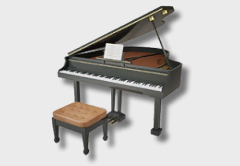
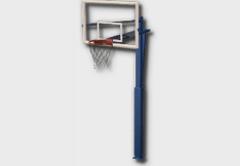
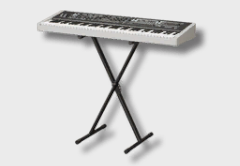
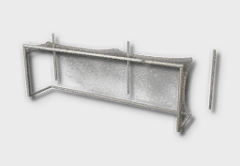
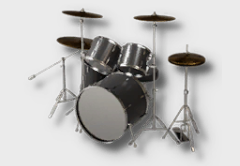
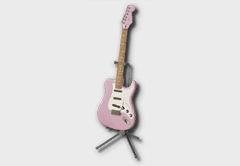
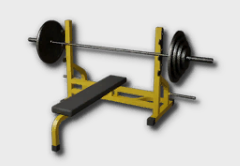
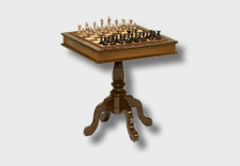
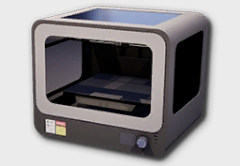
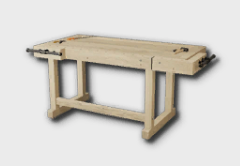
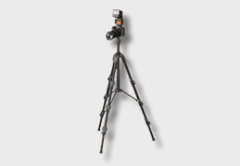
Fitness equipment, instruments, photography items, entertainment items, easels, the 3D Printer, and the Furniture Workbench. Some notable items and prices:
Image | Item | Description |
|---|---|---|
| Treadmill | 4,100 Meow |
| Grand Piano | 3,200 Meow |
| Basketball Hoop | 1,820 Meow |
| Synthesizer | 1,700 Meow |
| Soccer Goal | 1,400 Meow |
| Drums | 1,250 Meow |
| Electric Guitar | 919 Meow |
| Barbell Bench Press | 800 Meow |
| Chessboard | 780 Meow |
| 628 Meow | |
| Furniture Workbench | 594 Meow |
| Camera | 599 Meow |
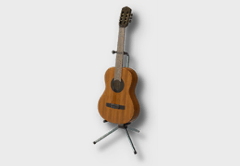
| Guitar | 549 Meow |
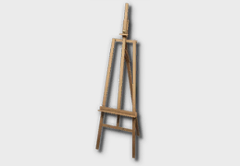
| Easel | 256 Meow |
Yoga Mats | 5 to 7 Meow |
Outdoors
See main article: Outdoor Furniture
Tables, chairs, sunbeds, beach items, floor panels, flower pots, trees, and outdoor stoves/cooking appliances. This category got a bunch of new items with the Cahaya update in August 2025.
Social Event
See main article: Social Event Furniture
Party items, flea market stalls, wedding items, stages, thematic lighting, photo booths, and party booths. The Flea Market Stand (270+ Meow) goes here, it lets you sell items during Social Events. See the shopping article for how flea market selling works.
Other
See main article: Other Furniture
Food stalls, playground rides, outdoor facilities, amusement park rides, fountains, cars, and industrial furniture. Most of these are for public lot decoration through the City Editor.
Customization
Every piece of furniture can be customized after placement. Click on it in Build Mode and select the paintbrush icon to open the customization panel. Each section of the furniture can be changed independently. A bed, for example, has five customizable parts: the frame, mattress, sheets, and two separate sets of pillows.
The customization options include:
Option | Description |
|---|---|
Color presets | pre-made color combinations, or use the color wheel for any custom color |
Materials | five material categories (expanded in the August 2025 update): wood, textile, metal, wallpaper, and tile |
Gloss | adjustable shininess for surfaces |
Pattern scale | resize patterns and textures on surfaces |
My Texture
The My Texture feature lets you apply fully custom textures to nearly any item. Two methods are available:
Method | Description |
|---|---|
click the four-pointed star icon and enter a text prompt or keywords to generate a texture. Prompts must be in English. | |
Load Texture | import an image file from your computer and apply it directly. |
This is the same system used for walls, floors, and roofs. It works surprisingly well for things like custom wallpaper, but results on complex 3D surfaces can be hit or miss.
Craft Tab
The Craft tab is the fourth tab in Build Mode's left-side menu. It has two main features: Custom Furniture and the 3D Printer.
Custom Furniture
This lets you build furniture from preset in-game model components by mixing and matching parts from different styles. Four furniture types are available in Early Access:
Item | Options |
|---|---|
Computer Chair | customizable backrest and legs |
Computer Desk | customizable tabletop and legs |
Floor Lamp | customizable body and base |
Computer | customizable monitor, main body, and keyboard/mouse |
There's no limit on how many custom furniture pieces you can create. Created items appear in your Craft inventory and still cost Meow to place. Custom furniture designs can be uploaded to Canvas for other players to download.
3D Printer
The 3D Printer creates decorative objects from uploaded 2D images using AI. Upload a picture, wait about 20 seconds, and you get a 3D object. A few things to keep in mind:
Use images with plain backgrounds for best results.
JPEGs work well for fully 3D objects; PNGs with transparent backgrounds are better for flat items.
Avoid images with holes, glare, or direct sunlight, these confuse the AI.
Simpler objects produce better results than complex ones.
3D-printed objects are decorative only Zois can't interact with them.
Objects can be attached to Zois as accessories: hats, wings, guns, masks, and other costume pieces.
Running other GPU-heavy programs at the same time may crash the game during 3D printing.
3D printed objects can be uploaded to Canvas as furniture presets for the community.
Placement Controls
Key | Action |
|---|---|
Alt | free placement (ignores grid snapping, space limits still apply) |
Alt + Rotate | fine-tuning rotation in small increments instead of the default 45-degree steps |
Shift | continuous placement mode (place multiple of the same item) |
Z / C | rotate left / right (45-degree increments) |
Delete | remove a placed object |
Page Up / Down | change floors |
Recent Additions
Item | Description |
|---|---|
April 2025 | New furniture items added, plus a "new" banner to help spot recently added items in the catalogue. |
June 2025 (v0.2.0) | Over 175 new items added to Build Mode, alongside the launch of the inZOI ModKit. |
August 2025 (v0.3.0) | Swimming pools, elevators, and various new furniture. Furniture customization materials expanded to 5 categories (wood, textile, metal, wallpaper, tile). |
December 2025 (v0.5.0) | Hundreds of new Build Mode and Create-a-Zoi items added with the business ownership update. |