

This article is incomplete
Some sections are missing or need additional details. Help improve it by contributing.
Baby Customization
Baby customization is a feature introduced in the v0.7.0 anniversary update for InZOI, released on March 26, 2026. Before this update, baby Zois were locked into a default appearance with no way to change their clothing or style. The update opened the Edit Appearance menu to babies for the first time, letting players dress their youngest household members and bring them into Create-a-Zoi for photo sessions.
How to Access Baby Customization
Editing a baby Zoi's appearance works the same way it does for older life stages. You need a mirror placed somewhere in your home. Walk an adult Zoi over to the mirror, then select the baby from your household panel. Choose Edit Appearance from the interaction menu. This opens the character editor with the baby selected, where you can browse available outfits and accessories.
The editor for babies is more limited than what adults and teens have access to. You cannot reshape a baby's body proportions or make drastic facial changes through the mirror. The focus is on clothing and surface-level styling. For full body and face sculpting, those tools remain available only for teen and older Zois in the Character Studio.
Baby Outfits
The v0.7.0 update shipped with six new baby outfits, giving players their first real wardrobe options for newborns. Prior to this patch, babies wore a single default outfit with no alternatives. The six outfits cover a range of casual styles appropriate for infants, and they can be mixed and matched just like clothing for other age groups.
Outfit selection for babies works through the same clothing panel found in Create-a-Zoi. Pick the outfit you want, and the change applies immediately in the editor preview. Save your changes before exiting, or the baby will revert to its previous look.
The community has noted that six outfits is a modest starting selection compared to the wardrobe depth available for adults and children. Krafton previewed these outfits during the February 2026 developer update, where they mentioned that two new outfits were being finalized for newborns and infants at that time. The final release expanded the count to six.
Create-a-Zoi Photo Studio Access
One of the more welcome additions in v0.7.0 is that baby and toddler Zois can now enter Create-a-Zoi specifically to use the photo studio. This means you can pose your baby Zoi against different backdrops, change the studio background color, and snap photos to save to your computer. It is a purely cosmetic feature with no gameplay impact, but it fills a gap that players had been requesting since early access launched.
To access the photo studio for a baby, open Create-a-Zoi from the main menu or household management screen, select the baby Zoi, and navigate to the photo studio tab. You can change outfits here as well before taking your shot.
Teeth Development
Alongside the customization changes, v0.7.0 introduced a small but noticeable visual detail: newborn Zois are now born without teeth. In earlier versions of the game, babies had visible teeth immediately after birth, which looked unnatural. With this update, teeth gradually appear as the baby ages up. By the time a baby transitions to the toddler stage, teeth become visible. This change was highlighted during the February 2026 developer update as part of Krafton's push toward more realistic life stage progression.
Baby Needs and Interactions
The v0.7.0 update also rebalanced baby needs across the board. Baby Zois have had their needs adjusted to be more manageable, and interactions between babies and their caregivers are smoother than they were at launch. A new quick cleanup interaction was added, letting adult Zois tidy up after babies without going through the longer cleaning animations.
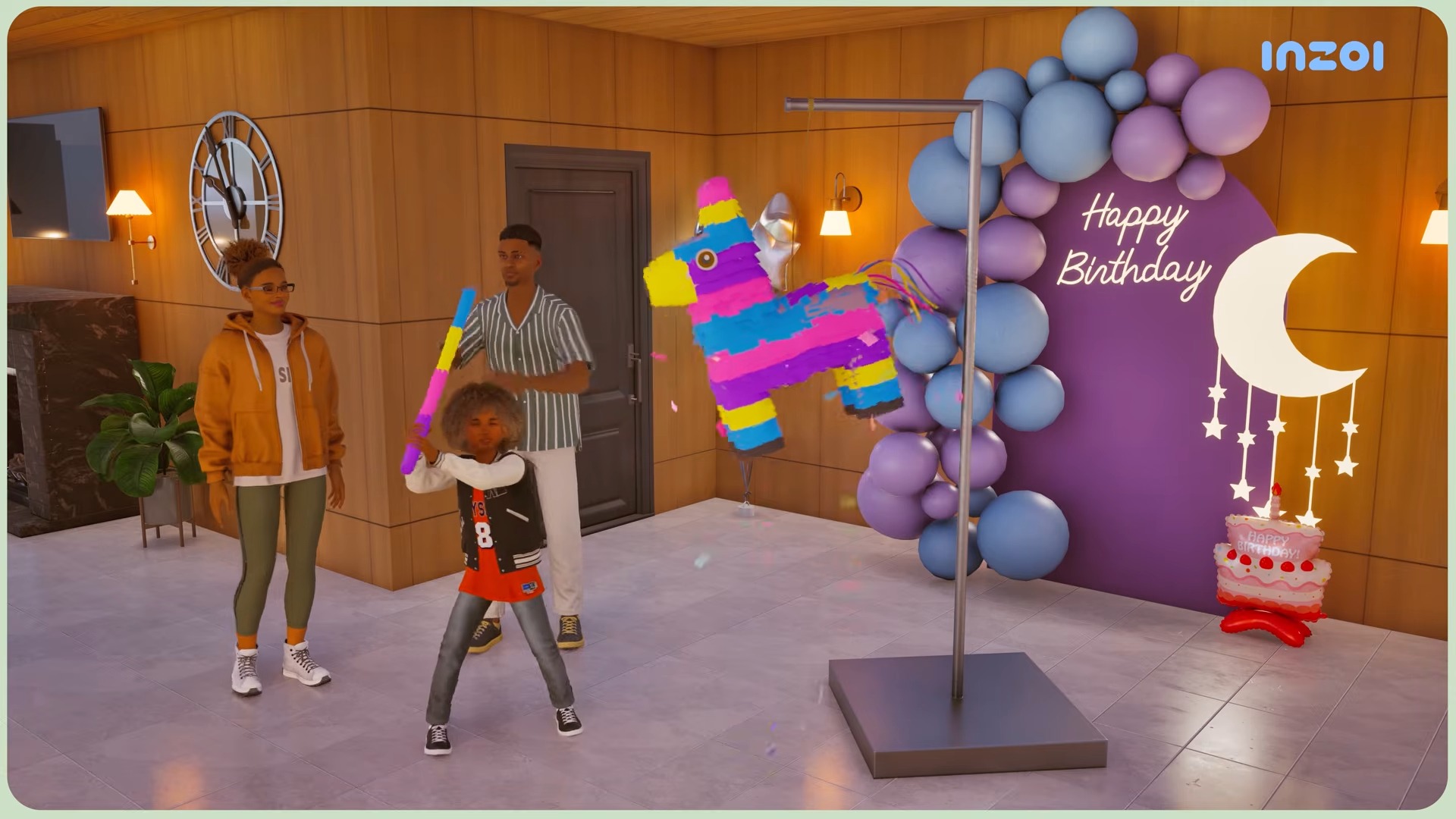
New urges were introduced for newborn, toddler, and children Zois. These urges create fresh parenting situations and occasionally lead to parent-child conflicts, adding more depth to family gameplay. For example, a baby might develop an urge that requires immediate attention, pulling a parent away from whatever task they were handling.
Baby animations also received improvements. Babies now have animations showing them imitating toys. The developers gave the example of a baby watching and mimicking the flapping wings of a duck toy. This reflects how real infants learn through observation and imitation.
Caring for a Baby Zoi
Newborns are the most dependent life stage in InZOI. They cannot move on their own and require constant attention from household members. Here are the key aspects of baby care:
Feeding: Newborns cannot be fed directly. Once a baby ages up to a toddler (roughly 1 in-game day on default aging speed), you can give them formula through the Parenting interaction menu.
Diaper changes: Change diapers as soon as the prompt appears. Letting it go too long causes the baby to become distressed.
Sleep: Babies sleep in cribs. Make sure your household has a crib placed before the birth.
Household size: Keep at least two adults in a household with a baby. Single parents get overwhelmed quickly by the constant demands of feeding and diaper changes.
How Babies Are Born
There are three ways to add a baby to your household, each covered in more detail on their respective pages:
Pregnancy: Married Zois can suggest having a baby through the Romance interaction menu. Pregnancy lasts about 3 in-game days and progresses through early, middle, and late stages.
Adoption: Households can adopt a child through the phone or computer, bypassing the pregnancy process entirely.
Medical Birth: An alternative method of adding a newborn without going through the standard pregnancy progression.
Households are capped at 8 members. If your household is already full, pregnancy attempts will fail, so plan your family size accordingly.
Tips
Save your outfit changes before exiting the Edit Appearance menu. If you back out without saving, the baby reverts to its previous look.
Use the Create-a-Zoi photo studio to capture milestone moments for your baby Zoi. The studio backgrounds can be swapped for different vibes.
If your baby's teeth appear immediately after birth, make sure you are running v0.7.0 or later. The toothless newborn feature was not present in earlier patches.
Custom content creators on CurseForge have already started publishing baby outfit mods, expanding beyond the six vanilla options.
History
Baby customization was one of the most requested features during InZOI's first year of early access. Players frequently posted on the Steam forums and the official InZOI forums asking for the ability to dress and style their babies. Krafton acknowledged this feedback during weekly developer updates in early 2026, previewing new baby outfits and the Edit Appearance integration in February before shipping the full feature set in the v0.7.0 anniversary update on March 26, 2026.
The February 2026 developer update specifically showcased the toothless newborn system, new baby outfit concepts, and improved baby animations. By the time the patch launched a month later, the feature set had expanded from the two initially previewed outfits to six.
The June 2026 update cycle continues this thread. The June 5 weekly update described ongoing work to make baby appearances cuter and more natural, new hairstyles in development, and refinements to the genetics system, and the same preview cycle showed functional high chairs. These improvements were presented as in development rather than shipped.
v0.9.0 Baby Additions
The v0.9.0 update (June 19, 2026) added a batch of baby content in Create a Zoi, along with refinements to baby appearance.
Category | Additions |
|---|---|
Baby hairstyles | 6 new hairstyles |
Baby outfits | 5 new outfit items |
Baby accessories | 7 new accessories |
Baby faces were refined and angry facial expressions were improved. The newborn genetics system was also improved in the same update, and the wider baby gameplay (high chairs, baby food, sickness) is covered on Newborns and Toddlers.
v0.10.0 Baby Customization (September 3, 2026)
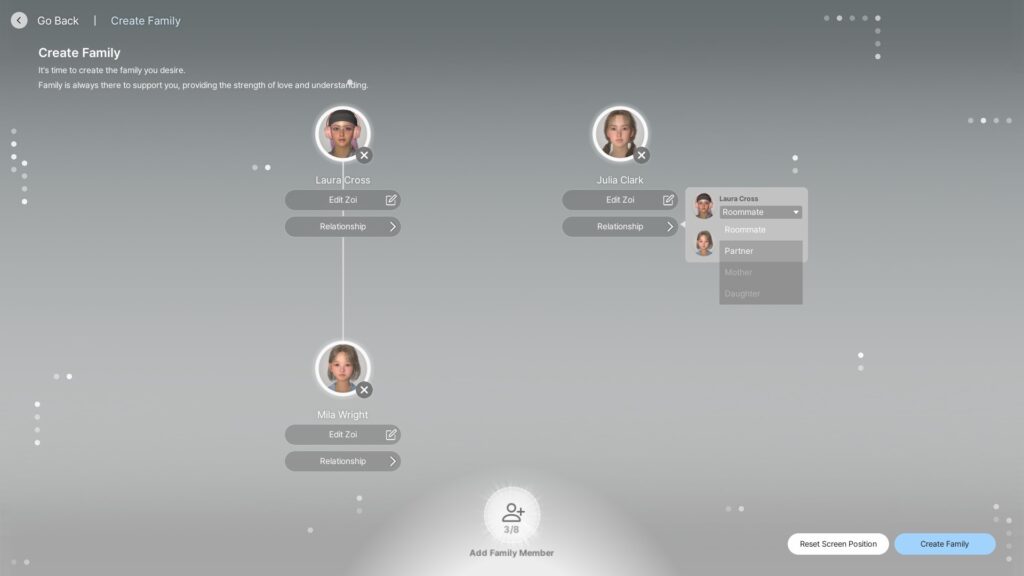
The v0.10.0 update on September 3, 2026 added a baby age group to Create a Zoi, so a household can be built with a baby in it rather than waiting for one to be born in Live Mode.
A genetics system in the creator builds an offspring from the genes of one or both parents. Selecting only one parent applies an unknown parent's DNA for the remainder.
Newborn babies inherit the voice genetics of their parents, drawing on the six pitch-adjustable custom voices added in the same update.
Canvas gained newborn and toddler age groups, so a created baby can be shared.