
Furniture Crafting
Furniture crafting lets you customize your home and outdoor spaces on Starsand Island. From basic tables and chairs to themed furniture sets, the system gives you full control over how your living space looks and feels. Furniture is crafted through the Building Menu and the Worktable, with blueprints available from shops and quest rewards.
The Building Menu
Press C (or the equivalent button on controller) to open the Building Menu. This is your primary interface for placing furniture, walls, floors, and decorations inside your home. The Building Menu organizes items into categories like Seating, Tables, Storage, Lighting, Wall Decor, and Outdoor.
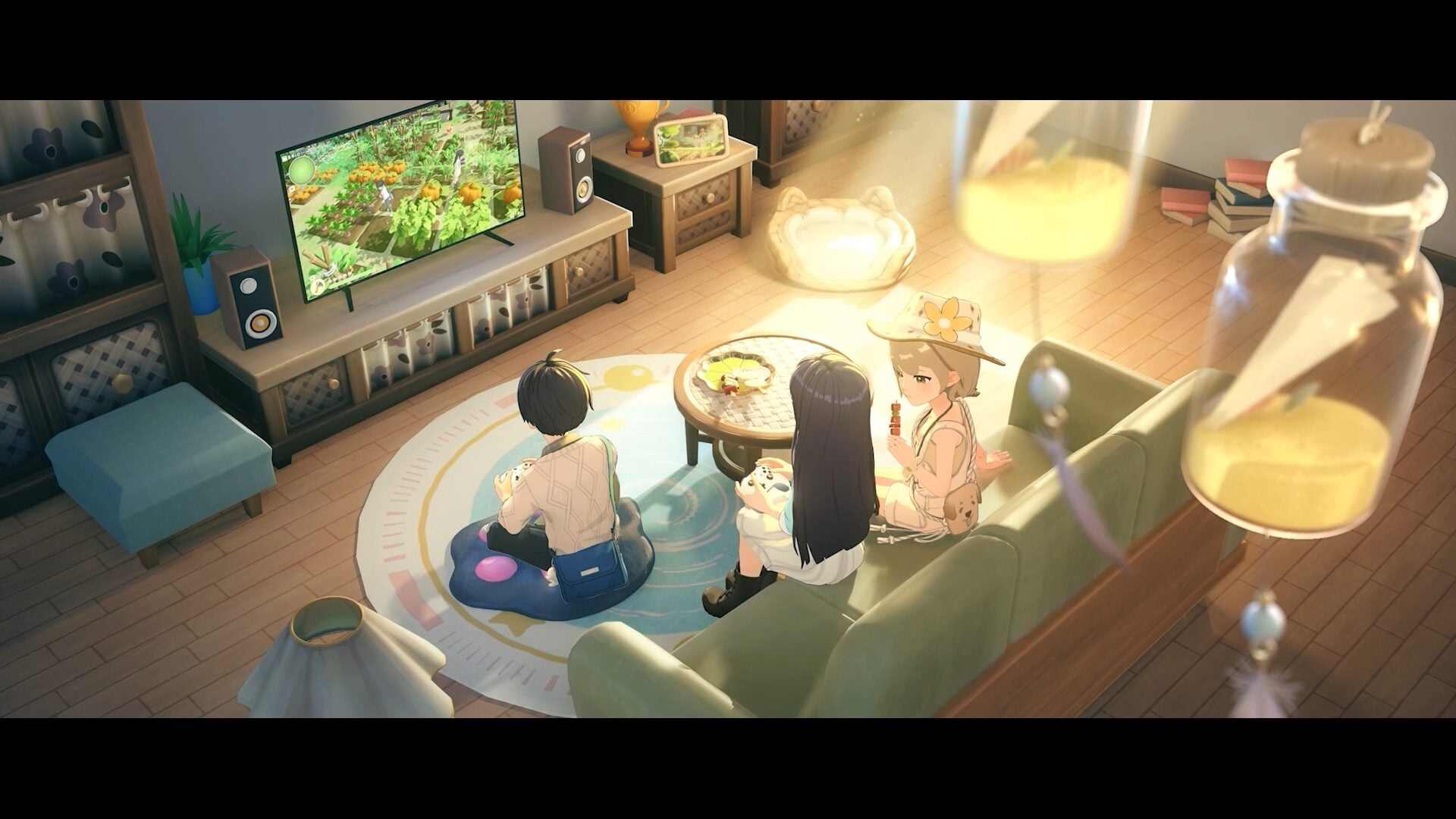
When you open the Building Menu, you enter a placement mode where you can see a preview of the item before setting it down. Rotate items with the scroll wheel or bumper buttons, and confirm placement with left click or the action button. Items snap to a grid by default, but you can toggle free placement for more precise positioning.
Where to Get Blueprints
Furniture blueprints come from multiple entries:
Item | Description |
|---|---|
Lex Woodworks (Alex's Shop) | The primary source for furniture blueprints. Alex runs Lex Woodworks and stocks a rotating selection of blueprints for tables, chairs, beds, shelves, lighting fixtures, and decorative pieces. New blueprints become available as you progress through the game and increase your friendship with Alex. |
Quest rewards | Certain quests, particularly those from NPCs who craft or build things, reward you with unique furniture blueprints not available in any shop. |
Glowing Shell exchange | Some special furniture pieces can be purchased using Glowing Shells, a collectible currency found around the island. |
Island Life progression | Reaching higher Island Life levels unlocks new blueprint categories and premium furniture options. |
Crafting Furniture
Once you have a blueprint, crafting the actual furniture piece requires materials and a crafting station. Most furniture is built at the Worktable, though some advanced pieces require upgraded stations.
Furniture Category | Common Materials | Crafting Station |
|---|---|---|
Basic Wooden Furniture | ||
Sturdy Furniture | ||
Premium Furniture | Premium Wood, Fabric, Metal Parts | Advanced Worktable |
Lighting | Metal, Glass, Glowing materials | |
Fabric Items | Wool, Dye | Loom / Worktable |
Outdoor Decorations | Stone, Wood, Metal |
Wood is the most common furniture material. Stock up on Softwood, Hardwood, and Premium Wood by harvesting trees regularly. Metal parts come from mining and smelting ores at the furnace, while fabric materials come from animal products like Wool.
Furniture Sets
The game includes themed furniture sets that share a consistent visual style. Placing multiple items from the same set in a room gives your home a cohesive look. Some known sets include:
Item | Description |
|---|---|
Rustic Set | Natural wood tones with a farmhouse feel. Made primarily from Softwood and Hardwood. |
Coastal Set | Beach-themed furniture with light blues and sandy tones. Incorporates shells and driftwood as materials. |
Modern Set | Clean lines and metal accents. Requires Metal Parts and Premium Wood for most pieces. |
Garden Set | Outdoor furniture designed for patios and garden areas. Includes planters, benches, and trellises. |
Placing and Arranging Furniture
The placement system in Starsand Island offers several controls for getting furniture exactly where you want it:
Action | Control | Description |
|---|---|---|
Open Building Menu | C key / Menu button | Opens the furniture placement interface |
Place Item | Left click / Action button | Confirms the item's position |
Rotate | Scroll wheel / Bumpers | Rotates the furniture piece before placement |
Pick Up | Right click / Cancel button | Picks up a placed item to move or store it |
Resize | Hold modifier key + scroll | Some decorative items can be resized for better fit |
Wall Placement | Approach a wall | Certain items like paintings, shelves, and clocks snap to walls automatically |
You can pick up and rearrange furniture at any time with no cost. Moving items does not consume materials or damage the furniture, so feel free to experiment with layouts.
Wall Decorations and Paintings
Wall-mounted items include paintings, clocks, shelves, and decorative hangings. Paintings can be purchased from shops or crafted using Canvas and Dye. Some wall decorations are rewards from NPC friendship events or seasonal festivals.
To place a wall item, open the Building Menu, select the wall decor category, and approach the wall where you want to hang it. The item will automatically snap to the wall surface.
Expanding Your Home
Your starting house has limited floor space. As you progress through Island Life levels and complete certain milestones, you can expand your home with additional rooms. Each expansion adds more wall and floor space for furniture placement. Talk to the relevant NPC or check the Building Menu for available upgrades when your Island Life rank increases.
Land expansion also applies to your outdoor areas. As your farm grows, you unlock more plots that can be used for outdoor furniture, garden decorations, and functional items like additional crafting stations.
Tips
Tip | Details |
|---|---|
Buy blueprints whenever you see new ones | Lex Woodworks rotates its stock, so grab blueprints when they appear. You can always craft the item later when you have materials. |
Befriend Alex early | Higher friendship with Alex unlocks additional blueprints at Lex Woodworks. Give Alex gifts daily to speed this up. |
Stockpile wood types. | Keep dedicated chests for each wood type so you always have materials ready when a new blueprint catches your eye. |
Match furniture sets | Rooms look better with a consistent set rather than a random mix. Pick a theme and commit to it before spending resources on scattered pieces. |
Do not forget outdoor spaces | Furniture is not limited to indoor placement. Benches, lights, and decorations can transform your farm and yard areas. |
Check Glowing Shell trades | Some of the most unique furniture items are only available through Glowing Shell exchanges. Collect shells during exploration and check the exchange options regularly. |
Rearrange freely | There is zero penalty for moving furniture. If a layout is not working, pick everything up and start fresh. |
Themed Furniture Collections
Beyond individual pieces, furniture comes in coordinated themed sets. The development team spotlights new collections over time, and each set has its own way to obtain the blueprints. A few confirmed collections and where their blueprints come from:
Collection | Theme | Where to Get the Blueprints |
|---|---|---|
Gaming Room Collection | Futuristic gaming room (gaming corner, air conditioner) | Unlocked by leveling up StarNote. Craft the pieces at the Worktable. |
Classroom Collection | Nostalgic classroom (blackboard, desks, chairs, teacher’s desk) | Appears at random in Starsand Shop under Weekly Blueprints. Purchase to learn the recipe, then craft at the Worktable. |
Watermelon and Pumpkin Sets | Fruit and Veggie theme (summery watermelon designs, cozy pumpkin pieces) | Bought from Lex Woodworks under the Fruit and Veggie blueprint category, then crafted at the Worktable. |
More themed sets are added through updates, and blueprint sources vary by collection: some come from StarNote progression, some from the weekly rotating stock at the Starsand Shop, and others from the blueprint shelves at Lex Woodworks.