

Building
Complete guide to the building and decoration system in Starsand Island. Covers the three construction modes, nearly 1000 placeable items, blueprint sources, crafting stations, building materials, paint textures, land purchase and expansion across four properties, and the Blueprint Library sharing system.
On This Page
Overview
Starsand Island has a deep building and decoration system with nearly 1,000 placeable items. Players can construct and customize homes from the ground up using structural building pieces, then furnish and decorate interiors and exteriors with furniture, crafting stations, farm structures, and decorative objects. The system supports everything from cottagecore dwellings and Nordic villages to grand manors and modern houses. There are no loading screens between indoors and outdoors; interiors and exteriors are fully seamless.
How Building Works
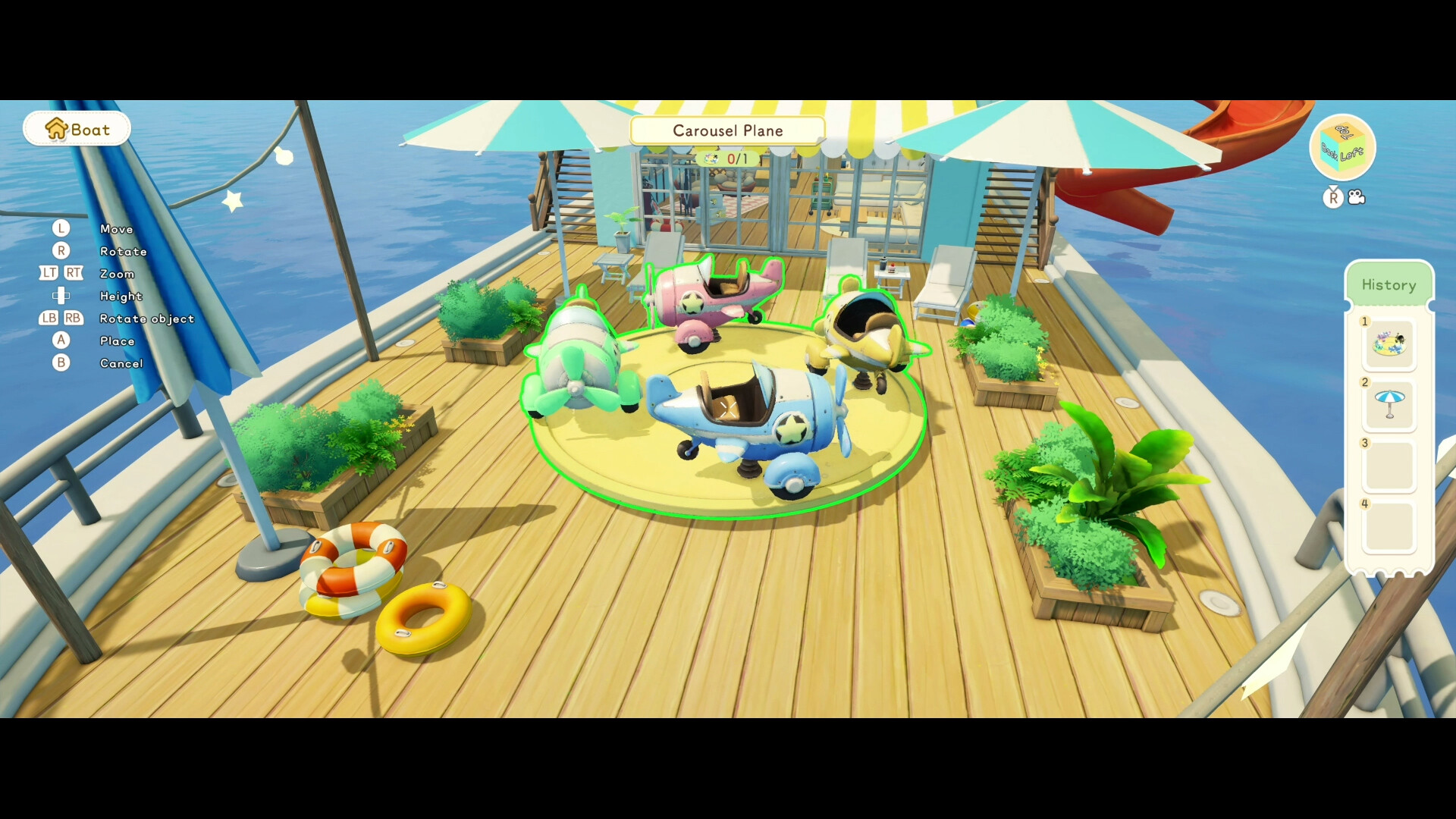
Press C to open the Build Menu while standing on your owned property. The system offers three construction modes.
Mode | View | Best For |
|---|---|---|
Free-view | Top-down / isometric | Placing walls, foundations, roofs, stairs, and structural pieces on a grid |
Character Perspective | First / third person | Furnishing and decorating interiors and exteriors from your character's viewpoint |
Local View | Zoomed close-up | Detailed decoration of small spaces like aquariums or tabletop arrangements |
Items can be overlapped and rotated freely. Many structural pieces (blocks, foundations) can be resized after placement using large yellow arrows. Building pieces snap together (foundations, roofs, walls, doorframes, stairs), and snapping can be toggled off for custom overlapping structures. The build menu also lets you adjust time of day, weather, and lighting to preview your creation at any hour.
Structural building pieces (walls, floors, roofs) consume raw materials directly from your inventory upon placement and do not need to be pre-crafted. Furniture and decorations, by contrast, must be crafted at a Worktable before they can be placed. To pick up or remove a placed item, open Build Mode, click the object, and select remove. The item returns to your inventory.
Building Categories
Category | Examples |
|---|---|
Structural | Foundations, walls, half-walls, doorframes, doors, windows, roofs, stairs, pillars, railings |
Outdoor | Decking, fencing, banners, paths, trellises, gardens |
Furniture | Tables, chairs, sofas, beds, shelves, kitchen counters, rugs, wall fixtures, lamps |
Farm structures | Chicken Coop, Duck Coop, Pigsty, Cattle Barn, Sheep Barn, Stable, Breeding House, Beehive, Greenhouse |
Worktable I/II/III, Furnace I/II, Charcoal Kiln, Cutter, Separator, Loom, Spinning Wheel, Campfire, Gas Stove | |
Storage | Storage Box (18 slots), Storage Box II (36 slots), Storage Box III, Quick Shipping Box, Realm Box |
Fish Ponds (Small, Stone, Medium), Fish Traps, Aquariums (Cube sizes from basic through XL) | |
Decorative | Potted plants, flower bundles, umbrellas, plaques, weathervanes, commemorative coins, themed sets |
Nearly any item in the game, including tools, food, snacks, and seashells, can be placed as decoration. Flower bundles are crafted from flowers gathered in the world and provide an easy way to add color to any space.
Getting Blueprints
Blueprints unlock new craftable items permanently. Once learned, they are added to your Islandpedia. There are multiple entries.
Source | Details |
|---|---|
Shops | The primary source. Each profession mentor's shop sells tier-locked blueprints. Zerine's General Store has the largest selection (tools, workbenches, storage, decorations). Lex Woodworks sells furniture. Other shops sell profession-specific items. |
Profession tiers | Advancing through Apprentice, Junior, Intermediate, Senior, and Expert unlocks new blueprints at each mentor's shop. |
Quests and story | The tutorial grants basic blueprints (Axe, Bug Net, Campfire, Worktable I). Later quests grant specialized items. |
Exploration and loot | Found in treasure chests, dropped by enemies, and discovered while harvesting resources in the Moonlit Forest. |
Daily mail | Your mailbox delivers several free blueprints throughout the early game. Check it daily. |
Loren's arcade machines cost 20 tokens (200 Gold) per pull and can yield exclusive recipes and furniture. |
Blueprint Library
The Blueprint Library lets you save, reuse, and share architectural designs. Saved blueprints include the building's structure, object placements, and decoration styles. They can be reused across save files, so rebuilding from scratch is never necessary. Players can share blueprints with friends and the community, or download others' designs. Eight preset house layouts are available as starting templates, each showing the required materials and matching decoration sets.
Key Shops for Building
Shop | Owner | Focus |
|---|---|---|
Zerine's General Store | Largest blueprint selection: tools, workbenches, storage, crafting stations, decorative items (24/7) | |
Furniture blueprints, finished furniture, decorations, Glowing Shell exchange (08:00-22:00) | ||
Farming blueprints: sprinklers, fertilizer boxes, grinders, greenhouse (08:00-22:00) | ||
Ranching blueprints: coops, barns, feeders, breeding equipment (06:00-22:00) | ||
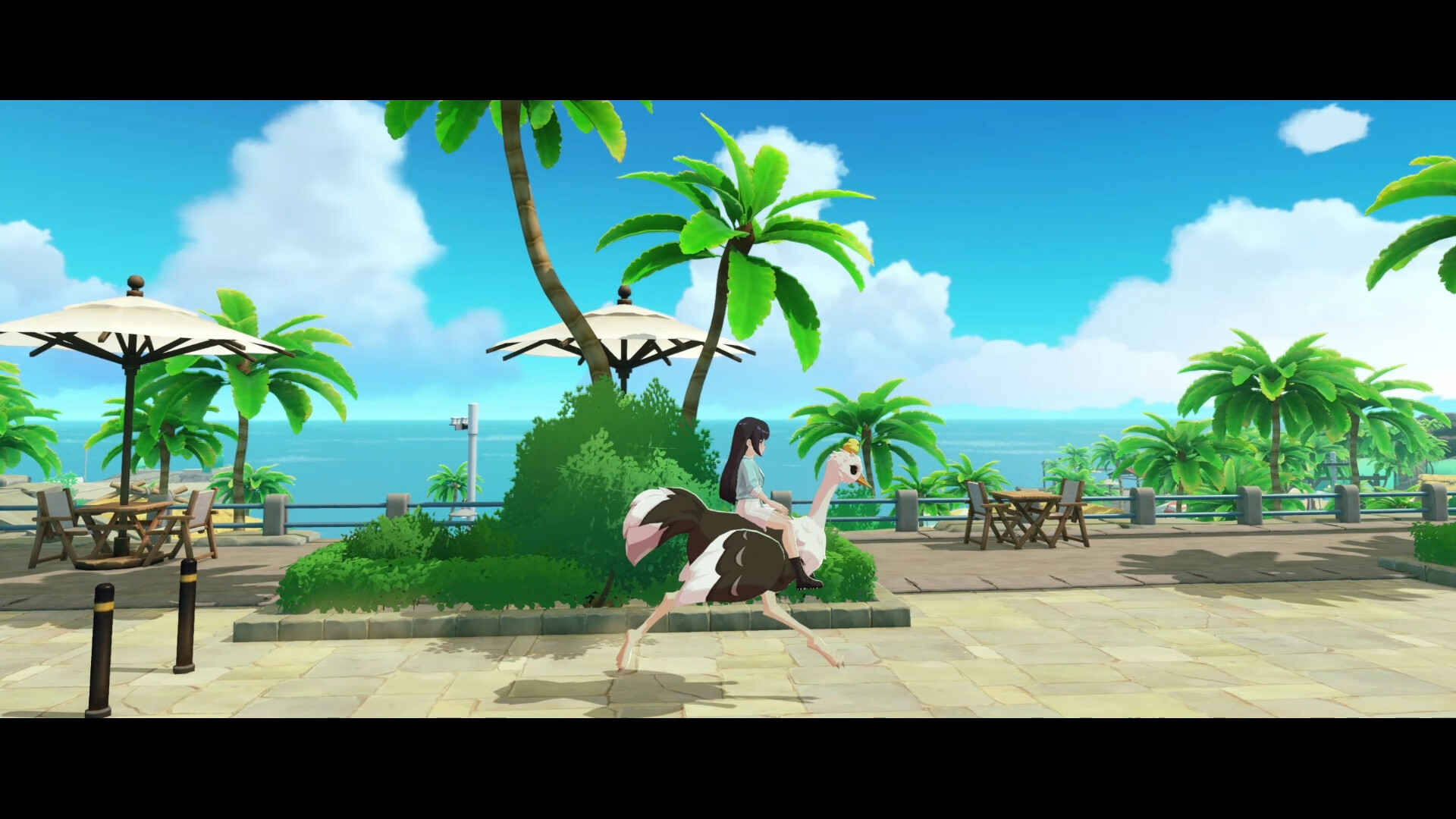
Vehicle blueprints: from Bamboo Raft to Speedboat (08:00-22:00) | ||
Pet housing blueprints: pet houses, beds, water bowls (08:00-22:00) |
Building Materials
Raw materials are gathered from the island and processed at crafting stations. Most metals are found exclusively in the Moonlit Forest.
Material | Source | Processing |
|---|---|---|
Chop trees on the island | Cutter: Softwood Plank, Hardwood Plank | |
White Fig trees (requires Machete) | Cutter: Premium Wood Plank | |
Bamboo groves | Cutter: Bamboo Board | |
Stone | Rocks across the island and forest | Furnace: Stone Brick |
Moonlit Forest (brownish/orange rocks) | ||
Moonlit Forest (mid-to-deep zones) | Furnace: Gold Ingot | |
Quartz | ||
Plants across the island | Charcoal Kiln: Charcoal (with Softwood) |
Access to the Moonlit Forest is essential for most building materials beyond wood and stone. Break the Damaged Door behind your home with the Slingshot (Apprentice Explorer quest) to unlock it.
Crafting Stations
The game has 21 crafting machines total. The central station is the Worktable, which comes in three tiers.
Station | Tier | Key Products |
|---|---|---|
Worktable I | Starter | Basic tools, furniture, storage, simple machines |
Worktable II | Mid-game | Advanced tools, weapons, vehicles, fish traps (requires Iron Sheet, Premium Wood, Alloy, Gold Ingot to upgrade) |
Worktable III | Endgame | Chainsaw, Electric Drill, Mining/Logging Robots, Teleporter, Jet Ski, Speedboat, Gear Smith |
Furnace I / II | Processing | Refines metals and stone with heat (Iron Ingot, Copper Ingot, Alloy, Starflare Core) |
Cutter I+ | Processing | Cuts wood into planks and metal into sheets |
Processing | ||
Textile | Fishing line, hemp rope, carbon line | |
Textile | Leather, linen, velvet, flannel |
Upgrade existing Worktables rather than building new ones. Upgrading uses fewer resources and higher-tier worktables include all recipes from lower tiers.
Paint and Customization
The paint system offers eight texture types that can be applied tile by tile to both exterior walls and indoor surfaces. Access it via the paint icon at the bottom of the build screen.
Texture | Style |
|---|---|
Wood Grain | Natural wood finish |
Brick | Classic brick pattern |
Stone | Rough stone surface |
Gloss Paint | Smooth, shiny finish |
Matte Paint | Flat, non-reflective finish |
Metallic Paint | Reflective metal look |
Rough Cement | Industrial / micro-cement texture |
Ceramics | Tile-like ceramic finish |
A helpful strategy is to paint floor areas in different colors for each planned room before constructing walls. This lets you visualize room flow and function before committing to the layout.
Land Purchase and Expansion
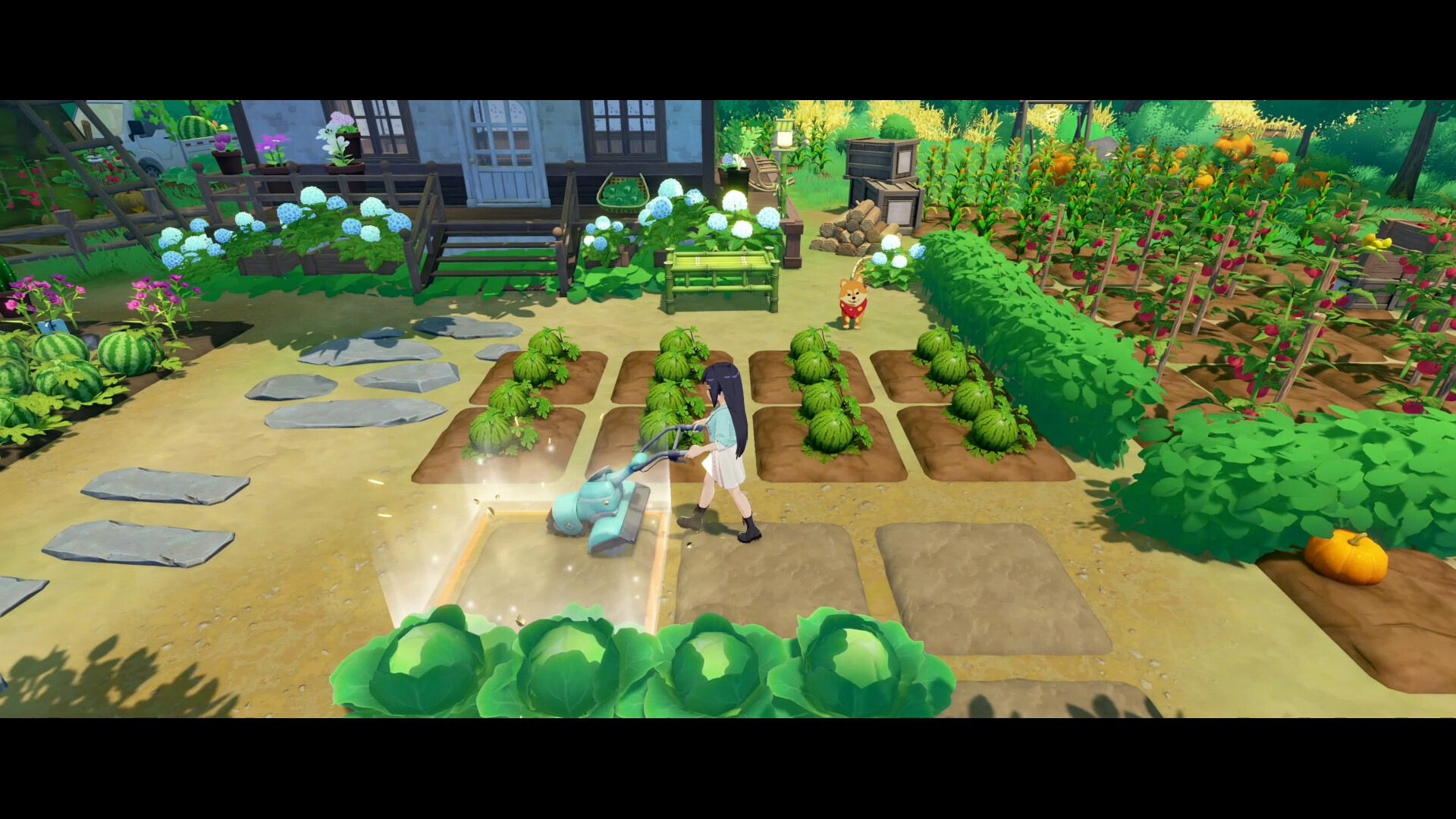
You start with a small cottage at Hopeland. Additional land is purchased through the Buy Land phone app, which unlocks after completing the "Junior Talent" Island Life milestone (reach Junior level in any profession + complete 5 Bulletin Board requests). Four buildable properties are available, each unlocking sequentially.
Property | Plots | Starting Price | Unlock Requirement |
|---|---|---|---|
8 expansion plots | 2,000 coins + 50 Starsand | Junior Talent Island Life milestone | |
Multiple plots | 6,000,000 coins + 750 Starsand | Home Builder rank (expand Hopeland 6 times + quest 11) | |
Multiple plots | Escalating | Bright Star rank (all Cloudrest Lake plots + quest 16) | |
Full terrain editing | Escalating | Island Legend rank (10 stations + all Blue Beach plots + final quest) |
Hopeland plot prices escalate from 2,000 coins up to approximately 160,000 coins for the later expansions. Cloudrest Lake is a lakeside bamboo grove setting. Blue Beach offers ocean-view coastal plots. Windflute Island, the final property, is a private island with full terrain editing capabilities: you can shape hills, dig lakes, lay roads, and design gardens from scratch. All land purchases are permanent with no refunds.
Connection to the Crafter Profession
The Crafter profession, mentored by Zerine, is mandatory before all other professions and directly underpins the building system. Apprentice Crafter provides the starter Equipment Blueprint Pack (Furnace I, Cutter I, Charcoal Kiln, Separator). Junior Crafter unlocks Furnace II, Worktable II, and the Quick Shipping Box. Senior and Expert tiers unlock Worktable III, the Electric Drill, Chainsaw, and automation stations like Mining and Logging Robots. Advancing through Crafter tiers is the primary way to unlock more powerful building tools and processing stations.
Tips
Build Mode only works while standing on owned property. If the C key does nothing, check that you are on your own land.
Structural pieces consume materials on placement. Furniture must be pre-crafted at a Worktable. Keep both raw materials and finished items stocked.
Buy DLC furniture sets (Chinese New Year, Classic European, Forest Cabin) for additional themed decoration options.
Use the Blueprint Library to save your designs before experimenting. Saved blueprints persist across save files.
Even spacing of lights prevents dark corners and maintains visual harmony in large rooms.
Upgrade Worktables rather than building new ones. Higher tiers include all lower-tier recipes and use fewer total resources.
Check your mailbox daily for free blueprint deliveries, especially in the early game.