

Overview
Arranging plants and trees is an important part of building beautiful habitats and organizing your areas in Pokemon Pokopia. The game provides several methods for moving vegetation, ranging from simple cutting and replanting to the more advanced Magnet Rise ability. This guide covers every available approach.
Moving Trees
Method 1: Magnet Rise (Post-Game)
The easiest way to move trees is with the Magnet Rise move. Once unlocked, you can pick up and reposition any tree without destroying it. Magnet Rise is unlocked by completing the "Do the... Team Initiation Challenge" important request and then befriending Magnemite and building its habitat. Note that this feature is only available in the post-game, so earlier in your playthrough you will need to use one of the other methods.
Method 2: Cut and Replant
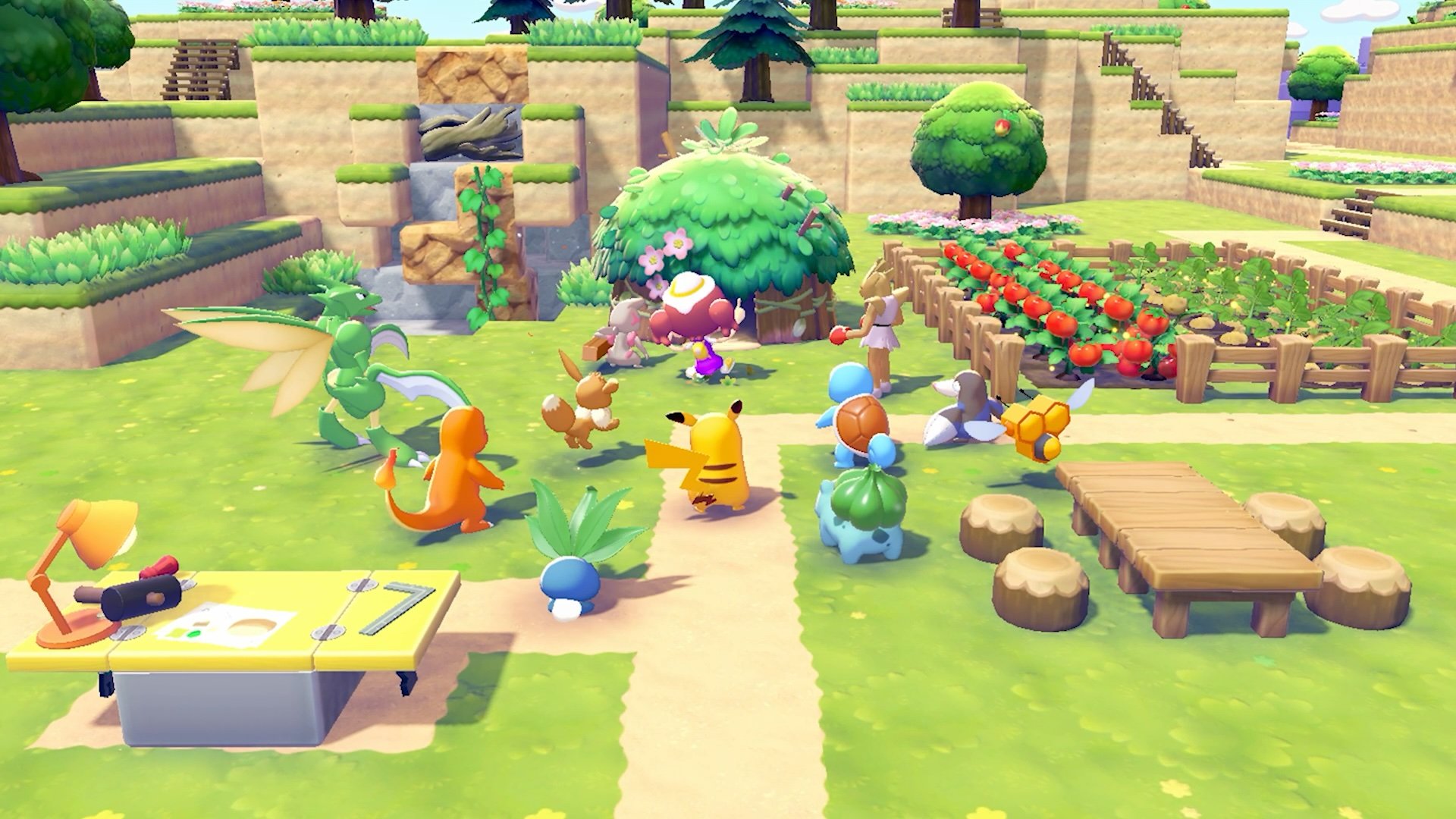
Before you have access to Magnet Rise, the primary way to reposition a tree is to cut it down using the Cut move (learned by befriending Scyther). When you cut down a tree completely, you receive Lumber and a seed of the same tree species. You can then plant that seed in the new location and the tree will grow back.
Method 3: 3D Printer Duplication
If you want to create a copy of a tree rather than move the original, you can use the 3D Printer inside the rebuilt Pokemon Center. Press Y while using the camera to take a reference photo of the tree you want to duplicate. Then use the 3D Printer to create a copy. This costs one Rare Pokemetal ingot per duplication, which is quite rare, so use this method sparingly.
Moving Plants
Using Rototiller
To move flowers, crops, or hedges, use the Rototiller move on the plant you want to relocate. The plant will be picked up and placed into your inventory, allowing you to carry it to a different location and place it wherever you want. Rototiller is unlocked by befriending Drilbur in the Withered Wasteland.
Methods Summary
Method | Works On | Requirement | Notes |
|---|---|---|---|
Trees | Post-game; befriend Magnemite | Moves tree directly without destroying it | |
Cut and Replant | Trees | Befriend Scyther | Destroys tree; yields Lumber + seed for replanting |
Trees | Rebuilt Pokemon Center + 1 Rare Pokemetal | Creates a copy; does not move the original | |
Flowers, crops, hedges | Befriend Drilbur | Picks up plant into inventory for repositioning |
Tips
Save Magnet Rise for large-scale landscaping in the post-game. During the main story, cutting and replanting works fine for occasional tree repositioning.
The 3D Printer duplication is best reserved for unique or decorative trees that you want in multiple locations. Do not waste Rare Pokemetal on common tree types that produce plentiful seeds.
Rototiller works on any ground-planted vegetation, including decorative flowers and functional crops. Use it to reorganize your farm plots or redesign garden areas without losing the plants.
When cutting trees for replanting, pick up the dropped seed immediately so it does not get lost among other dropped items.
Moving plants and trees into specific arrangements around habitats can improve the visual appeal of your areas and help attract Pokemon that prefer natural environments.