

Overview
Moving houses in Pokemon Pokopia lets you reorganize your town layout without rebuilding from scratch. There are two distinct processes: relocating an entire structure using a Relocation Kit, and moving individual Pokemon to new habitats. Both are essential for optimizing your town as you unlock new regions and expand your building projects.
How to Relocate a House
Houses built with building kits can be moved to a new location using a Relocation Kit. Block-built structures cannot be relocated this way. The process takes four steps.
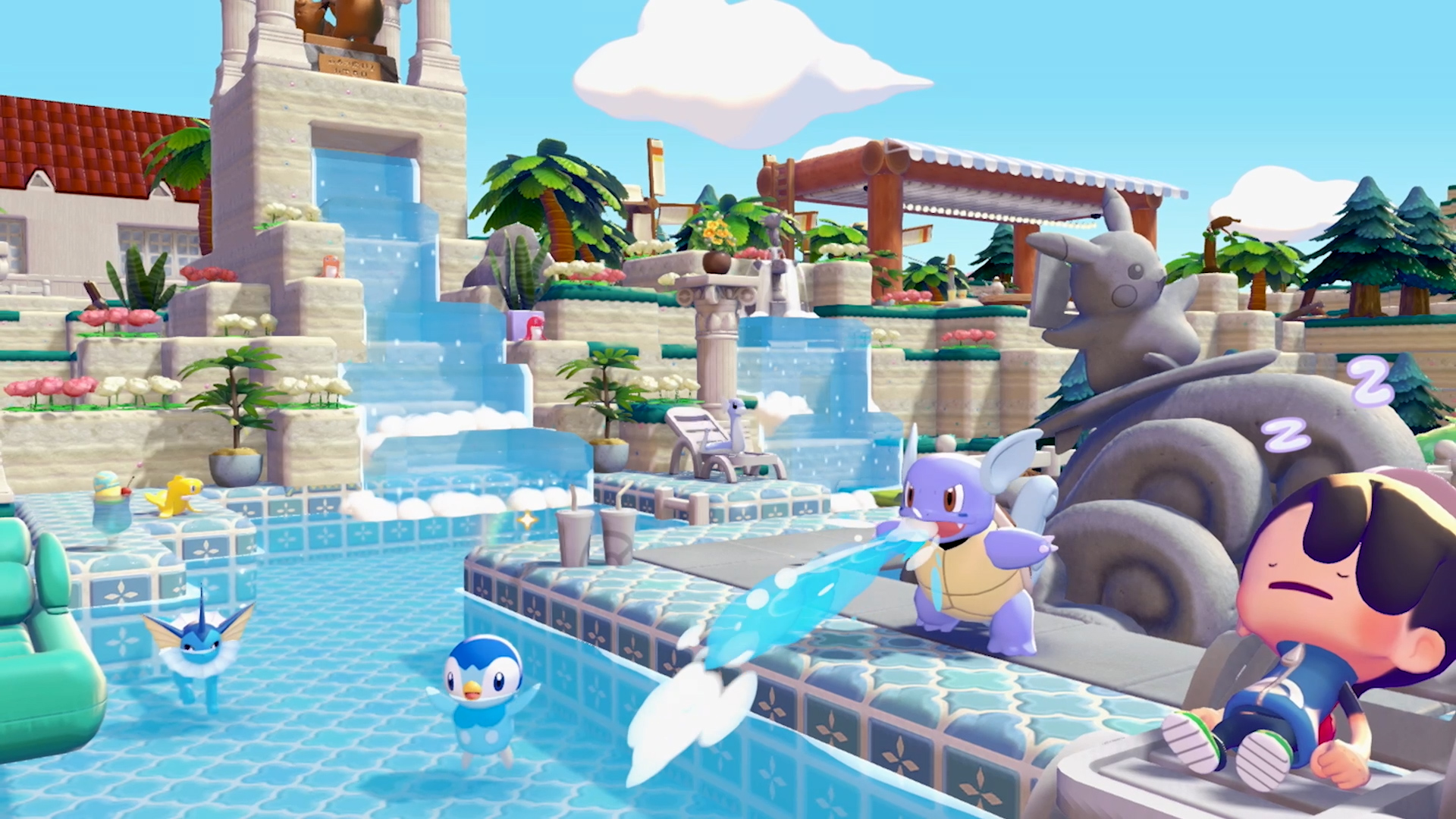
Step 1: Purchase and Place a Relocation Kit
Buy a Relocation Kit from the shop and place it in front of the house you want to move. This designates the building for relocation. Only fixed structures built with building kits are eligible. Block-built houses cannot be relocated with this method.
Step 2: Assign Builder Pokemon
Assign enough Builder Pokemon to help deconstruct and pack up the house. If you are moving a Ditto house, you must remove the Ditto Flag before the relocation can begin.
Step 3: Collect the Packed Kit
Return later once the Pokemon have finished packing. Pick up the completed Relocation Kit, which now contains the entire house.
Step 4: Place and Rebuild
Carry the kit to the desired new location and set it down. Assign Builder Pokemon to reconstruct the house. No additional materials are needed since everything is packed inside the kit. Wait for the normal construction timer to finish.
How to Move Pokemon to New Habitats
Individual Pokemon can be moved to a different habitat or house without using a Relocation Kit. This is useful when reorganizing your habitats or freeing up space in a particular area.
Create an empty habitat or house at the destination. The habitat must match the Pokemon's requirements.
Get the Pokemon to follow you by interacting with it.
Walk to the new habitat and talk to the Pokemon while standing near it.
Ask the Pokemon to move. It will relocate if the new habitat meets its conditions.
Troubleshooting
Several conditions can prevent a house from being moved. Check these common issues if the Relocation Kit is not working.
Issue | Solution |
|---|---|
House is block-built | Only kit-built fixed structures can use the Relocation Kit. Block houses must be dismantled and rebuilt manually. |
Pokemon still inside | Remove all Pokemon from the house before attempting to relocate it. Move them to temporary habitats first. |
Ditto Flag attached | Pick up the Ditto Flag from the house before placing the Relocation Kit. |
Pokemon refuses to move | The destination habitat may not meet the Pokemon's requirements. For example, Charmander will not move to a Spring Water location. |
Forcible Eviction
If a Pokemon refuses to leave its dwelling voluntarily, there is a way to forcibly evict it. Simply remove a door or wall block from the dwelling structure. When the dwelling is missing a door or wall, the Pokemon living inside will be forced to move out. This can be useful when reorganizing your island layout or when you need to reassign a dwelling to a different Pokemon.
After the Pokemon has been evicted, you can rebuild the missing door or wall and assign a new occupant. Keep in mind that the evicted Pokemon will need a new dwelling placed somewhere on your island, or it may become unhappy and eventually leave the area. Plan ahead by having a spare dwelling ready before removing blocks from an occupied one.
Tips
Simple structures like Leaf Dens are the easiest to relocate. Fully constructed multi-story houses work the same way but take longer to pack and rebuild.
Plan your town layout before building to reduce the number of relocations needed. Check each region's available space before committing to large builds.
Keep spare Builder Pokemon available so relocation and reconstruction do not stall your other building projects.