

Overview
Every city in inZOI is populated by dozens of NPC Zois who walk the streets, hold jobs, visit venues, and live out their own lives alongside the player's household. These NPCs fall into three categories: premade families that ship with the game, custom families that the player creates and places into the city, and townies who are procedurally generated by the game to fill the population. Understanding these categories is important because each type has different rules for interaction, editing, and management.
NPC Categories
Category | Description | Playable? | Editable? |
|---|---|---|---|
Pre-built households shipped with the game. 33 in Dowon, 51 in Bliss Bay. Assigned to lots or waiting in the family list. | Yes (switchable) | Yes (full Create a Zoi access) | |
Custom Families | Families the player creates through the Manage Families menu and places onto residential lots. | Yes (switchable) | Yes (full Create a Zoi access) |
Townies (Street NPCs) | Procedurally generated Zois who walk the streets, work at venues, and populate the city. Not assigned to any residential lot. | No | Limited (CustomZoi cheat changes appearance only) |
Premade Families
inZOI ships with 84 premade families split between Dowon (33) and Bliss Bay (51). Some are housed on residential lots; others appear in the family management menu as unhoused families waiting to be placed. Premade families are fully playable: you can switch to any premade household at any time using the Play button that appears when you hover over one of their Zois on the street, or by selecting them in the Manage Families menu.
Custom Families
Players can create new families and add them to the city population. Open the city map (press M), click "Manage Families" in the upper left corner, and select "Add Family." This opens Create a Zoi where you design each family member from scratch. After creation, the family appears in the family list and can be assigned to a vacant residential lot.
Custom families behave identically to premade families once placed. They are fully playable, switchable, and their members appear on the street with a Play button above their heads. However, residential lot availability limits how many custom families can live in the city at once. Dowon has 12 residential lots (with only 2-3 vacant by default), and Bliss Bay has 14. To make room, you can delete existing premade families or evict them from their lots.
Townies (Street NPCs)
Townies are the unnamed, procedurally generated Zois who populate the streets, visit community lots, and work at venues. They are not assigned to any residential lot and do not appear in the family management menu. Townies have randomly assigned appearances, traits, and ambitions. The game generates them automatically to keep the city feeling alive.
You cannot directly play as a townie. The only way to bring a townie into your household is through marriage. Build up the Romance bar to True Love status, propose, and choose the option to have the townie join your household. Once married and transferred, the former townie becomes a fully playable household member. Note that if the townie held a specialized NPC job (such as working at a bank or venue), they lose that job upon joining your family and become unemployed.
Managing the City Population
Manage Families Menu
The Manage Families menu is the central tool for population management. Access it by pressing M to open the city map, then clicking "Manage Families" in the upper left. The menu shows:
Option | Description |
|---|---|
All Families | A grid of every family in the city, including their address, assets, member count, and a family photo. |
Add Family | Create a new custom family through Create a Zoi and add them to the city. |
Move Zois Between Families | Swap individual Zois and assets (Meow) between two selected households. Adjust which Zois live where and split currency using a slider. Babies and toddlers cannot be moved between families. |
Create Temporary Family | Split a family by moving some members into a new temporary household, dividing assets as desired. |
Delete Family | Remove a family from the city entirely, freeing their residential lot. |
Household Limits
Each household supports a maximum of 8 Zois. The city has a limited number of residential lots (12 in Dowon, 14 in Bliss Bay), so the total number of playable families is capped by available housing. Unhoused families exist in the family list but do not appear in the city until placed on a lot.
The townie population is separate from playable families and is managed automatically by the game. The number of townies visible at any given time depends on the area, time of day, and performance settings.
Neighbor Interactions
Meeting Neighbors
Neighbors are any Zois who live on nearby residential lots. To meet them, simply walk up and start a conversation. Alternatively, visit their home and ring the doorbell; if someone is home, they may come outside, and the door may unlock for entry. All social interactions from the Relationships system are available with neighbors, including Friendly, Romance, Affection, Humor, Conflict, Thoughts, and News conversation categories.
Inviting Neighbors Over
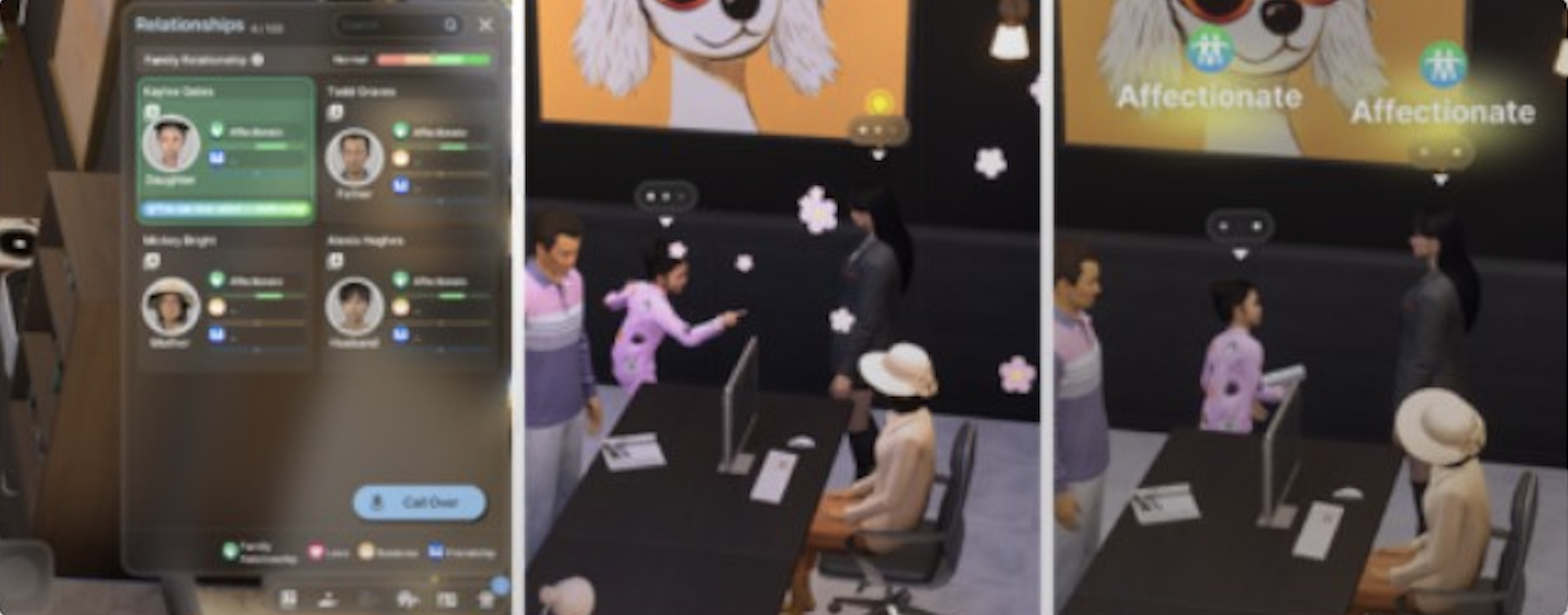
Use the Call Over feature to invite a known Zoi to your current location. Open the Relationships tab (press R) and click the Call Over button. Select the Zoi you want to invite. They will physically travel to your location (no teleportation), and a notification confirms their arrival.
You can only invite Zois who are registered in your Relationships tab (i.e., you have met them at least once).
Zois who are asleep or busy with work cannot be invited.
Zois may decline the invitation based on relationship quality. Negative relationships increase the chance of rejection.
Call Over works anywhere in the open world, not just at your home. You can invite a neighbor to meet at a park, beach, or community lot.
Visiting Other Households
Your Zoi can visit other families' homes by traveling to their lot. Ring the doorbell to request entry. Door permissions are set by the head of household, with options including Family Only, Known People Only, and Everyone. In the current build, NPCs sometimes ignore door permission settings, which is a known bug.
Social Events with Neighbors
Social events are planned through the smartphone's Events app and are one of the most effective ways to build relationships with multiple neighbors at once. Parties, dates, group study sessions, fitness clubs, and blind dates all bring Zois together for extended interaction periods, which fills relationship bars much faster than individual conversations.
Editing NPCs
Editing Playable Families
Premade and custom families can be fully edited. Open the Manage Families menu, select a family, and choose "Add Family Member" or select an existing member to open Create a Zoi. Alternatively, interact with any mirror in the household's home and select "Edit Appearance" to make cosmetic changes.
Mirror editing is limited to hair, skin tone, face features, eyes, and makeup. It cannot change face structure, body type, name, age, gender, or traits. For full editing access, use the Manage Families menu.
Editing Townies (Cheats)
Street-level townies cannot be edited through normal gameplay. With cheats enabled (through Psycat's Guide), you can use the following commands:
Cheat | Effect |
|---|---|
showZoiInfo true | Displays Zoi IDs and coordinates above every character's head. Required to find the target NPC's ID. |
CustomZoi [Zoi ID] | Opens the Create a Zoi appearance editor for the specified Zoi, including townies. Can change hair, face, skin, and clothing. |
The CustomZoi cheat can modify a townie's appearance but cannot change their name, gender, age, or traits. For full control over an NPC, the only option is to marry them into your household first.
Smart Zoi and NPC Behavior
The Smart Zoi system uses NVIDIA's ACE technology to give NPCs AI-driven autonomous behavior. With Smart Zoi enabled (Settings > Gameplay > Experimental), townies and neighbors make independent decisions based on over 400 mental traits, needs, and personality elements rather than following scripted routines.
Smart Zois generate inner thoughts, write diary entries at the end of each day, and create adaptive daily schedules based on their experiences. A neighbor with Smart Zoi enabled might remember a rude interaction and avoid your Zoi the next day, or a townie who discovered a new hobby might change their daily routine to include it.
The Zoi Pen feature lets players write free-form text prompts (up to 100 words) that influence a Smart Zoi's thoughts and decisions. This works on both playable Zois and NPCs, providing indirect control over townie behavior without breaking the autonomous simulation.
Smart Zoi requires an NVIDIA RTX GPU and uses approximately 1 GB of VRAM. It is disabled at game speeds above 5x.
Townie Lifecycle
Townies follow the same aging rules as playable Zois. If aging is enabled for Other Zois (a separate toggle from My Zois aging), townies will age, potentially die, and become ghosts. Ghost townies can prevent new townies from spawning if too many accumulate. Managing city karma helps prevent mass townie deaths.
Townies can get sick, spread diseases to your Zois, and participate in the city's social ecosystem. They visit community lots, eat at restaurants, exercise at gyms, and engage in conversations with each other and with the player's Zois autonomously.
Tips
To quickly populate your city with custom Zois, create families through Manage Families and assign them to vacant lots. Delete unwanted premade families to free up space.
If you want a townie in your household, build the Romance bar to True Love and marry them. This is the only way to recruit street NPCs.
Use the Call Over feature (R > Call Over) to bring neighbors to your home for socialization without traveling to their lot.
The CustomZoi [ID] cheat lets you give townies makeovers. Use showZoiInfo true to find the target NPC's ID first.
Keep townie aging in check. If too many townies die and become ghosts, the city population thins out. Use the aging toggle for Other Zois in Settings to control this.
Custom families start with 55,000 Meow for a single Zoi, plus 2,500 per additional member. Plan your family size around the lot prices in your chosen city.