

This article is a stub
It lacks sufficient information and needs to be expanded. You can help by adding more content.
Display Sheath is a cosmetic settings option added to Crimson Desert in Patch 1.06.00 on May 10, 2026. The option toggles whether a sheath is visible on the player character's back when the weapon is not drawn. When enabled, the character carries the sheath as part of the silhouette during exploration, dialogue, and traversal. When disabled, the back stays clean. The option lives under the settings menu and applies to all three playable characters.
Quick Information
Property | Value |
|---|---|
Type | Cosmetic display option |
Where to enable | Settings, then the display submenu (slider toggle) |
What it controls | Whether the sheath model is rendered on the character's back when the weapon is sheathed |
Applies to | All three playable characters: Kliff, Damiane, and Oongka |
Patch added |
What It Does
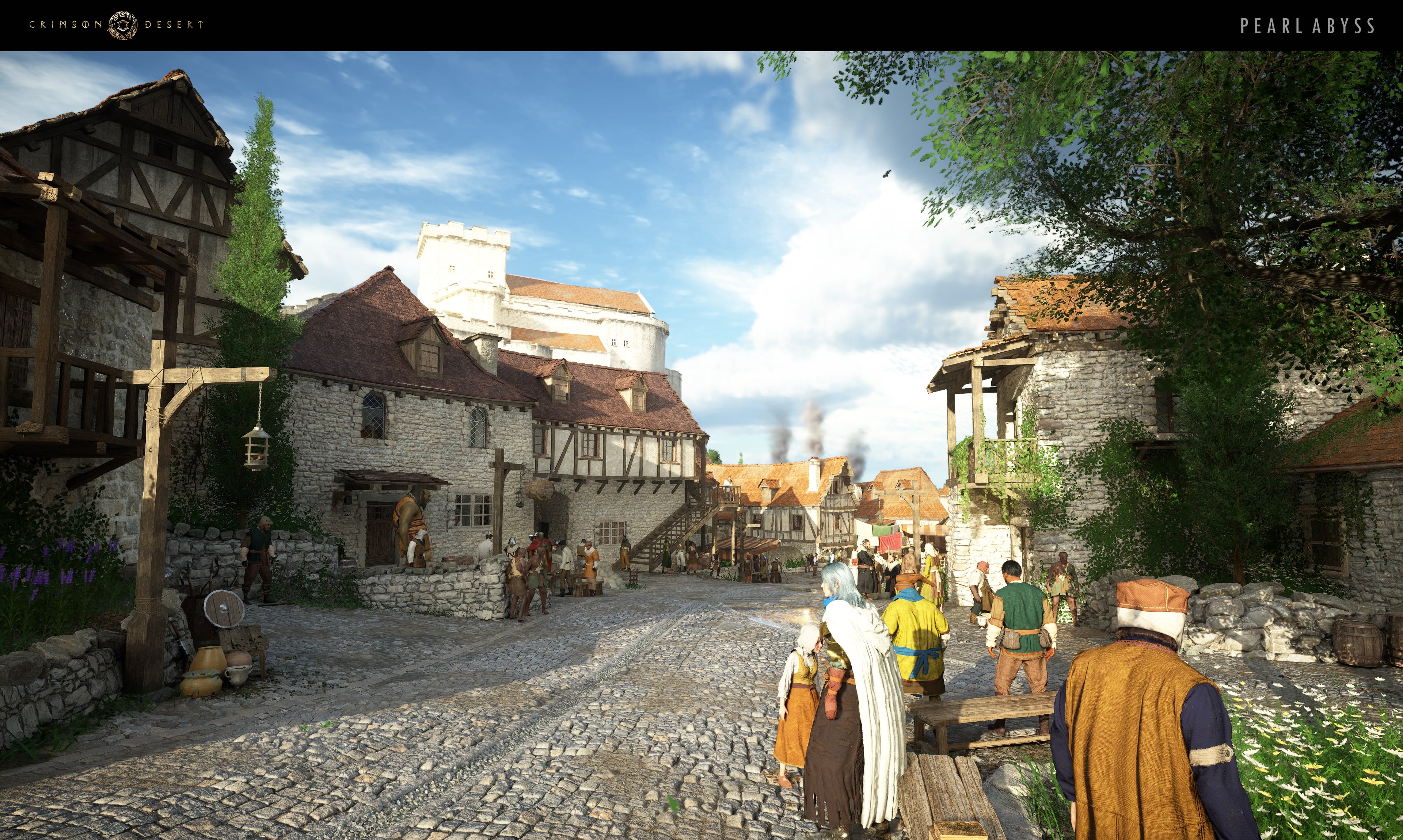
Display Sheath governs whether the back-mounted sheath appears on the character model during normal exploration. With the option on, the sheath is rendered whenever the weapon is stowed and disappears the moment the weapon is drawn into the hand, matching the launch behavior. With the option off, the sheath is hidden entirely when the weapon is stowed; only the weapon itself appears in the hand during combat draws and never on the back during traversal. The choice is purely visual and does not affect combat, weapon switching, or stat calculations.
The 1.06 patch notes describe the option as a Settings slider that lets the player toggle whether the sword sheath is visible on the back. The same control governs other weapon sheaths on the back where applicable, so the toggle reads as a single fashion preference rather than a per-weapon setting. The change persists across save sessions and applies on the next loading screen.
Where to Find the Setting
Open the settings menu and navigate to the display section. The Display Sheath toggle sits alongside the other character-render options. Move the slider to the on or off position; the change applies on the next loading screen and remains in place across save sessions. Toggling the option mid-cutscene does not retroactively replace existing cinematic camera setups, but it does apply the moment the player regains control.
Why Players Use It
Clean back silhouette. Players who prefer a minimalist outfit can hide the sheath entirely so cape and cloak detail reads without the strap and scabbard on top of it.
Show off the sheath model. Several of the late-game sheath skins are sculpted with detail that is worth keeping on screen. Display Sheath on means the work stays visible during long exploration sessions, not just during the draw animation.
Cosmetic loadout planning. Players running a Fashion build around a specific cloak or tunic can decide whether the sheath complements or conflicts with the rest of the outfit and toggle accordingly.
Photo mode and capture work. Cinematic captures of the character at rest read very differently depending on the sheath visibility. The option lets players match the sheath state to the framing they want before triggering a capture.
Tips
Toggle by character mood. The option applies to all three playable characters, so flipping it on a Kliff run also changes the look on a Damiane or Oongka run unless toggled again before swap.
Pair with Headgear Visibility. The headgear-visibility setting controls helm display; combining it with the sheath toggle gives full control over the back-and-head silhouette.
Two-handed weapons use the same sheath logic; a player running Two-Handed Sword combat sees the large sheath disappear from the back when the option is off.
Display Sheath is a slider, not a per-weapon toggle. If both a primary and secondary weapon would normally show on the back, both are hidden or both are shown together.
Patch History
Patch | Change |
|---|---|
Added Display Sheath toggle under settings. Slider controls whether the back-mounted sheath is visible when the weapon is stowed. |
Related
Patch 1.06.00: patch that shipped Display Sheath.
Headgear Visibility: parallel cosmetic option that controls helm display.
Fashion and Outfits: broader outfit-planning systems.
Weapons: underlying weapon system the sheath display rides on.
Night Tone Mode, Claw Machine, and Material Extraction: other features shipped in the same patch.