

Overview
Edit City is a mode in inZOI that allows players to customize the public spaces and environmental conditions of any playable city. It is separate from Build Mode, which handles individual lot interiors and private property. Edit City controls the shared, public-facing aspects of Dowon, Bliss Bay, and Cahaya.
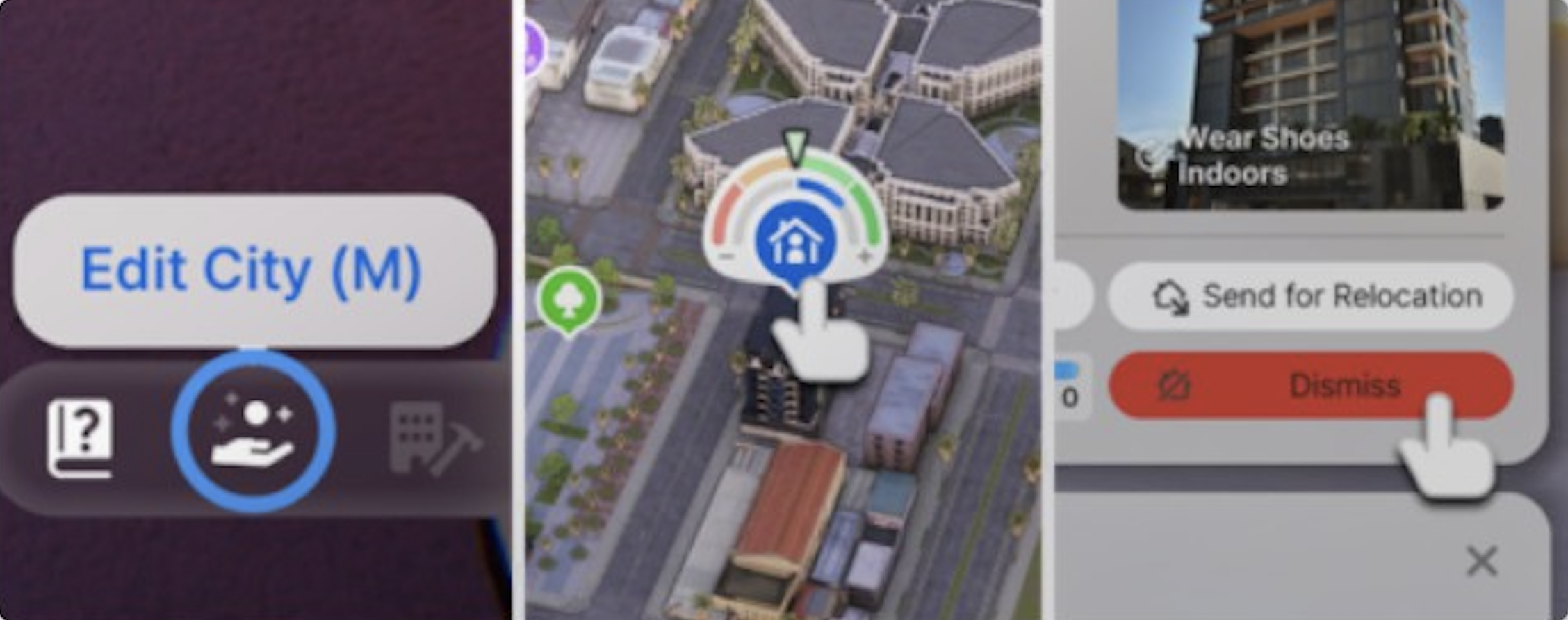
Players access Edit City by pressing the M key on their keyboard or by clicking the Edit City icon in the interface. Once activated, the game enters a top-down or free-camera view and presents a tabbed interface for making changes. Time is paused while in Edit City mode, so changes can be made without worrying about needs decay or missed career shifts.
Edit City cannot be used to create entirely new cities or reshape the urban layout. It works within the existing city structure and lets players adjust appearance, atmosphere, and certain gameplay conditions in public areas. The Build Studio and Canvas handle more structural creative work.
Sub-Tabs
Edit City has 8 sub-tabs, each controlling a different aspect of the city. The tabs are accessible from a sidebar menu when Edit City mode is active.
Weather tab
The Weather tab allows temporary overrides of the current weather conditions. Three weather types can be controlled:
Weather Type | Description |
|---|---|
Cloudy | Adds cloud cover. The intensity slider ranges from a few scattered clouds to completely overcast skies that block sunlight. |
Rainy | Adds rain. Low intensity produces a light drizzle; high intensity creates a heavy downpour with visible puddles forming on the ground. |
Snowy | Adds snowfall. Low intensity scatters a few flakes; high intensity causes thick snowfall with accumulation on rooftops, streets, and parks. |
Each weather type has its own adjustable intensity slider. Multiple weather types can be active at the same time (for example, cloudy and rainy together). Weather overrides do not permanently change the city's climate. Once the player exits Edit City mode and time resumes, normal season-based weather will eventually reassert itself.
A common use of the Weather tab is forcing snow in Bliss Bay (where it almost never snows naturally) or creating a rainstorm in Cahaya for atmospheric Photo Mode screenshots.
Environment Tab
The Environment tab controls the cleanliness level of public spaces. A slider runs from clean to dirty. At the clean end, streets are spotless, trash cans are empty, and public areas look well-maintained. At the dirty end, litter appears on sidewalks, trash overflows from bins, and the general environment looks neglected.
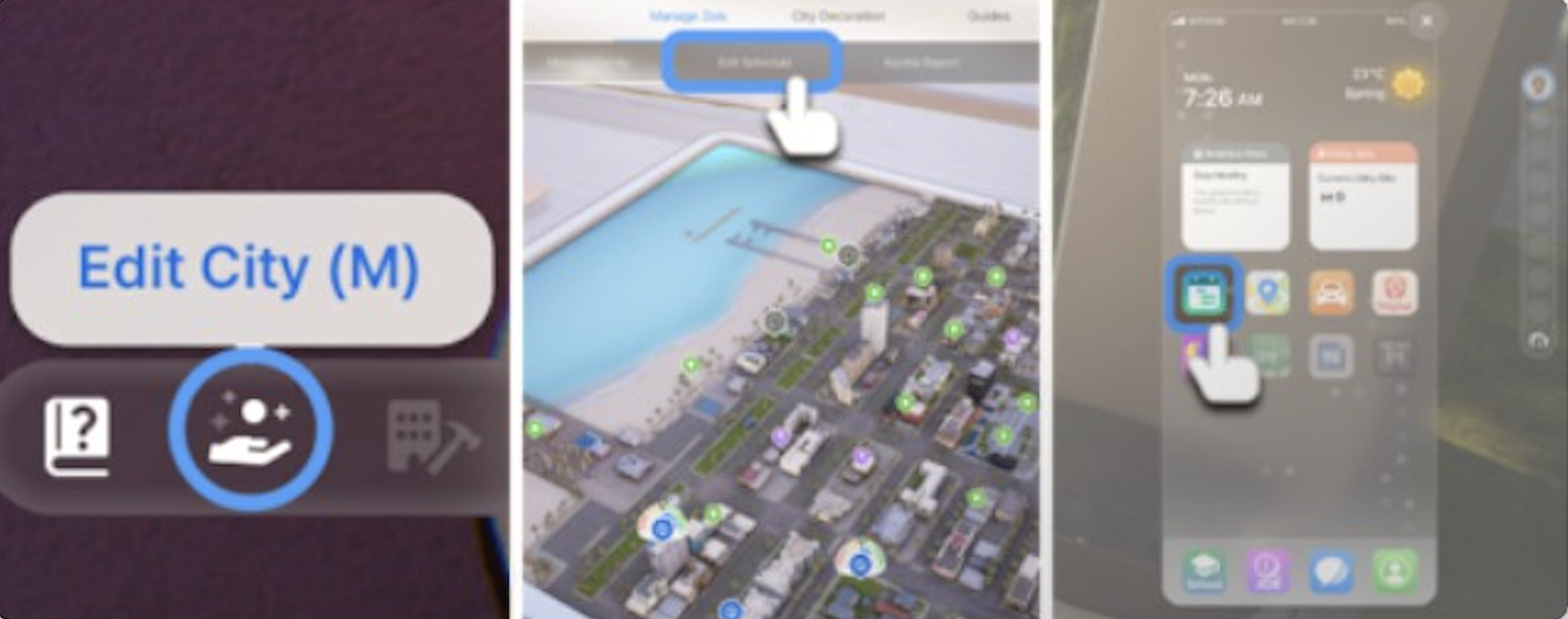
This setting affects the visual appearance of the city and can influence Zoi emotions. Zois walking through dirty areas may develop negative mood effects. A clean environment has the opposite effect. The setting applies to all public outdoor areas in the current city.
Decorations Tab
The Decorations tab lets players place and remove decorative objects in public spaces. Available decorations include benches, planters, street lamps, signs, sculptures, and seasonal items. These objects are placed in a free-placement mode where the player can position them anywhere on public ground.
Decorations are purely cosmetic and do not affect gameplay mechanics. They do not cost Meow to place. Players use them to personalize the city's look, create themed areas, or set up scenes for Photo Mode. Decorations placed in Edit City persist across play sessions until manually removed.
Animals tab
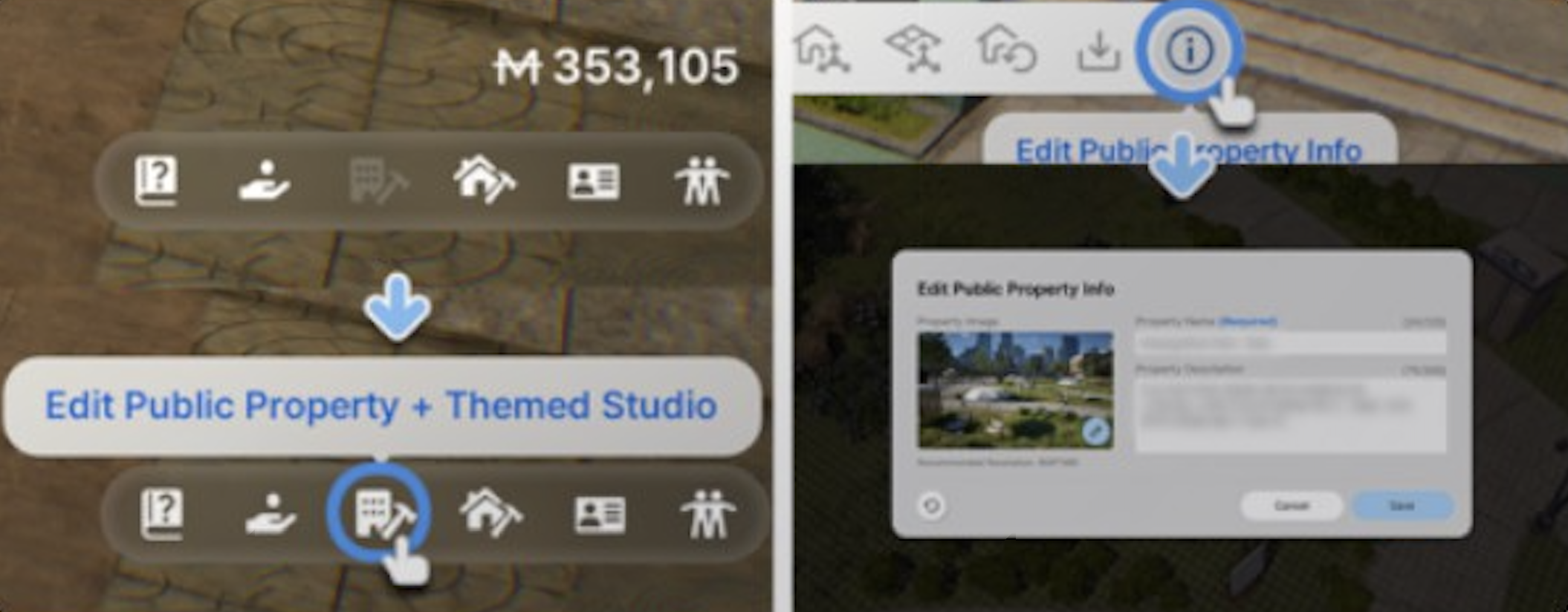
The Animals tab is one of the most popular Edit City features. It lets players add animals to public spaces throughout the city. Players can add up to 3 types of animals at a time from the following roster:
Cats
Dogs
Pandas
Deer
Raccoons
Squirrels
Foxes
Alligators
Each animal type has its own density slider that controls how many of that animal appear. The slider ranges from none (no animals of that type) to high (many animals scattered across public areas). For example, a player might set cats to high density, dogs to medium, and deer to low, giving the city a mix of wandering animals with cats being the most common.
Animals added through Edit City roam public spaces autonomously. Zois can interact with them in limited ways (petting cats and dogs, watching deer, reacting to alligators). The 3-type limit prevents the city from becoming overpopulated with wildlife. In Cahaya, cats are already a natural part of the environment regardless of Edit City settings, tying into the island's theme.
Other Tabs
The remaining tabs in Edit City cover additional customization options:
Feature | Description |
|---|---|
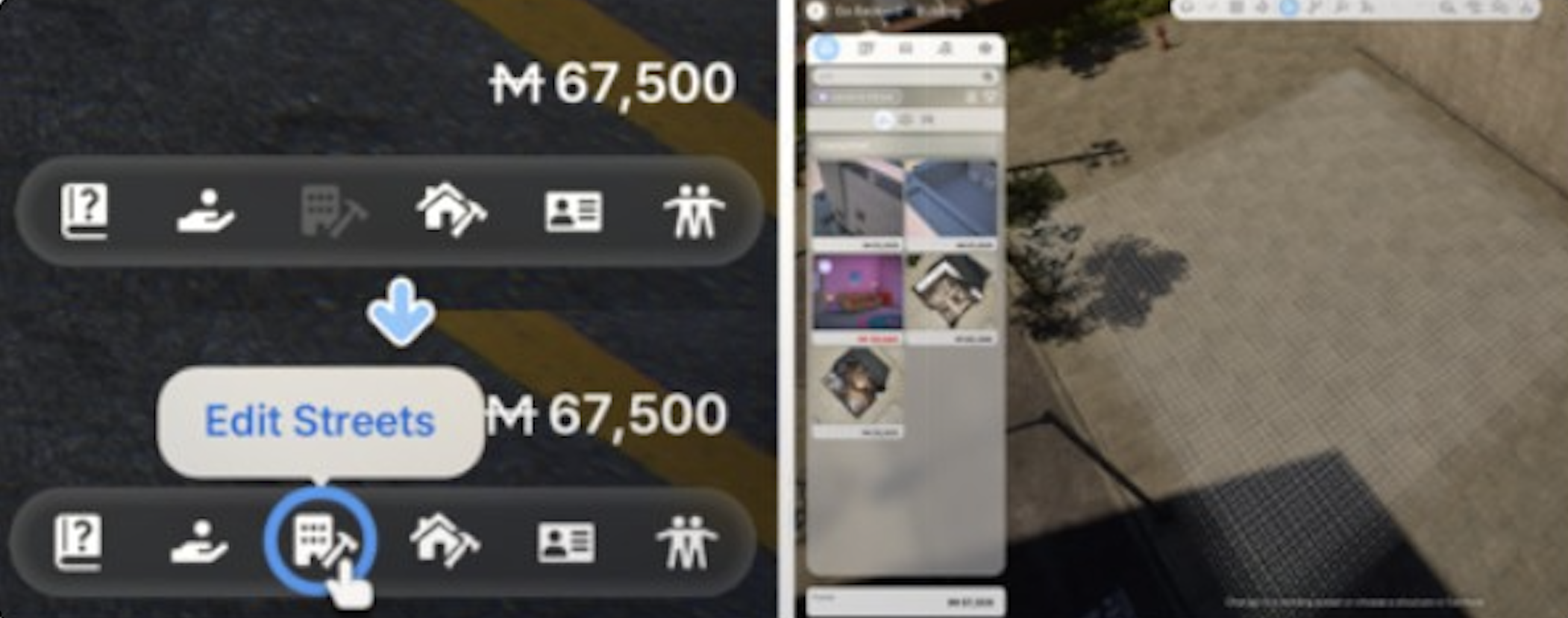
Public property editing | Modify public buildings and infrastructure within certain limits. This includes adjusting the exterior appearance of public structures and changing surface materials in plazas and walkways. |
Themed studio areas | Designate areas of the city for specific visual themes, changing the architectural style and ambiance of selected blocks. |
Managing Zois | View the current state of all Zois in the city. This tab displays population information, household details, and individual Zoi status. It does not allow direct control over Zois but provides a dashboard view of the city's inhabitants and their current activities, needs, and relationships. |
City Report | Displays statistics and graphs about the city. Information includes population counts, average happiness, career distribution, household income averages, and trends over time. Useful for understanding how the city is evolving. |
Limitations
Edit City has several limitations that players should be aware of:
Limitation | Details |
|---|---|
No new cities | Players cannot create entirely new cities from scratch. Edit City only modifies the three existing locations. |
Public spaces only | Edit City does not affect private lots. For interior and lot customization, use Build Mode. |
Temporary weather | Weather overrides are not permanent. Normal weather patterns resume after leaving Edit City mode. |
3-animal-type limit | Only three animal types can be active at once per city. |
The underlying terrain, roads, and waterways cannot be modified. Edit City works on top of the existing geography. |
Edit City and Other Modes
Edit City is separate from but complementary to other creative tools in inZOI:
Build Mode - Handles individual lot interiors, furniture placement, and room layout. Works on private property that Edit City cannot touch.
Build Studio - An offline creative tool for designing and sharing lot layouts.
Canvas - The multiplayer sharing platform where players can upload and download custom content including Edit City configurations.
Photo Mode - Frequently used in combination with Edit City. Players set up weather, decorations, and animals, then switch to Photo Mode to capture the scene.
The Island Getaway (Cahaya) update in August 2025 expanded Edit City with additional decoration types and animal options. Future updates may continue to add new customization tools and tabs.
Controls
The primary way to enter Edit City is by pressing M on the keyboard. See the full controls article for a complete key binding reference. Within Edit City, the mouse is used to navigate the tabbed interface, place objects, and adjust sliders. The camera can be freely rotated and zoomed using standard camera controls while in the mode.
To exit Edit City, press M again or click the exit button in the interface. Any changes made are saved automatically. There is no undo button for most actions, so players should be deliberate about large-scale changes to decorations and public property.