

Overview
Time in inZOI governs the day-night cycle, season progression, and the scheduling of all activities. Everything from school attendance to career shifts to utility bill delivery operates on the in-game clock. The time panel is displayed in the bottom-left corner of the screen and shows the current time of day, day of the week, and season.
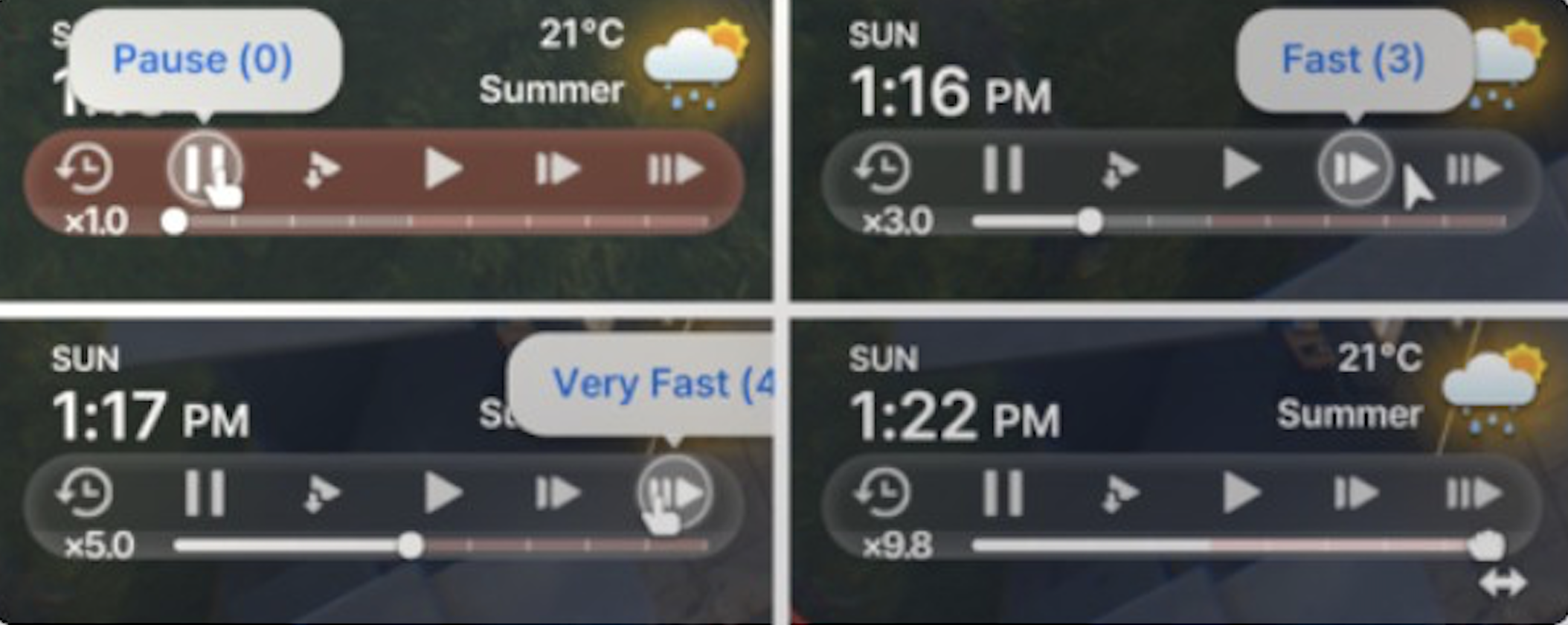
Players have significant control over how fast time passes. The default day length is 48 minutes (changed from 96 minutes in v0.4.0) of real time, but this can be adjusted anywhere from 48 minutes to a full 24 real hours per in-game day. On top of that, a speed multiplier lets players accelerate time from normal speed up to 10x (or 30x via cheat commands). These controls let players set the pace that works for their play style.
Day Length
The day length setting determines how many real-world minutes equal one full in-game day (from midnight to midnight). The options are:
Setting | Description |
|---|---|
48 minutes | - The shortest setting. One in-game day passes in 48 real minutes. Fast-paced play where days fly by. Good for players who want to experience season changes and Life Stages quickly. |
96 minutes | (default) - The standard setting. Provides a balanced pace where there is enough time to complete daily activities like going to work, cooking, socializing, and managing needs without feeling rushed. |
Up to 24 real hours | - The longest setting. One in-game day lasts an entire real day. At this extreme, the game runs almost in real-time. Intended for players who want a slow, immersive experience or who leave the game running in the background. |
Day length is set in the game options and applies globally. Changing it mid-play takes effect immediately. The setting does not affect season length directly, as seasons are measured in in-game days, not real time.
Seasons
The year is divided into four seasons: spring, summer, fall, and winter. Each season lasts exactly 7 in-game days. A full in-game year is therefore 28 days.
Season changes affect the visual appearance of the world, weather patterns, and gameplay mechanics. Each city responds differently to seasons:
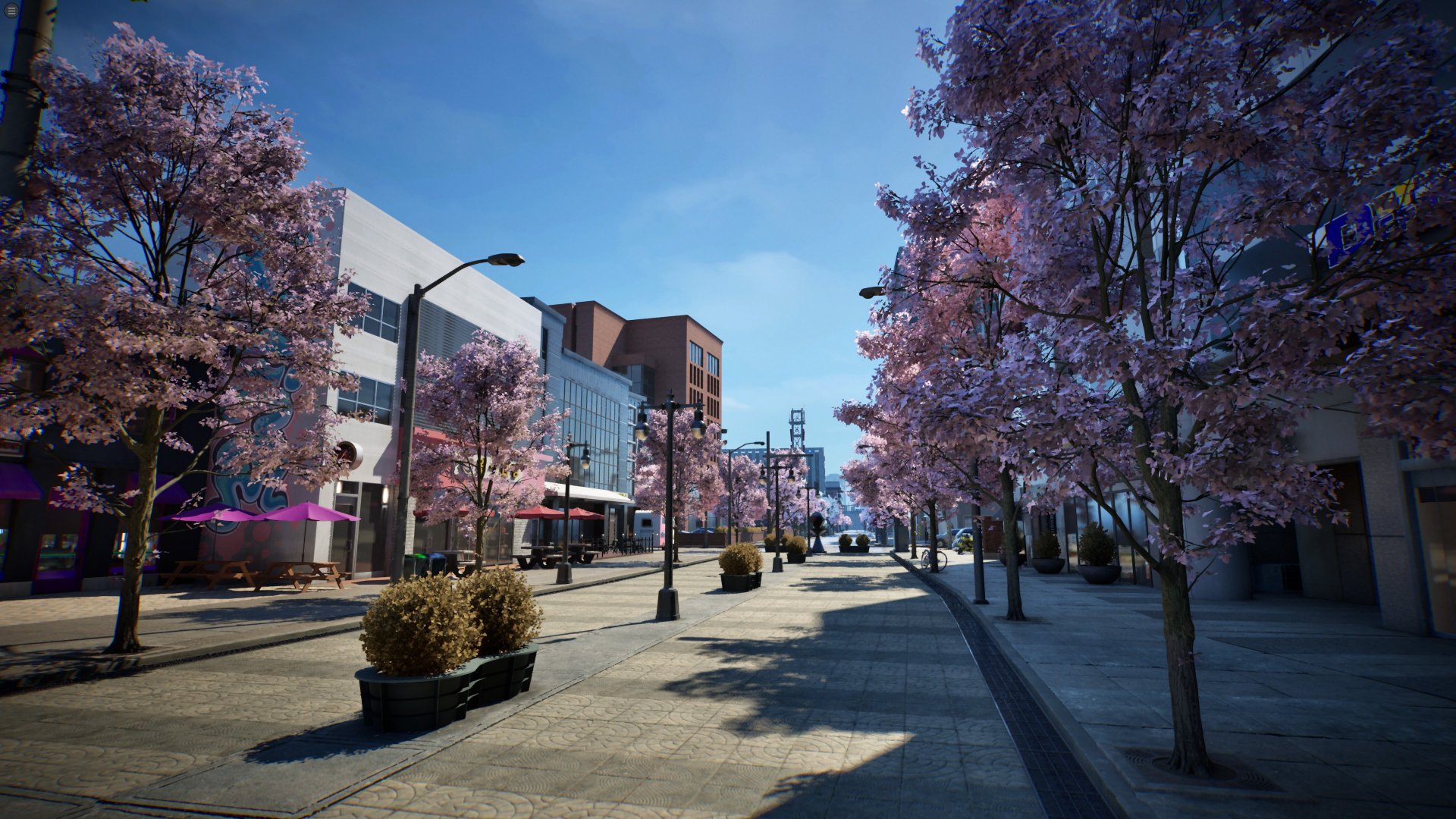
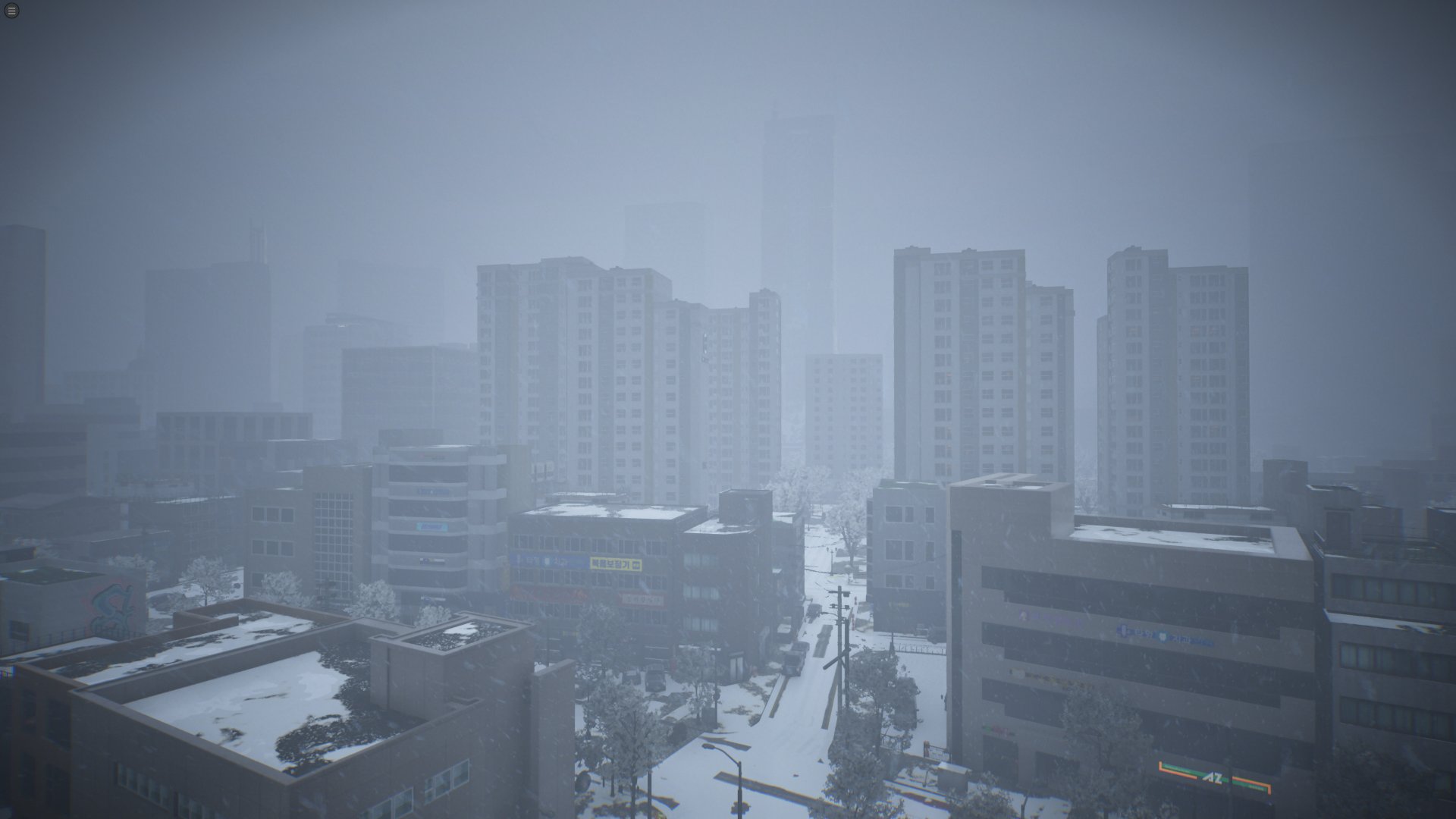
Dowon - Dramatic seasonal changes. Cherry blossoms in spring, humid heat in summer, red and orange foliage in fall, heavy snow and cold in winter. Clothing requirements shift significantly between seasons.
Bliss Bay - Mild year-round. Seasons change the lighting and some foliage but temperatures stay warm. Snow is extremely rare.
Cahaya - Tropical. Always warm. Seasons bring subtle changes in rainfall patterns but no temperature extremes.
Seasonal transitions happen at the start of a new in-game day. There is no gradual transition; the world updates to the new season's visuals and weather patterns at midnight when the day changes.
Speed Controls
The game speed determines how fast time advances while playing. Players can adjust speed using buttons or a slider:
Speed | Description |
|---|---|
Speed 0 (Pause) | - Time is completely frozen. Zois stop moving and all activities halt. Useful for Build Mode planning, taking photos, or reviewing the situation. |
Speed 1 (1x) | - Normal speed. Time passes at the base rate determined by the day length setting. |
Speed 2 (1.5x) | - Slightly faster than normal. Good for getting through slow moments like waiting for a Zoi to finish sleeping. |
Speed 3 (3x) | - Triple speed. Useful for fast-forwarding through work hours or school time when there is nothing to manage. |
Speed 4 (5x) | - Five times normal speed. This is the fastest speed at which full gameplay features remain active. |
Slider up to 10x (or 30x via cheat commands) | - The speed slider allows settings above 5x, going up to 10x. This is the maximum speed available in the game. |
Restrictions at High Speed
At speeds above 5x, certain gameplay features are disabled:
Restriction | Details |
|---|---|
Movement controls | - The player loses direct control over Zoi movement. Zois continue acting autonomously but cannot be manually directed. |
Autonomy toggles | - Manual overrides for Zoi behavior are disabled. Zois act entirely on their own based on their needs, traits, and desired lives. |
Smart Zoi features - The Smart Zoi AI system's interactive elements are disabled at 5x and above. Players cannot issue new commands or interrupt ongoing activities. | -- |
These restrictions exist because the simulation cannot accurately process player input at very high time multipliers. The game essentially runs in fast-forward observation mode at 6x through 30x. Players who want to skip ahead quickly (for example, waiting for a pregnancy to progress or for a season to change) can use high speed, then drop back to 1x-5x when they want to interact again.
Calendar
A calendar system was introduced in the December 2025 update. It displays the current day of the week, the day within the current season, and upcoming events. The calendar helps players plan activities and anticipate recurring events.
Key calendar-related facts:
Utility Bills arrive on Fridays. Zois must have enough Meow in their account to pay them, or face consequences.
Schools operate on weekdays. Weekends are free time for student Zois.
Career schedules vary. Some jobs have fixed weekday hours, others have rotating schedules or weekend shifts.
Social Events can be planned for specific days using the calendar interface.
Time and Other Systems
The time system interacts with nearly every other system in the game:
Needs - All needs decay over time. Hunger, energy, social, fun, hygiene, and bladder all decrease as hours pass. The rate of decay is tied to game speed.
Skills - Skill-building activities take in-game time. Faster day settings mean less time available per day for practice.
Relationships - Relationship decay and growth both operate on the time system. Going too long without interaction causes relationships to weaken.
Life Stages - Zois age as in-game days pass. The number of days in each life stage is fixed. Shorter day length settings mean Zois age faster in real time.
Gardening - Plants grow on a day-by-day cycle. Seasons affect growth rates and what can be planted.
Karma - Some karma effects trigger on specific days or after set time periods.
The Save System records the exact time state, including day, season, time of day, and speed setting. Loading a save restores the game to the precise moment it was saved.