

Overview
Crimson Desert does not have a traditional item storage system. There is no bank vault, stash box, or player-owned storage chest where you can deposit gear and materials for safekeeping. Even after unlocking your personal house and filling it with furniture like cabinets and drawers, none of that furniture functions as usable storage. The wooden chests scattered throughout Pywel are purely decorative and cannot be interacted with for item deposits.
While Private Storage now provides a proper deposit system, players still benefit from additional inventory management strategies to supplement it. This guide covers every method available for managing your items, including the Supply Chest, the Kuku Iron Pot, the vendor repurchase trick, bag upgrades, and inventory organization tools.
The Supply Chest
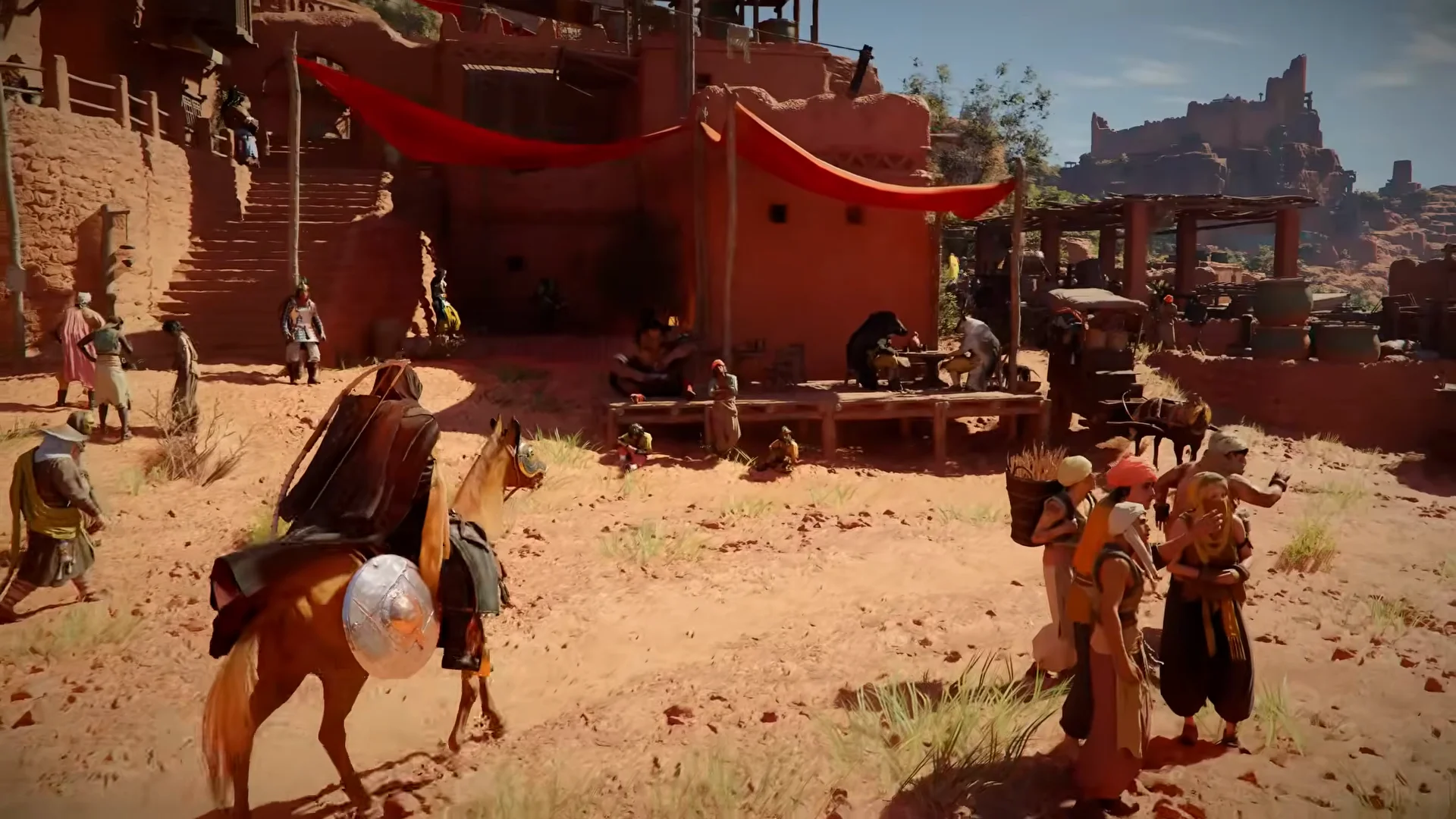
The Supply Chest is the closest thing to a storage container in Crimson Desert, but it functions as a lost-and-found bin rather than a true deposit box. You cannot manually place items inside it. Instead, the Supply Chest automatically collects loot that you missed or left behind during combat encounters, stronghold liberations, and area clearing events. If you forget to pick something up after a fight, it will eventually appear in the Supply Chest.
Supply Chest Locations
The first Supply Chest becomes accessible inside the Royal Trading Post in Hernand City during the early chapters of the story. After you restore the Greymane Camp at Howling Hill in Chapter 3, a permanent Supply Chest appears at the camp. You can find it right behind the quartermaster Carl. This becomes the primary Supply Chest location for the rest of the game.
How the Supply Chest Works
Capacity: The Supply Chest holds up to 230 slots. Check it regularly so it does not fill up and stop collecting missed loot.
Receive only: You cannot deposit your own items into the Supply Chest. Items flow in automatically whenever you leave loot behind during gameplay events.
Preorder and Deluxe items: Bonus items from special editions (such as the Deluxe Edition) are delivered to the Supply Chest for pickup.
No expiration: Items inside the Supply Chest do not disappear over time. They remain there until you manually collect them or the chest reaches its slot limit.
Private Storage (Patch 1.00.03)
Private Storage is a dedicated 240-slot item deposit system introduced in Patch 1.00.03 on March 23, 2026. Unlike the Supply Chest, Private Storage allows players to manually deposit and withdraw any item in their inventory, making it the first true storage system in Crimson Desert.
Private Storage Locations
Private Storage is accessible at two locations:
Hernand Lodgings: Available inside the player's rented room at any lodging in the City of Hernand. Look for the storage chest inside the room.
Howling Hill Camp: Available at the Greymane Camp after the camp is restored in Chapter 3. The storage chest is located near the other camp facilities.
How Private Storage Works
Capacity: 240 slots, shared across all Private Storage access points. Items deposited at Hernand lodgings are accessible from Howling Hill Camp and vice versa.
Full deposit and withdrawal: Unlike the Supply Chest, you can freely place any item into Private Storage and retrieve it at any time. Weapons, armor, consumables, crafting materials, and trade goods can all be stored.
No time limit: Items remain in Private Storage indefinitely. There is no expiration window like the vendor repurchase workaround.
Key Item restriction: Key Items and quest items cannot be deposited into Private Storage, as they are required for active quest progression.
Private Storage significantly reduces the need for the vendor repurchase workaround and makes inventory management far more comfortable, especially for players who hoard crafting materials and backup equipment.
The Kuku Iron Pot and Mystical Storage
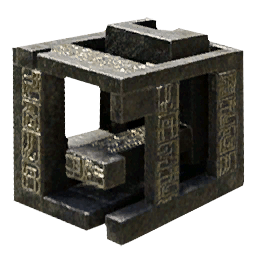
The Kuku Iron Pot is a unique storage container that you obtain during Chapter 4: The Price of Knowledge as part of the main quest called "Mysterious Pot." The quest takes you to the Kilnden Workshop, located west of Hernand, where you repair and activate the pot. Towards the end of the quest, an NPC named Togrum teaches you how to use it, unlocking the Mystical Storage skill in the process.
What the Kuku Iron Pot Stores
The Kuku Iron Pot is not a general-purpose storage container. It can only store Abyss-type objects, machine parts, and contraptions. Regular items like weapons, armor, food, recovery items, and crafting recipes cannot be placed inside it. The pot has 230 slots dedicated to these Abyss-related materials.
Abyss items are commonly found after defeating Abyss-type enemies and machine-based foes. They also appear during certain puzzles and in specific secret locations throughout the world. Some of these materials, such as Abyss Cores, are used in advanced crafting recipes and equipment upgrades, so storing them safely is important.
How to Use the Kuku Iron Pot
Seal items into the pot: When you encounter a valid Abyss object in the world, activate your Axiom Force (hold L3 on controller). If the "Seal" prompt appears, press Triangle (PlayStation) or Y (Xbox) to absorb the object into the Kuku Iron Pot.
Retrieve items from the pot: Open your inventory, navigate to the Kuku Iron Pot item, and select "Use." This opens the pot's internal inventory. Select any stored item and choose "Discard" to move it back into your regular inventory.
You cannot drag items from your personal inventory into the Kuku Iron Pot manually. The Seal mechanic is the only way to add items. Because of this limitation, the Kuku Iron Pot is best thought of as a specialized Abyss material collector rather than general storage.
Vendor Repurchase Workaround
One popular workaround for the lack of storage is selling items to a vendor and then buying them back later using the Repurchase tab. When you sell something to any merchant, that item stays in their Repurchase inventory for a limited window of time. This effectively lets you "park" items with a vendor temporarily.
Repurchase Details
Detail | Information |
|---|---|
Duration | Sold items remain in the vendor's Repurchase tab for approximately two to three in-game days. After that window closes, the items are gone permanently. |
Vendor-specific | You can only repurchase items from the same vendor you originally sold them to. Items do not transfer between merchants. |
Buyback price | The repurchase price is higher than the original sale price. You will pay the full retail price to buy back an item you sold at a reduced rate, resulting in a net loss. |
Item types | Any item that can be sold can be repurchased, including weapons, armor, materials, and consumables. |
While this method is useful in a pinch for items you need to offload temporarily, the limited time window makes it unreliable for long-term storage. Always remember which vendor you sold to and collect your items before the repurchase window expires.
Inventory Expansion
Since there is no permanent storage system, the best long-term strategy for managing items is expanding your inventory capacity. You start the game with 50 inventory slots, but you can increase that number significantly through bag upgrades. There is no carry weight system in Crimson Desert, so the only limit on what you can carry is the number of available slots.

Bag Types
Bag Type | Slots Added | How to Obtain |
|---|---|---|
+1 slot | Purchased from vendors across Pywel for 50 copper each. Innkeepers, butchers, tanners, provisioners, and general goods merchants all carry them. Each vendor stocks only one Small Bag at a time. | |
+3 slots | Earned as rewards from Faction Quests and Greymane Commissions. Completing all 27 Greymane Commissions can yield up to 81 additional slots from Medium Bags alone. | |
+5 slots | Granted through campaign milestones. You receive one when unlocking Damiane in Chapter 3, another when completing the first Howling Hill camp expansion, and a third when unlocking Oongka in Chapter 7. |
Where to Buy Small Bags
Nearly every major settlement in Pywel has at least one merchant who sells a Small Bag. Look for provisioners and general goods vendors marked with icons on your map. Key locations include:
Hernand City has multiple vendors who each carry one Small Bag.
Roadside innkeepers and tavern owners throughout the regions of Pywel stock them.
Specialized merchants like butchers and tanners in smaller towns also sell one each.
Vendor inventories restock at midnight in-game time, so you can rest at a campfire and revisit vendors to pick up newly restocked bags.
Prioritize buying every Small Bag you can find during the first few chapters. The incremental slots add up quickly, and at 50 copper each they are very affordable.

Inventory Organization
Even without storage, you can keep your inventory manageable using the built-in organization tools.
The Group Feature
Press L1 (on controller) or the designated key on keyboard to toggle the Group function in your inventory. Grouping consolidates scattered stacks of the same material into a single slot. For example, if you have Iron Ore in three different inventory slots with partial stacks, grouping merges them into one slot. This frees up the extra slots without requiring you to sell or discard anything.
Grouping does not increase the total number of items you can carry. It simply reorganizes your existing items to eliminate wasted partial-stack slots. It is especially useful after long exploration sessions where you have picked up dozens of different materials in small quantities.
Sorting
You can also sort your inventory by category, which arranges all items by type (weapons, armor, consumables, materials, and so on). Sorting helps you quickly locate specific items and identify duplicates that can be sold.
Key Items and Quest Items
Certain items in your inventory are classified as Key Items. These include quest-related objects, story documents, and special progression items. Key Items cannot be sold, discarded, or grouped. They occupy dedicated inventory slots and remain in your inventory until their associated quest or purpose is fulfilled.
Because Key Items take up permanent slots, your effective capacity for regular items is lower than your total slot count. Keep this in mind when planning your inventory. You can view all your Key Items in a separate tab within the inventory menu.
Product Storage and Trade Goods
The trading system introduces a separate category of storage called Product Storage, but this is exclusively for trade goods and camp resources. It is not usable for general item storage.
You can package trade goods through the Provisions Keeper, Karl, at the Greymane Camp. Entering the "Camp Provisions" menu lets you pack camp resources into trade bundles at a cost of 100 camp funds per bundle. Each 1,000 units of a camp resource becomes one individual packed trade good. These packed goods are stored in your trade inventory rather than your personal inventory.
While Product Storage does not solve the general storage problem, it does mean that trade materials do not compete for your regular inventory slots once they have been packaged.
Practical Tips for Managing Your Inventory
Read letters and recipes immediately. Picking up a crafting recipe, formula, or lore letter permanently unlocks the knowledge in your database. Once read, the physical item serves no purpose. Sell it or discard it to free up the slot.
Sell junk regularly. Vendor trash like damaged equipment and common materials adds up quickly. Visit a merchant after every major encounter to clear out low-value items before they fill your bag.
Use the Group feature often. After picking up loot from multiple sources, open your inventory and group items to consolidate partial stacks. This is especially important for crafting materials.
Prioritize bag upgrades early. Buy every Small Bag you encounter in the first few chapters. The cost is trivial and each extra slot counts when you cannot store anything elsewhere.
Complete Greymane Commissions. Medium Bags from Greymane Commissions are the most efficient source of inventory expansion. Each commission that awards a Medium Bag gives you three slots at no monetary cost.
Check the Supply Chest regularly. Missed loot accumulates in the Supply Chest at your camp. If the chest reaches its 230-slot limit, it stops collecting new items. Visit it after every few quests to prevent overflow.
Discard common consumables you do not use. If your playstyle does not rely on certain food items or low-tier recovery items, sell or discard them rather than letting them occupy slots.
Keep the Kuku Iron Pot in mind for Abyss materials. Whenever you encounter Abyss objects in the field, seal them into the pot immediately. This prevents them from cluttering your regular inventory.
Storage Methods at a Glance
Method | Type | Capacity | Limitations |
|---|---|---|---|
Personal Inventory | General storage | 50 slots (expandable) | No deposit system; must carry everything |
Lost-and-found | 230 slots | Receive only; cannot deposit manually | |
General deposit | 240 slots | Added in Patch 1.00.03; available at Hernand lodgings and Howling Hill Camp | |
Abyss item storage | 230 slots | Abyss items, machine parts, and contraptions only | |
Vendor Repurchase | Temporary parking | Unlimited (per vendor) | Items expire after roughly 7 in-game days |
Product Storage | Trade goods only | Separate trade inventory | Only for packaged trade goods and camp resources |
Future Storage Plans
Pearl Abyss shipped housing storage furniture in Patch 1.04.00 on April 23, 2026. Items can be deposited into furniture placed inside the house at camp: the Wardrobe holds outfit pieces at 100 slots each up to a 1,000-slot cap, the Collectibles Chest holds 1,000 items and is earned through a quest, and the Private Storage itself becomes a housing-mode placeable after the camp moves to Pailune. This substantially eases inventory pressure compared with the launch build.
With Private Storage now available, the best strategy is to deposit surplus materials and backup equipment into Private Storage, expand your personal inventory through bag upgrades, use the Kuku Iron Pot for Abyss materials, and maintain regular inventory hygiene by selling junk and reading consumable recipes.