

The Chromatic Aberration toggle is an accessibility option added in Patch 1.04.00 under Settings > Accessibility. It controls whether the chromatic aberration filter is applied to the camera image. Turning it off removes the rainbow edge fringing on high-contrast UI and scene boundaries, which is helpful for players who find the effect distracting or who experience visual fatigue under the default look.
What it Does
Disables or reduces the rainbow edge tint that the post-process pipeline normally applies to high-contrast boundaries.
Helps players who find the default fringing distracting on UI text, especially the minimap and inventory tooltips.
Pairs naturally with the new Minimum Font Size setting from Patch 1.03.00; turning chromatic aberration off improves readability when font sizes are tightened.
How to Enable
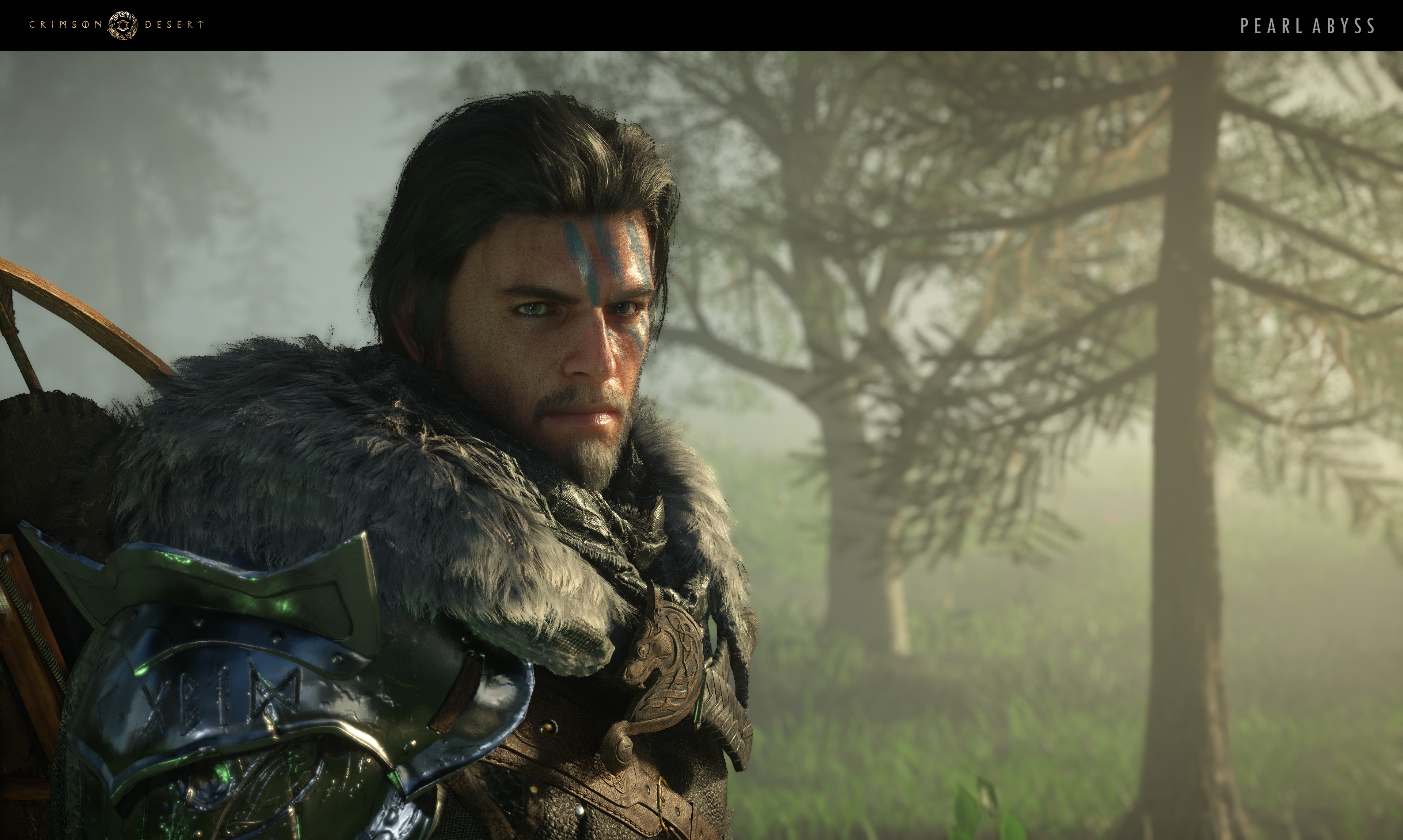
Open Settings, navigate to Accessibility, and toggle Chromatic Aberration. The setting works independently of Colorblind Mode and Photosensitive Mode.
Where the Effect Shows Up
Surface | What Looks Different |
|---|---|
Inventory tooltips | Default look has a faint rainbow rim on long item names; turning the toggle off removes the rim entirely. |
Minimap and compass markers | Marker icons gain a sharper outline; the slight purple-green fringe at the edge of the minimap circle disappears. |
Dialogue subtitle text | Subtitles read crisper at small sizes when chromatic aberration is off, especially when paired with a tightened Minimum Font Size. |
High-contrast scenes (sunlit rooftops, fire effects) | The default rainbow halo around bright objects is muted but not removed; some color fringing on extreme lighting remains by design. |
Recommended Pairings
Players who enable Photosensitive Mode often turn Chromatic Aberration off as well; both reduce visual noise during combat.
Players with a tightened Minimum Font Size benefit from disabling Chromatic Aberration to keep small text legible.
On PlayStation 5 Pro with PSSR Sharpness enabled, the chromatic aberration filter sometimes amplifies a fringe; turning it off can produce a calmer image.
See Also
Colorblind Mode - palette adjustment.
Photosensitive Mode - flicker and high-frequency effect mitigation.
Patch 1.04.00 - patch that introduced the toggle.