

This article is a stub
It lacks sufficient information and needs to be expanded. You can help by adding more content.
Accessibility Settings in Crimson Desert live under Options > Others > Accessibility and, for some language / dialogue toggles, under Others > Language & Gameplay. The game shipped with a handful of accessibility options at launch (March 19, 2026) and received a significant accessibility pass in Patch 1.03.00 (April 9, 2026).
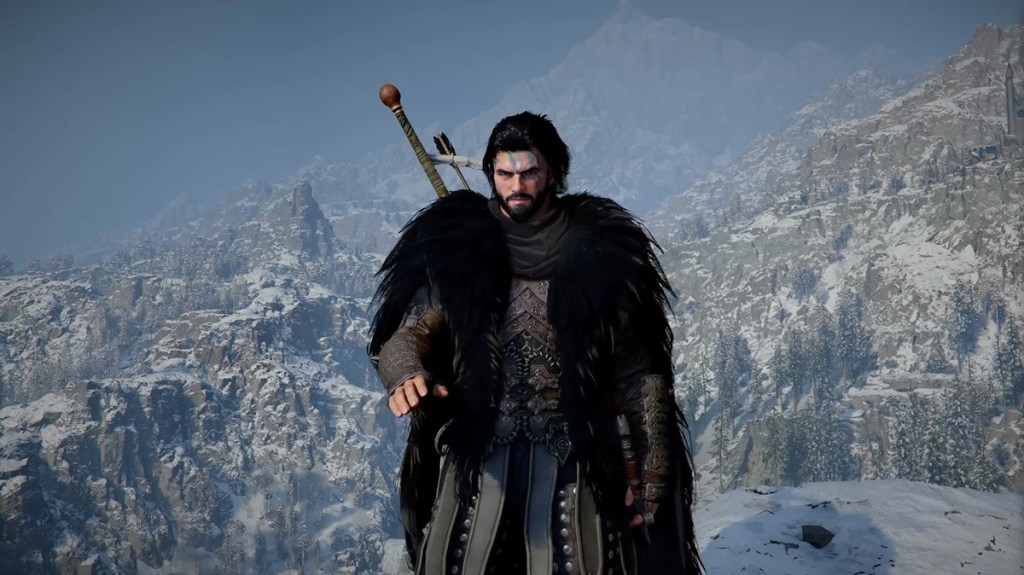
Launch Accessibility Options
Setting | Effect |
|---|---|
Blur Intensity | Adjusts motion blur during camera movement. Can be set to zero. |
Camera Shake | Controls camera shake from combat hits, explosions, and environmental events. Can be set to zero. |
Particle Effects | Three density options to cut visual noise. |
Subtitle Size | Adjustable across a range from Small to Extra Large. |
Simplified Combo Mode | Reduces multi-button combos to sequential single-button inputs, with a damage penalty in exchange. |
Added in Patch 1.03.00
Setting | Location | Effect |
|---|---|---|
Others > Accessibility | Raises the minimum font size used across menus and dialogue. Requires a game restart to take effect. | |
Fast Forward Speed | Others > Language & Gameplay | Dialogue fast-forward up to 4x, with the letterbox hidden during fast-forward. |
Others > Language & Gameplay | Melee All/Selected Only; Ranged Always/Only When Used. Hides back-mounted weapons for a cleaner silhouette. | |
Camera Visual Range | Others > Accessibility | Adjusts the camera's default distance. |
Camera Vertical Offset | Others > Accessibility | Shifts the camera up or down. |
Camera Horizontal Offset | Others > Accessibility | Shifts the camera left or right. |
Camera Auto-follow | Others > Accessibility | Camera follows the character automatically during movement. |
Camera Lookahead | Others > Accessibility | Camera leads the player in the movement direction for better anticipation. |
Navigation Accessibility
Patch 1.03.00 also made Abyss Nexus teleportation usable while mounted, falling, swimming, or climbing walls. This is a significant navigational accessibility improvement because it removes the need to stop movement and enter a neutral state before fast-traveling.
Usage Tips
Set Minimum Font Size before a long play session; it requires a restart.
Camera Auto-follow and Lookahead work well together for players who prefer a more cinematic framing over manual camera control.
Fast Forward Speed only applies to standard dialogue scenes; cinematic cutscenes still play at normal speed.
Simplified Combo Mode makes combat easier to execute but penalizes damage output; consider combining it with buff food or lower-threat regions.
Roadmap
The Developer Roadmap: April to June 2026 lists further accessibility and control work, including additional controller customization and expanded keyboard / mouse keybinding options, rolling out through the April-June window.
See Also
Patch 1.03.00
Developer Roadmap: April to June 2026
Patch 1.04.00 Accessibility Additions
Patch 1.04.00 added three new accessibility toggles to the settings menu. Colorblind Mode adjusts the in-game color palette to improve readability for players with color vision deficiencies. Chromatic Aberration is a per-toggle option that lets players turn off the rim-of-color visual effect that some find distracting or eye-straining. Photosensitive Mode reduces the intensity of bright flashes and other visual effects that can trigger photosensitive seizures or migraines. The same patch also added a Subtitle Font Size 'Max' option for the largest available subtitle text, on top of the Minimum Font Size slider added in 1.03.00.
See Patch 1.04.00 for the full graphics and accessibility change list.