

Can You Hide Your Helmet?
One of the most common questions players ask in Crimson Desert is whether they can toggle helmet visibility to show off their character's hairstyle and face. The short answer is no. There is no built-in option to hide your helmet in Crimson Desert. Equipped helmets remain visible at all times, including during cutscenes.
Unlike some RPGs that include a "hide helmet" checkbox in their settings menu, Crimson Desert does not offer a cosmetic toggle for headgear. The game also does not have a transmog system that would let you change the appearance of one piece of armor to look like another.
Workaround: Quick Unequip via the Radial Menu
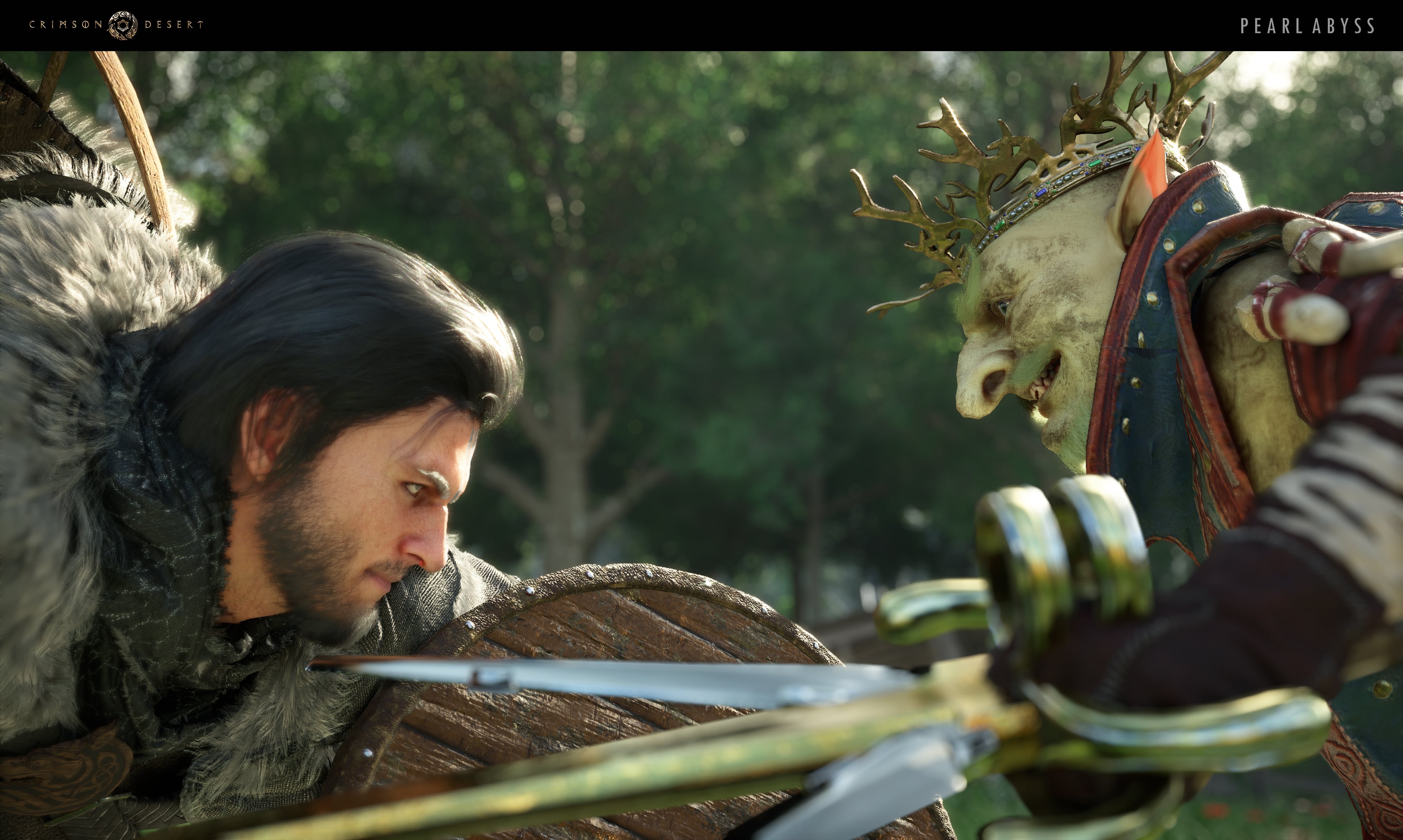
While you cannot hide your helmet through a menu option, you can quickly unequip it using the game's radial quick menu. This lets you swap your headgear on and off in a matter of seconds without digging through your full inventory.
To use this workaround:
Open the quick radial menu by pressing T on keyboard or holding left D-pad on controller.
Navigate to the Armor tab.
Select the helmet slot.
Use the middle mouse scroll (keyboard) or D-pad (controller) to cycle through available headgear, or remove the helmet entirely.
This approach works well for players who want their character's face visible during exploration or screenshots but still want the defensive stats of a helmet during combat. You can equip your strongest helmet before a boss fight and then swap it off right after.
What About the Face Accessory Toggle?
Some players notice a "hide" toggle in the equipment menu and assume it applies to helmets. This toggle only affects face accessories (items like masks and scarves), not full headgear. Helmets are classified as armor pieces rather than accessories, so they are not affected by the face accessory visibility setting.
Customization Alternatives
If you dislike the look of your current helmet, consider visiting the Dyehouse in the Greymane Camp. While you cannot make a helmet invisible, you can change its color and material finish to better match your character's overall look. The Dyehouse lets you customize individual sections of each armor piece, including headgear.
You can also visit Eric's Barber Shop in the Greymane Camp to customize your character's hairstyle, hair color, beard, eyebrows, and tattoos. While you will not see these changes with a helmet equipped, removing the helmet through the quick menu will show them off.
Will Pearl Abyss Add a Hide Helmet Feature?
Pearl Abyss has not officially confirmed or denied whether a helmet visibility toggle will be added in a future update. Many players have requested this feature for Crimson Desert. For now, the quick unequip workaround is the best available option.
Tips
Use the quick radial menu (T on PC, left D-pad on controller) to rapidly swap your helmet on and off between combat encounters.
Choose helmets that match your character's look if visibility bothers you. The Dyehouse can recolor armor to complement your outfit.
Take screenshots and explore towns without headgear for the best character show, then re-equip before entering dangerous territory.
Remember that the face accessory toggle does not affect helmets. Only face-slot items like masks respond to that setting.
Display of Selected Weapons Toggle
Patch 1.03 added a Settings option under Language and Gameplay called "Display of Selected Weapons." Turning it on hides the weapons stowed on your character's back when they are not actively drawn. It does not hide the helmet itself, but it cleans up the overall silhouette by removing the turtle-pack-mule look caused by carrying multiple weapon types.
Visor and Hood Interactions
Individual helmets and cloaks often have a raise/lower interaction as a second press. Examples include the Dewhaven Standard Plate Helm (raises its visor), the Disguise Cloak (lowers its hood), and the Dark Marksman's Plate Cloak (lifts its hood). While this is not a true hide-helmet option, it gives a cleaner look without swapping out the piece.