

Overview
Crimson Desert does not offer a traditional skip button for cutscenes. Instead, Pearl Abyss included a fast-forward feature that lets you speed through story scenes at roughly 1.5x to 2x normal playback speed. This means you will still see and hear the dialogue and cinematics, but the entire sequence plays noticeably faster.
The fast-forward mechanic is similar to features found in Final Fantasy VII Rebirth and Black Desert Online. Pearl Abyss has described it as "not a jump skip, but a time save."
How to Fast-Forward Cutscenes
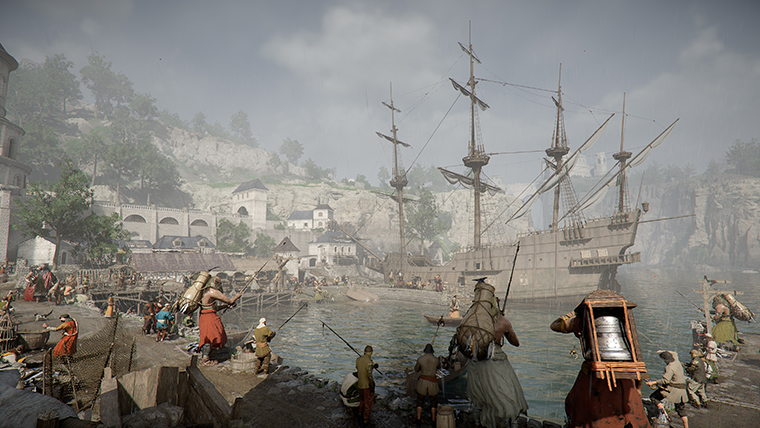
During any cutscene a small circular progress indicator appears in the bottom-right corner of the screen. Press and hold the indicated input to activate fast-forward:
PC (Keyboard): Hold Spacebar or ESC
Controller (PlayStation): Hold Circle (O)
Controller (Xbox): Hold B
Release the button at any time to return to normal playback speed. You can also pause cutscenes using a separate prompt that appears alongside the fast-forward indicator.
Day-One Patch Improvement
Pearl Abyss addressed community feedback about cutscene pacing in the launch-day update (version 1.00.02). The patch increased the fast-forward speed for recently viewed cutscenes, meaning scenes you have already watched on a previous attempt or playthrough will play back even faster when you hold the fast-forward button. The exact multiplier for previously seen cutscenes has not been officially disclosed, but players report it feels noticeably quicker than the default 1.5x rate.
Limitations
There is no way to instantly skip a cutscene in a single button press. You must hold the fast-forward button for the full duration of the scene.
Some prologue and tutorial sequences cannot be fast-forwarded at all. These segments double as loading screens for the BlackSpace Engine, which streams assets in the background while the cinematic plays.
Dialogue with NPCs in the open world (merchants, quest givers) can be advanced line by line with a button press rather than held to fast-forward.
Tips
If you are replaying a boss fight and want to get past the pre-fight cinematic quickly, hold the fast-forward button as soon as the cutscene begins. The day-one patch improvement for recently viewed scenes will help here.
On a first playthrough, consider watching cutscenes at normal speed. Crimson Desert's story spans roughly 50 to 80 hours and the cinematics provide important context for the main story and character relationships.
Check the Controls article for a full list of keybindings and button mappings.
Patch Update: Dialogue Fast-Forward up to 4x
The latest gameplay update officially adds a dialogue fast-forward feature that earlier players were already exploiting via a focus-mode bug. The bug was so popular that the developer turned it into a real, supported option. You can now fast-forward through standard dialogue scenes at speeds up to 4x.
The catch: this only applies to standard dialogue interactions, the kind without letter-boxing. Fully cinematic cutscenes (the ones with the black bars top and bottom) still cannot be skipped, which remains a sore point during boss intro sequences and chapter transitions. For NPC chatter, fetch-quest setups, and the long stretches of in-world conversation between major beats, holding fast-forward at 4x dramatically cuts down on the dead time between objectives.
Use it freely on any non-letter-boxed scene; you will not miss any unique audio cues since dialogue lines remain readable at 4x speed.