

Overview
The Altar of Solitude is an Abyss Challenge located inside the Path of Providence in Crimson Desert. It is widely considered the most complex puzzle in the entire dungeon, featuring a multi-layered floor-flipping mechanic, underground passages with narrow wall gaps, and a CPU extraction sequence that demands patient maneuvering. Completing it rewards an Abyss Artifact, and a bonus chest in the same room contains a Faded Abyss Fragment and a piece of Haste 2 Abyss Gear.
Detail | Information |
|---|---|
Location | Path of Providence (Abyss) |
Preceded by | |
Followed by | Ice Cradle |
Access | Skybridge in the Courtyard of Precision |
Puzzle type | CPU node placement, floor-flipping, underground navigation |
Primary reward | |
Bonus chest reward | Faded Abyss Fragment, Haste 2 Abyss Gear |
Location and Access
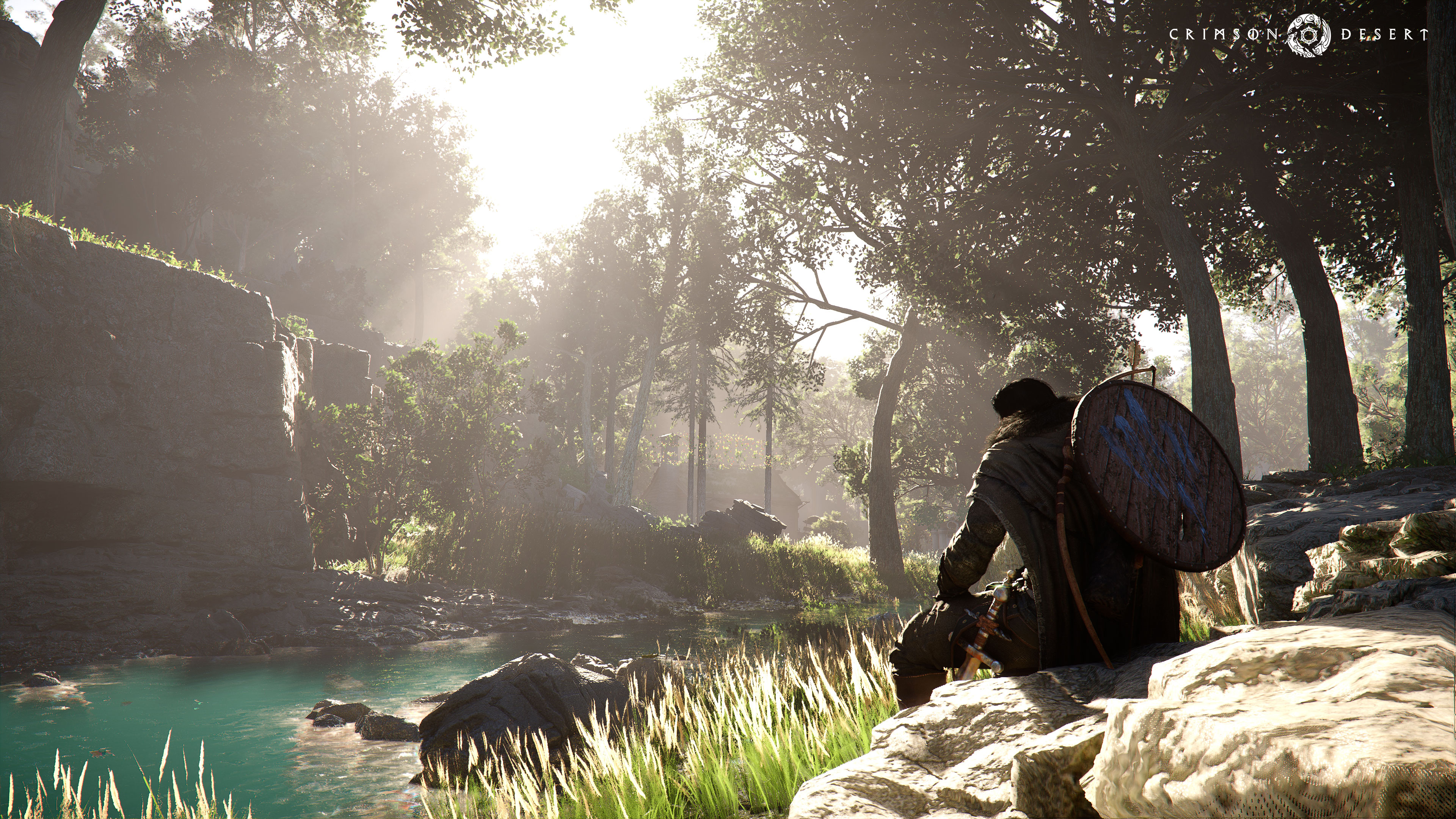
The Altar of Solitude sits toward the end of the Path of Providence sequence. To reach it, complete the Courtyard of Precision puzzle, then cross the Skybridge that unlocks upon clearing it. The full progression order through the Path of Providence is:
Root's End
Precipice of Truth
Secret Garden
Vault of Vengeance
Courtyard of Precision
Altar of Solitude (this guide)
Ice Cradle
Upon entering, activate the fast travel point at the entrance so you can return easily if needed.
Puzzle Mechanics
The Altar of Solitude revolves around placing four flat, chip-like CPU nodes into four sockets spread across two large panels on either side of the central area. Two of the four nodes are present in the room at the start; the other two must be retrieved from underground passages beneath the flipping floor.
The core mechanics you will use throughout this puzzle:
Mechanic | How It Works |
|---|---|
Axiom Force (grab) | Pick up floating objects, including CPU nodes and the electrified cube. Used to carry items across the room. |
A downward or directed palm strike that locks a CPU node into a socket slot. Aim downward at a placed node and execute to set it firmly. | |
Electrified cube | A glowing power cube that activates the floor-flip mechanism when placed on its stone pedestal counterpart. Moving it on or off the pedestal toggles the floor. |
Floor-flip | Placing the electrified cube on the pedestal causes the central floor panel to rotate, revealing underground passages below. Removing it (or placing it back) flips the floor again. |
Wall gap navigation | Underground passages have narrow vertical and horizontal gaps. CPU nodes must be rotated and maneuvered through these gaps to bring them to the surface. |
Note: CPU nodes can always be removed from a socket and repositioned. If you place one incorrectly, simply pull it back out and try again.
Step-by-Step Solution
Phase 1: Place the First Two Nodes
Upon entering the room, locate the floating blue CPU node hovering near the upper left. Use Axiom Force to grab it.
Carry the node to one of the empty square sockets on the right-side panel and set it down.
Use Force Palm aimed downward at the node to lock it into the socket. You will feel a vibration or see a visual cue confirming it is seated.
Find the second CPU node already resting in a socket on the left-side panel. Pull it out and carry it over to fill the remaining empty socket on the right-side panel.
Use Force Palm on the second node to lock it in as well. Both right-side sockets should now be filled.
Phase 2: Flip the Floor and Retrieve the Third Node
Locate the electrified cube in the room. Pick it up with Axiom Force and carry it to the stone pedestal (the square platform that matches its shape). Setting it down here activates the clamps and causes the central floor panel to flip.
As the floor rotates, drop down into the underground passage that becomes accessible.
In the underground area, locate the third CPU node. It is deeper in the passage, past a narrow wall gap.
Use Axiom Force to grab the node and maneuver it through the narrow gap in the wall. You may need to rotate the node to fit it through the vertical hole.
Once through the gap, carry the node toward the teleporter or the opening that leads back to the surface.
Retrieve the node from the surface-level hole it exits from and carry it to the central panel's socket. Lock it in with Force Palm.
Phase 3: Retrieve the Fourth Node (The CPU Extraction Challenge)
This phase is the most difficult part of the puzzle. The fourth CPU node is trapped in a section of the underground that requires navigating it through a series of narrow horizontal and vertical gaps in sequence.
Move the electrified cube off the stone pedestal to flip the floor back. This gives you access to the underground from the left side instead of the right.
Drop down into the underground from the left-side platform.
Find the fourth CPU node deeper in this passage. Its extraction route requires threading it through multiple wall openings in a specific order:
Step A: Drag the node through the first vertical hole toward you.
Step B: Pull the node to the right.
Step C: Push the node through the next vertical hole ahead.
Step D: Drag the node to the right again.
Step E: Flip the node (rotate it 90 degrees) so it is horizontal, then pull it through the final horizontal hole.
After extracting the node from the underground, bring it back to the surface. Place it in the remaining socket on the left-side panel and lock it in with Force Palm.
Phase 4: Final Activation
With all four CPU nodes seated in their sockets (two on each panel), place the electrified cube back on its stone pedestal to trigger the final activation.
A cutscene will play showing the Altar of Solitude powering on. A circular gear button rises from the floor.
Approach the gear and use Force Palm (downward palm strike) on it to complete the puzzle. The altar activates and the Abyss Artifact is yours.
Bonus Chest
After activating the altar, look toward the back right corner of the room. A chest sits behind a set of active laser barriers. To claim it:
Find the movable blocks nearby. Pick one up with Axiom Force.
Position the block in front of each laser emitter to physically block the beam, creating a safe path to the chest.
Reach the chest and open it to collect a Faded Abyss Fragment and a Haste 2 piece of Abyss Gear.
The Faded Abyss Fragment is a rare crafting material, making this bonus chest one of the more valuable optional rewards in the Path of Providence.
Rewards
Reward | Type | Notes |
|---|---|---|
Primary reward | Awarded for completing the puzzle. Used in the skill tree to unlock new abilities or boost core stats. | |
Faded Abyss Fragment | Bonus chest (optional) | Rare material. Access requires blocking the laser barriers with movable blocks. |
Haste 2 Abyss Gear | Bonus chest (optional) | A piece of Abyssal equipment with Haste 2 stats. Same chest as the Faded Abyss Fragment. |
Tips
Activate fast travel first: The fast travel point at the entrance lets you restart from a known position if you get stuck in the underground passages.
Nodes can always be repositioned: If a CPU node ends up in the wrong socket or gets dropped awkwardly, pull it out and try again. Nothing is permanently locked until all four are placed and the cube is set on the pedestal.
Take your time in the extraction sequence: The fourth node puzzle requires rotating the node at a specific point. Move slowly through each gap and check the orientation before pushing. Rushing causes the node to get stuck in the wall.
Floor-flip sequence: You flip the floor multiple times during this puzzle. Each flip reveals a different underground entrance (right side for Phase 2, left side for Phase 3). Keep track of which side you are entering from.
Check the bonus chest before leaving: The laser-blocked chest in the back right corner is easy to miss after the puzzle completes. Do not forget to block the lasers with the nearby movable blocks.
Completing this challenge unlocks Ice Cradle: Finishing the Altar of Solitude activates the Skybridge leading to the Ice Cradle, the next challenge in the Path of Providence sequence.
Related Pages
Page | Description |
|---|---|
Path of Providence | Overview of all seven Abyss Challenges in the dungeon, progression order, and full reward list. |
What Abyss Artifacts are, how they work in the skill tree, and where all 141 are located. | |
Abyss Challenges | Full list of Abyss Challenge locations and solutions across Crimson Desert. |
Ice Cradle | The Abyss Challenge that follows the Altar of Solitude in the Path of Providence. |