

Transportation in inZOI covers every method a Zoi can use to move through the world, from walking on foot to driving personal vehicles, riding public transit, and even sailing between islands. Each of the three cities offers a slightly different mix of transit options. Understanding what is available in each location helps players plan their daily routines, commute to jobs, and explore without wasting in-game time.
Transportation Methods at a Glance
The table below summarizes every current transportation option. Detailed breakdowns follow in the sections below.
Method | Speed | Cost | Availability | Notes |
|---|---|---|---|---|
Walking | Slow | Free | All cities | No stamina penalty; always available |
Medium | Free (fast travel) | Zoi walks to nearest bus stop automatically | ||
Subway | Medium | Free (fast travel) | Underground stations connect key districts | |
Taxi | Medium | Free (fast travel) | All cities | System assigns taxis when they offer the fastest route |
Fast | M 10,000 to M 55,000 | All cities | Purchased via Dream Car app; auto-drive or manual | |
Motorcycles / Scooters | Fast | Varies | All cities | Added in Island Getaway; scooters are manual-drive only |
Medium | TBD | All cities | Added March 2026; supports two riders | |
Tricycles (children) | Slow | Free | All cities | Added March 2026; kids only |
Medium | Rental fee | Six boat types available at dock kiosks | ||
Water Taxi | Fast | Free | Bright yellow boats; select destination from dock | |
Teleportation | Instant | Free | All cities (cheats only) | Requires cheats enabled |
Walking
Walking is the most basic form of movement and is always available. Use WASD or left-click to walk anywhere in the open world (see controls). There is no stamina penalty for walking, so a Zoi can walk indefinitely without any need decay from the act of moving itself. For short distances, walking is sometimes faster than waiting for a vehicle because there is no loading screen or transit delay.
Running and Multitasking
Pressing Shift switches the Zoi to a running pace, which covers ground noticeably faster than a normal walk. There is no separate jogging or sprinting toggle; the Zoi either walks or runs. The fitness skill does not affect walking or running speed, but higher fitness levels grant better stamina for other physical activities.
As of the March 2026 update, Zois can eat certain food items while walking and hold conversations on the move. This multitasking feature makes walking more time-efficient because a Zoi no longer needs to stop to eat or chat.
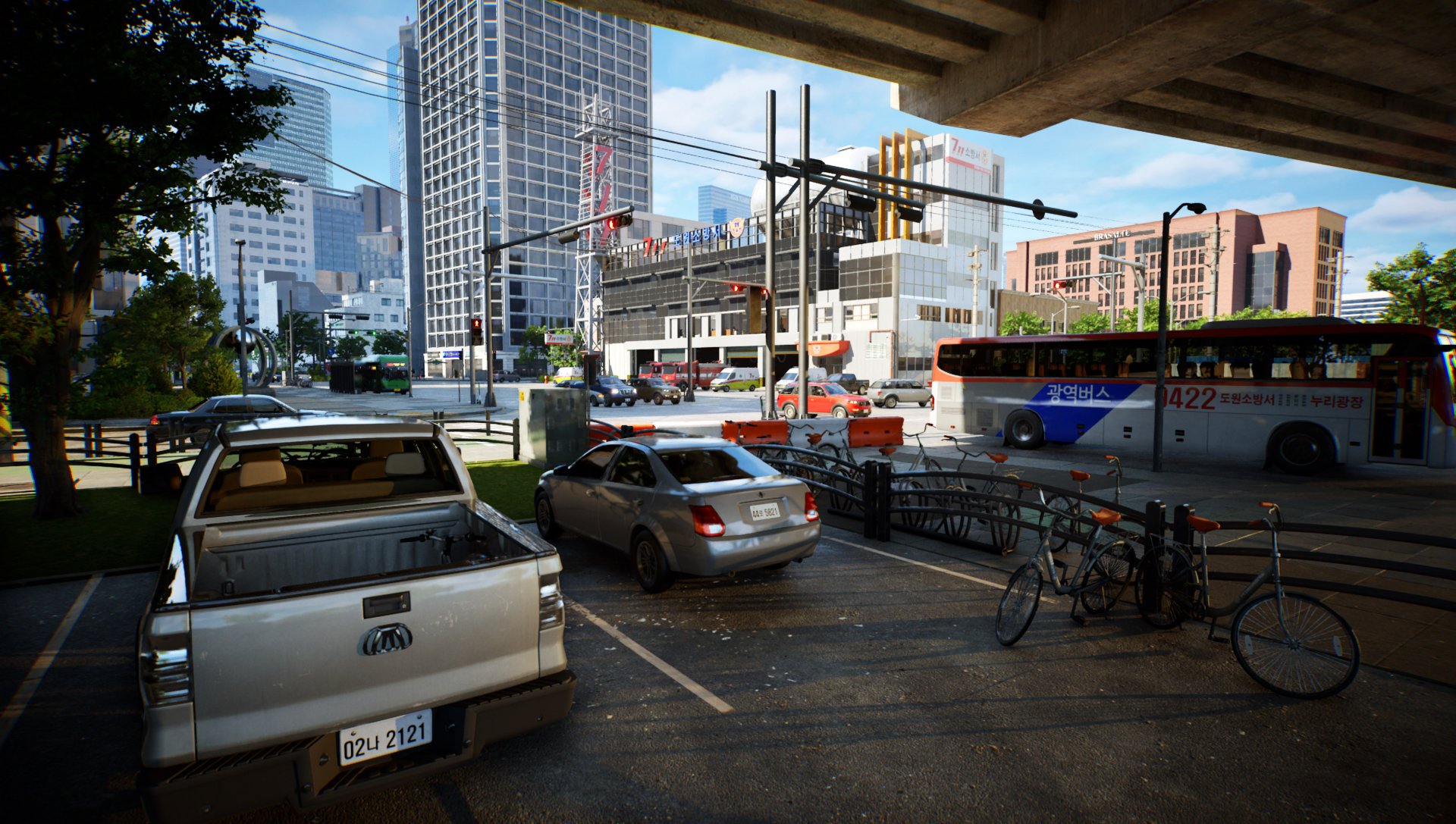
Public Transit
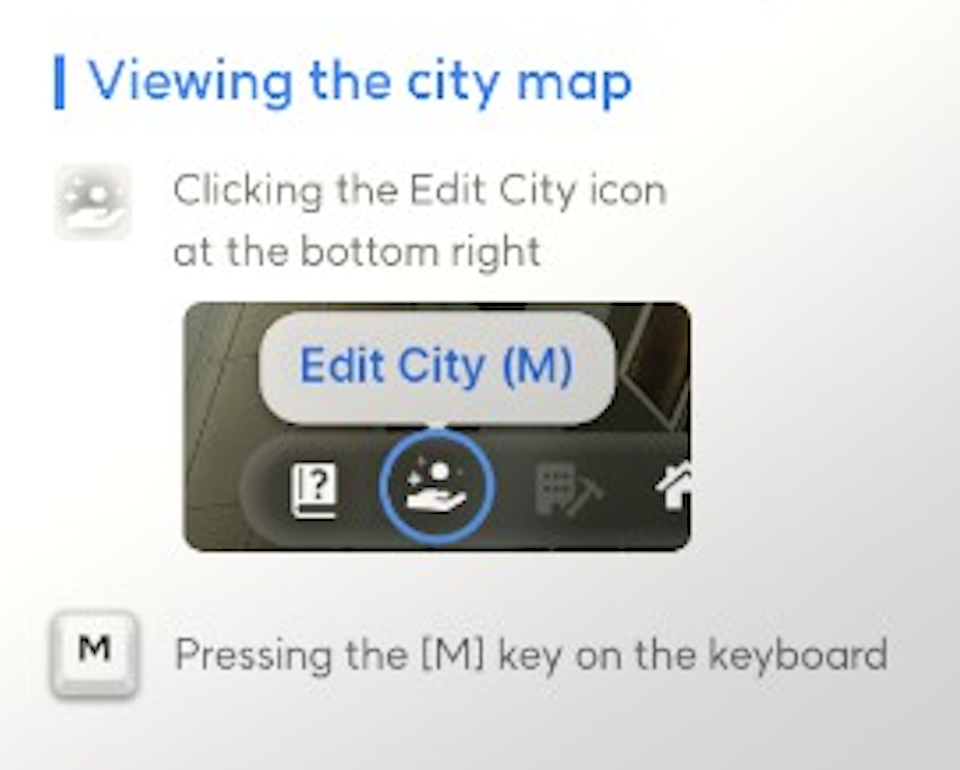
Public transit is the primary fast travel system in inZOI. Open the City Map (press M or use the City Map app on the smartphone), select a landmark, and choose "Go Here". The game automatically picks the nearest available transit option for the Zoi. A loading screen appears during the ride, and the Zoi arrives at the selected landmark. Fast travel only works between designated transit points (landmarks visible on the map). After arriving at a landmark, walk or drive to the exact location you need.
The three cities have different transit infrastructure:
Buses (Bliss Bay)
Bliss Bay uses a bus system for public transit. Bus stops are scattered around the city and marked on the map. When a Zoi selects a destination via "Go Here," the game routes them to the nearest bus stop. The Zoi walks there, boards the bus, and rides to the stop closest to the selected landmark. Buses run continuously and there is no visible timetable or fare; the transit is handled automatically through the fast travel system.
Subway (Dowon)
Dowon has an underground subway system instead of buses. Subway stations connect key areas of the city. When a Zoi uses "Go Here" in Dowon, they walk to the nearest subway station, enter the platform, and ride the train to the station closest to their destination. Like buses in Bliss Bay, the subway has no visible fare or schedule; the game handles the routing automatically during the loading screen transition.
Taxis
Taxis are available across all three cities and function as part of the "Go Here" fast travel system. The game sometimes assigns a taxi instead of a bus or subway when it determines a taxi offers the fastest route to the destination. Taxis are also used for certain rabbit hole jobs, where the Zoi enters a taxi and disappears until the work shift ends. There is no way to manually hail a taxi on the street; the system assigns one automatically when the player uses the map-based travel option.
Personal Vehicles
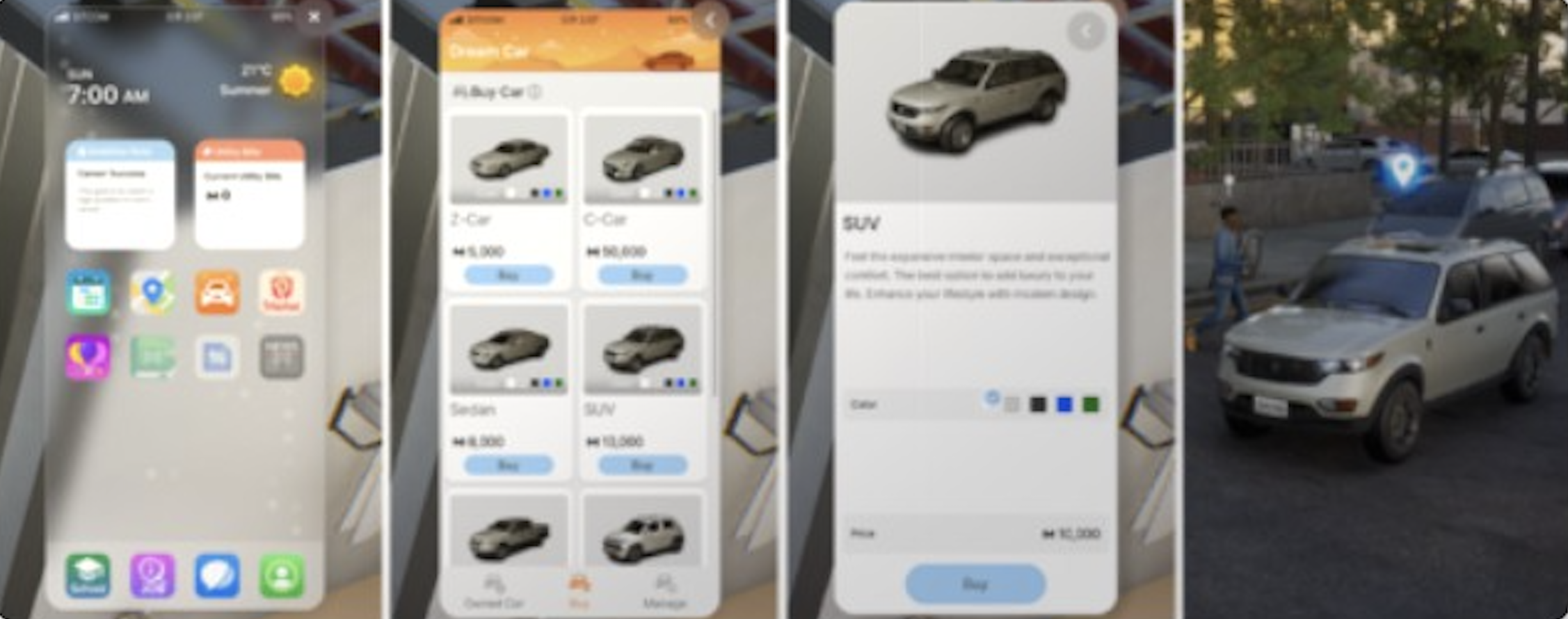
Owning a personal vehicle gives a Zoi direct control over their travel. All vehicles are purchased through the Dream Car app on the smartphone (press P to open the phone). A household can own only one vehicle at a time, regardless of type. Buying a new vehicle replaces the old one. Only the eldest household member can purchase vehicles.
Cars
Cars are the most common personal vehicle. Browse available models in the Dream Car app, select a color, and confirm the purchase. The car appears parked outside the home (or in a family parking space if one is available). For a full breakdown of every model, see the driving and vehicles article.
There are currently seven car models:
Vehicle | Type | Price (M) |
|---|---|---|
Z-Car | Compact | 10,000 |
Sedan | Sedan | 30,000 |
SUV | SUV | 55,000 |
Pickup Truck | Truck | 40,000 |
Hyundai INSTER | Compact SUV | 14,600 |
Hyundai AZERA | Sedan | 37,110 |
Hyundai IONIQ 5 | Electric | 47,000 |
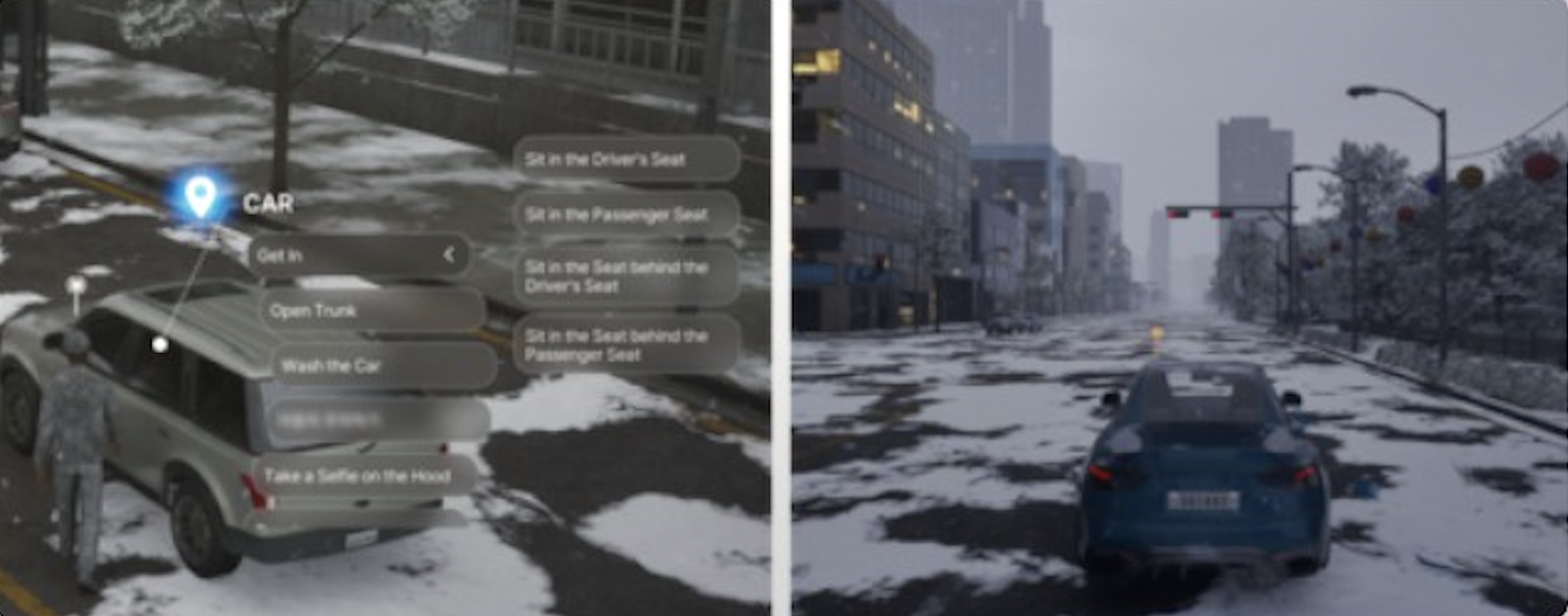
To travel by car, open the map, select a destination, and choose "Drive Here". The Zoi gets in the car and auto-drives to the destination with a loading screen. For manual driving, get into the car and use W/S to accelerate and brake, A/D to steer, and left-click to honk. Manual driving can be toggled on or off in Options > Gameplay. When manual driving is off, the Zoi always auto-drives and follows all traffic rules.
Cars can also be sold through the Dream Car app. Open the app, select the owned vehicle, and choose the sell option. The Zoi receives a lump sum and the car is removed.
Motorcycles, Scooters, and Mopeds
The August 2025 Island Getaway update added 14 new vehicles, including motorcycles, mopeds, and electric scooters. All are purchased through the Dream Car app in the same way as cars. The update also introduced three additional Hyundai models: the Staria Lounge, IONIQ 9, and the All-New NEXO.
Motorcycles handle similarly to cars and support both auto-drive and manual driving with WASD controls. Scooters currently only support manual driving; the auto-drive feature does not work with them. Players must steer scooters themselves to reach their destination. A Zoi can only own one vehicle at a time, regardless of type, so buying a motorcycle or scooter replaces any existing car.
Bicycles
The March 2026 update introduced bicycles as rideable vehicles. A single Zoi can ride alone, or two Zois can ride together with one seated on the back. Bicycles provide a middle ground between walking and driving: faster than walking but without the cost of purchasing a car.
Tricycles (Children)
Also added in the March 2026 update, tricycles are a new mode of transportation specifically for children. Kids can ride tricycles around their home lot and even venture into the city. Tricycles give child Zois independent mobility without needing an adult to drive them somewhere.
Boats and Water Transport
Water-based transportation is available exclusively on Cahaya, the tropical island world introduced in the Island Getaway DLC. There are two ways to travel by water: renting a boat or using the free water taxi service.
Boat Rentals
To rent a boat, head to one of the docks on Cahaya's beach and find the blue ticket booth at the end of the dock. Select "Rent a Ship" from the booth menu. Six vessel types are available, each at a different price point:
Boat | Description |
|---|---|
Old Jet Boat | -- |
Troller | -- |
Skiff | -- |
Hydrojet | -- |
Catamaran | -- |
Boat controls mirror walking mechanics (use the same directional keys). Once rented, the Zoi is placed on the boat and can sail freely between islands. To exit, approach a dock and enter the disembark zone, then select "Disembark" to leave individually or "Disembark All" when traveling with companions. During heavy rainfall in Cahaya, vehicle operation (including boats) may be restricted. See boats and water activities for a full guide.
Water Taxi
Water taxis are bright yellow boats docked at various points around Cahaya. They are completely free to use. Walk up to a water taxi, select your destination (marked with a blue icon on the map), and the taxi carries the Zoi directly to the chosen location. Water taxis are the fastest way to move between Cahaya's islands without paying a rental fee.
Inter-City Travel
Zois can move between Dowon, Bliss Bay, and Cahaya using the city relocation feature. To initiate the process, have the Zoi interact with a computer and select "Learn How to Get to Another City". Alternatively, use the smartphone or take the airport shuttle or seaplane to travel. The Zoi needs a minimum of M 5,000 in funds to access this feature. Relocating moves the entire household to the new city.
Cahaya requires the Island Getaway DLC to be installed. Inter-city travel is still considered experimental during early access and may occasionally experience bugs.
Parking
The March 2026 update overhauled the parking system. Before this update, purchased vehicles simply appeared outside the home with no dedicated parking infrastructure. The update introduced several improvements:
Feature | Description |
|---|---|
Family-exclusive parking spaces | have been added to certain residential properties. Newly purchased vehicles are automatically placed in these spaces. |
Public parking lots | are now scattered throughout each city, giving Zois designated places to leave their vehicles. |
Driveways | have been added to both residential and commercial lots, providing on-site vehicle storage. |
The 2026 roadmap also includes plans to restore additional family parking zones and add a home garage designation in a future update.
Car Theft
Also introduced in the March 2026 update, Zois can now steal vehicles belonging to other Zois. The city map shows red dots indicating the location of every parked vehicle. A player-controlled Zoi can attempt to break into a car, but the attempt can fail at random and trigger an alarm. If caught, the Zoi risks arrest. Zois who are scheduled to go on trial cannot travel to other cities until the case is resolved.
Driving Controls and Traffic
InZOI offers two driving modes, toggled in Options > Gameplay:
Mode | Description |
|---|---|
Automatic driving | the default mode. The Zoi drives to the destination on their own, obeying traffic laws. A loading screen may appear for longer trips. |
Manual driving | the player takes direct control. UseW to accelerate, S to brake, A/D to steer, and left-click to honk. Manual driving carries the risk of traffic accidents. |
Traffic Accidents
Colliding with another vehicle triggers a traffic accident event. Both drivers exit their cars and argue. Hitting a pedestrian at speed can injure or even kill them; running over another Zoi sends the driver to jail. The March 2026 update improved collision physics so that vehicles automatically decelerate when a collision is imminent, reducing the frequency of accidents.
Minimap
The March 2026 update added a minimap to assist with navigation. The minimap can be positioned anywhere on the screen and supports filtering of property icons. It can be disabled via Game Options > Screen. The minimap is visible both while walking and while operating a vehicle, making it much easier to find destinations without opening the full City Map.
Freelance Courier Career
The March 2026 update introduced a freelance courier career in which a Zoi takes delivery orders from clients and transports packages around the city. This career involves heavy use of transportation; owning a vehicle makes deliveries significantly faster. The courier career ties transportation directly into the Zoi's income, rewarding players who are comfortable navigating the city.
Teleportation (Cheats)
With cheats enabled, there are three ways to skip travel entirely:
Command | Description |
|---|---|
teleport [region ID or coordinates] | teleports the active Zoi to any location using a named region or exact world coordinates. |
goHome | teleports the Zoi directly to their home lot. |
Ctrl + T, then right-click | a spot on the ground for an instant teleport to the clicked location. This is the fastest method for short-range teleportation and works well for reaching rooftops, fenced areas, and other hard-to-reach spots. |
Speed Controls
Use the playback speed controls in the bottom-left corner to speed up time during travel. Press number keys 0 through 4 for preset speeds (pause, 1x, 1.5x, 3x, 5x) or use the slider for speeds up to 30x. Above 5x, movement controls and autonomy toggles are disabled, but the Zoi still travels normally and arrives at their destination faster. Speeding up time is especially useful when a Zoi is commuting to work via public transit or auto-driving across the map.
Tips
For nearby destinations, walking is often faster than opening the map and waiting through a loading screen.
Speed up time (keys 1 through 4) while your Zoi auto-drives or rides public transit to reduce waiting.
A car is a luxury, not a necessity. Public transit reaches every landmark on the map for free.
Scooters do not support auto-drive; if you prefer hands-off travel, stick with cars or motorcycles.
Bicycles are a good budget option since the March 2026 update. Two Zois can ride one bicycle together.
In Cahaya, the water taxi is free and fast. Use it instead of renting a boat unless you want to explore the open sea.
Heavy rain on Cahaya can prevent vehicle use. Plan indoor activities during storms or wait for the weather to clear.
The minimap (added in March 2026) is invaluable for navigating while driving manually. Enable it in Game Options.
Be careful with manual driving. Running over a pedestrian results in the Zoi being sent to jail.
Attempting to steal a parked car can fail and trigger an alarm. Getting caught leads to arrest.
Planned Features
Several transportation improvements are listed on the 2026 development roadmap:
Feature | Description |
|---|---|
Airport and subway properties with boarding procedures: planned as interactive lots where Zois physically board planes and trains rather than using loading-screen fast travel. | -- |
Refueling and vehicle maintenance | vehicles will require fuel and periodic repairs, with associated service facilities added to the world. |
Multiple Zois boarding a vehicle simultaneously | currently only the vehicle owner can operate the car. A future update will allow multiple household members to ride together. |
Additional vehicle types | the roadmap lists pickup trucks (already added) and convertibles as upcoming models. |
Emergency vehicles | ambulances and fire trucks for accidents and disasters are planned as part of emergency response services. |
School buses | children may be able to take school buses for their daily commute in certain cities. |
listed for Q2 2026, allowing a Zoi to work as a taxi driver, picking up and dropping off passengers for income. | |
Functional rental kiosks | bicycle and scooter rental kiosks already exist as decorative objects in Dowon and Bliss Bay. A future update will make them interactive, letting Zois rent vehicles temporarily without purchasing. |
Home garage designation | planned alongside expanded family parking zones to give households better control over vehicle storage. |
Vehicle modding | the June 2026 ModKit update will add support for community-created vehicle mods. |