

Overview
Driving is an optional transportation feature in inZOI that allows Zois to manually operate vehicles through city streets. Manual driving is available as an experimental setting and supports both third-person and first-person camera views. The vehicle roster has grown significantly since launch, with cars, motorcycles, scooters, jet skis, hovercrafts, and bicycles available across multiple updates. The game also includes a real-world brand partnership with Hyundai featuring three officially licensed models at launch (six total after v0.3.0).
The March 2026 update (v0.7.0) brought major improvements to the driving experience, including automatic collision prevention, bicycle and tricycle riding, family-exclusive parking spaces, public parking lots, and the ability to steal vehicles as part of the expanded crime system.
Available Cars
Six car models were available at launch, including three inZOI-branded vehicles and three Hyundai models. Cars are purchased through the in-game shopping interface using Meow.
Vehicle | Price (Mew) | Seats | Type |
|---|---|---|---|
Z-Car | 10,000 | 4 | Budget four-door sedan |
Hyundai INSTER | 14,600 | 4 | Compact five-door SUV |
Sedan | 30,000 | 5 | Mid-range four-door sedan |
Hyundai AZERA | 37,110 | 5 | Premium four-door sedan |
Pickup Truck | 40,000 | - | Open-bed pickup truck |
Hyundai IONIQ 5 | 47,000 | 5 | Electric crossover |
SUV | 55,000 | 5 | Full-size sport utility vehicle |
Each car comes in multiple color options, typically five per model. All cars drive at the same speed; the differences between models are purely cosmetic and relate to seating capacity.
V0.3.0 Vehicle Additions (August 2025)
The v0.3.0 update added 14 new vehicles to the game, significantly expanding transportation options:
Addition | Details |
|---|---|
3 new Hyundai models | Hyundai Staria Lounge, Hyundai IONIQ 9, and Hyundai NEXO, bringing the total Hyundai count to six. |
Two-wheeled vehicles were added as a new vehicle category. Scooters and motorcycles can only be driven manually; the "Drive Here" auto-drive option does not work with two-wheeled vehicles. | |
Used car market | Previously owned vehicles became available at half the original price. |
V0.5.0 Vehicle Additions (December 2025)
The v0.5.0 update added jet skis and hovercrafts as new water vehicle types, expanding transportation options for coastal areas and the Cahaya island city.
V0.7.0 Vehicle Additions (March 2026)
The v0.7.0 anniversary update added bicycles and tricycles, along with sweeping improvements to how vehicles interact with the world. Zois can now drive any vehicle found throughout the city, though taking someone else's car counts as theft. A city map overlay shows red dots indicating every available vehicle, making it easy to locate a ride.
Bicycles and Tricycles
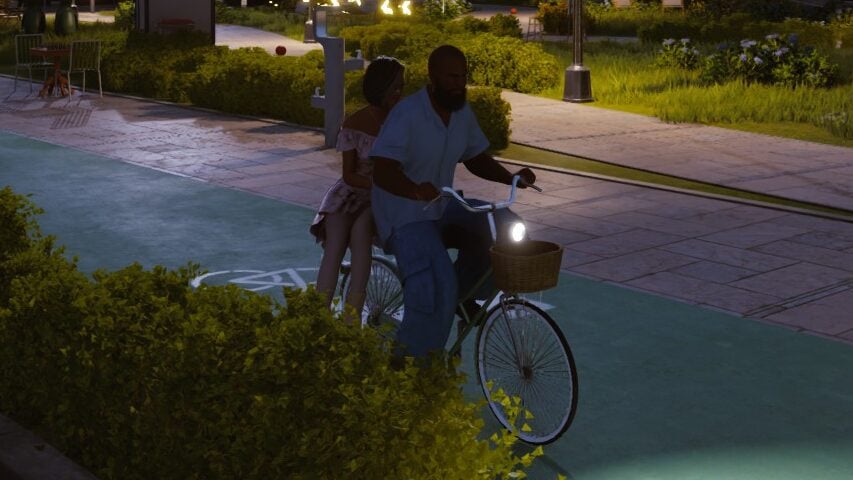
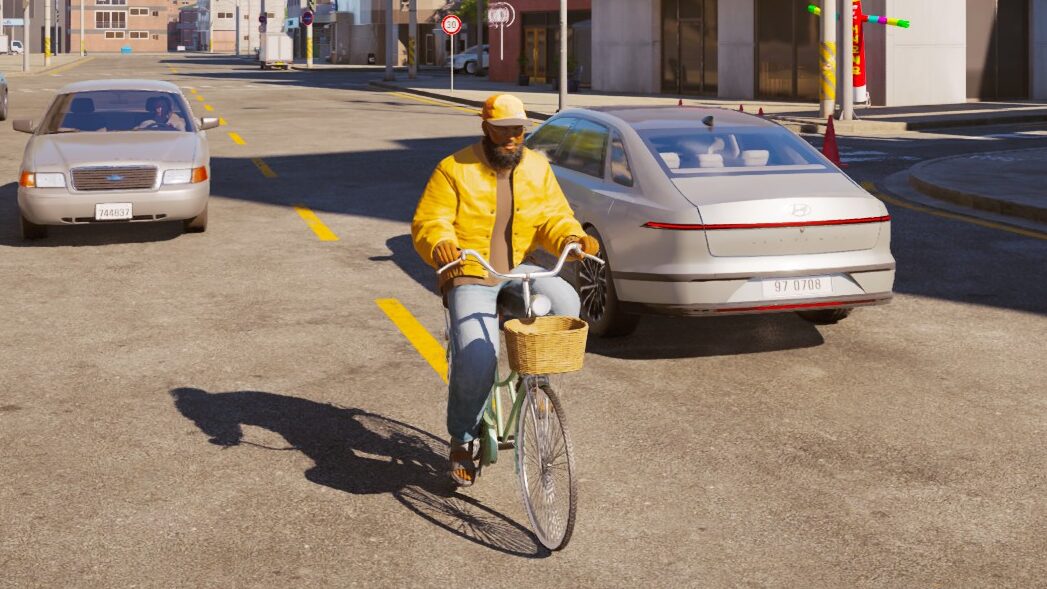
Bicycles are a new lightweight vehicle type introduced in v0.7.0. A standard bicycle seats one Zoi, while a two-person bicycle allows a passenger to sit on the rear seat. Bicycles do not require manual driving to be enabled and provide a quiet, low-cost way to travel around Dowon, Bliss Bay, and Cahaya.
Children gain access to tricycles, which function both as yard toys and city transportation. Younger Zois can ride tricycles around the property or venture out into the wider city for exploration, giving them independent mobility before they are old enough to drive cars.
Collision Prevention System
Vehicles now slow down automatically if a collision is imminent. This prevents many of the jarring crashes that occurred in earlier versions when manual driving was enabled. The system applies a graduated deceleration as the vehicle approaches another object, reducing speed proportionally to the distance. Interactions caused by collisions between vehicles and objects have also been improved, though objects damaged during a collision will not be restored if a Zoi is standing on top of them.
Vehicle Theft
As part of the expanded crime system, Zois can now steal vehicles belonging to other Zois. Attempting to break into a car may trigger an alarm at random, alerting nearby NPCs. If the thief is caught, they face arrest and criminal consequences. Trial-scheduled Zois are restricted from traveling between cities until their case is resolved. Crop stealing on farms also counts as theft under this update.
Purchasing a Car
Cars are purchased through the in-game shopping interface. Important restrictions apply:
Each household can own only one car at a time.
Only the Zoi who purchased the car can drive it. Other household members can sit as passengers.
Cars cost a significant amount of Meow, making them a major investment early in the game.
To switch vehicles, sell the current car first, then purchase a new one.
Enabling Manual Driving
Manual driving is available as an experimental feature. To enable it:
Open Options from the game menu.
Navigate to Gameplay > Driving (Experimental).
Toggle "Enable Manual Driving" to On.
Important: Enabling manual driving locks the game to 1x playback speed while the Zoi is in the car. You cannot fast-forward time during manual driving.
Driving Controls
Key | Action |
|---|---|
W | Accelerate |
S | Brake / Reverse |
A | Steer Left |
D | Steer Right |
Left Mouse Click | Honk Horn |
Tab | Switch between First-Person and Third-Person camera |
In first-person mode, moving the mouse allows shoulder checks to look behind or to the side of the vehicle. The driving physics are simplified compared to dedicated racing games, prioritizing accessibility over simulation accuracy. As of v0.7.0, the custom keymapping system allows players to rebind all driving keys to their preferred layout.
Vehicle Interactions
When clicking on a parked vehicle, several interactions are available beyond driving:
Interaction | Description |
|---|---|
Wash the Car | Cleans the vehicle exterior |
Repair the Car | Fixes the vehicle |
Take a Selfie with Car | Boosts the Media Production skill |
Open/Close Trunk | Opens or closes the rear trunk |
Roll Windows Up/Down | Controls individual windows |
Toggle Headlights | Turns headlights on or off |
Toggle Emergency Lights | Activates hazard warning lights |
Toggle Turn Signals | Activates left or right turn signal |
Taking a selfie with a car is a useful early-game strategy for leveling the Media Production skill without needing other equipment.
Fuel and Maintenance
There is no fuel or gas system in the current version of inZOI. Cars do not need to be refueled and will run indefinitely. The 2026 development roadmap includes plans to "introduce refueling and maintenance requirements for vehicles, along with related facilities and interactions," so this will change in a future update.
Parking
The parking system received a significant overhaul in v0.7.0. Prior to this update, parking was limited: when a Zoi purchased a car, it appeared parked on the street outside their home, and if the Zoi exited the car at another location and left the area, the car would teleport back to the home parking spot.
Family-Exclusive Parking (V0.7.0)
Family-exclusive parking spaces have been added to certain residential properties. These reserved spots belong to the household and are designated for the family's vehicles. When a Zoi purchases a new vehicle, it is automatically placed in any family-exclusive parking space owned by that Zoi. This replaces the old behavior of vehicles spawning on the street curb.
Public Parking Lots (V0.7.0)
Public parking lots are now scattered across Dowon, Bliss Bay, and Cahaya. These lots provide designated spaces where Zois can leave their vehicles when visiting commercial areas, entertainment venues, or other locations around the city. Driveways have also been added to several residential and commercial properties.
Traffic and Accidents
The game features traffic lights and NPC vehicles that populate the roads. In automatic driving mode (when manual driving is disabled), Zois follow all traffic rules and arrive safely at their destination. As of v0.10.4 (September 16, 2026) there is no traffic violation system; running red lights or speeding does not result in fines or tickets.
Accidents can have social and narrative consequences:
Scenario | Outcome |
|---|---|
Hitting another vehicle | Triggers a "traffic accident" alert. The Zoi becomes upset, and rear-ending another car may result in an argument with the other driver that creates an enemy relationship. |
Hitting a pedestrian | Pedestrian reactions are inconsistent. Some react dramatically while others do not respond. If a Zoi is killed by a vehicle, the driver is sent to jail. |
Karma impact | Running over pedestrians can decrease karma. Unintentional violence while driving damages the Zoi's karma standing. |
Collision prevention (v0.7.0) | Vehicles now automatically slow down before potential collisions, significantly reducing the frequency of accidents during manual driving. |
In Cahaya, heavy rain prevents Zois from driving cars entirely, a weather-based restriction unique to that city.
Public Transportation
Each city offers its own public transportation system that provides fast travel between stops:
City | Transport Type | Details |
|---|---|---|
Subway | Underground train stations; fast travel between subway stops | |
Public Bus | Bus stops around the city; fast travel between bus stops | |
Water Taxi / Boat Rentals | Yellow boats at docks; free water taxis to any island; also rentable boats |
To use public transportation, open the map (M key), select a destination, and choose "Go Here." The Zoi automatically uses the nearest available transport option. The fast-forward button at the bottom left of the screen can speed up travel time while using public transport.
Planned Improvements
The 2026 development roadmap includes additional vehicle-related improvements beyond what v0.7.0 delivered:
Refueling and maintenance requirements with related facilities
Additional vehicle types including convertibles
Multiple Zois boarding a vehicle at once
School buses for children
Taxi driver career and transportation business operations
Food trucks and ice cream trucks
Vehicle modding support via ModKit (targeted June 2026)
The late-May 2026 development updates moved several of these items forward in the internal build. The U-turn and family co-driving improvements then shipped in the v0.9.0 update on June 19, 2026: a Zoi's owned vehicle can be driven by family members, and U-turns can be performed while driving, which reduces teleport-style movement. Work on more realistic car physics continues; the team has said some of this vehicle work arrived with the June update and some will come later.
Who Can Drive
Only Teenagers and older Zois can sit in the driver's seat. Children can ride as passengers but cannot drive cars or motorcycles. Children can, however, ride tricycles independently as of v0.7.0. This matches the life stage system where Teenagers gain access to adult activities like driving and part-time jobs.
Cars vs Other Transportation
Cars are not necessarily faster than other transportation options. Walking and the subway system both move Zois around the city efficiently. Cars exist primarily for the role-playing experience and the social status of ownership. The developers have stated that inZOI is "not a driving simulator" and that they prioritized simulating the city population (up to 300 Zois with AI routines) over vehicle physics.
Build Mode Cars
Decorative car objects exist in Build Mode for lot decoration, but these are non-functional props. They cannot be driven or interacted with beyond placement and removal.
v0.9.0 Driving Additions
The v0.9.0 update (June 19, 2026) expanded driving and vehicle handling. A Zoi's owned vehicle can now be driven by family members, U-turns can be performed while driving, and car traffic simulation was improved. Ragdoll simulation now applies to car crashes and other collisions.
Advanced Driving Mode (Experimental)
Advanced Driving Mode was added as an experimental feature. Enabling it enhances vehicle controls such as handbrake, body roll, suspension, anti-roll, and aerial state when driving cars, motorcycles, and kickboards. It is an opt-in experimental mode, separate from the standard driving controls. The distinct Active Mode remains in development and was not part of this update.
Vehicle Jump Ramps
Four vehicle jump ramps were added in Build Mode, letting players set up jumps for cars and other vehicles on a lot.
v0.10.0 Driving Changes (September 3, 2026)
Advanced driving mode options moved to Game Options, under Gameplay.
Sound effects were applied to advanced driving mode.
Vehicle modding was added to the ModKit, with its own wizard.
The August 28, 2026 developer letter also described Zois who own a vehicle getting into it on their own and driving to their destination, as part of the autonomy rebuild that shipped in the same update.