

Overview
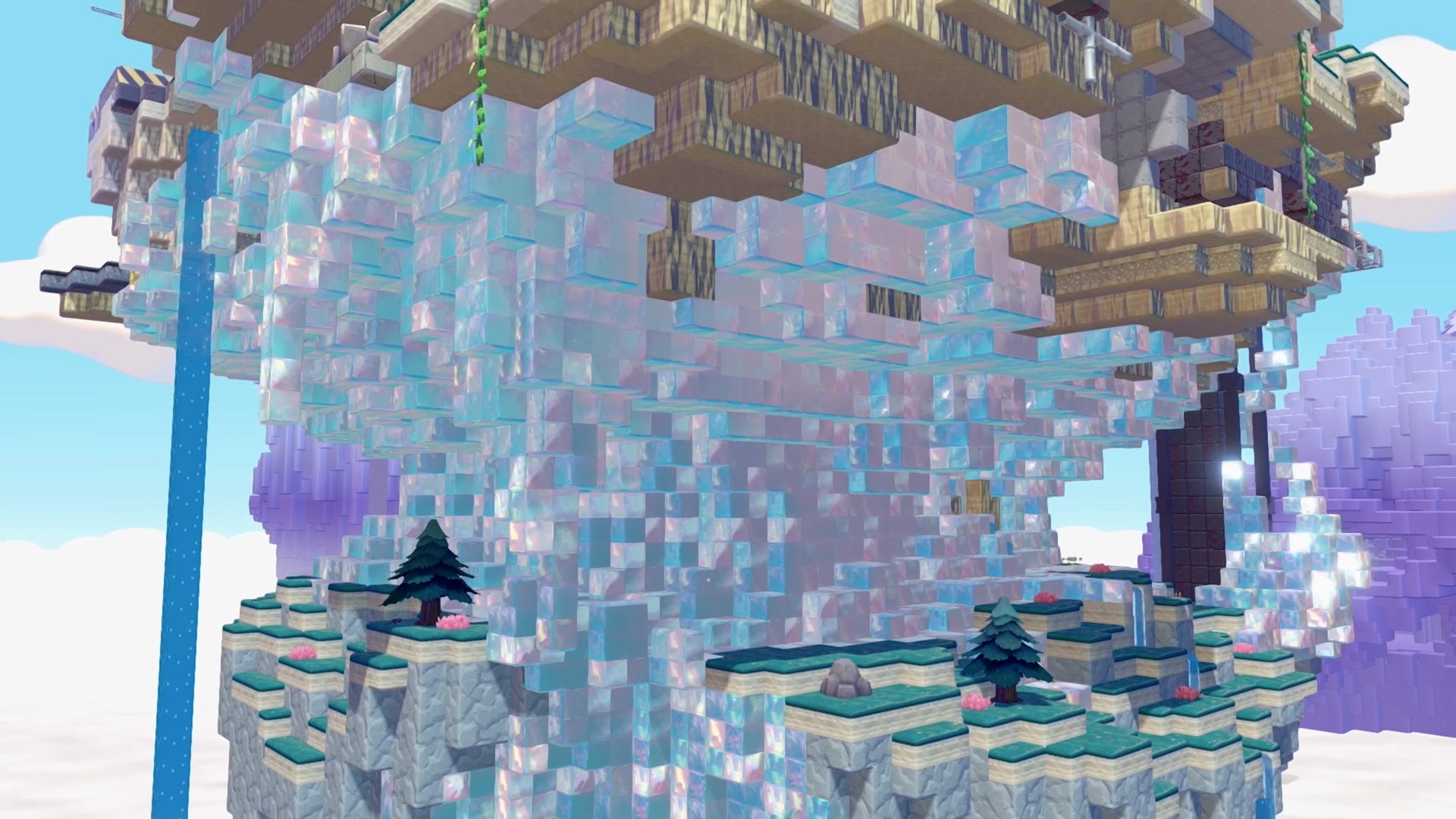
Cloud Islands are persistent online multiplayer worlds in Pokemon Pokopia. They function as blank, shared environments where up to 4 players can collaboratively build, craft, explore, and play together. Unlike Dream Islands (which are single-player resource-gathering runs), Cloud Islands are permanent worlds that persist even when the owner is offline. Other players can visit and contribute at any time, similar to shared creative servers. Cloud Islands require a Nintendo Switch Online membership and an internet connection.
How to Access
Cloud Islands are accessed through the PC at any Pokemon Center:
Interact with the PC
Select Link Play
Select "Play on a Cloud Island"
Three options appear:
Option | Description |
|---|---|
Visit Previously Explored Islands | Access your history of Cloud Islands you have visited before |
Search for New Islands | Enter an 8-digit address code to visit another player's island |
Create a New Island | Generate a random island or use a 9-digit Magic Number |
To leave a Cloud Island, open the Pokedex menu (+ button) and press the minus button to select "Go Back Home."
Creating a Cloud Island
Prerequisites:
Reach Environment Level 2 in the main game (roughly 30 minutes of playtime)
Active Nintendo Switch Online membership
Stable internet connection
Creation steps:
At the PC, select Link Play, then "Play on a Cloud Island," then "Create a new Cloud Island"
Name the island
Choose the generation method: randomly generated terrain or "Generate via Magic Number" (enter a 9-digit code)
Configure settings (sharing preferences, Virtual Mode, Link Code)
Confirm creation
Each player can only have one Cloud Island at a time. To create a new one, you must delete your existing island first. Once created, the system generates an 8-digit address code for sharing with others.
Address Codes and Magic Numbers
Cloud Islands use two different number systems:
Type | Digits | Purpose |
|---|---|---|
Address Code | 8 digits | The unique identifier for a specific Cloud Island. Share this so others can visit your island. |
9 digits | A terrain seed that determines the island's layout. Entering the same Magic Number always generates the same base terrain (like Minecraft world seeds). Placed buildings and items are NOT preserved. | |
Link Code | Optional | An additional authentication code the owner can require for entry. Can be changed at any time. |
If you note a Magic Number before deleting an island, you can recreate the same base terrain later. However, all placed items and buildings will be lost. Players share Magic Numbers online to let others recreate interesting island layouts.
Multiplayer Sessions
Up to 4 players can be on a single Cloud Island simultaneously. The host does not need to be online for others to join; this asynchronous play is a core feature of Cloud Islands.
Role | Description |
|---|---|
Owner | The player who created the island. Can adjust all settings (Link Code, sharing, Virtual Mode) and kick any player. |
Host | When no players are present, the next player to arrive becomes the host. The host can kick visitors but not the owner. The owner is the default host when present. |
Visitor | Standard players with normal building and interaction capabilities but no administrative powers. |
There is no limit to the total number of different players who can visit the same Cloud Island over time. Hundreds of players could visit across different sessions, as long as they have the address code (and Link Code, if required).
Multiplayer Activities
Collaborative building and crafting
Mini-games: Jump Rope and Hide-and-Sneak (requires the associated Pokemon on the Cloud Island)
Group photography: decorate, pose, and change expressions for photos
Sharing resources and materials
Transfer Rules
Cloud Islands have their own separate inventory, Environment Level, and shop. Some things transfer between Cloud Islands and the main game, and some do not:
Transfers to Main Game | Does NOT Transfer |
|---|---|
Recipes learned on Cloud Islands (permanent) | Items in your Cloud Island bag |
Habitats discovered (permanent) | Crafted or purchased items |
Life Coins (shared currency) | Trainer Rank progress |
Ditto moves already learned in main game are available | Pokemon discovered on Cloud Islands do not register in main Pokedex |
Key tip: Prioritize buying recipes from the Cloud Island shop, since recipes are the one purchase category that permanently transfers back to the main game. Items and materials stay on the Cloud Island.
Cloud Island Shop
Cloud Islands have their own separate shop accessible from the PC. The shop has a different catalogue from the main game shop. Availability is tied to the Cloud Island's own Environment Level (independent from the main game). Life Coins are the currency and are shared between the main game and Cloud Islands.
Backup System
Cloud Island backups must be saved manually. There is no automatic backup.
Rule | Details |
|---|---|
Backup limit | Only one backup can be saved at a time per Cloud Island |
Restore limit | Backups can only be restored once per day |
Notes | You can add custom notes to backup data for identification |
Overwriting | Saving a new backup deletes the previous one (confirmation required) |
To save a backup: press the R Button to access the Cloud Island Backup menu, then select Save. To restore: same menu, select Restore. If you delete your Cloud Island without a backup, it cannot be recovered.
Virtual Mode
Virtual Mode is a view-only exploration feature. It requires Environment Level 3 and purchasing Mysterious Goggles from the PC Shop. When enabled, you can visit a virtual copy of a Cloud Island where your actions do not affect the real island. This is useful for touring other players' creations without the risk of accidental changes.
Cloud Islands vs. Dream Islands
Feature | Cloud Islands | |
|---|---|---|
Type | Online multiplayer, persistent | Single-player, daily resource runs |
Players | Up to 4 simultaneously | Solo only |
Persistence | Permanent (until owner deletes) | Temporary (one visit per day) |
Full building and crafting | No building; gather resources only | |
Inventory | Separate from main game | Resources transfer back to main game |
Requires | Nintendo Switch Online + internet | No online requirement |
Events | No limited-time events on Cloud Islands | Some Dream Islands have event content |
Special resource | None exclusive | Stardust (crafted into Star Pieces for multiplayer gifting) |
Official Cloud Island Codes
The Pokemon Company periodically shares themed Cloud Islands with shareable codes through official channels and partner campaigns. Visit these islands by selecting "Search for New Islands" at the Pokemon Center PC and entering the address code.
Creator | Address Code | Notes |
|---|---|---|
Pokemon Times | PXQC G03S | Official Pokemon publication |
Hidetaka Kano | QBRK 7FVM | Producer |
Rino Sashihara | MGL4 83P4 | Celebrity creator |
Colorful Peach | 0XGP 4N31 | Content creator |
IKEA Japan | 0SJ8 5TRX | Brand partnership |
Dozle Ltd | BVLC 8WX6 | Content studio |
Natsuki Hanae | MYRS 615H | Voice actor |
CoroCoro (May 2026) | MJ6X PRMQ | CoroCoro Magazine partner island |
Codes are case-sensitive when entered. Each island is read-only or interactive depending on its owner’s settings. Visiting an official island registers it under "Previously Explored Islands" so you can return without re-entering the code.
Update Notes
Version 1.1.0 (June 9, 2026) fixed an issue where event messages repeated on Cloud Islands and an issue where items could be lost in multiplayer when the session host transferred. The update is required for the game to go online, so Cloud Islands access now requires Version 1.1.0 or later.
Tips
Buy recipes from the Cloud Island shop first. They are the only purchases that permanently transfer to your main game.
Back up your Cloud Island before inviting unknown players, in case they make unwanted changes.
Note your Magic Number before deleting an island. You can recreate the same terrain (but not the buildings) later.
Use Link Codes to restrict access to trusted friends.
Cloud Islands start completely blank with no facilities. Bring knowledge of recipes and habitats from the main game to build efficiently.
Virtual Mode lets you tour impressive islands without risk of accidentally breaking anything.
Life Coins are shared between Cloud Islands and the main game. Spending coins on one affects your balance on the other.
The development team shared their own Cloud Island code for the community. Look for it on official Pokemon social media channels.