

Overview
Crimson Desert has a full day-night cycle that affects NPC availability, quest triggers, enemy spawns, and visibility across Pywel. Time passes at roughly one in-game hour per five real-time minutes, which means a complete day-night rotation takes about two hours of real play. You cannot simply wait in place for time to pass on its own at a practical pace, so the game provides several methods to skip forward.

Time-skipping becomes available during Chapter 3, when you gain access to the Greymane Camp on Howling Hill. Before that point, the day-night cycle still runs, but you cannot manually advance it.
Method 1: Sleeping in Beds
The most straightforward way to skip time is to find an unoccupied bed and interact with it. When you lie down, the game presents three time increment options: 3 hours, 6 hours, or 12 hours. Choose the increment that gets you closest to your desired time of day.
Villagers across Pywel do not mind Kliff borrowing their beds, so you can sleep in any unoccupied bed you find without consequence. Campsites tend to have the highest concentration of available beds since most NPCs sleep indoors.
Key Bed Locations
Location | Details |
|---|---|
Main tent contains a bed; your primary rest point from Chapter 3 onward | |
Kliff's Personal Residence | East of Greymane Camp; can be decorated but cannot store items |
Town settlements | Multiple vacant beds scattered throughout villages and inns |
Campsites across Pywel | Most wilderness campsites include at least one usable bed |
Method 2: Campfires and Cooking Pots
When you are out in the wilderness or a bed is not nearby, campfires and cooking pots offer the same time-skip functionality. To interact with a campfire or cooking pot, hold the Focus button (L1 on PlayStation, LB on Xbox, or CTRL on keyboard) to lock onto it. Once locked on, you will see a prompt with multiple options including "Wait." Select Wait, choose your time increment (3, 6, or 12 hours), and a short cutscene plays before you resume control at the new time.
A convenient cooking pot sits in Hernand town, positioned to the right of the meat vendor. Scattered campfires exist throughout the open world, making this the most accessible time-skip method during exploration.
Method 3: Quest-Triggered Time Skips
Some quests require you to arrive at a specific location at a particular time of day. If you reach the quest marker before the required NPC appears, pressing ESC (keyboard) or Start (controller) will automatically advance time to the NPC's arrival. This is context-sensitive and only works at specific quest markers.
Cooldown and Limitations
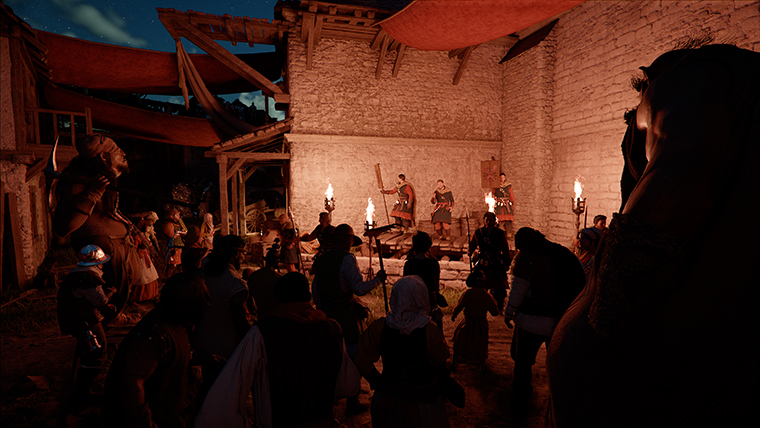
After sleeping or resting, Kliff cannot rest again immediately. A cooldown period must pass before the next rest is available. The game does not display a visible cooldown timer, so you will simply see the rest option grayed out if you try too soon. Plan your time increments carefully to avoid overshooting your target time and then being unable to rest again for a while.
There is no way to skip backward in time. If you accidentally advance past the time window you needed, you will have to wait for the cycle to come around again or advance forward a full day.
Effects of Sleeping
Fatigue Removal
Sleeping removes Kliff's fatigue and fully restores his HP. Fatigue builds up over time during exploration and combat, reducing your effectiveness in fights. Resting regularly keeps Kliff at peak performance. After sleeping, he is considered "fully rested" and will not be able to sleep again until the cooldown expires.
Vendor Restocking
Merchants restock their inventories every night at midnight (0:00 in-game time). If you buy out a vendor's entire stock before a tough fight, you can sleep past midnight and purchase the full inventory again. This is particularly useful for stacking healing items from the meat vendor before major boss encounters.
Dispatch Mission Progress
The Freesword Dispatch System at Greymane Camp sends comrades on timed missions that can take up to 18 in-game hours to complete. Sleeping advances these timers, so strategic resting significantly speeds up resource collection from dispatch missions. This system becomes available in Chapter 3.
Lighting and Exploration
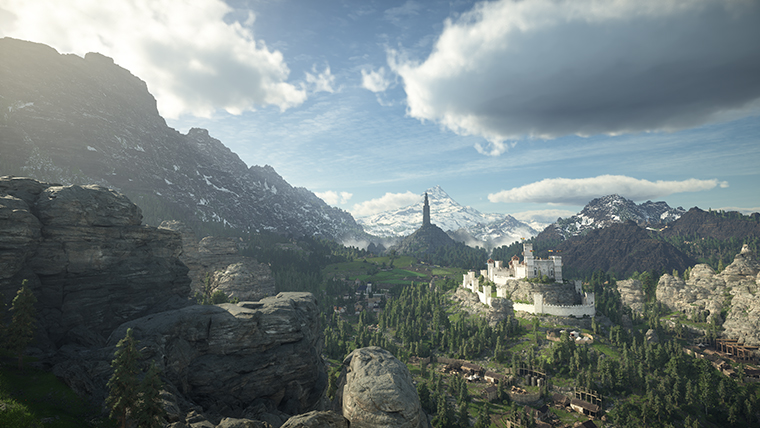
Advancing time changes the lighting conditions across the entire world. If nighttime visibility is making exploration difficult, sleep until morning. Conversely, some quests and events only trigger at night, so you may need to skip to evening hours.
Controls Summary
Action | PlayStation | Xbox | Keyboard |
|---|---|---|---|
Focus (lock onto campfire) | Hold L1 | Hold LB | Hold CTRL |
Select "Wait" option | Confirm button | Confirm button | Left Click or Enter |
Quest time skip | Options button | Start/Menu | ESC |
Tips
Sleep at the Greymane Camp before checking dispatch mission results to advance their timers.
Rest past midnight to restock vendors, then buy healing items before difficult boss fights.
Use 12-hour increments to flip between day and night quickly when a quest requires a specific time.
If the rest option is unavailable, walk around and engage in combat or exploration for a while before trying again.