
Loading...
Loading...
Multiplayer
June 13, 2026 at 05:04 AM
Corrected minigame name to Hide-and-Sneak to match in-game and patch-note spelling
Pokemon Pokopia supports multiplayer for up to four players via local wireless or online play. There are three main modes: visiting friends' story islands (spectator-limited), collaborating on Cloud Islands (full creative freedom), and building together in Palette Town (full co-op with progression). The game does not support split-screen on a single console; each player needs their own Nintendo Switch 2.
Environment Level 2 in Withered Wasteland (unlocks Link Play on the Pokemon Center PC)
Nintendo Switch Online subscription (for online play)
Local wireless: all consoles on the same network
Separate game copies for each player (except GameShare)
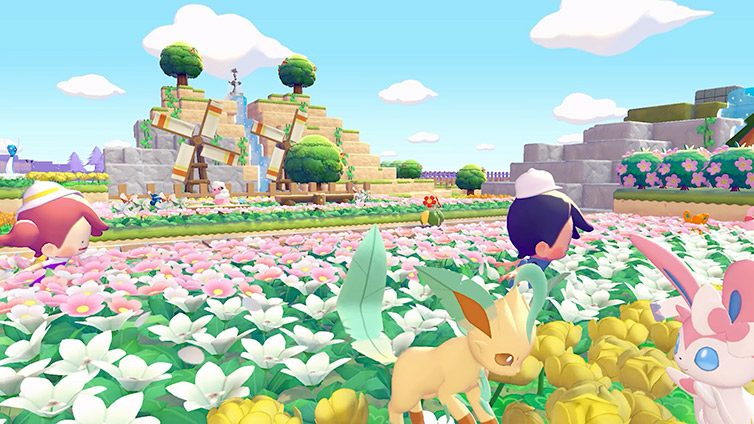
Visit any Pokemon Center PC and select the Link Play icon (marked with a Ditto emblem). The host selects the player count (2-4), generates a Link Code, and shares it with friends. Visitors enter the code to join.
Players can invite friends to their main story areas (Withered Wasteland, Bleak Beach, Rocky Ridges, Sparkling Skylands) or visit someone else's island.
Explore the host's island freely
View all Pokemon the host has befriended
Examine habitats and buildings for design inspiration
Log habitat designs for personal reference
Build, destroy, or modify anything on the host's island
Access items or inventory
Use most Ditto Transformations (only a handful available)
Contribute to the host's story progression
Visitors on story islands are permanently in Spectator Mode. This protects the host's progress and builds from unintended changes.
Cloud Islands are blank, shared islands where full creative collaboration is possible. The host does not need to remain online for others to visit.
Build, destroy, and create freely using their unlocked abilities
Keep recipes and habitat designs discovered during the visit
Visit and build even when the host is offline (asynchronous play)
Pokemon found on Cloud Islands are not officially registered to the Pokedex
Only one Cloud Island per host at a time
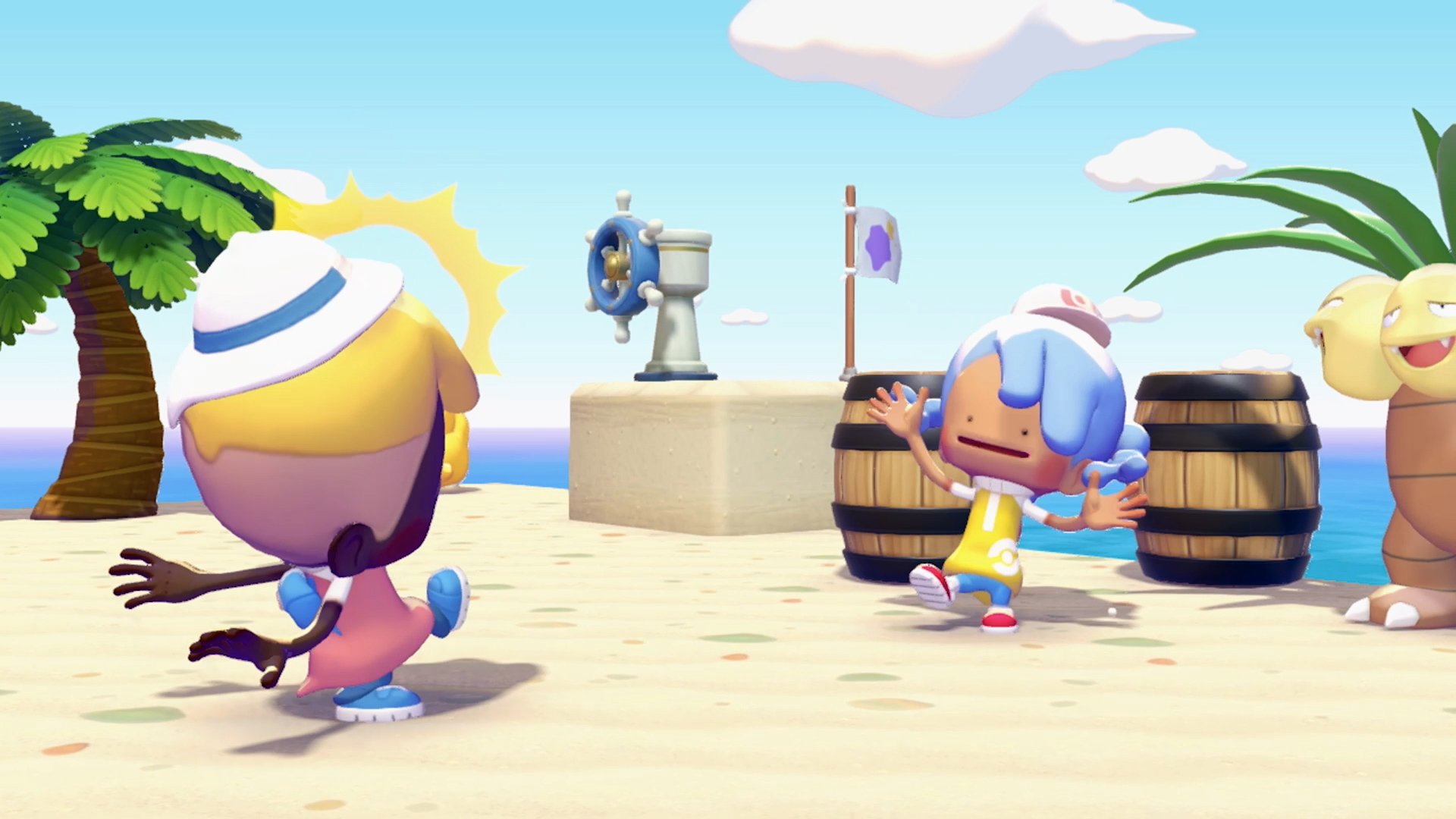
To create a Cloud Island, the host names it and chooses between random generation or a Magic Number (seed system) for the terrain layout. A nine-digit alphanumeric code is generated for sharing. Players with the Mysterious Goggles item can enter Virtual Mode (spectator-only, no progress saved).
When creating a Cloud Island, the host can choose between random terrain generation or entering a Magic Number. A Magic Number is a nine-digit numeric seed that determines the island's terrain layout, similar to how world seeds work in sandbox games. Entering the same Magic Number always produces the exact same landmass, elevation, and water placement. It does not copy any structures, items, or decorations placed on the original island.
To create an island with a specific layout, select Generate via Magic Number on the Cloud Island creation screen and type in the nine digits. To generate a random island instead, select Generate a Random Cloud Island.
After creating an island, you can view its Magic Number at any time by opening the Pokemon Center PC, selecting Link Play, then Check Settings, then Cloud Island Settings. The Magic Number is listed there. If you write it down before deleting an island, you can recreate the identical terrain later or share the number with friends so they can build on the same landscape.
Palette Town is the only area where visitors have full building and progression permissions on the host's actual island. It is also the only area that supports GameShare.
Build structures, craft items, and gather materials
Tend to Pokemon and help with habitat management
Participate in group challenges that appear when visitors are present
Contribute to the host's Palette Town progression
The host can toggle Spectator Mode on or off for Palette Town visitors. An alternative access method exists: repairing a bridge near where Onix was trapped in Withered Wasteland connects directly to Palette Town without needing a Link Code.
Pokemon Pokopia supports Nintendo Switch 2's GameShare feature, allowing a second player to join without owning a copy of the game. GameShare works both locally and online, but it is restricted to Palette Town only. Story areas and Cloud Islands are not accessible through GameShare. Only the host needs a copy of the game.
The player limit during a GameShare session is two players (host plus one guest). This is lower than the four-player cap in standard multiplayer. Local GameShare works between any combination of Switch 1 and Switch 2 consoles. Online GameShare requires both players to be on Switch 2, connected through GameChat. Online GameChat became a paid Nintendo Switch Online feature starting March 31, 2026.
To start a GameShare session, the host must first unlock Palette Town by booting the Palette Town PC and befriending Eevee.
GameShare guests share the host's unlocked Ditto Transformations and emotes, so they can dig, cut grass, water plants, and place or break blocks. However, many core systems are locked for guests. The following table summarizes what GameShare guests can and cannot do.
Action | GameShare Guest |
|---|---|
Place and break blocks | Yes |
Dig, cut grass/trees, water plants (Ditto abilities) | Yes |
Collect materials | Yes |
Share materials with host | Yes |
Interact with Pokemon residents | Yes |
Give Star Pieces to Pokemon | Yes |
Use the Workbench to craft items | No |
Build with pre-made kits | No |
Use the Pokemon Center PC | No |
Enter houses | No |
Customize character appearance | No |
Discover new Pokemon | No |
Ask Pokemon to follow them | No |
Examine Pokemon Traces | No |
Deposit building materials | No |
Open the Lost and Found box | No |
Play mini-games | No |
Items that a GameShare guest collects during the session are not kept in their inventory after they leave. Instead, those items are automatically deposited in the Lost and Found box outside the Palette Town Pokemon Center, where the host can retrieve them later. The guest's inventory is tied to the host's capacity expansions, not their own.
Action | Story Islands | ||
|---|---|---|---|
Build / Destroy | No | Yes | Yes |
Use Ditto Skills | Limited | Yes | Yes |
Access Inventory | No | Yes | Yes |
View Host's Pokemon | Yes | N/A | Yes |
Contribute to Progression | No | No | Yes |
GameShare Available | No | No | Yes |
Async Play (host offline) | No | Yes | No |
Version 1.1.0 (June 9, 2026) is required for the game to go online, which covers every multiplayer mode on this page. The update also fixed an issue where items could be lost when the session host transferred, and Pokemon accompanying players can now share chairs and beds where space allows.
Reach Environment Level 2 in Withered Wasteland as soon as possible to unlock Link Play.
Cloud Islands are the best option for groups that play at different times. Anyone can build when the host is offline.
Palette Town is ideal for helping friends progress. Visitors can actually contribute to building and challenges.
GameShare is a great way to let friends try the game before purchasing. Host a Palette Town session to show them the building and Pokemon mechanics.
Use the Camouflage transformation for Hide-and-Sneak games in multiplayer. Zorua hosts this mini-game after teaching the move.
When visiting friends' story islands, use the time to scout habitat layouts and building designs you want to recreate on your own island.