

Overview
GameShare is a Nintendo Switch 2 system-level feature that Pokemon Pokopia supports. It allows a player who owns Pokopia on Switch 2 to share the game with another console that does not own it. The guest plays for free during the session. GameShare is the only way to play Pokopia on the original Nintendo Switch, since the game is a Switch 2 exclusive and cannot be purchased on Switch 1. Sessions are restricted to Palette Town only, with a maximum of 2 players (1 host + 1 guest).
Requirements
Before you can host a GameShare session, the host must meet the following requirements:
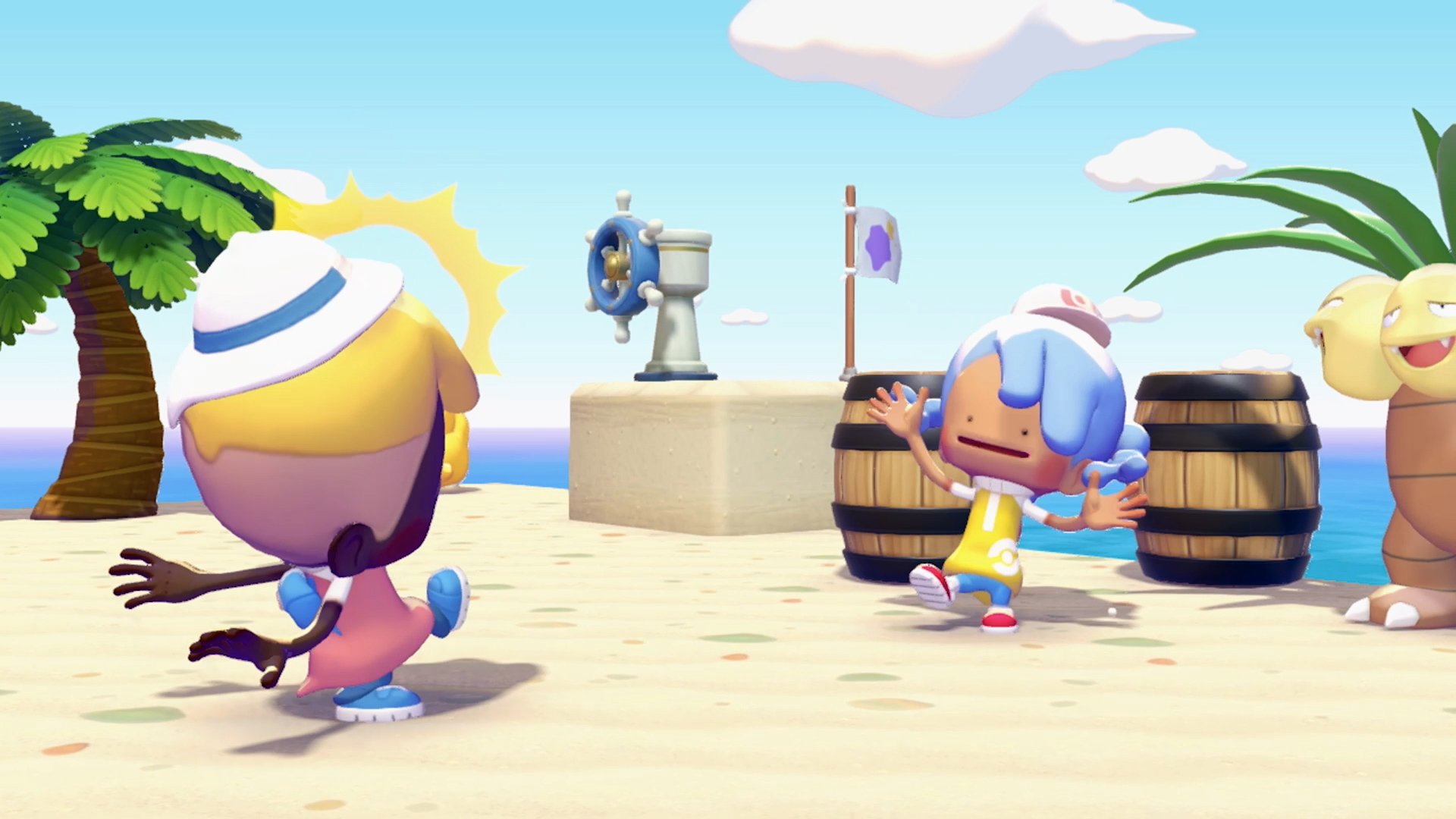
Build a habitat to attract Hitmonchan and complete its request to learn Rock Smash.
Travel to Palette Town (west of the Withered Wasteland).
Access the PC at the Palette Town Pokemon Center and select Link Play.
The host must own Pokopia on a Nintendo Switch 2. The guest does not need to own or purchase the game.
How to Start a GameShare Session
Local Wireless
Local GameShare works with Nintendo Switch 2, original Nintendo Switch, and Nintendo Switch Lite. No internet connection or Nintendo Switch Online subscription is required.
Host: Open Pokopia, go to the Palette Town PC, and select Link Play > Invite Others to Visit > GameShare > "With nearby players."
Guest: Select the GameShare icon from the Nintendo Switch HOME menu and choose "Join GameShare."
The host selects Start. The guest spawns as a randomized Ditto character.
Online (GameChat)
Online GameShare works between Switch 2 consoles only. The original Switch cannot use GameChat and therefore cannot join online GameShare sessions. Both players must be Nintendo friends.
Host: Create a GameChat room and invite the friend.
Host: Go to the Palette Town PC and select Link Play > Invite Others to Visit > GameShare > "Via GameChat."
Guest: Accept the GameChat invitation and join the room.
GameChat is currently free but will require a Nintendo Switch Online membership for both players starting March 31, 2026.
What Guests Can Do
GameShare guests have access to a limited set of actions within Palette Town:
Action | Available? |
|---|---|
Use Ditto abilities (dig, cut, water, Rock Smash) | Yes |
Reshape terrain | Yes |
Place and destroy blocks | Yes |
Pick up and inhale items | Yes |
Consume food | Yes |
Create habitats | Yes |
Separate inventory (capacity based on host's upgrades) | Yes |
What Guests Cannot Do
GameShare sessions have significant restrictions compared to regular multiplayer:
Restriction | Details |
|---|---|
Customize character | Guests play as a randomized Ditto; no appearance options. |
Build with crafting kits | Cannot use the Workbench to craft items. |
Use the PC | No access to the PC Terminal or its services. |
Enter houses | Cannot go inside buildings. |
Examine Pokemon Traces | Cannot interact with Pokemon Trace markers. |
Deposit building materials | Cannot contribute materials to construction projects. |
Ask Pokemon to follow | Cannot set a companion Pokemon. |
Open Lost and Found | Cannot access the Lost and Found box directly. |
Play mini-games | Mini-games are disabled for everyone during GameShare, including the host. |
Discover new Pokemon | Guests cannot register new Pokemon in the Pokedex. |
Progress the story | No access to story quests or progression systems. |
Leave Palette Town | Cannot travel to story regions or Cloud Islands. |
Guest Inventory
GameShare guests have their own separate inventory during the session. The inventory capacity is based on the host's upgrade level. When a guest leaves the session, any items remaining in their inventory are automatically sent to the Lost and Found box outside the Pokemon Center in Palette Town. The host can then collect these items.
Ending a Session
The host can end the session by selecting "Close the Connection" from the Link Play menu.
The guest can leave at any time by pressing the HOME button or exiting GameChat.
A "Go Home" feature teleports the guest to the host's location if they get separated.
The game is not playable by the guest after the session ends. A new session must be started each time.
GameShare vs Regular Multiplayer
Feature | GameShare | Regular Multiplayer |
|---|---|---|
Players | 2 (host + 1 guest) | Up to 4 |
Guest needs game? | No | Yes |
Accessible areas | Palette Town only | All regions (build in Palette Town only) |
Cloud Islands | Not available | Available (see Cloud Islands) |
Mini-games | Disabled for all players | Available |
Switch 1 support | Yes (local only) | No |
Online requirement | NSO for online GameChat (Switch 2 only) | NSO for online play |
Tips
GameShare is the only way for friends with an original Switch to experience Pokopia. The session is limited to Palette Town, but guests can still build, reshape terrain, and explore the area together.
Set up Palette Town before hosting a GameShare session. Place interesting habitats, furniture, and Pokemon so the guest has things to interact with.
Remember that mini-games are disabled during GameShare for everyone, including the host. Plan activities around building and exploration instead.
Items left in the guest's inventory go to the Lost and Found box when they leave. Check it after every session to recover materials.
For a fuller multiplayer experience with up to 4 players, all participants need their own copy of Pokopia on Switch 2.
Online GameShare via GameChat will require Nintendo Switch Online starting March 31, 2026. Local wireless GameShare remains free.