

What it Means
Items marked as "unequippable" in your inventory have red stripes across their icon and the word "Unequippable" displayed in red text. This means your current character cannot wear or wield that piece of equipment.
Why You Find Unequippable Gear
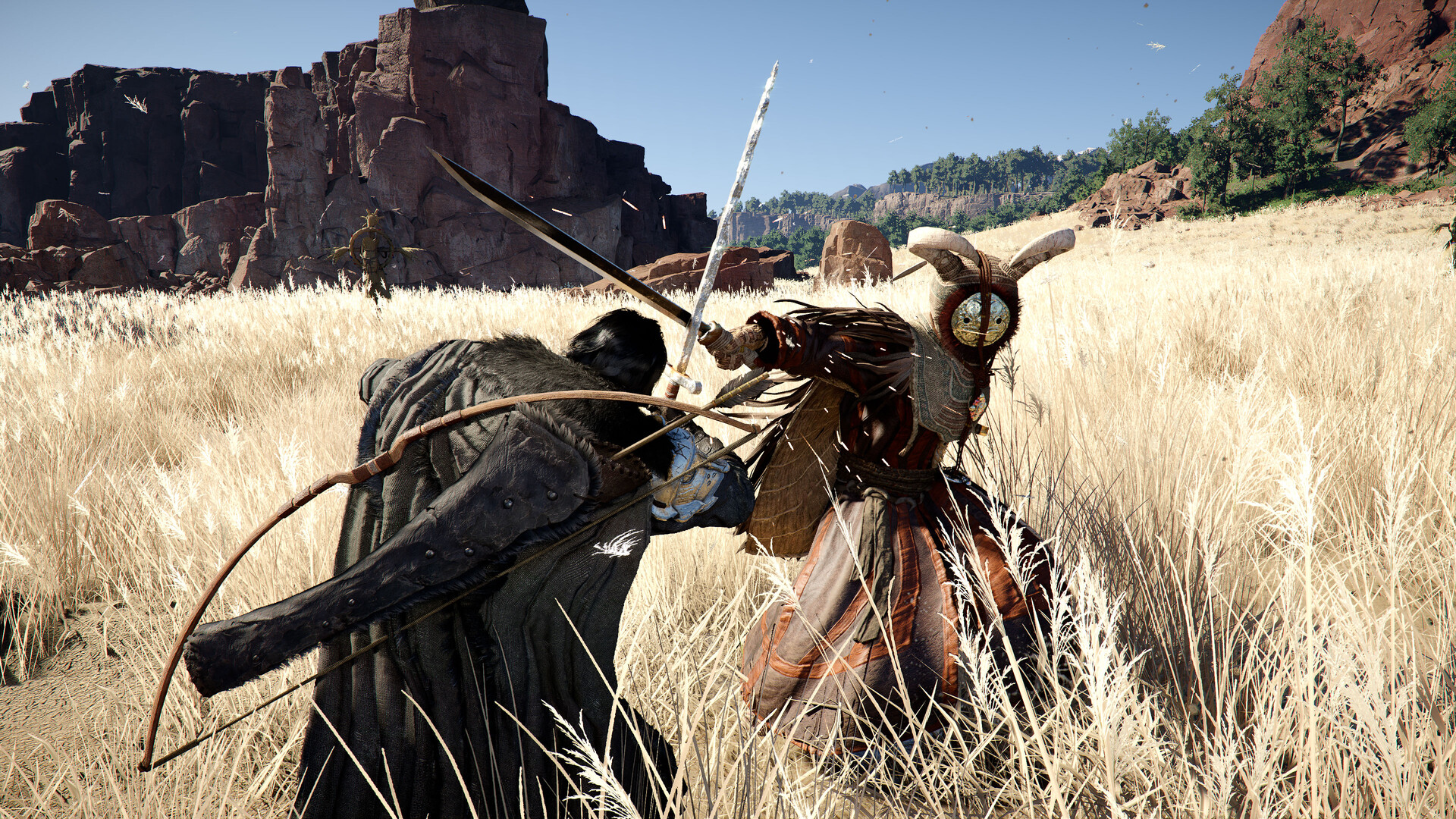
Crimson Desert features multiple playable characters, including Kliff, Damiane, and Oongka. Each character has their own equipment restrictions. Gear designed for one character cannot be used by another. If you are playing as Kliff and find a piece of armor intended for Damiane, it will show up as unequippable in your inventory.
What to Do with Unequippable Gear
Keep it: If you plan to switch to the character the gear is meant for, hold onto it. The equipment becomes usable once you control that character.
Sell it: If you do not need it, sell unequippable gear to any vendor for silver. It is often worth decent money.
Store it: Check your Supply Chest for overflow management if your inventory is full.
How to Identify Character-Specific Gear
When hovering over equipment in your inventory or at a shop, look at the item tooltip. It will list which character can use it. If the item does not list your current character, it will be marked unequippable with the red overlay.
Tips
Do not discard unequippable gear automatically. Some of it may be high-quality equipment for a character you unlock later in the story.
Characters are unlocked as you progress through the main quest. Kliff is available from the start, Damiane unlocks in Chapter 3, and Oongka in Chapter 7.