Overview
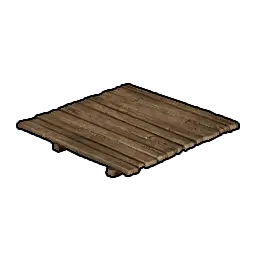
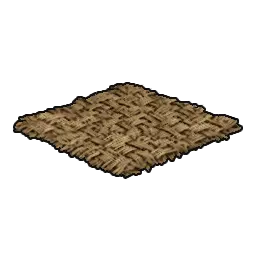
Floors are the base-level surfaces every other piece snaps onto in Windrose. The game offers 13 floor pieces across five material variants and four shapes (small square, large rectangle, triangular, and rounded). Together with Pillars and Beams, Walls, and Roofs, the floor is the first piece you place when starting any shelter, and it defines the footprint of everything stacked above it.
Unlike Basements and Foundations, floors cannot stack vertically directly. They require either flat terrain, a Foundation piece, or a Piers piece beneath them. The floor is also what the Base Building system counts toward station-interior checks: a crafting station placed on a floor tile, with walls and a roof above, is considered sheltered.
Floor Shapes
The shape determines the footprint each piece covers and which material variants it comes in. Small and Large Floors exist in every material tier; Triangular and Rounded variants are limited to specific materials.
Shape | Variants | Role |
|---|---|---|
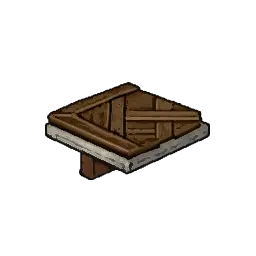
Small Floor (1x1) | 5 | Standard square tile, the default piece for most shelters. |
Large Floor (1x2) | 5 | Double-width tile that covers twice the area with one hologram placement and one HP pool. |
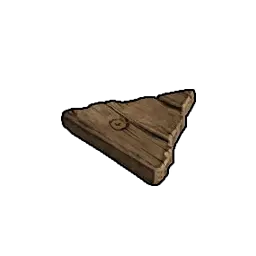
Triangular Floor | 2 | Right-angled triangle used to fill the corner gaps in rotated layouts. Available in Sticks and Planks only. |
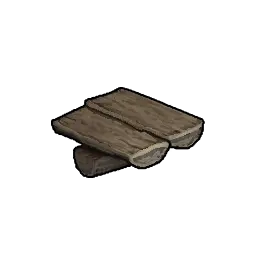
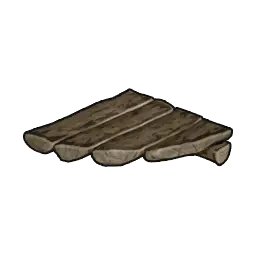
Rounded Floor (Logs) | 1 | Curved log tile for circular tower bases or rotunda rooms. Logs material only. |
Why Large Floor beats two Smalls. A Large Floor (1x2) covers the same 2x1 tile area as two Small Floors but uses the same material cost as a single Small Floor of the same material tier. That makes it the most efficient way to lay out large open rooms, warehouses, or ship-deck style platforms. The tradeoff is that the entire tile shares one HP pool, so a single structural piece covers more ground but cannot be demolished in halves. For decorative insets or modular rooms smaller than 2x1, Small Floors remain the right choice.
Triangular Floor use cases. Triangular floors plug the corner gap created when you rotate a square floor by 45 degrees. Common layouts that need them include rotundas, bay windows, atriums with octagonal walkways, and any diagonal bridge section where two square tile grids meet at an angle. They only come in Sticks and Planks, so if you are building a Mahogany or Marble estate and need a triangular corner, plan the layout so the triangle is hidden under a rug, a table, or a roof shadow.
Rounded Floor specifics. Rounded Floor (Logs) is the only curved floor piece in the game. Six Rounded Floors arranged around a center point produce a hexagonal rotunda; four arranged in a square produce a rounded-corner square. Because it only exists in Logs material, circular tower bases have a mandatory wooden-log look. Pair with Walls in the Logs variant for a consistent aesthetic, or accept a mixed-material look if you want a marble rotunda above a log floor.
Material Variants
All five material tiers follow the same HP and cost curve across the shape family. Use the table below to pick the right tier for the job. Max Health values are for the Small Floor; Large Floors share the same HP pool despite covering twice the area.
Material | Small Floor Cost | Max Health | Plan Source |
|---|---|---|---|
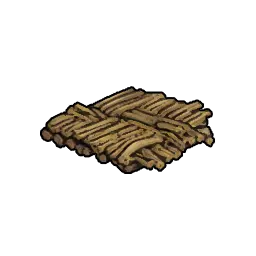
Sticks | Plant Fiber x1 or Wood x1 | 750 | Unlocked by default at tier 1. |
Logs | Wood x2 | 1,500 | Buccaneers base set plan (Clay and Logs). |
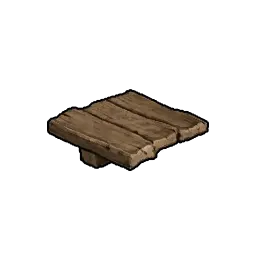
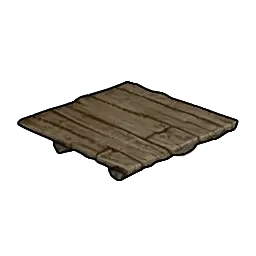
Planks | Wood x2 | 1,500 | |
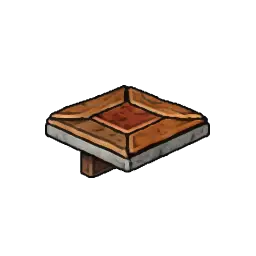
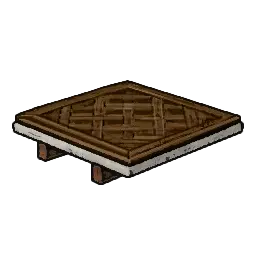
Mahogany | Hardwood x2 | 2,500 | People of Tortuga, Mahogany set plan (Guinea currency). |
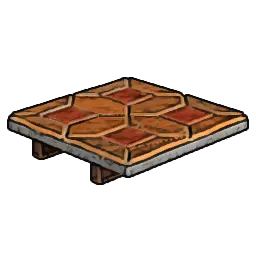
Marble | 2,500 | People of Tortuga, Marble, Plaster and Tile base set plan (Guinea currency). |
Plan availability. Sticks tier floors unlock by default the first time you open the build menu, so you can start building the moment you have Plant Fiber or Wood. The mid-tier Logs and Planks plans drop as rare loot from Points of Interest or can be bought from faction vendors once regional reputation is built up. Mahogany and Marble plans are tier-4 endgame options sold by the People of Tortuga faction in the Tortuga Market, priced in Guinea currency, and require substantial faction reputation before unlocking.
Placement Rules
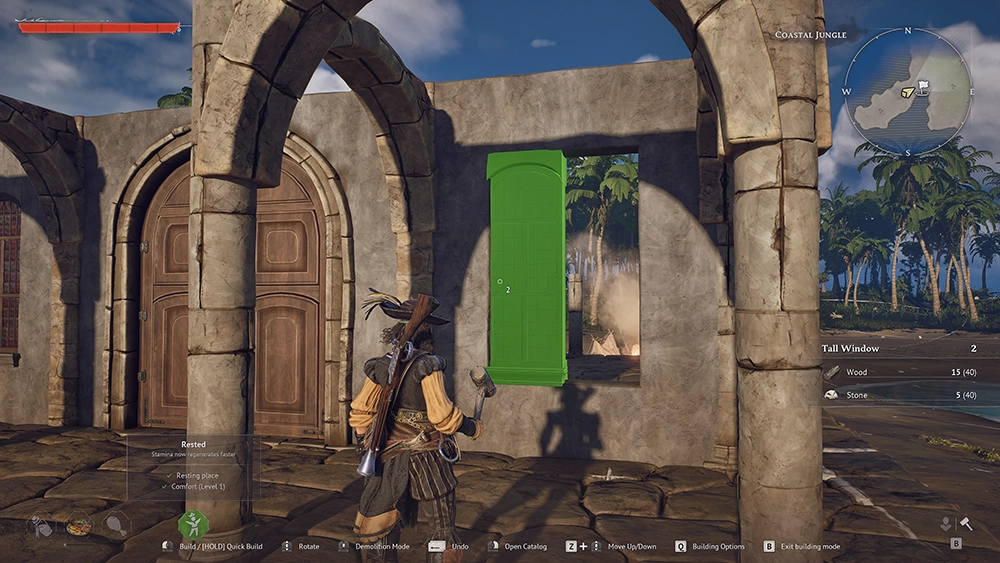
Floors cannot hang in midair. Every floor tile must rest on one of three valid supports, and the hologram preview turns green only when the support is present.
Flat terrain: the ground beneath the floor must be reasonably level. Minor bumps are smoothed automatically, but steep slopes or jagged rocks will reject the placement.
Foundation piece: any Stone or timber Foundation tile accepts a floor above it. The floor snaps to the top face of the foundation, no manual alignment needed.
Pier piece: the only valid support for floors extending over water. Place a Pier first, then snap floor tiles onto its deck surface.
Floors snap edge-to-edge with neighboring floors, so you can lay out a platform quickly by placing one tile, rotating the camera, and dragging additional tiles along any exposed edge. The snap tolerance is generous: you do not need pixel-perfect alignment. Once snapped, the floor inherits the rotation grid of its neighbor, which is what makes 45-degree atrium layouts work when combined with triangular tiles.
Foundation Interaction
Stacking Basements and Foundations under a floor is the most common base-building pattern in Windrose. It solves three problems at once: it raises the building above uneven terrain, it creates a sub-floor cavity that can be fitted out as a basement storage room, and it adds a second HP pool (the foundation's own health) beneath the floor, which absorbs hits before the floor itself takes damage.
Stone Foundations can be stacked multiple tiles high, so a cliff-edge base can be anchored on a single row of foundations that descend to stable bedrock below. A floor placed on top of the tallest foundation column then reads as flat ground for anything built above it. A removable floor over a foundation creates a hatch entrance: the entrance disappears when the floor is in place, which is useful for hidden basement storage in PvP-enabled zones. Foundations also count as interior for station-requirement checks, so a Bonfire or workbench placed on a Foundation and Floor combo still satisfies the roof-and-walls check as long as a roof is above the floor.
Pier Interaction
Floors cannot extend over water on their own; water rejects the placement hologram as non-flat terrain. To build over the shoreline, Piers are the only piece that accepts water as a valid support. The standard dockside workflow is: lay one row of Pier tiles extending from the beach outward, then snap floors onto the inland end of the Pier row where it meets solid ground, and continue building walls, roofs, and stations above the floor layer.
A common pattern for waterfront cabins is to place three pier tiles hugging the shore, then extend a fourth pier tile one square out over the water, lifted high enough that the floor above it does not clip into waves. Floors then go on top of the pier surface, and the cabin structure rises from there. This also keeps the base out of shallow-water mob spawn zones, which can be useful in hostile coastal regions.
Structural Integrity
Floors in Windrose carry weight only for the tiles directly above them. Walls, pillars, and roofs snap to the floor edge or corner and take their structural support from the tile below. A wall placed on the edge of a floor tile is stable; a wall placed on a floor tile that itself lacks a valid support will collapse when the floor is demolished. This means that cantilevered overhangs require either a foundation column reaching down or a pier piece below, not just a floor.
For multi-story buildings, the second-floor tile snaps to the top of the walls on the first floor, and the walls of the second story rest on that floor. Each additional floor adds its own HP pool to the total structural health of the building. Stone Foundation bases with Marble floors and Mahogany walls are the most durable combination, with the foundation absorbing the initial hits and the 2,500 HP Marble floor taking subsequent damage before structural failure.
Design Patterns
Raised floor with basement. Place one or two tiers of Stone Foundations below the floor layer. Leave a 1x1 gap in the foundation row and fit a removable floor piece as the hatch. The result is a fully walkable basement storage area beneath a normal-looking cabin, invisible from outside.
Rotunda tower base. Set a center Small Floor (Logs), then arrange six Rounded Floor (Logs) tiles around it. This gives a hexagonal rotunda footprint with curved outer edges, ideal for a watchtower or lighthouse base. Add Logs walls around the perimeter and a conical roof above for a classic tower silhouette.
Octagonal atrium. Rotate a 3x3 grid of Small Floors by 45 degrees, then fill the four corner gaps with Triangular Floors. The result is an octagonal footprint that works for temple-style rooms, chapel interiors, or display galleries. Only available in Sticks and Planks materials because triangles are limited to those tiers.
Over-water dock cabin. Start with Piers extending from shore. Snap Small Floors along the Pier row. Build a small cabin above the floor tiles. Extend additional Pier tiles outward as boat-mooring points. This keeps the base above water mobs and gives quick ship-access from the cabin doorway.
Cliff-edge estate. Use stacked Stone Foundations to build down from a cliff face to stable ground below. Place a Marble Floor on top of the tallest foundation column. Build outward across the cliff edge by snapping additional foundation columns beneath each new floor tile. This creates dramatic cliffside bases with full stability.
Material Transitions
Mixing floor materials in one building can look deliberate or chaotic depending on where the seams fall. The cleanest transitions follow rooms or floors, not individual tiles. A common estate pattern uses Marble floors for formal rooms (entry hall, dining room, workshop) and Mahogany floors for sleeping quarters and studies, with the transition always aligned to a wall edge so the two materials never meet in open space.
Sticks and Planks floors look visually similar enough that minor seams are not obvious, which is why starter bases that gradually upgrade tile-by-tile remain presentable even when half-upgraded. Logs and Marble contrast strongly with any other material, so avoid placing them edge-to-edge unless the design intent is a deliberate accent. Rounded Floor (Logs) rotunda pieces are best paired with Logs walls around the perimeter; mixing Logs floors with Marble walls above creates a jarring look.
Tips
Sticks first for prototyping. Demolishing a floor returns 100% of the materials, so start with Sticks tier and upgrade once the layout is finalized. The upgrade path costs zero net resources, only time.
Plan for roof slopes. Each floor tile should have a matching wall-and-roof layout in mind before placing. Triangular floors near the edge of a building create roof-slope headaches if the roof pieces do not come in matching triangular shapes.
Large Floor for warehouses. Storage chests and processing stations fit on Large Floor tiles without any footprint issues, and the material savings over two Small Floors matter when scaling up to a full base.
Keep triangles hidden in high-tier builds. Mahogany and Marble estates cannot use triangular corners because triangles only exist in Sticks and Planks. Design around full squares or hide the missing corners with furniture.
Pier first, floor second near water. The game will refuse to place floors over water, even shallow water. Always lay Pier tiles first to extend the footprint, then floor the pier surface.
Foundation columns for unstable ground. On rocky or sloped terrain, a Stone Foundation column beneath each floor tile is more reliable than trying to snap floors to bumpy ground.
Rounded floors need center tiles. A pure ring of Rounded Floor (Logs) tiles has an empty center. Fill it with a Small Floor (Logs) or a circular rug to close the gap.
Match floor tier to wall tier. A Marble floor with Sticks walls looks inconsistent. Aim for one tier jump maximum between floor and wall materials for a coherent aesthetic.
See Also
Base Building
Walls
Roofs
Basements and Foundations
Pillars and Beams
Piers
Variants
A complete list of Floors variants in Windrose is shown below, with thumbnail, build cost, and comfort bonus for each entry. Click any name to open its dedicated page.
Image | Variant | Build Cost | Comfort |
|---|---|---|---|
| Wood x1 | - | |
| Wood x2 | - | |
| Stone x2 | - | |
| Wood x1 | - | |
| Plant Fiber x1 | - | |
| Wood x2 | - | |
| Wood x3 | - | |
| Stone x3 | - | |
| Wood x2 | - | |
| Plant Fiber x2 | - | |
| Wood x2 | - | |
| Wood x1 | - | |
| Plant Fiber x1 | - |