

Overview
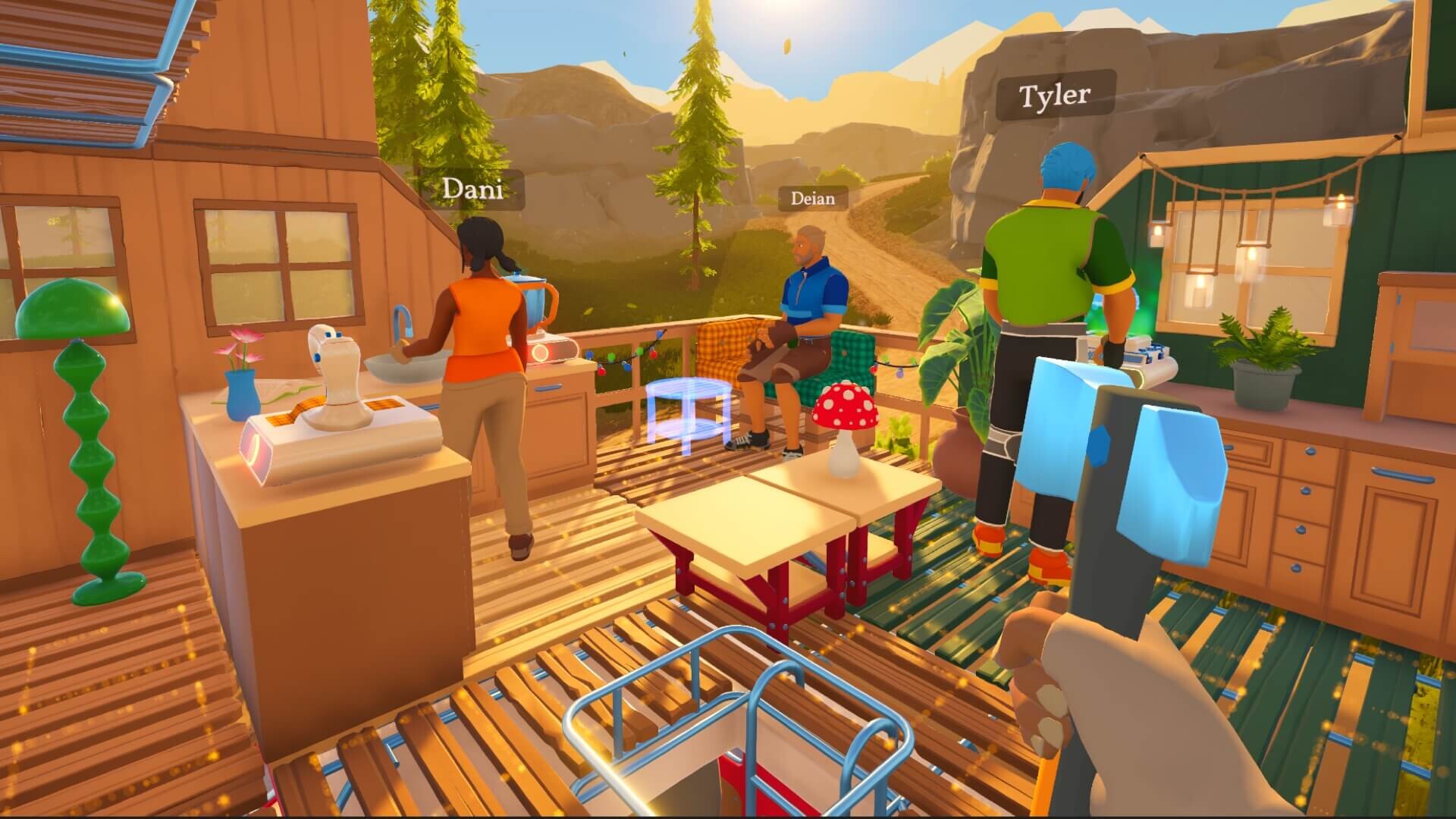
Multiplayer in Outbound supports up to four players in online co-op. All players share the same camper van and work together to gather, build, craft, and explore. The game is fully playable solo, with co-op available as an optional layer on top of the single-player experience. Multiplayer was included in the alpha build, was available in the free Steam demo, and is part of the full 1.0 release.
Session Structure
One player hosts the game, and up to three friends join the host's world. Sessions are drop-in/drop-out: friends join and leave at any time without interrupting the host's progress. The world state, van configuration, and progress persist with the host's save file. Joining players do not bring their own vans; everyone shares the host's vehicle. Joining players do keep their own per-player progression inside the host's world: patch notes confirm that a joiner's character customization, inventory items, tools, and upgrades are saved between sessions, and a run of summer patches fixed cases where that data could be lost, with the August 4, 2026 patch closing out the last of it after the studio found the problem had several separate underlying causes. Whether any progress carries back to a player's own solo save has not been publicly confirmed.
Invitation System
Co-op is friends-based and uses an in-game multiplayer code rather than a public lobby browser or matchmaking. To host, start or load a save, open the pause menu with Escape, go to Multiplayer, and choose Show Multiplayer Code. Share that code with the people you want to play with.
To join, a friend launches the game, selects Join Friend, and enters your code. Up to three friends can drop into the host's world this way, and sessions remain friends-only with no public server browser.
One requirement catches groups out: every player, the host and all joiners, must finish the short opening tutorial in their own save before co-op will work. Completing that first area is also what unlocks multiplayer in the first place, so if a friend cannot connect, make sure they have played through the intro on their end first.
Region Selection
Outbound supports explicit region selection when creating a multiplayer session. The host can pick a server region directly when opening a session, or leave the setting on Automatic, which selects the closest available region. Players who experience repeated disconnects or high latency on the default region can switch to a closer one and re-host the session. The region picker was added in a launch-week patch in response to reports of connection drops in certain regions.
Crossplay
Outbound does not support full cross-platform play, and the studio has said there are no plans to add it because of the overhead and console certification work it would require for a small team. There is no crossplay between PC and consoles, and no crossplay between different console families. A Steam player cannot join a PlayStation 5 host, and a console player cannot join a PC host. Some limited crossplay does exist within the same ecosystem, however. Players on Steam and the Epic Games Store can play together, players on Nintendo Switch and Nintendo Switch 2 can play together, and players on Xbox and the Windows version from the Microsoft Store can play together. One catch for PC players: the PC Game Pass build is the Microsoft Store version, so it cannot play with the Steam or Epic version. Friends who want to play together should buy on the same store family rather than assuming any PC copy can connect to any other.
Local and Split-Screen
There is no local co-op and no split-screen support. All multiplayer play is online over the internet. Two players sharing a couch on the same console cannot play Outbound together unless each has their own console and copy of the game.
Co-Op Activities
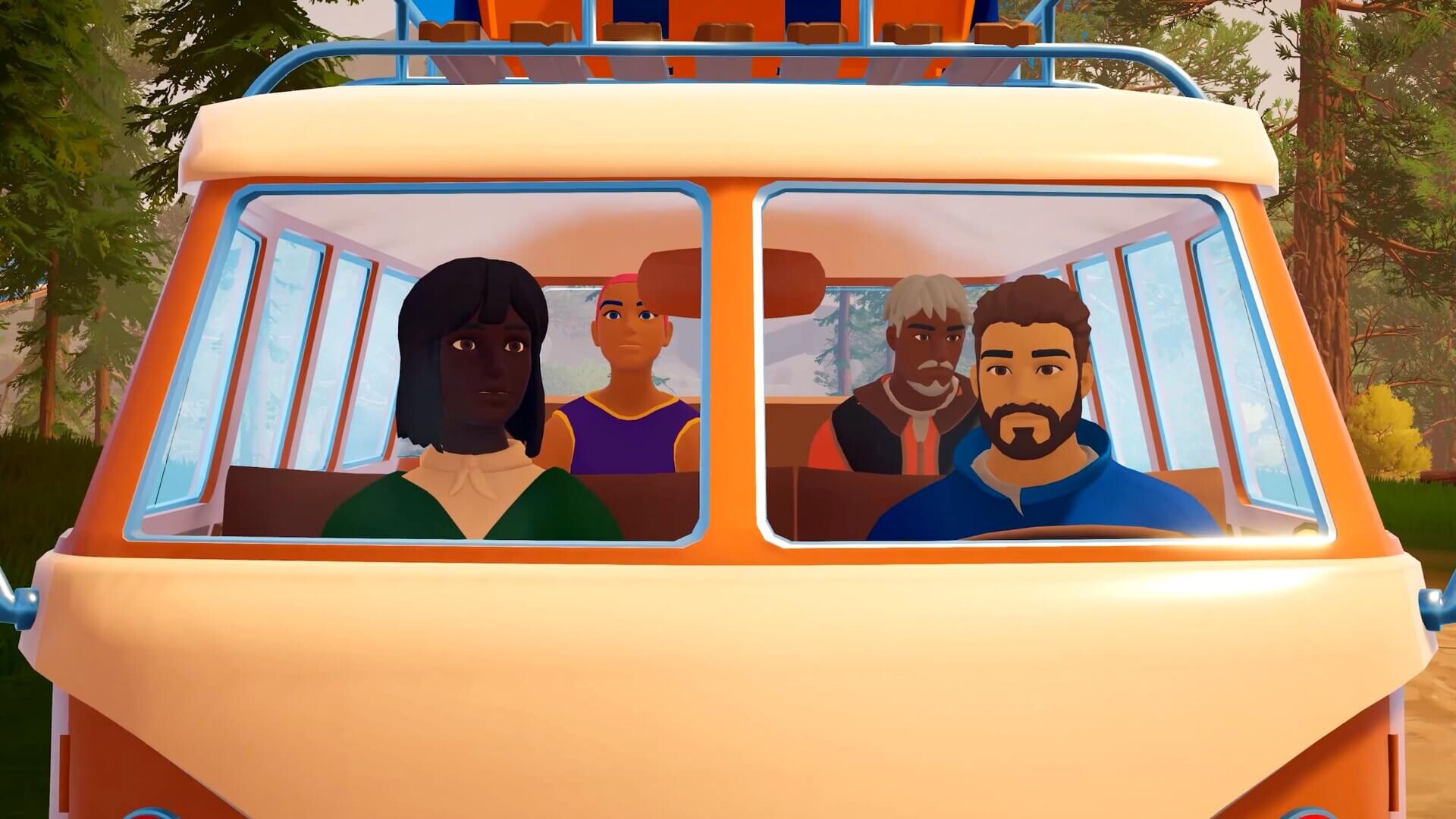
Outbound features no combat, so co-op is built entirely around cooperative exploration, gathering, building, and managing the shared van. Players can split up to gather resources from different parts of a biome, coordinate cooking and recipes, or work together to lay out the camper interior. The dog companion appears for each player in their own session and does not require co-op coordination. A launch-week update added automatic material deposit for the dog companion, so the companion drops gathered items into nearby storage without manual intervention from the player.
Demo and Save Carryover
The free demo supported the same online co-op as the full game. Demo save data does not transfer to the full release, so co-op groups that played the demo together start fresh on launch.
Stability and Patches
Several launch-week patches addressed multiplayer issues that surfaced in the first days of the public release. The most disruptive was a host-visibility bug where the hosting player would become invisible to their peers after stepping out of the camper van, which broke coordination for shared crafting, cooking, and exterior building work. The host is now correctly visible to joiners after exiting the vehicle, restoring the intended co-op flow.
Subsequent patches resolved additional multiplayer issues: achievement-unlock timing in co-op sessions, elevator stability when multiple players use lifts, fall damage incorrectly applied when joining a session in progress, multiplayer issues with bee hives and water catchers, the host-disconnect handling, and overall vehicle syncing including a case where vehicles slowly drifted into the air over a long session. Physics issues with the Pathmaker vehicle during base building were fixed, and ladder animations were added for joined players. A later hotfix cleaned up more elevator problems and a rare case where a character appeared twice inside the vehicle. The studio also added in-game error codes for multiplayer-connection failures, so players seeing a connection error can report a specific code rather than describing symptoms. The version history article tracks the full per-patch list.
The multiplayer cleanup continued through the summer. A late-July patch fixed re-joining players losing their customization, inventory items, tools, or upgrades after a failed server connection, and a follow-up the next day fixed environment states such as broken bridges not syncing when a player joined a session in progress. In early August the studio closed out a long-running bug where the progression of players who joined friends' games was not saved properly. The fix took several attempts because multiple underlying issues produced the same symptom, and the studio credited save files and logs submitted by affected players with tracking it down.
Recommended Setup
Co-op runs over the host's connection. A reliable home internet connection on the host's side is more important than the joiners'. Players who experience desyncs in van interiors or interaction with workstations should check the frequently asked questions article for current known issues and workarounds.