
Loading...
Loading...
Highlight Reels
March 25, 2026 at 02:44 AM
Add complete list of 12 default photo frames, 3 additional Highlight Reel reward frames (Mysterious, Neon, Balloon), updated frame count description
Highlight Reels are special photo opportunities scattered across all five regions of Pokopia. When certain conditions are met, such as placing the right furniture or having the right Pokemon nearby, a photo op notification appears in the upper-right corner of the screen. Each Highlight Reel captures a unique moment showcasing Pokemon interacting with their environment. Collecting all Highlight Reels contributes to your Pokedex Completion Rewards and counts toward 100% completion for each region.
Highlight Reels are tracked under the Collection Menu, where you can revisit your captured photos at any time. Several Highlight Reels also award unique Photo Frames that can be used to decorate your photos in Photo Mode.
Watch for notifications: When a Highlight Reel photo op is available nearby, a popup notification appears in the upper-right corner of the screen. This means the required conditions (Pokemon, furniture, time of day) have been met somewhere in the area.
Find the camera icon: Look for a small camera symbol on the ground while exploring. These markers appear in scenic areas once the surrounding environment has been sufficiently restored.
Enter Photo Mode: Stand on the camera icon and press the Photo Mode button (the Minus button on your controller, or the camera icon from the menu). The camera will automatically frame the recommended shot, and a yellow rectangle highlights the target area.
Take the photo: Point the camera toward the required Pokemon or scene within the yellow rectangle and press the capture button. The photo is saved to your album and the Highlight Reel is marked as complete.
Check progress: View your collected Highlight Reels from the Collection Menu. You can also see which ones you are still missing.
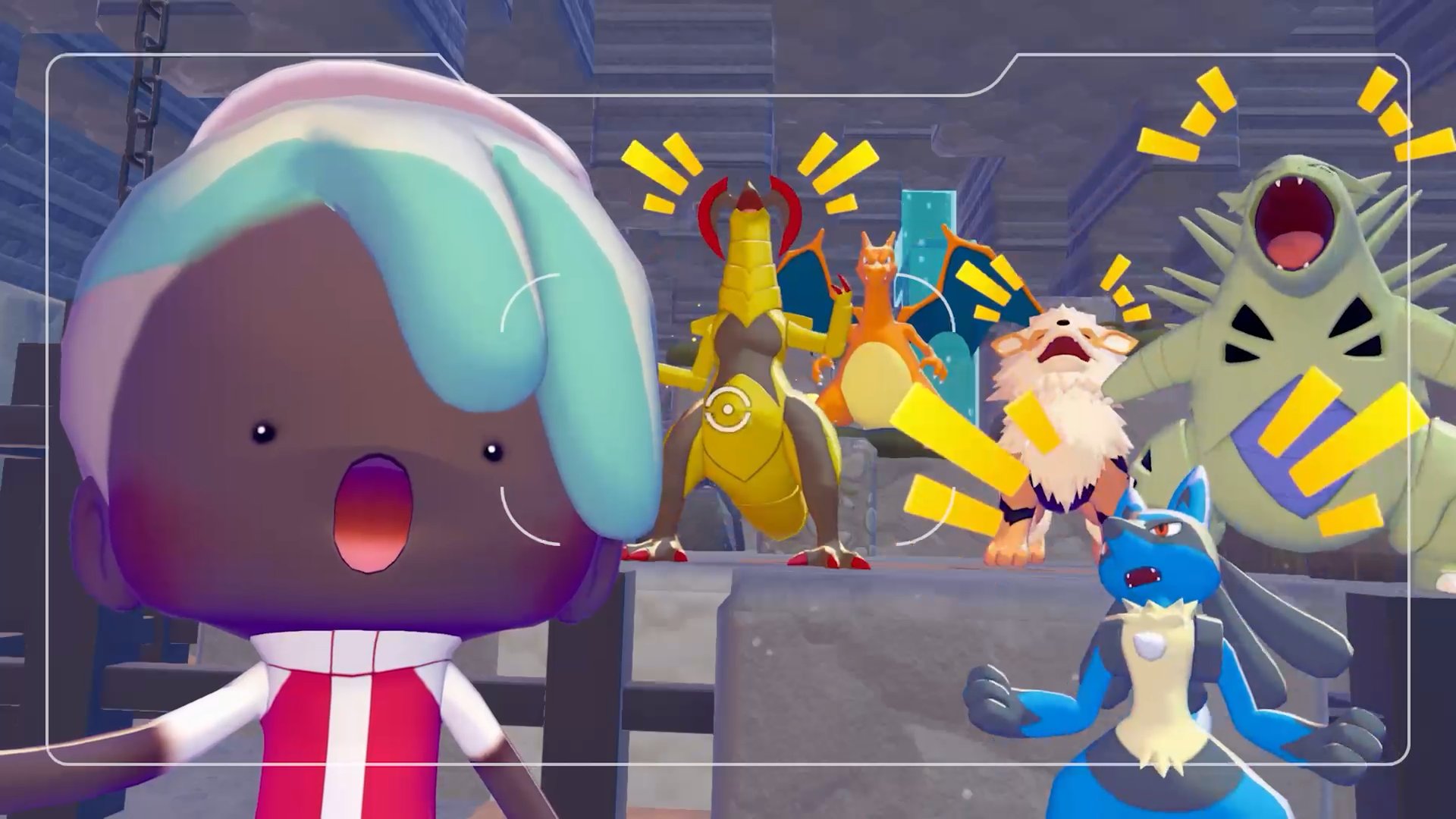
Important: There is currently no way to redo Highlight Reel photos once they have been taken. Make sure you are satisfied with your composition and framing before pressing the capture button, since the photo op will not appear again after it has been completed.
The following table lists all known Highlight Reels in Pokopia. Each one requires specific Pokemon, furniture, or conditions to trigger. Stand on the camera icon when the requirements are met to capture the photo.
# | Name | Requirements | Notes |
|---|---|---|---|
1 | Toasty Warm by the Campfire | Any Pokemon; Campfire | Only appears at nighttime. Reward: Fire Spin photo frame. |
2 | A Gust of Wind to Get It Spinning | Any Flying-type Pokemon; Pinwheels | Requires a Flying-type to interact with the pinwheels. |
3 | Punching Past the Sound Barrier | Hitmonchan; Punching Bag | Specifically requires Hitmonchan. Reward: Impact photo frame. |
4 | Spacious Slumber Party | Any Pokemon; Large Bed or Wide Bench | Only appears at nighttime. |
5 | Fun in the Sand | Any Pokemon; Sandbox | Reward: Dusty Cloud photo frame. |
6 | A Cook's Gotta Eat Too! | Any Pokemon; Cooking furniture | Triggers when a Pokemon interacts with cooking-related furniture. |
7 | Martial Arts Training Montage | Fighting-type Pokemon; exercise furniture | Requires a Fighting-type Pokemon using exercise equipment. |
8 | Roost and Rest | Any Flying-type Pokemon; Perch | Requires a Flying-type resting on a Perch. |
9 | This Is the Life | Any Pokemon; any Hot Spring | Place a Hot Spring and let a Pokemon soak in it. |
10 | No, My Horns Are Better! | Both Pinsir and Heracross must be present. No furniture needed. | |
11 | Sweet Dreams with a Mossy Pillow | Requires Mosslax. Only available after waking up Mosslax in Bleak Beach. | |
12 | DJ Droppin' the Beats! | Requires the DJ Rotom variant. No furniture needed. |
Beyond the 12 Highlight Reels tracked under the Collection Menu, several additional photo ops can be triggered throughout Pokopia. These follow the same notification and camera icon system, and some award Photo Frames, but they are categorized separately from the core Highlight Reels.
Name | Requirements | Notes |
|---|---|---|
Found Some Delicious... Trash? | Trubbish; Small Garbage Can | Specifically requires Trubbish. |
Nothing Like a Quick Dip! | Any Pokemon; Shower or Sprinkler | Reward: Bubbles photo frame. |
A Head Full of Blooming Flowers | Only appears after waking up Mosslax in Bleak Beach. Reward: BAM! photo frame. |
You start the game with 12 default photo frames that can be applied to any photo taken in Photo Mode. These frames are available from the beginning and do not require any unlock conditions.
# | Frame Name |
|---|---|
1 | Wood |
2 | White |
3 | Gold |
4 | Marble |
5 | Tall Grass |
6 | Antique |
7 | Music Notes |
8 | Garden |
9 | Hearts |
10 | Sparkly Pink |
11 | Snowflakes |
12 | Cinematic |
Several Highlight Reels and photo ops award unique Photo Frames when captured for the first time. Including the 12 default frames, the Memories frame from story completion, and all Highlight Reel rewards, there are over 20 photo frames to collect. The following table lists every Highlight Reel that grants a frame reward.
Photo Op | Photo Frame |
|---|---|
Toasty Warm by the Campfire | Fire Spin |
Punching Past the Sound Barrier | Impact |
Fun in the Sand | Dusty Cloud |
Nothing Like a Quick Dip! | Bubbles |
A Head Full of Blooming Flowers | BAM! |
Martial Arts Training Montage | Mysterious |
DJ Droppin' the Beats! | Neon |
A Gust of Wind to Get It Spinning | Balloon |
Completing the main story also awards the Memories photo frame after the credits roll, though this is not tied to any specific Highlight Reel.
Highlight Reels only appear after you have restored enough of the surrounding area. Focus on building habitats and raising the Environment Level to unlock new photo spots.
Some Highlight Reels are only accessible after learning specific Moves like Glide or Jump, which let you reach elevated or hard-to-access vantage points.
Pay attention to time-of-day requirements. At least two Highlight Reels (Toasty Warm by the Campfire and Spacious Slumber Party) only trigger at nighttime. If you do not see a photo op, try waiting until the in-game clock switches to night.
For Highlight Reels requiring specific Pokemon (such as Hitmonchan, Pinsir, or Heracross), make sure those Pokemon have been placed in a nearby habitat and are actively present in the area before standing on the camera icon.
Use the Collection Menu to check which Highlight Reels you have already captured and which ones you still need. This menu also lets you revisit your saved photos.
Since Highlight Reel photos cannot be retaken, consider adjusting your camera angle, zoom, and any available filters before pressing the capture button.
Highlight Reels count toward 100% completion for each region, alongside Lost Relics, Music CDs, and other collectibles.
You start with 12 default frames (Wood, White, Gold, Marble, Tall Grass, Antique, Music Notes, Garden, Hearts, Sparkly Pink, Snowflakes, Cinematic). Additional frames are earned exclusively through Highlight Reel photo ops and story completion.
