
Loading...
Loading...
Multiplayer
April 18, 2026 at 01:50 AM
Embedded 2 image(s) into article
Windrose is fully playable solo offline, but co-op is one of its main selling points. The official FAQ describes the game as a classic survival game with PvE co-op at its core. At launch, the studio's official messaging consistently describes Windrose as supporting up to 8 players, with dedicated server support available from day one and roughly 4 players recommended for smoother late-game performance.
Mode | What Is Officially Supported |
|---|---|
Solo offline | Yes. You can play entirely alone without running a server |
Private co-op | Yes. Invite-based co-op is available at launch |
Dedicated servers | Yes. A dedicated server build shipped as a free Steam tool |
Official player cap | Up to 8 players |
Recommended size | About 4 players for a smoother late-game experience |
This is one area where bad information spread quickly during launch week. Several third-party pages and host listings talked about higher slot counts, but the official FAQ, launch-week Discord FAQ mirror, and store-facing language all point to 8 players as the current official cap. Treat any higher host-side slot number as a provider setting, not as a confirmed studio-backed gameplay limit.
A host can create or continue a private world and share access through invite-code or platform-level friend invites.
Dedicated servers are the persistent-world option for groups who want the world to remain online when the host is away.
There is no broad PvP public-server focus. Windrose is currently structured around private PvE worlds rather than drop-in contested shards.
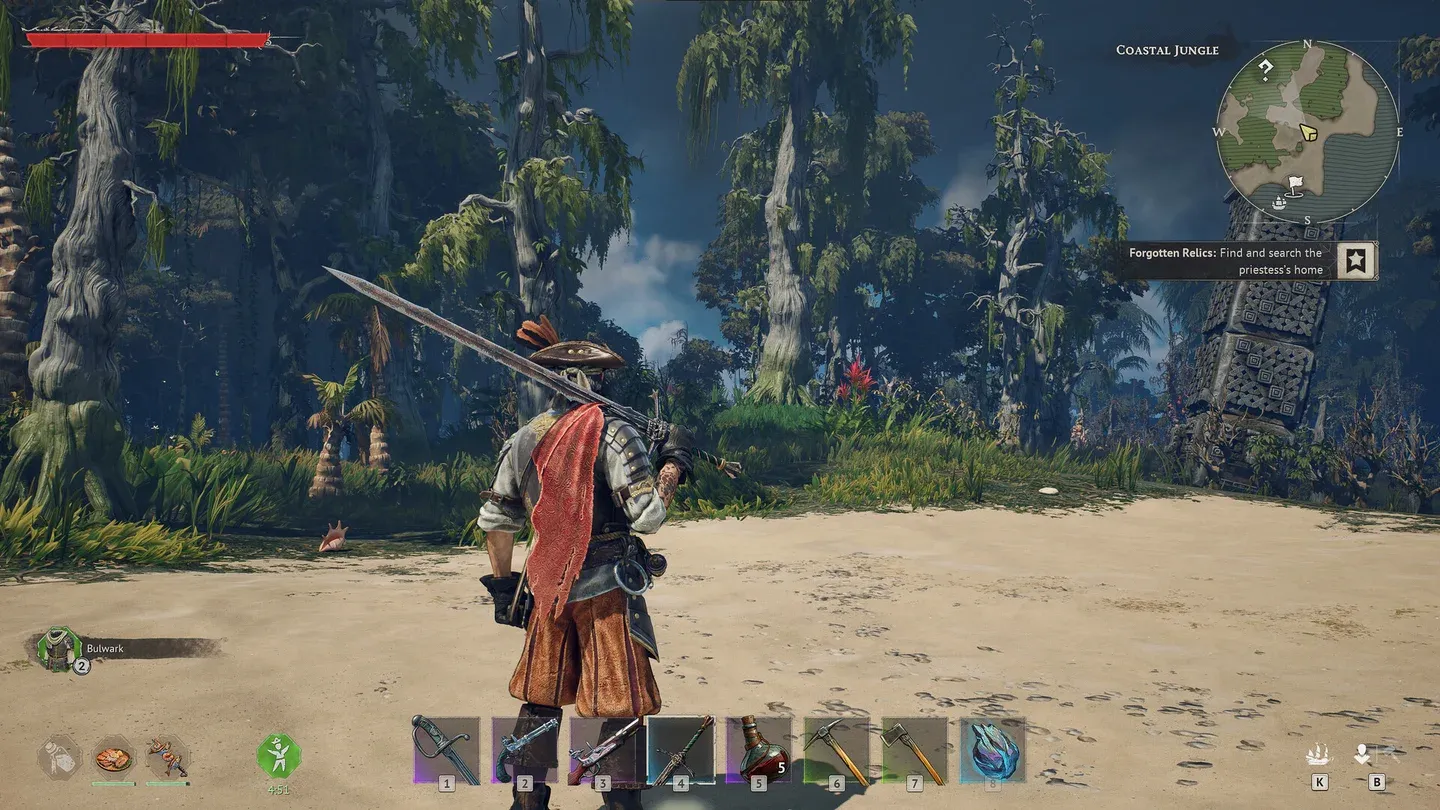
The practical difference is persistence. A host-run private world is perfect for a couple of friends who always play together. A dedicated server is what you use when the group plays at different times and wants the world online even if the original host is not present.
Launch-week player testing and creator guides consistently show that a single character can move between multiple worlds while keeping their inventory, levels, talents, and learned recipes. Put simply, if you play solo for a while and then join a friend's world, you bring that character with you.
That changes two things. First, it makes co-op catch-up much easier than in survival games that bind a character to one world. Second, it enables what players quickly started calling the resource-transfer trick: gather materials in a quieter solo world, then join your shared server with those materials still in your bags. The behavior is real in the launch build, even if many players think it is a little cheesy.
One thing that does not transfer is demo progress. The pre-launch FAQ explicitly said the February 2026 demo could not carry into Early Access because the build differences were too large.
One of the biggest launch-week sources of confusion was quest progression. The cleanest way to begin co-op is to have everyone present before the host pushes too far through the earliest onboarding steps. 's co-op coverage notes that if shared quest progression is enabled from the start, players who are already in-world together avoid the most common quest-sync problems.
Players who join after the host is already well past the opening tutorial may need to do more cleanup than they expected. In practice, groups who want a true shared journey should start together rather than having one player blast through the opening and invite everyone later.
Kraken Express's official FAQ still describes naval combat around one player commanding one ship and says fuller multi-crew ship roles are something the team is exploring for the future. That means the safest launch-week expectation is fleet-style co-op: multiple players sailing together, fighting together, and boarding together, rather than a fully role-split Sea of Thieves style shared-ship simulation.
If your group wants four people permanently acting as helmsman, gunner, repair hand, and boarder on one ship, that is not what the launch build is built around. If your group is happy sailing in formation and meeting on land, the launch build supports that well enough to be one of the game's main draws.
Dedicated servers are officially supported at launch. The pre-launch FAQ mirrored from Discord states that the dedicated-server build is included with the game on Steam as a free tool, and the official website links directly to a dedicated-server guide. This is not a planned-later feature. It shipped with Early Access.
For groups of friends spread across time zones, dedicated servers are the best version of Windrose multiplayer because the world stays up, buildings persist, and shared projects continue even when the original host is offline. For tiny groups who always log in together, host-run private worlds are usually enough.
Windrose's co-op is built around private-world trust, not around strong internal permissions. That has two consequences in the current build. First, the game feels more intimate than a public survival shard because every world is effectively a closed social space. Second, it puts more responsibility on the group itself because the launch build offers limited storage-security tools. If you invite someone in, you are trusting them with meaningful access to your progression.
This is why dedicated servers and host-run worlds feel different socially even before they feel different technically. A dedicated server is usually where a larger friend group or community sets up long-term rules and shared expectations. A host-run world is usually where the trust relationship already exists and the technical overhead stays low.
Windrose is PvE-focused. There is no PvP-first server identity to fall back on if your group wanted adversarial public play.
Permissions and storage security are still thin in the current build, so group trust matters more than in survival games with richer server governance tools.
The official player cap is conservative, which is good for stability but means very large friend groups need to coordinate rather than assume everyone can pile into one world indefinitely.
The studio talks about future multi-crew ship roles, but the safest launch-week expectation remains fleet-style co-op rather than deep role-split ship simulation.
Resource respawns on crowded worlds can feel tight. Copper, hides, and other early bottlenecks disappear fast when many players share one island chain.
Do not assume your storage is safe from everyone on the server. Launch-week community reporting repeatedly flagged the lack of chest locks.
If a friend cannot sync cleanly, try getting them through the earliest tutorial steps in their own world first before reconnecting.
If you want smoother performance, listen to the studio's own recommendation and keep the group closer to 4 than to the full 8.
No PvP-focused core mode
No local split-screen
No official statement committing to an expanded player cap beyond the current 8-player messaging
No fully mature shared-ship role system yet
Dedicated Server Hosting - the hosting-specific breakdown
Getting Started - best practices when beginning a co-op world together
Tips and Tricks - character-transfer, storage-safety, and other launch-week habits
Ship Types - what the current naval progression actually looks like
System | Bound To | What That Means |
|---|---|---|
Point-of-interest chest loot | Character | If that character already looted a specific POI on one map, the same POI on another map is already spent for that character. |
Quest completion credit | Character, but only when present | You only get shared credit if you are loaded into the world when the quest step completes. Joining later does not backfill old progress. |
Learned recipes | Character | Touching or looting a new recipe item in another world teaches it permanently to that pirate. |
World | Friends entering your world play against your world's faction standings, not the reputation grind they were doing elsewhere. | |
Inventory, levels, and talents | Character | The pirate carries gear, stats, and build choices between worlds. |
That split is why coordinated groups can get more out of multiplayer than a single shared save at face value. One world can push one faction, another can push a second faction, and players can move between them without rerolling a new character.
Only one ship needs to start the boarding action. Once the target ship is ready to board, every other player can sail close, jump onto the deck, and stay aboard until the capture finishes. Everyone on that deck gets the money reward, even if only one ship actually initiated the boarding.
The floating wreck loot does not duplicate the same way, so this is mainly a money trick rather than a salvage trick. It is still one of the fastest ways for a group to pile up Piastres for ship plans and faction gear.
Windrose launched into Steam Early Access on April 14, 2026 and immediately ran into backend strain. The game peaked at roughly 100,000 concurrent Steam players on launch day, and the studio's live services did not scale cleanly with that demand. Players reported repeated Failed to Connect to Server errors, dropped co-op sessions, and intermittent trouble joining friends' worlds.
On the Steam community forumsKraken Express publicly acknowledged that they do not yet have a clear answer for the connectivity instability. In the same community post, the devs asked players whether anyone happened to know someone at a major ISP who could help them diagnose the problem. That transparency was unusual for a live-service launch, and it was widely confirmed by current community data.
Offline and solo play were not affected; the disruption was scoped to the parts of the game that touch Kraken Express's online services, including invite-based co-op join flows and dedicated server access token generation.
The studio's first post-launch hotfix0.10.0.1.6targeted the connectivity pain points directly rather than adding new content. The key fixes were:
Disabled the access token generation cooldown for dedicated servers. The cooldown had been compounding the launch-window overload on dedicated server hostingand removing it let self-hosted and rented hosts regenerate tokens without waiting.
Added a client/server version check on connect. Previously, clients did not verify the server version before attempting to join. After the hotfix, the UI surfaces an explicit error message when the server is running an outdated build, so mismatched groups can update rather than silently fail.
Removed the 8-character minimum for invite codes. Invite codes now accept any length from 1 to 32 characters. See server settings for the updated InviteCode field rules.
Kraken Express noted alongside the hotfix that more connectivity fixes are underway and are currently being tested. Treat the 0.10.0.1.6 round as the first pass rather than the final answer; follow-up hotfixes are expected while the studio continues diagnosing the underlying backend issues.
If a friend cannot connect, check that everyone is on the same build. An outdated client against a freshly-patched server will now show an explicit error after 0.10.0.1.6, but older sessions may still fail silently until both sides update.
For dedicated server hosts, the removed access token cooldown means token regeneration is no longer a throttled step; if tokens were the bottleneck in your setup, the fix is already live server-side.
Offline single-player sessions remain fully playable during backend incidents. When live services are unstable, switching to a local world is a working fallback rather than a compromise.

Running alongside the Early Access launch, Kraken Express ran a Twitch Drops campaign from April 14 through April 28, 2026. Subscribers to drops-enabled channels in the Windrose Twitch category could earn the Dodo Twitch Badge cosmetic. The campaign timed with what Streams Charts measured as roughly 106,498 peak concurrent viewers and about 2.2 million hours watched over the launch window, with notable streamers including Zack "zackrawrr" Hoyt, Ben "CohhCarnage" Cassell, Michael "shroud" Grzesiek, Jason "PirateSoftware" Hall, Sean "Gladd" Gallagher, and Lisa "MadameDiablo" opting in. See Dodo Twitch Drops for the event's full claim procedure.
Windrose does not currently support crossplay between storefronts. A player who owns the Steam build and a player who owns the Epic build cannot co-op together in the same world, and Stove players are similarly separate. All co-op members must use the same storefront's build. Kraken Express has not publicly committed to a timeline for crossplay support, and the feature does not appear in the March 23, 2026 pre-launch improvements list.
From the Play menu, Windrose offers three entry points into a world. Picking the right one up front avoids most of the confusion new co-op groups run into during setup.
Option | What It Does | When to Use It |
|---|---|---|
Solo/Offline | Loads a private single-player world that does not require an internet connection | Best for a fully offline campaign, resource gathering, or testing builds before bringing them into a co-op world |
Host a game | Opens the hosting menu, lets the player pick an existing world or create a new one, then generates an invite code | Best for a small group whose host is online when everyone else plays |
Connect to server | Opens a prompt to paste an invite code and connect to someone else's hosted world or dedicated server | Best for the guests in a co-op session or anyone joining an ongoing dedicated server |
Open the Play menu and choose Host a game.
Pick an existing world, or choose Create new and edit the World Properties before starting.
Wait for the invite code to appear on screen and copy it.
Share the invite code with the guests. If password protection is enabled, share the password alongside the code.
Open the Play menu and choose Connect to server.
Paste the invite code into the code field and press find.
Enter the session password if the host set one.
Connect. Once the world loads, the character carries over with their current inventory, levels, and learned recipes.
The Connect to server screen also keeps a history list of recent sessions. A returning player can reconnect to a previously joined world or dedicated server without tracking the invite code down again, which is especially useful for groups that rotate between several shared servers.
A host creating a new world is prompted to set World Properties before the world generates. The properties are grouped into combat, exploration, and multiplayer categories. Each group has a mix of dropdown presets and sliders, and most of the settings cannot be changed later without a new world, so it is worth deciding on them as a group before the host clicks create.
Combat Difficultydropdown preset. Adjusts the baseline for all enemy scaling and sets whether further per-stat sliders start at an easier or harder baseline.
Enemy Health Modifierslider. Scales the hit points of land enemies without touching their damage output.
Enemy Damage Modifierslider. Scales land enemy outgoing damage, independent of health.
Enemy Ships Health Modifierslider. Hull and crew health for enemy naval targets, separate from the land enemy modifier.
Enemy Ships Damage Modifierslider. Cannon and boarding-party damage dealt by enemy ships.
Boarding Difficultyslider. Tunes the length and aggression of boarding fights once the player actually steps onto the enemy deck.
Immersive explorationon or off toggle. When enabled, trims quest markers and HUD guidance so exploration leans on in-world cues rather than UI waypoints. Groups that want a more discovery-focused run turn this on before the world generates.
Shared quest progresson or off toggle. When enabled, a quest step completed by one player in the world counts for everyone else in that same session, which is the most common fix for co-op quest desync. Groups that want a shared journey should turn this on and start together so nobody joins the world already past a credit-bearing step.
Co-op Enemy Scalingslider. Boosts land enemy strength based on how many players are loaded into the world, to keep combat meaningful as the group grows.
Co-op Enemy Ship Scalingslider. Same idea applied to naval encounters, tuned separately because ship combat and land combat scale differently.
A common co-op surprise is that guests cannot immediately place or repair structures inside another player's claimed build area, even when the host has invited them into the world. Windrose gates building permissions through an early progression step rather than through an explicit per-area access list. Each player on the server has to complete the build a bonfire quest themselves before the game grants their character full building rights in co-op.
A host who has already completed the bonfire quest can build anywhere the rules allow.
A guest who has not yet completed the quest on their own character cannot place or repair structures in a claimed build area, regardless of whether the host is in the world.
The simplest fix is to play through the bonfire build quest together on a new guest's first session, using the host's world, so every new character unlocks the same permission. The quest is short, happens early, and also unlocks the rest of the base-building tutorial chain.
This is separate from the storage-security limitations the existing notes flag. The bonfire requirement gates the ability to place structures. Chest locking, area ownership, and faction standing are different systems that sit on top of it.
In a standard player-hosted session, the shared world runs on the host's game client. The host's character and their save file anchor everything: the world state, the map seed, every structure that has been placed, and every quest flag that has been flipped. When the host closes the game, alt-tabs into a disconnect, or loses internet, the shared session cannot continue without them.
All guests are returned to the main menu as soon as the host leaves the world.
Progress is not rolled back. Anything that completed before the host disconnected is saved to the host's world file, and will be there the next time the host reopens that world.
The host cannot hand off the session to another player in the current build. A guest cannot take over and keep the session alive, even if they were the last one still in the world.
Groups that regularly play at different times or do not want the world to depend on one person should run a dedicated server instead. On a dedicated server, the world lives on the server process rather than on a player's client, so individual players can log in and out without ending the shared session. See Dedicated Server Hosting for the setup details.
After creating a character, Windrose asks which network mode to use for the world. Three options appear:
Mode Option | When to Use |
|---|---|
Solo/Offline | Single-player runs with no internet requirement; world is not available to friends |
Host a Game | Creates an online lobby; share the invite code with friends so they can join |
Connect to Server | Joins an existing online lobby or dedicated server using a host-provided code |
Offline-to-co-op conversion: an existing offline world can be opened for co-op by loading it with the Host a Game option instead of Solo/Offline. Difficulty does not change during conversion; whatever difficulty was chosen at world creation stays locked for the life of the save, but the network mode can flip back and forth freely without data loss.
After hosting a world and completing the initial cinematic, the fastest way to invite friends is the Steam overlay. Press Shift+Tab inside Windrose to open the Steam friend list, right-click the friend you want to invite, and choose Invite to Game. The invitation reaches the friend through the Steam notification panel and avoids needing to read the invite code aloud. Invite-code sharing still works for players joining through a different Steam account or via the Epic Games Store version.
