

This article is incomplete
Some sections are missing or need additional details. Help improve it by contributing.
1. Pick a Hero
DragonSword: Awakening ships with nineteen playable Heroes. None of them sit behind a purchase: the main quest introduces most of the roster as you meet them, and the rest are recruited with currency earned through exploration. Each Hero has their own distinct Status Ailment abilities, which means the early-game decision is less about "who looks cool" and more about what kind of combo chain the player wants to build. Kalien, for example, stacks Stun and chains flame attacks through her fox-spirit Familiar.
2. Learn the Combo Loop
Combat is built around three layered actions:
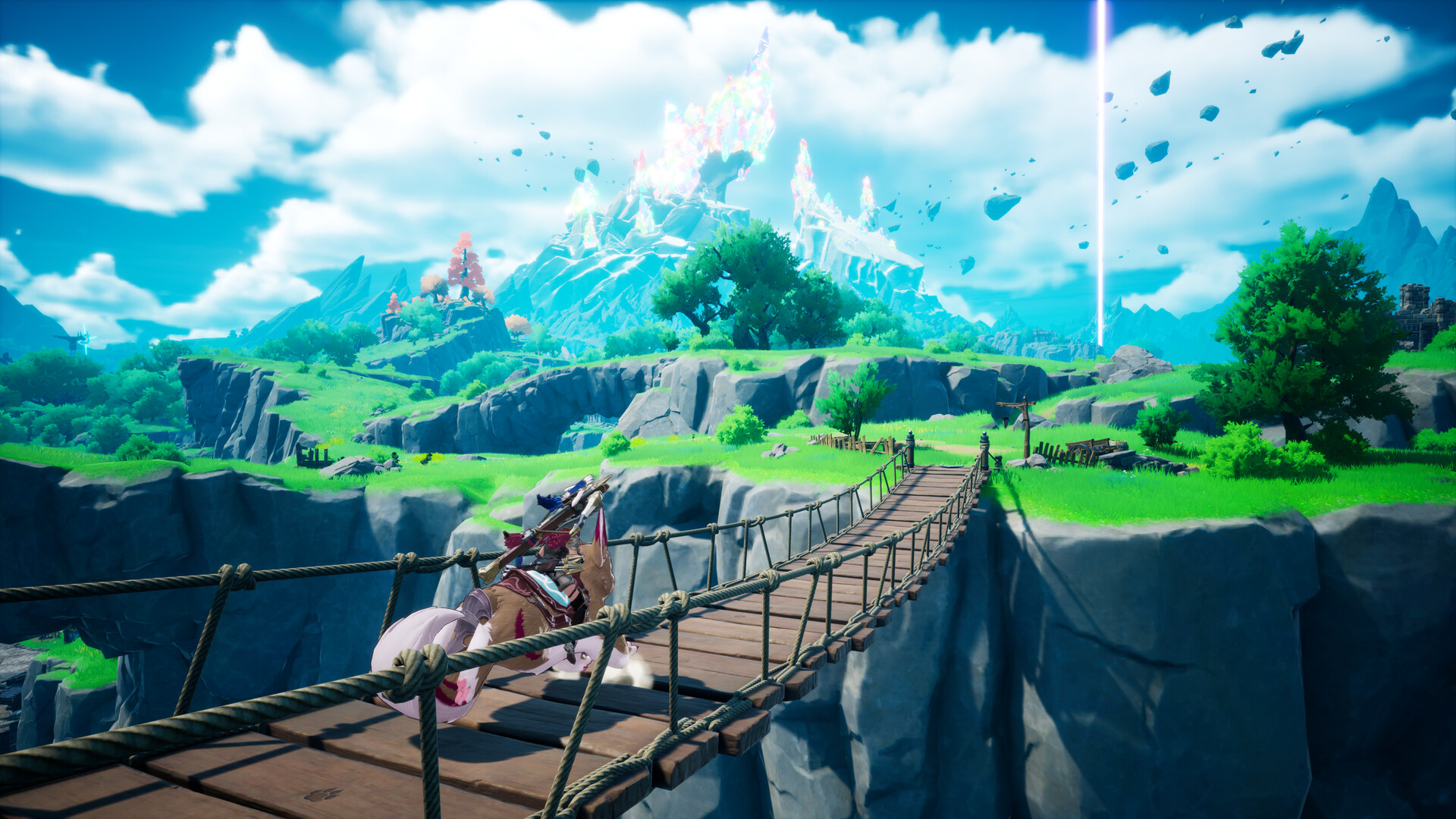
Stack Status Ailments on the target with basic attacks and ailment moves.
Chain into Active Skills that consume or exploit those ailments and keep the target locked in the combo window.
Finish with devastating Signal Skills, using the Switching Signals mechanic to tag in another Hero off the primed ailment.
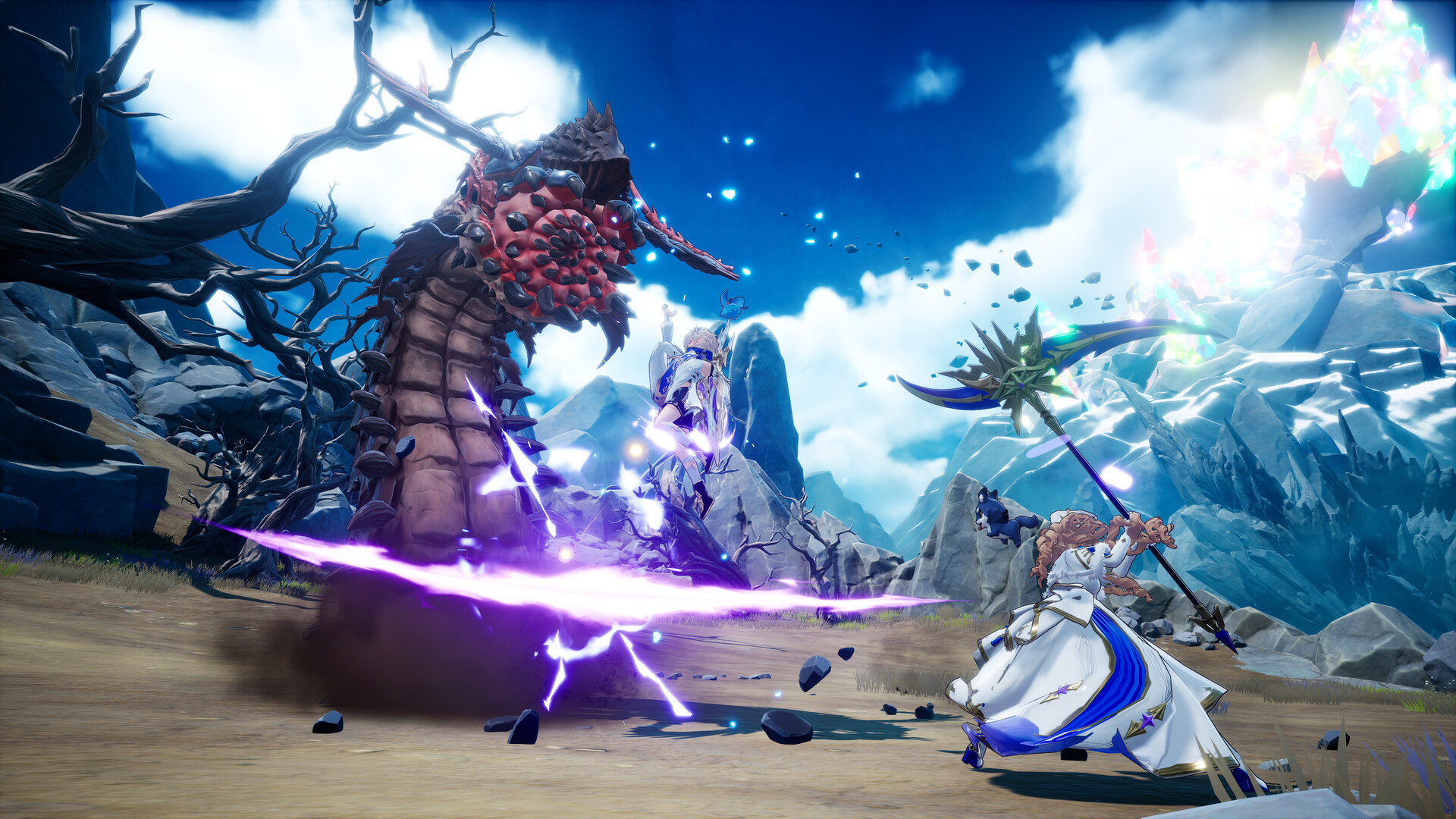
Play is manual and skill-based. Dodge rolls, aerial juggles, knockbacks, and knockdowns are core to the feel.
3. Explore Orbis
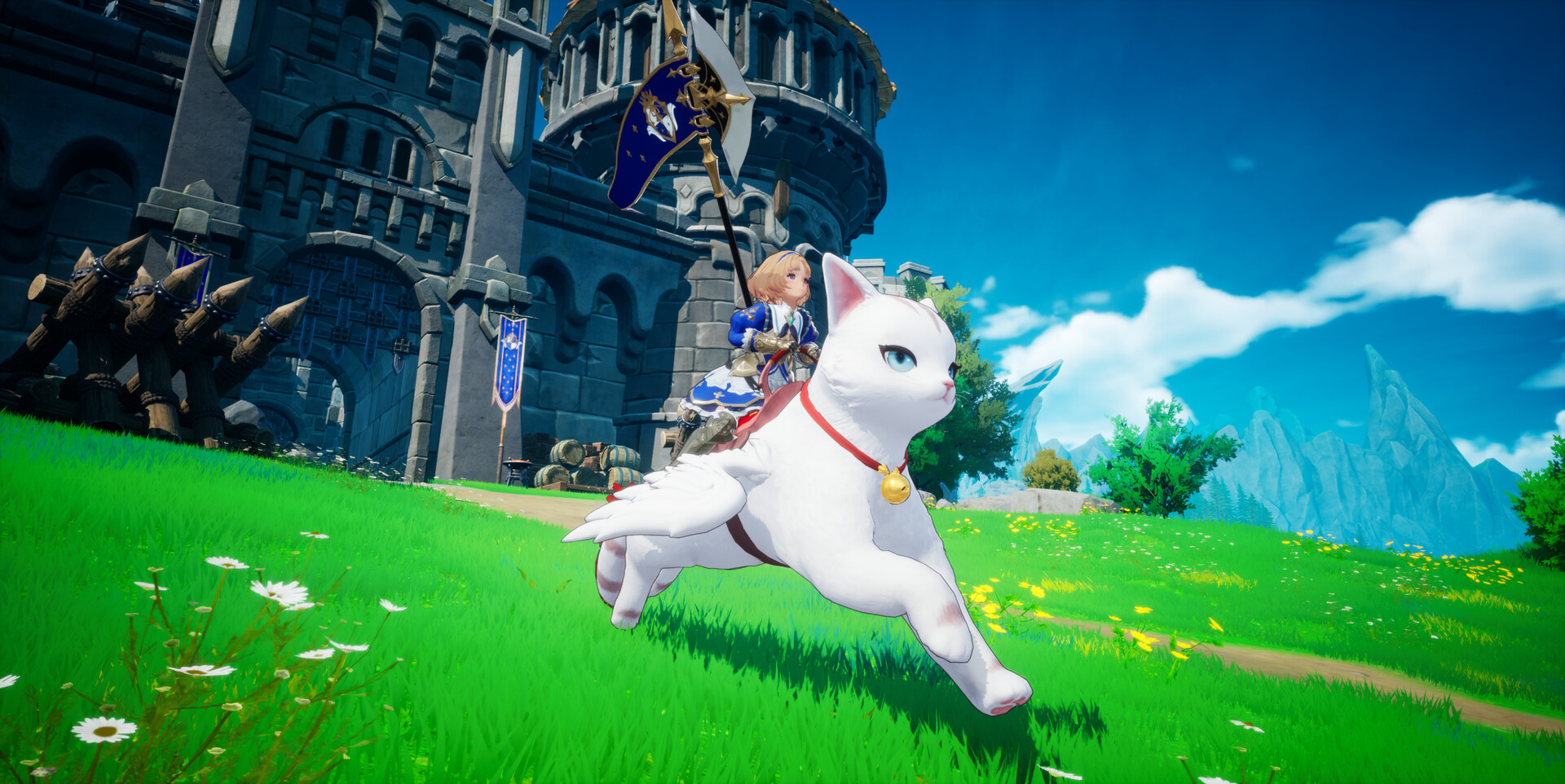
The open world of the Continent of Orbis is the game's main stage. Exploration rewards include Familiars, equipment, and lore, all obtainable in-world rather than via gacha. Travel is done on foot early and by Familiar mount once the player collects one. Some areas are gated behind mounts, including the aerial traversal enabled by dragon riding.
4. Know the Launch-Window Snags
The pre-release demo ran from June 5 to July 7, 2026 and has closed; the full game released on July 23, 2026. Two problems from the launch window are still worth knowing about. If the game will not start because of a D3D12 error, add the launch option -dx11 in its Steam properties to force DirectX 11. If it crashes on startup after a graphics option change, delete GameUserSettings.ini from the game's Saved config folder and restart. Anyone who played the pre-launch build also lost some cooking recipes, mini-game records, titles, Karma Codex entries, and Sudden Mission discoveries to the launch-day patch, all of which can be earned again.
Platform Setup
Field | Minimum | Recommended |
|---|---|---|
OS | Windows 10 64-bit | Windows 10 64-bit |
CPU | Intel i5-9400F | Intel i7-9700F |
RAM | 8 GB | 16 GB |
GPU | GeForce GTX 1660 | GeForce RTX 3060 |
DirectX | Version 12 | Version 12 |
Storage | 25 GB | 25 GB |
The Steam listing declares partial controller support, with DualShock and DualSense pads named explicitly, and includes Adjustable Difficulty among six accessibility features. There is no separate easy or core mode: difficulty rises automatically with adventure rank and can be lowered by hand. Both storage tiers also assume an SSD; the listing states outright that installing to a hard drive can cause long loads, texture pop-in, frame drops, or crashes. Steam Deck support is in preparation via Proton.
Languages
Voice: Korean only is listed as full audio on the Steam store page. Hound13 has said Japanese and other voice-over could not be included at launch because of cost and time, though it may revisit the idea after release.
Interface and subtitles: English, Japanese, Korean, Simplified Chinese, Traditional Chinese, French, German, Spanish, Russian, Thai, and Brazilian Portuguese. The June 2026 demo carried a narrower set, with Korean voice and on-screen text in Korean, English, Japanese, Simplified Chinese, and Traditional Chinese. Patches 1.0.4 and 1.0.7 both included localisation passes.
5. Keep the Patch Notes Open
The game has been updated roughly twice a week since release, and several early patches unblocked quests that would otherwise strand a playthrough. Patch 1.0.5 alone fixed a wall on the Talk to Ornette step across four consecutive Adventure Quests, and 1.0.2 and 1.0.7 between them cleared blockers on Adventure Quests 13, 29, 45, 47 and 56. If progress stops dead on a quest step, check whether a fix has already shipped before assuming a puzzle was missed. See Update History.
Two other habits pay off early. Back up the save folder occasionally, because Hound13 does not support mod or save-editing tools and will not recover progress damaged by them. And claim any store purchases manually: Familiars through the Codex, costumes through the Heroes menu.