
This article is incomplete
Some sections are missing or need additional details. Help improve it by contributing.
Photo Mode was released for 007 First Light on October 1, 2026 in the free Extended Operations update. It freezes the action so players can compose an image with camera and presentation controls. The feature was absent at launch and later delivered from the Year One plan.
Camera and Presentation Tools
Tool | Use |
|---|---|
Freeze action | Pause the action to compose a shot. |
Camera position and angle | Change how the scene is framed. |
Lens | Adjust the camera lens presentation. |
User interface | Remove interface elements from the composition. |
Poses | Choose Bond's pose. |
Brightness and post-processing | Adjust the image presentation. |
Backgrounds and logos | Add the provided presentation elements. |
Camera framing, lens choices and image adjustments serve different parts of composition. The freeze function gives time to arrange a scene, while the interface toggle removes HUD elements. Poses and backgrounds can change the presentation without changing the campaign mission or the equipment rules.
Controls and Options
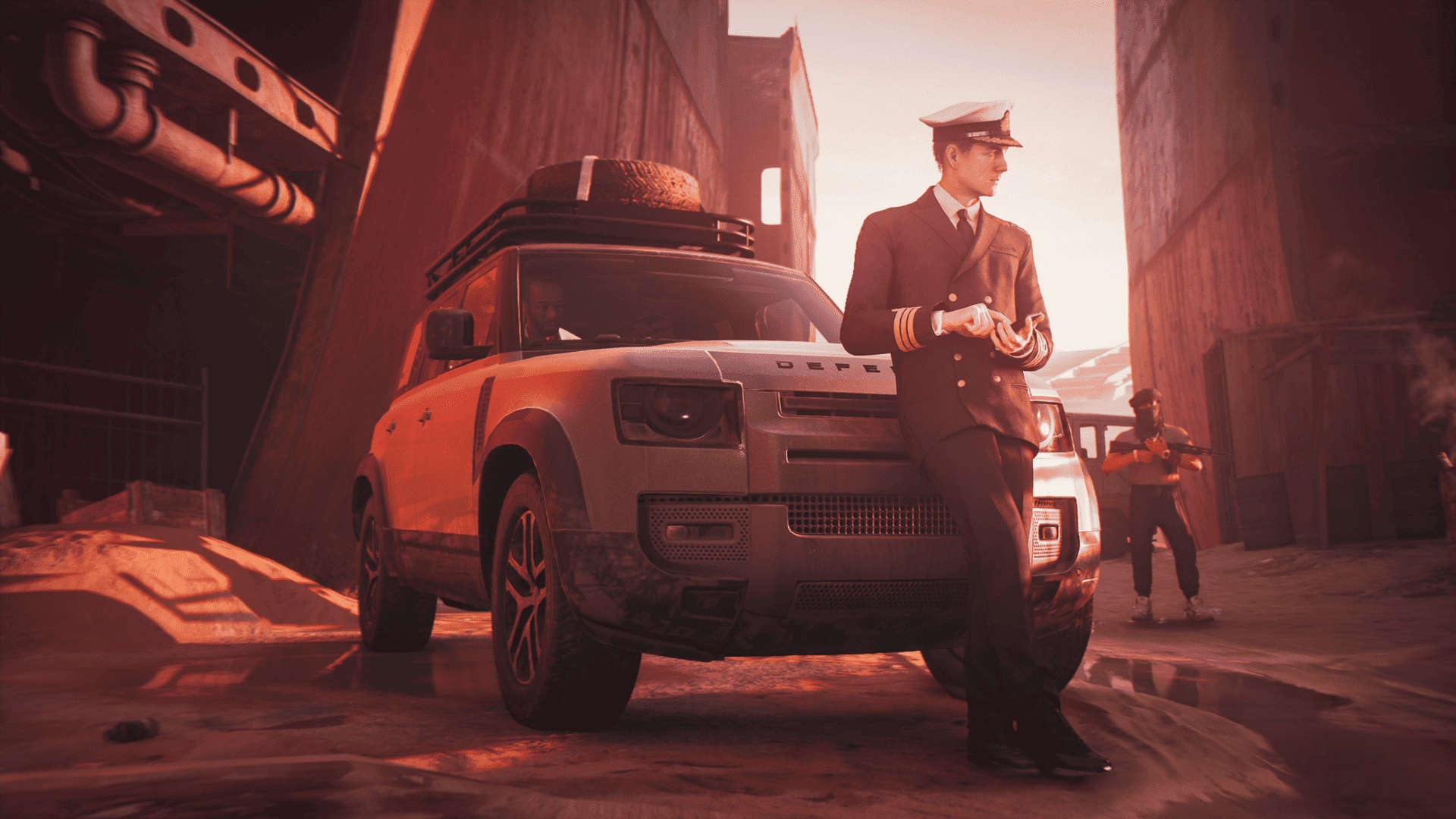
Photo Mode opens from the Pause menu, or it can be assigned to any button through the Customise Input menu for instant access at almost any point in the game. Opening it freezes the game and presents seven tabs of options. Settings are kept when you leave Photo Mode, and Bond's pose can be changed during most of the gameplay, in both the main missions and Tactical Simulation Mode.
Area | Options |
|---|---|
Camera | Free camera movement, field of view, roll, depth of field and Auto-focus |
Cinematic effects | Vignetting, Film Grain and Letterbox |
Image | Brightness, Saturation, Radial Blur, Chromatic Aberration and colour filters |
Subject | A range of poses, or hide Bond entirely to show the environment |
Lighting | Place up to four lights to make a subject stand out |
Composition | Rule of thirds guide, background and logo options |
Each parameter is labelled with both video game and photography terms. Lower field of view values suit portraits and higher values suit landscapes, a low aperture blurs the background to isolate a subject, and setting Saturation to 0 produces black and white images.
Outfits in Replayed Scenes
New Game+ allows unlocked outfits in campaign replays. Choose an outfit through the Journal and restart the selected checkpoint to apply it before using the replay scene. This wardrobe workflow is separate from Photo Mode's camera controls and does not unlock an outfit by taking a photograph.
October Visual Repairs
Update 1.3.1 repaired Observant Spy clipping across gameplay stances, actions and Photo Mode poses in New Game+. The same hotfix repaired Bond's clothing clipping when Photo Mode was activated while viewing the aircraft exterior in All the Time in the World. In Uninvited, it removed orange placeholder visuals on hanging flower-pot chains in the Garden when Photo Mode was enabled.
Update 1.3.2 on October 29, 2026 fixed Bond's clothing stretching or clipping when he is rotated in Photo Mode.
These are fixes for particular scenes and outfit conditions. The update notes do not give a screenshot save path or a guaranteed output resolution. Day One Patch records their dates and chapter contexts.
October 2026 Photo Contest
From October 6, 2026, IO Interactive ran a community Photo Mode contest with a new theme each day, including the Aston Martin Valhalla in Slovakia, Vietnam after dark, Q Lab, Iceland, Webb Industries and Bond at his most charming. Entrants shared their shots for a chance to be featured in the game. On October 16 IO Interactive announced eight finalists chosen by a judging panel at the studio, with public voting on them scheduled to close on October 18. IO Interactive announced the winning entry on October 19, 2026.