

This article is incomplete
Some sections are missing or need additional details. Help improve it by contributing.
Fatekeeper is now in Early Access, and its keyboard and mouse inputs are fully rebindable in the live build. This page describes the input archetypes and actions, with keyboard and mouse confirmed from gameplay material and from the live settings menu; gamepad mappings are not yet in the build.
Confirmed Input Methods
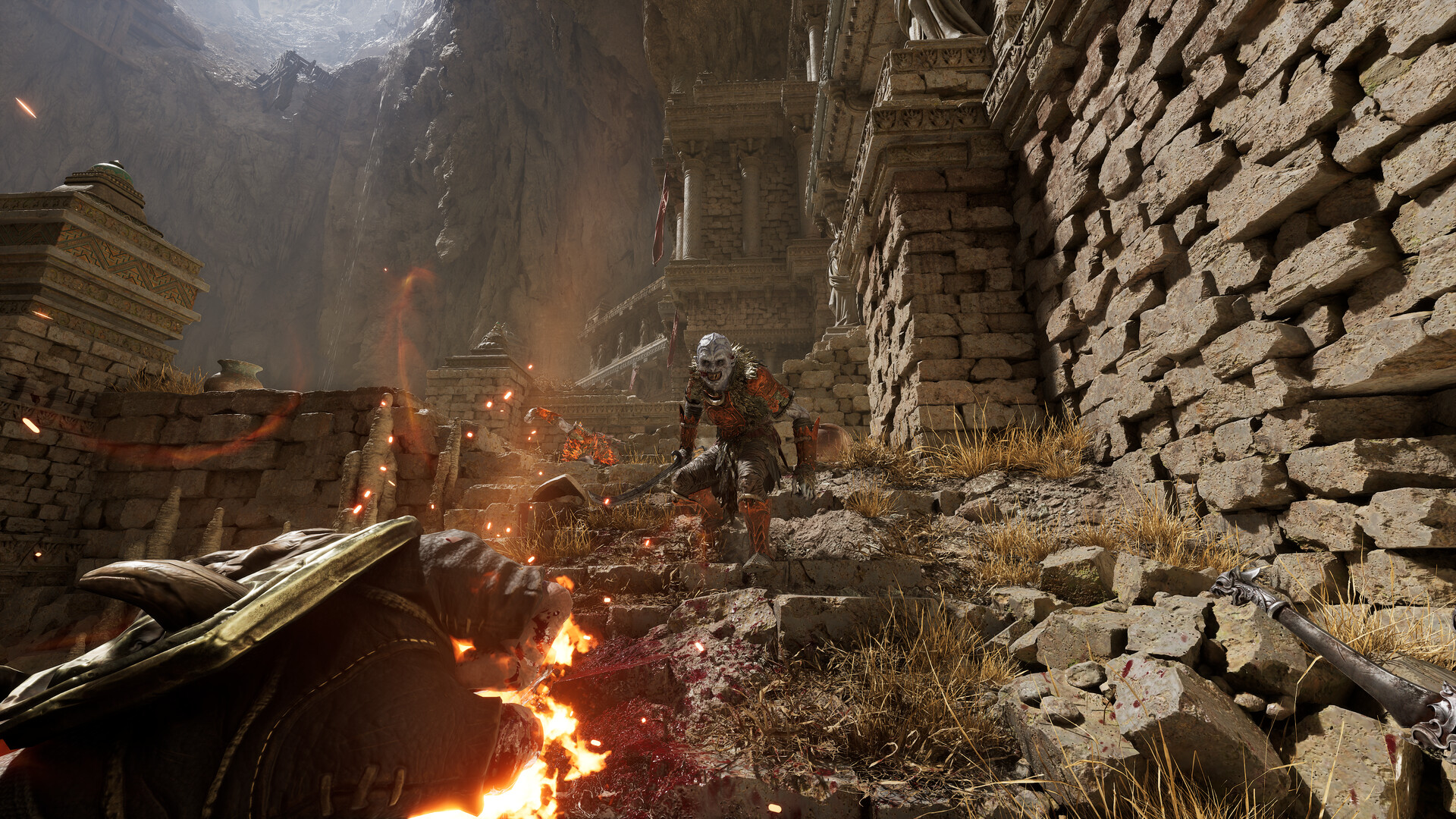
Keyboard and mouse. First-person view, mouse-aimed melee swings and spellcasts.
Gamepad. Implied by the use of standard PC action RPG conventions but not yet officially confirmed.
Action Categories Shown in Gameplay
Category | Actions |
|---|---|
Movement | Walk, run, sprint, jump, crouch. |
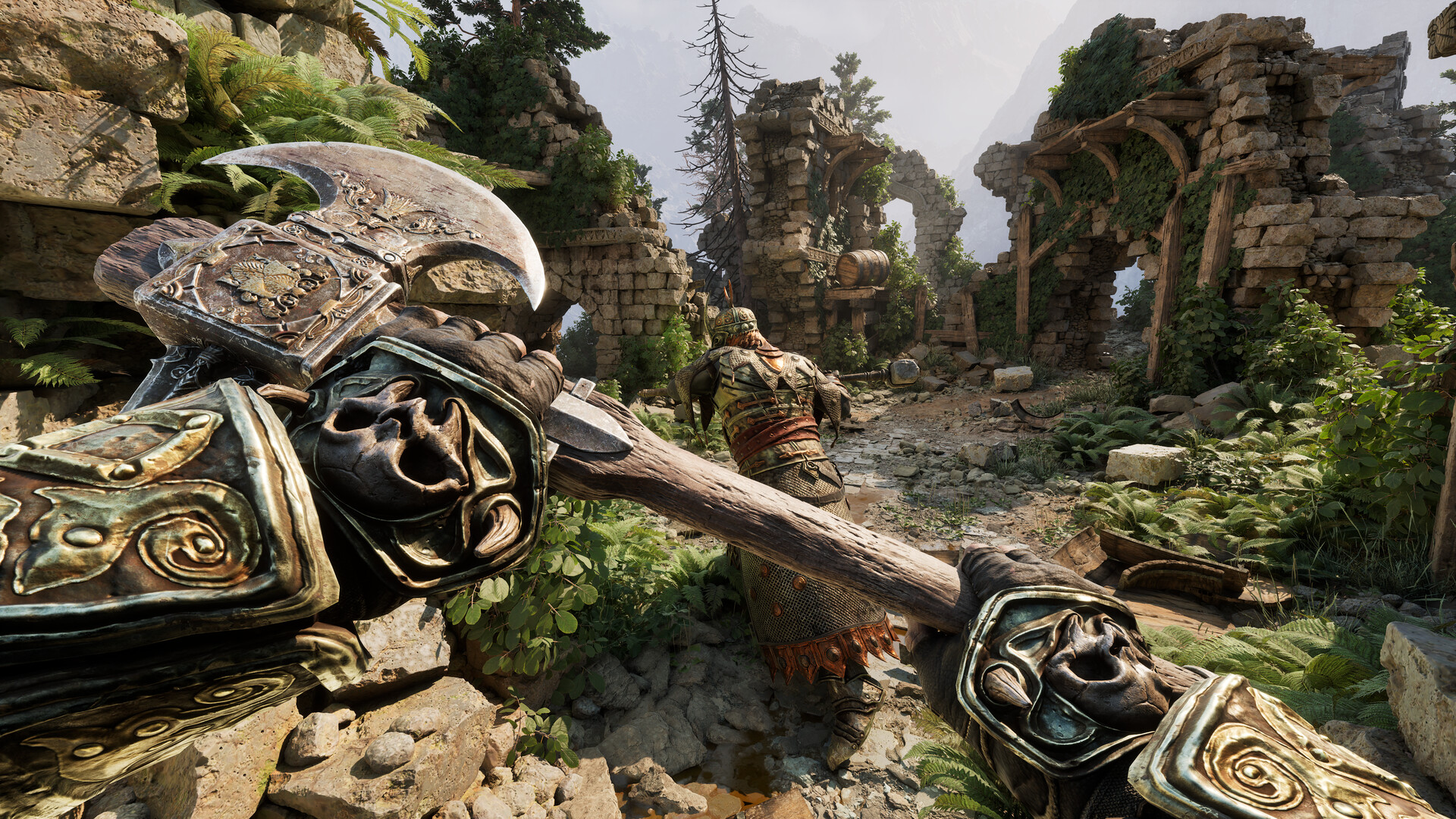
Melee | Light attack, heavy attack, parry, dodge or roll, and finisher animations on staggered or near-dead enemies. |
Magic | Cast spell from each school, switch active spell, channel ranged elemental damage. |
Force | Telekinetic grab and throw, visible in trailers as a way to lift and hurl enemies, including off ledges. |
Loadout | Swap between two equipped weapon sets on demand. |
Quaff a potion, apply a weapon vial or oil, or throw a handbomb. | |
Inspect | Pick up and rotate a discovered item up close, an action highlighted in the Weapons, Relics and Forgotten Arts dev blog. See Inspecting Items. |
Companion | Trigger banter with the talking rat who rides on the Druid's shoulder. |
Known Unknowns
Specific default keybinds for magic casting, dodge, and weapon-set swaps.
Whether weapon sets swap on a tap or a hold.
How parry input timing works beyond the July 2026 change that lets a parry come out immediately at the start of the block animation.
Which controller layouts will ship, and whether they will be remappable.
The above will be expanded now that the Early Access build is live and the in-game settings menu can be captured.
Early Access Input Updates
Keyboard and mouse input is fully rebindable in the live build. An early update fixed input conflicts that had previously blocked rebinding (a few keys were reserved as internal debug inputs), added the ability to manually unbind a key by pressing the same key again on an action, and made a newly bound key automatically clear from any other action it was assigned to. Controller support is named by the developer as a planned short-term addition but is not yet in the build. See Patch Notes for the update history.
Later live-build updates added more options to the settings menu, including a basic field-of-view (FOV) option under Settings then Game (experimental, tuned around FOV 105), auto-equip settings for generic items, consumables, and ingredients, an option to hide the HUD during finishers, and a "GPU Display" option in the display category. See Patch Notes for the full update history.
Radial Menu and Attack Layout
The July 2026 update added a radial menu that reworks how spells, weapons, and consumables are selected. The menu provides four spell slots, four belt item slots, and two weapon slots; each quick-access slot can be assigned a specific spell, consumable, or weapon, so the player decides exactly which potion is consumed when the assigned key is pressed. Assignments are made with a left click or by closing the menu while hovering over the desired slot. By default the radial menu opens with R: pressing R toggles it open and closed, while holding R keeps it open only while the key is held. A preset system for spell modifications, allowing quick swaps between different alterations of the same spell, is planned for a later patch.
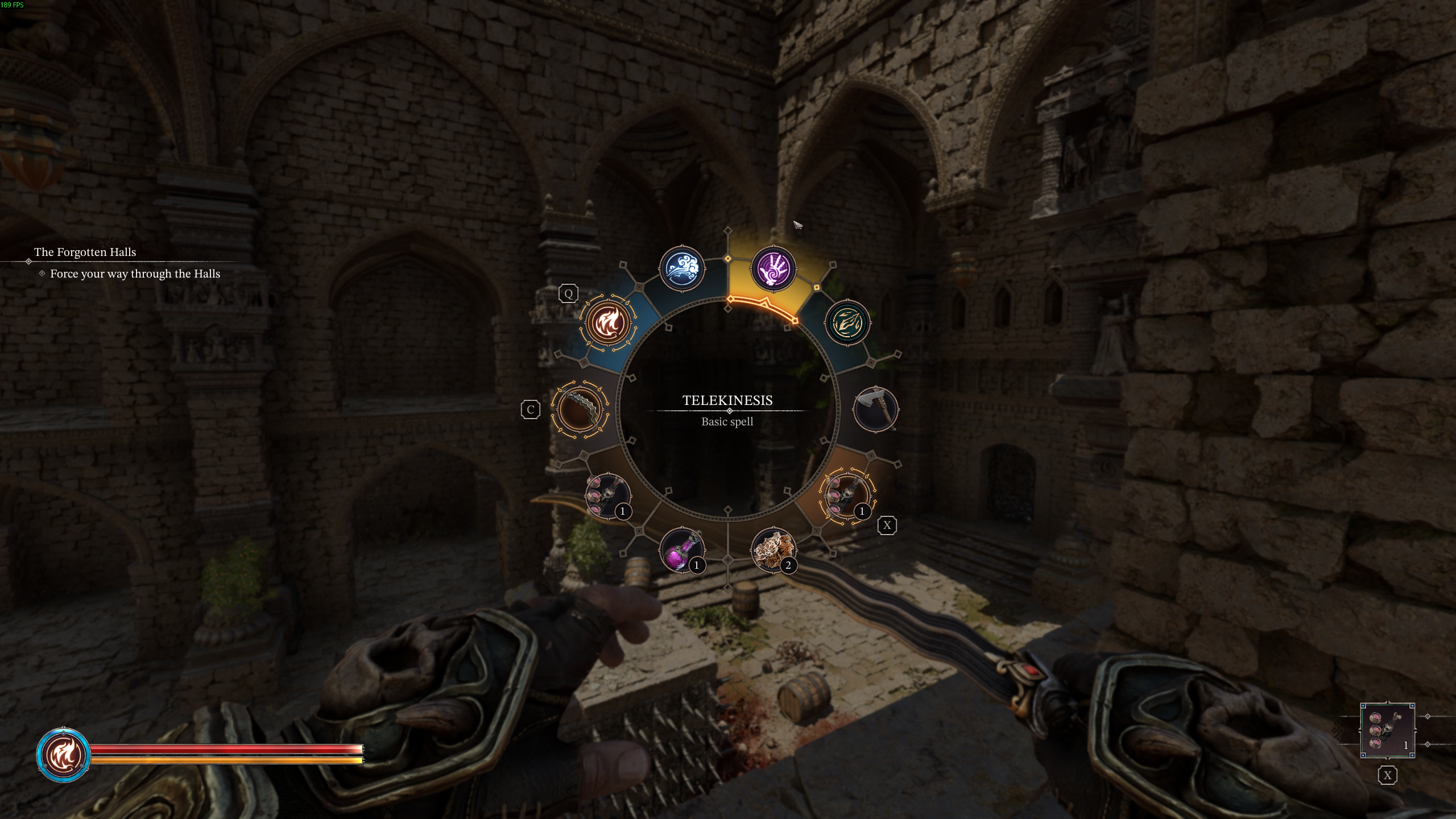
The same update reworked the default attack layout. Light and heavy attacks now share the left mouse button, tap for a light attack and hold for a heavy attack, while blocking moved to the right mouse button. The underlying input system was optimized so chained actions come out more smoothly, and controller support is in active development.
Controller Support
Controller support is not in the Early Access build. The store page carries no controller-support flag, and the game's listed features remain single-player, cloud saves and family sharing only.
The July 2026 update notes described controller support as in active development, alongside underlying input-system rework meant to improve both controller and mouse-and-keyboard play, but gave no date. The August 2026 development update supplied one: controller support is named as a headline item of the first larger patch, which the team is aiming to ship in autumn 2026, together with first-draft localization and a full sound rework. No specific controller models, layouts or remapping guarantees have been published. See Roadmap for the wider plan.
Until it lands, a controller can only be used through third-party input remapping, which the developer does not support and which will not produce correct on-screen button prompts.