
The Blood of Dawnwalker launched with four difficulty presets and a set of individual controls underneath them. Difficulty can be changed at any point during a playthrough rather than being locked in at the start, so a player who finds a particular boss or region unmanageable is not committed to it. Adjustable difficulty is listed among the shipped game's declared features on both console and PC storefronts. See Combat for the systems the settings tune.
Difficulty presets
Preset | Character |
|---|---|
Forgiving | The launch Story setting, renamed Forgiving on Steam in Update 1.1. |
Story | Added on Steam in Update 1.1, with extra combat assistance. |
Fair | The standard setting. |
Challenging | A step up, where the directional reads have to be reliable. |
Duelist | The hardest setting, built around the fully manual directional system with the on-screen indicator off. |
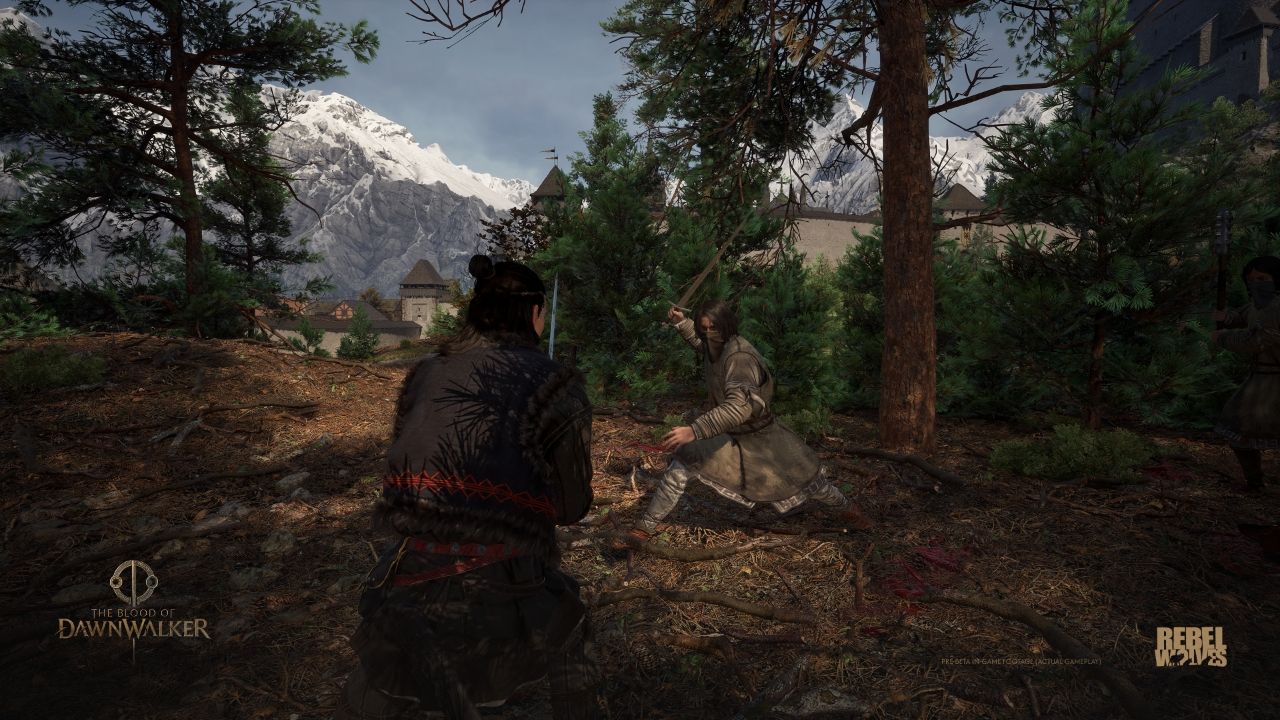
Extended accounts of Duelist play describe it as a rebalance rather than a flat damage multiplier. Enemies are reported to attack far more aggressively and hit far harder, while Coen's stamina pool is cut sharply, and the compensation is that enemies carry less health. The practical effect is that sloppy play is not survivable and the fights turn on perfect blocks and late dodges. That is one player's account of a full run rather than a studio description, so it is recorded as reported.
Custom difficulty controls
Custom difficulty separates RPG statistics from action timing. Mix RPG Difficulty and Action Difficulty to adjust the two groups instead of accepting a single preset.
Setting | What it changes |
|---|---|
RPG Difficulty | Enemy health, enemy damage and Coen's stamina. |
Action Difficulty | Attack speed, aggression, attack patterns and the Perfect Block window. |
Attack speed is the one that changes the feel of the game rather than its arithmetic. Slowing enemy animations at the easier settings gives more time to read an incoming angle, which affects the timing layer instead of inflating or deflating numbers. The studio made the same point when it first showed the system: the easier settings are not simply more health and more damage, because that would cost the sense of mastery.
The Directional Indicator
An on-screen indicator shows the angle of an incoming attack, and the shield element of it turns orange during the perfect block window. It can be switched off, which is what the harder presets are built around. Removing it moves the read from the interface back onto the animation itself. See Directional Combat.
Two automated alternatives sit alongside the manual system for players who would rather not commit to a direction on every input. Omniblock defends in all directions at once and omniattack picks the swing angle automatically, both trading precision for higher stamina consumption. They are options rather than a difficulty tier, and can be used at any preset.
Per-Quest Difficulty Levels
Difficulty in this game is not only a global setting. Individual quests carry a displayed difficulty level of their own, which the journal shows before the quest is taken on. This is confirmed first-party: a September 2026 hotfix note records a fix for one quest that was not displaying its level correctly. The level is a reading of how hard that piece of content is at Coen's current standing, and it sits alongside the region locking described below rather than replacing it. See Quest System.
What Difficulty Does Not Change
The time system. There is no setting that removes, extends or slows the thirty day deadline. See 30-Day Cycle.
Region level locking. Each region fixes its difficulty to Coen's level the first time he enters it, inside a floor and a ceiling set for that region, and the preset does not override that. Difficulty also rises the further south the player goes. See Exploration.
The consequences of the hunger. Losing control at low health at night is a narrative event, not a combat failure state, and no preset switches it off. See Blood Craving.
Accessibility Options
Alongside the difficulty controls, the console listings declare a set of accessibility features including adjustable difficulty itself, control reminders, game pausing, manual saving, controller remapping, adjustable stick sensitivity and inversion, and play without rapid button presses, motion controls, touch controls, vibration or adaptive trigger effects. The radial ability menu slows time rather than pausing it outright, so some pressure remains during ability selection. See System Requirements for the full platform capability lists.
Custom combat settings
Open Settings, then Gameplay, to choose a Difficulty Preset under Combat. RPG Difficulty groups enemy health, enemy damage and Coen's stamina. Action Difficulty changes attack speed, aggression, attack patterns and the Perfect Block window. These two controls can be mixed in a Custom setup.
Setting | Effect |
|---|---|
Auto Block | When enabled, an incorrectly directed block still succeeds at a stamina cost. When disabled, the missed direction allows the hit. |
Use Consumables from Inventory | When enabled, any carried consumable can be used during combat. When disabled, combat use is limited to quickslot items. |
Instant Special Attacks | When enabled, pressing Attack and Block together activates the special attack. When disabled, the correct attack direction must also be chosen. |
Directional Indicator | Shows or hides incoming and outgoing attack directions. |
Show Damage Indicators | Shows or hides numerical damage above enemies. |
Combat Finishers | Enables or disables finisher animations. |
Slow Motion on Perfect Blocks | Enables or disables the brief slow-motion effect after a Perfect Block. |
Difficulty does not select a different story outcome, but Uphill Battle requires completing the entire game while saving the people of Laslea on the Duelist Difficulty preset.
Steam Update 1.1
Update 1.1 shipped on Steam on October 22, 2026. It renames the original Story preset Forgiving and adds a new Story preset with combat assistance. Console rollout dates for these changes remain unconfirmed. The launch difficulty descriptions and screenshots should be read with that version difference in mind.