
This article is incomplete
Some sections are missing or need additional details. Help improve it by contributing.
The interface of Streets of Rogue 2 had to grow to match a game that is far larger than its predecessor. The developer rebuilt the front-end menu system from scratch so menus are easier to create and maintain, and has said the screens currently share one generic skin with visual work still to come. Everything below is drawn from the developer's public roadmap and is subject to change before the Early Access build ships.
Input
Keyboard and mouse support is complete. Gamepad support reached the point where nearly any action available on keyboard and mouse can also be performed on a controller, and the developer describes closing the remaining parity gaps as ongoing work. Players can now switch between keyboard and mouse and a gamepad on the fly. Partial controller support first reached players in alpha demo patch 27, with full gamepad support following in patch 28c.
Driving is the one control area the developer singles out as unresolved. Two-dimensional driving controls are hard to get right and player response was mixed, so three different control schemes already ship. He expects more tweaking and possibly extra settings, including a way to lower vehicle speed. See Vehicles.
Front-End Menus
Screen | Status | Notes |
|---|---|---|
Title screen and intro | Needs work | Still described as needing work, but it now has a flyover showing random shots of the world and its inhabitants. |
World selection and generation | In game | A visual preview of the generated map now works and was listed among the items completed in the November 2026 status update. The developer thinks some world-mod settings belong on this screen too, since factors like world size and city count are adjustable. |
Character selection, creation, modification | Bare-bones | Options for building custom characters and modifying existing ones are named as work that must land before the Early Access launch. See Traits and Custom Characters. |
Settings | Complete | Fully functional. New settings get added as needed and the screens may get aesthetic passes, but they work as well as they need to. |
Online multiplayer menus | In game | Partly done and in internal builds as of the November 2026 roadmap update; no further detail published. |
Stream integration | Undecided | The first game let viewers vote on disasters and rewards. The developer is not against bringing it back but has not committed. |
Inventory Screens
Three inventory surfaces exist. The standard inventory and toolbar works much as it did in the first game and is fully functional, with crafting materials sorted into their own tab so they never compete for space with normal items, plus a further tab for abilities, traits, and status effects that doubles as a quick-access panel. A build inventory holds every category of buildable element and is functional but expected to change as design work and player feedback come in. A "use on" and sell inventory appears when interacting with an object or NPC the player is applying items to.
A newer inventory tab, shown in the October 2026 dev blog, references the character's stats, abilities and factions. It gives a quick look at the character's makeup, links through to more detailed pages, and is where special abilities are assigned. Individual items can also open their own small item popups for less important actions, such as dropping part of a stack or unloading a gun. The developer has noted that the first game had this feature for a long time in early development before he dropped it to keep things simple.
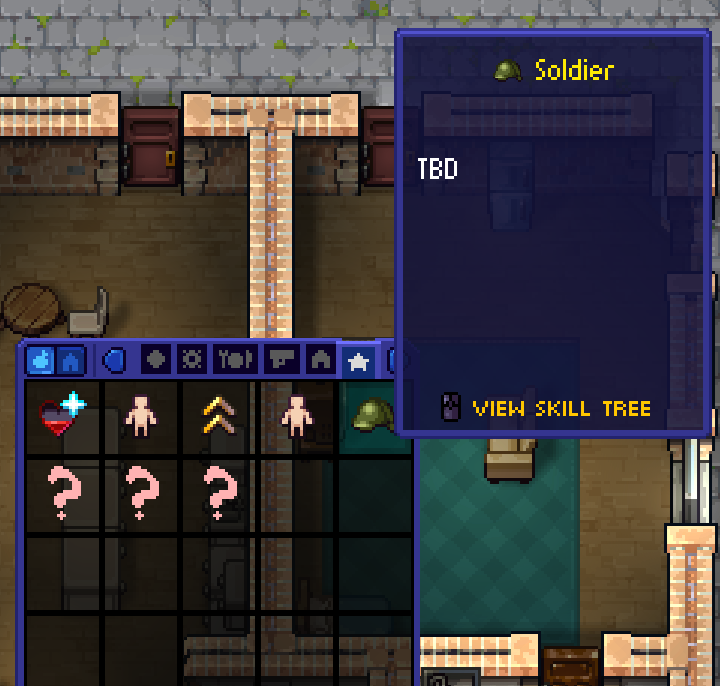
What goes into each of those groups is covered under Gameplay Systems.
The Tab Menu
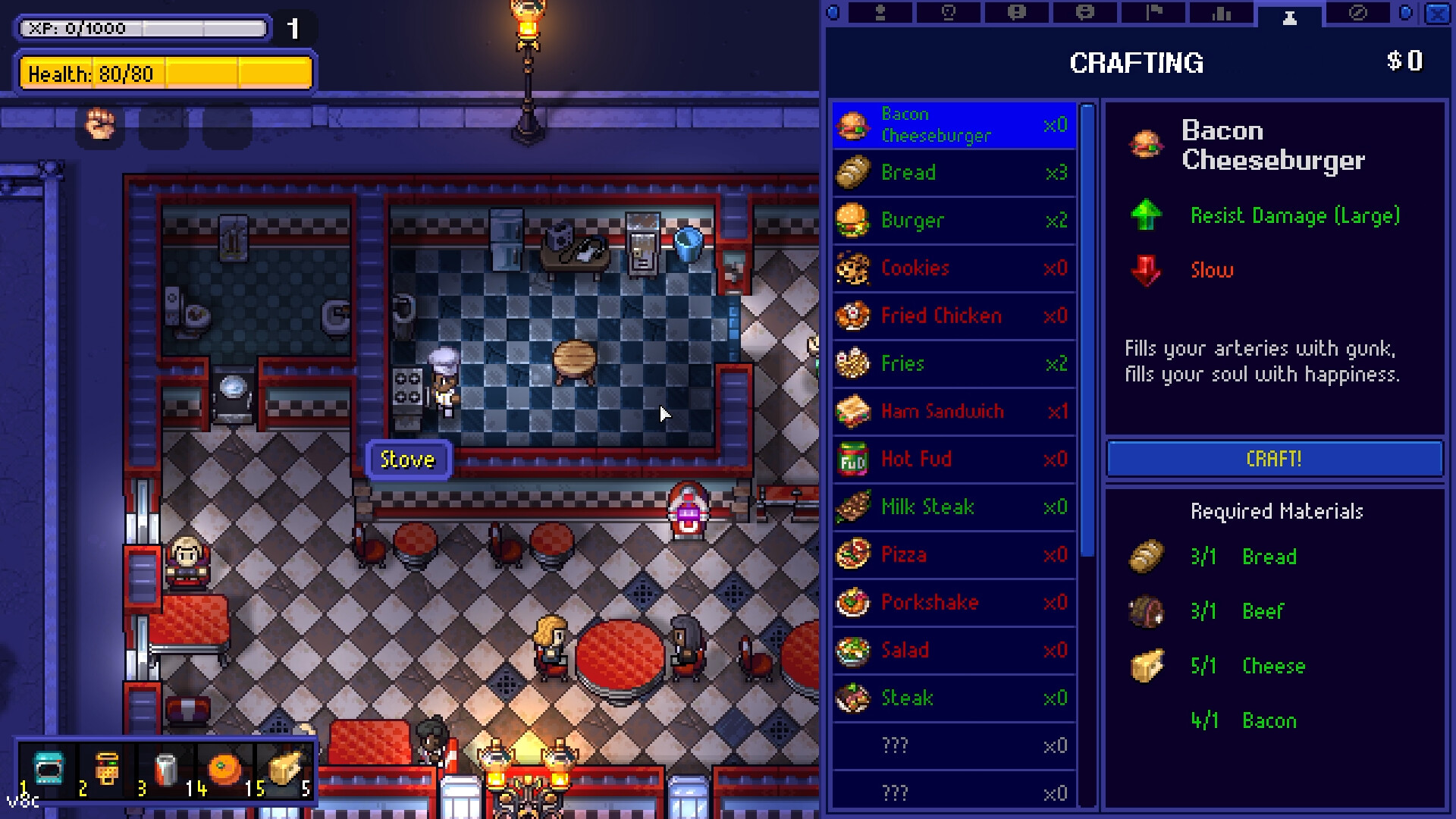
The tab menu is the game's hub screen, and the developer built it with split-screen constraints in mind so that local multiplayer would not require rebuilding it. He has said it should get plenty of use.
Screen | Status | Covers |
|---|---|---|
Stats | Bare-bones | A quick look at the makeup of the character. |
Shop | Complete | Buying and selling for all transactions. |
Chest | Complete | The player's personal storage for items that will not fit in the inventory. |
Crafting, cooking, modding | Complete | One screen for everything crafting-related. The developer now describes its functionality, and its support for future recipes, as largely complete. |
Factions | In game | The player's standing with each faction and factions' standing with one another. |
Cities | In game | The player's relationship with cities and cities' relationships with each other. Intended to grow once the city management layer firms up; see Mayors and the President. |
Quest log | Mostly functional | The developer has said it could look better and that he may add a map view. See Quests. |
Quest offer | In game | Shows much the same information as the quest log, but only when accepting or completing a quest. |
Skill trees | In game | Character skill progression. |
Followers | In game | Will handle followers living and working at the player's base; see Base Building and Followers. |
Vehicles | In game | Everything car-related, and boats. The developer has said there are no planes, while leaving the door open. |
Home base | In game | Home bases are described as having functions beyond being the place the player's bed goes; see Base Building and Followers. |
Map | In game | See the map screens below. |
Further screens | Planned | Vehicles and home base have since become tab-menu screens of their own. City management, multiplayer functionality and a message log are still named as planned additions. |
In-World Interface
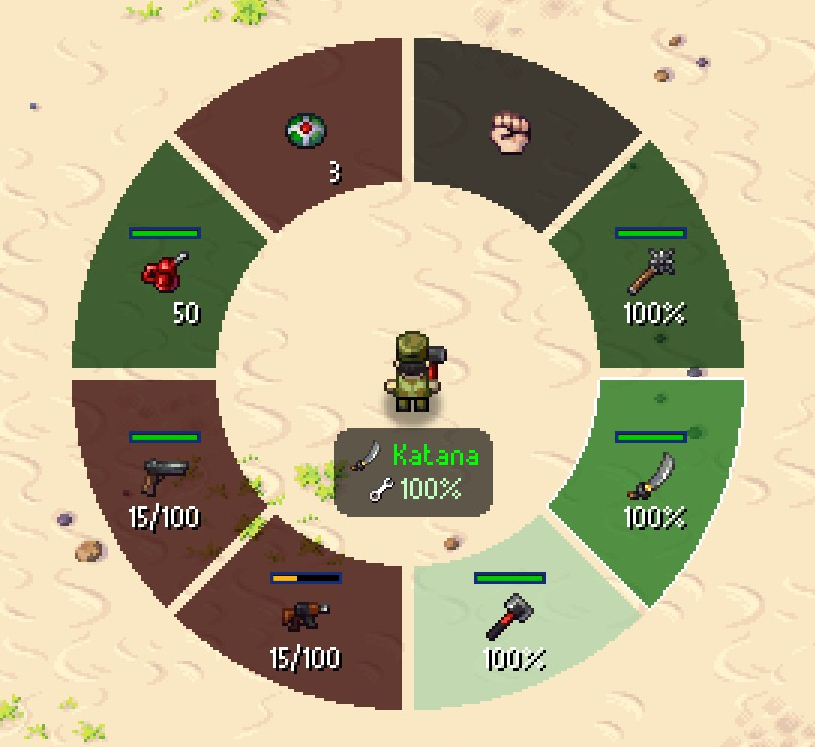
Radial weapon and ability select: a radial menu replaces the first game's weapon cycling and may also handle special ability selection. It frees a gamepad button so a second special ability can be mapped. The developer listed a completed weapon wheel among the items finished by his June 2026 status update, and confirmed in October 2026 that it is functioning, replacing the selector that popped up in the first game when using the mouse wheel.
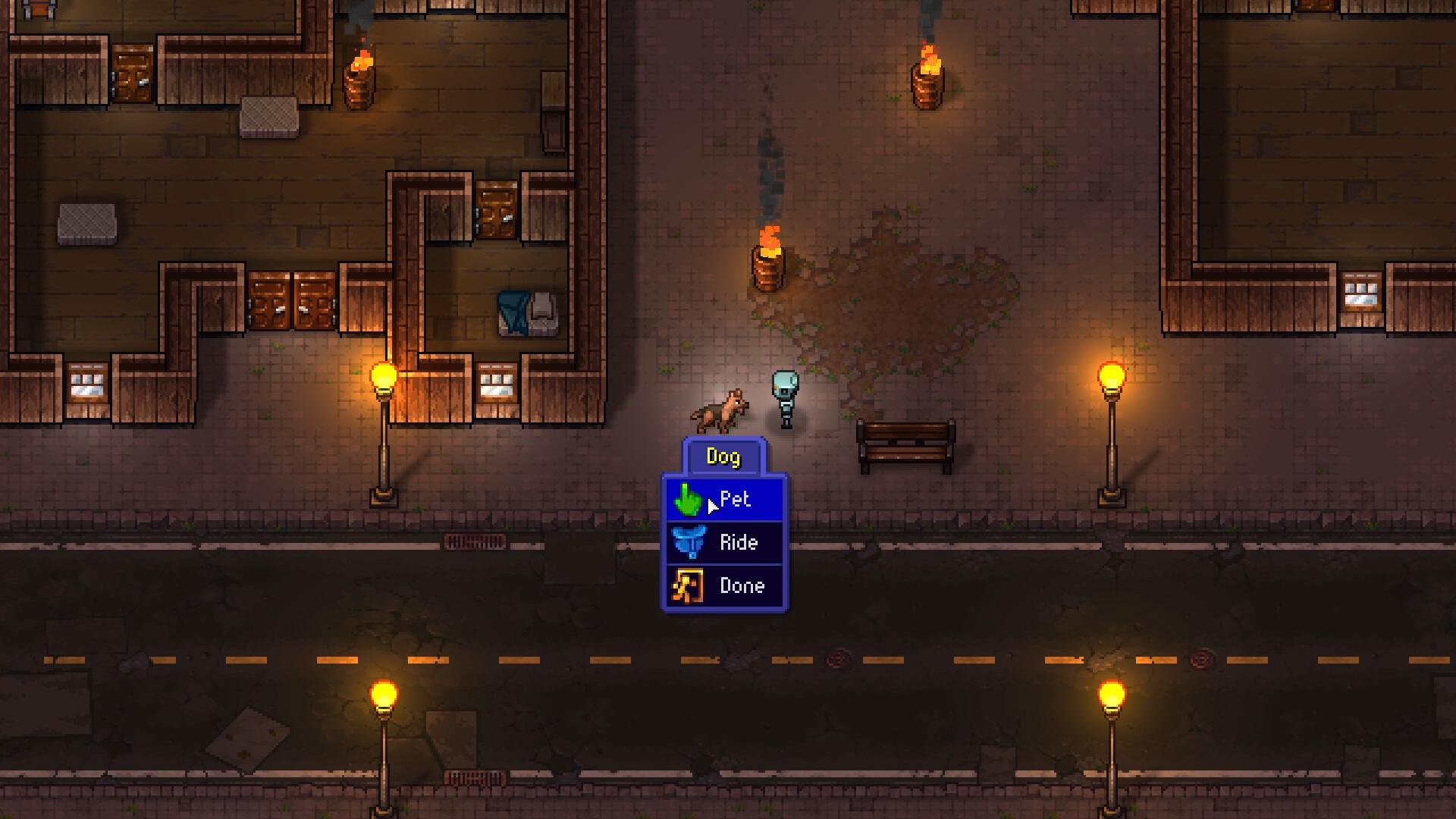
Context buttons: these appear when interacting with NPCs and objects. They work as they did in the first game but now carry an image on each button, a tooltip with extra information on the selected button, and the ability to scroll the list.
Sidebar notifications: images and text that slide in and out of the side of the screen to report recent actions such as picking up an item or gaining experience.
Two newer on-screen elements appeared in the October 2026 dev blog. A reload meter shows how long a gun is taking to reload, and a stamina bar now sits above the health bar. The developer has said the stamina bar's exact uses are still being worked out and that its interface is a work in progress.
Map Screens
Two maps exist. The world map is a uniquely textured overview, largely complete except for icon filtering, which the developer says is already programmed internally and only needs art assets to switch on. He also intends to let the player display filters for world-simulation factors such as faction influence.
The zoomed-in map more closely resembles the first game's map and doubles as the minimap, with slightly different behavior in that role. Earlier versions of the roadmap described it as slow to update and occasionally buggy, and floated a lighter middle-ground map that would show unique chunks without their individual tiles. The November 2026 roadmap reports that its performance issues have been cleared up and that it is now shown in full color, which the developer calls a first for the series.
Tutorial
The first game had a walled-off, heavily scripted tutorial that was well received. For the sequel the developer has so far taught through in-game popups instead, on the grounds that he personally prefers letting players play and explore while surfacing information as it becomes relevant. He has been explicit that he has not fully made up his mind and will see how players respond.