

Overview
Crimson Desert carries a "Controller Recommended" tag on Steam, and Pearl Abyss has stated that a gamepad is the intended way to play. However, keyboard and mouse remains a viable option for certain playstyles. This guide breaks down the strengths and weaknesses of each input method.
Controller (Recommended)
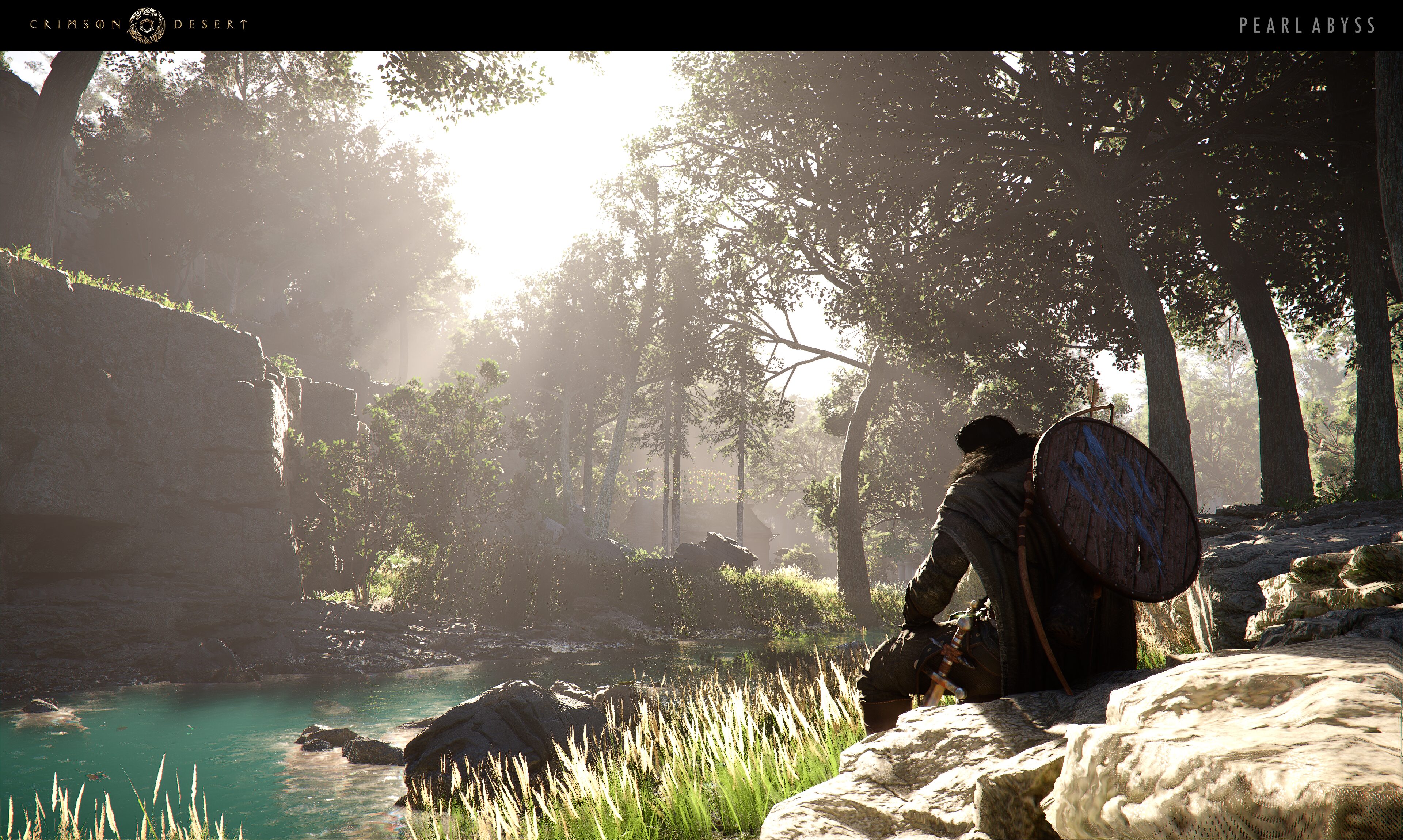
Combat combos: Action combos are easier to input on a controller because face buttons sit right under your thumb. Chaining light attacks, heavy attacks, and skills feels fluid without awkward hand repositioning.
360-degree movement: Analog sticks provide variable-speed directional control, which matters when repositioning mid-combo or dodging through groups of enemies.
Ergonomics: Long play sessions are more comfortable since your hands rest naturally on the gamepad.
Minigames: Activities like arm wrestling and horse racing are considerably easier on a controller.
Keyboard and Mouse
Ranged precision: Mouse aiming is significantly better for bow combat and archery contests. The precision of a mouse makes landing headshots and flicking between targets much faster.
Camera control: Free mouse look lets you survey the environment more quickly during exploration.
Combo complexity: Some combos require hitting number-row keys (5, 6, 7) mid-fight while maintaining WASD movement, which is physically awkward.
Mounting quirks: Getting on and off your horse uses two different key bindings, which can be confusing at first.
Recommendation
For most players, a controller delivers the best overall experience. The combat system was clearly designed around gamepad inputs, and the ergonomic benefits add up over dozens of hours. If you primarily enjoy ranged combat, consider keeping a mouse nearby and switching inputs as needed. Crimson Desert supports hot-swapping between controller and keyboard at any time.