
Managing where your Zois live and who they live with is a core part of inZOI. Whether you are relocating to a new neighborhood, merging two families after a marriage, or splitting a household when children move out, the game provides several tools for managing living arrangements. Most household management is handled through the City Map interface.
Moving to a New Home
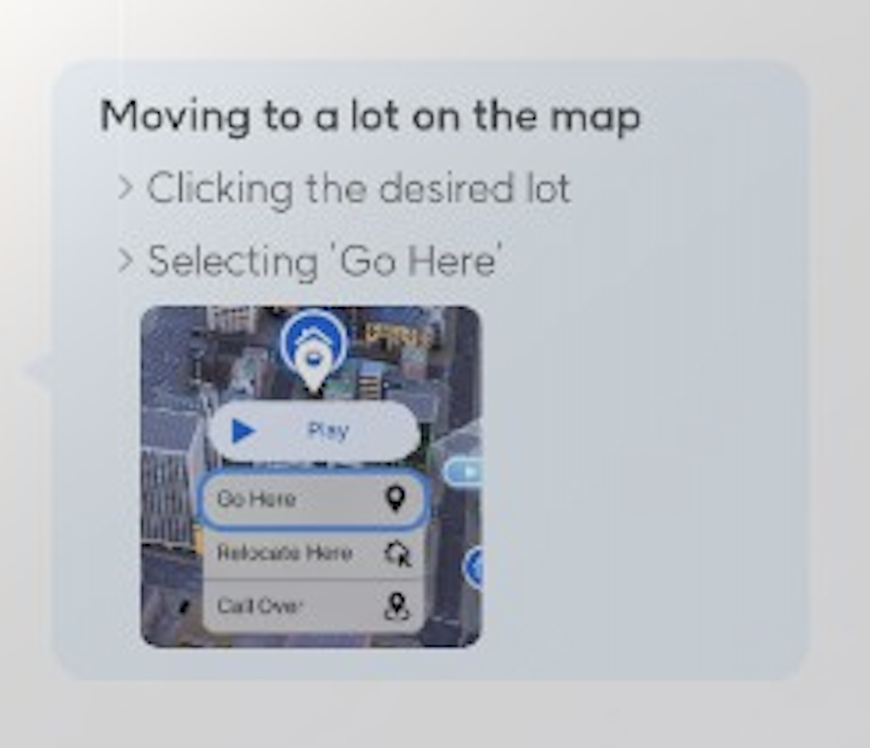
The primary method for relocating a household is through the Edit City interface on the City Map:
Press M to open the Map.
Open the City Map view.
Click on an uninhabited lot (a lot with no current residents).
Choose your furniture option: bring all furniture from your current home, or sell it for Meow.
Choose the purchase option for the new property (buy or rent, depending on availability).
Confirm the move.
After confirming, your household relocates to the new property. All household members transfer together automatically. Vehicles owned by the household also transfer to the new lot without additional steps.
If you choose to bring furniture, all placed items from the old home appear in the new lot's inventory for placement. If you choose to sell, you receive Meow based on the furniture's current value. Any furniture that does not fit in the new lot's footprint remains in the household inventory for later placement.
Marriage Move-In
When two Zois get married through the romance system, a pop-up appears immediately after the wedding offering the option to move in together. Accepting this prompt automatically relocates the spouse who does not own the property into the homeowner's household. This is the simplest and most natural way for two Zois from different households to combine into one.
If the pop-up is dismissed or declined, the two spouses remain in their separate homes. They can still be merged later through the household management system.
Household Management
The household management interface allows you to reorganize which Zois belong to which family. Access it through:
Open the City Map (press M).
Select "All Families" to see every household in the city.
Choose "Move Zois Between Families."
Select two families you want to reorganize.
Drag and drop Zoi portraits between the two families to transfer members.
Divide assets (Meow and property) as desired.
Confirm the changes.
This interface works for both transferring individual Zois between existing households and for rearranging entire family structures. Changes take effect immediately after confirmation.
Splitting a Household
To split one household into two separate families:
Open the City Map and navigate to All Families.
Select "Move Zois Between Families."
Choose "Create Temporary Family" to create a new empty household.
Select the family you want to split from.
Drag Zois from the existing family into the new temporary family.
Divide the household's Meow and assets between the two families.
Name the new family.
Confirm to finalize the split.
The new household will need a place to live. After splitting, assign the new family to an available lot through the City Map. The original household retains the current home unless you manually reassign it.
Merging Households
To combine two separate families into one household, use the same Move Zois Between Families interface:
Open All Families and select Move Zois Between Families.
Select the two families you want to merge.
Transfer all members from one family to the other.
The receiving family gains all transferred Zois and their combined assets.
Confirm to finalize the merge.
The empty family is automatically dissolved after all its members have been transferred out. The merged household lives in the receiving family's home.
Move-In for Unmarried Partners
As of v0.11.0 (October 15, 2026), there is no "Ask to Move In" interaction for unmarried partners; v0.10.0 added only an invitation to stay the night, after which the guest leaves in the morning. Only marriage triggers the automatic move-in pop-up. If you want unmarried Zois to live together, you must use the Edit City household management system to manually transfer one Zoi into the other's household.
This limitation has been noted by the community as a requested feature. For now, the workaround through Edit City works reliably for any combination of Zois, regardless of their relationship status.
Important Limitations
Limitation | Details |
|---|---|
Babies and Toddlers | Newborns and Toddlers cannot be transferred between households through the Move Zois interface. They must remain with their current family until they age up to Child. |
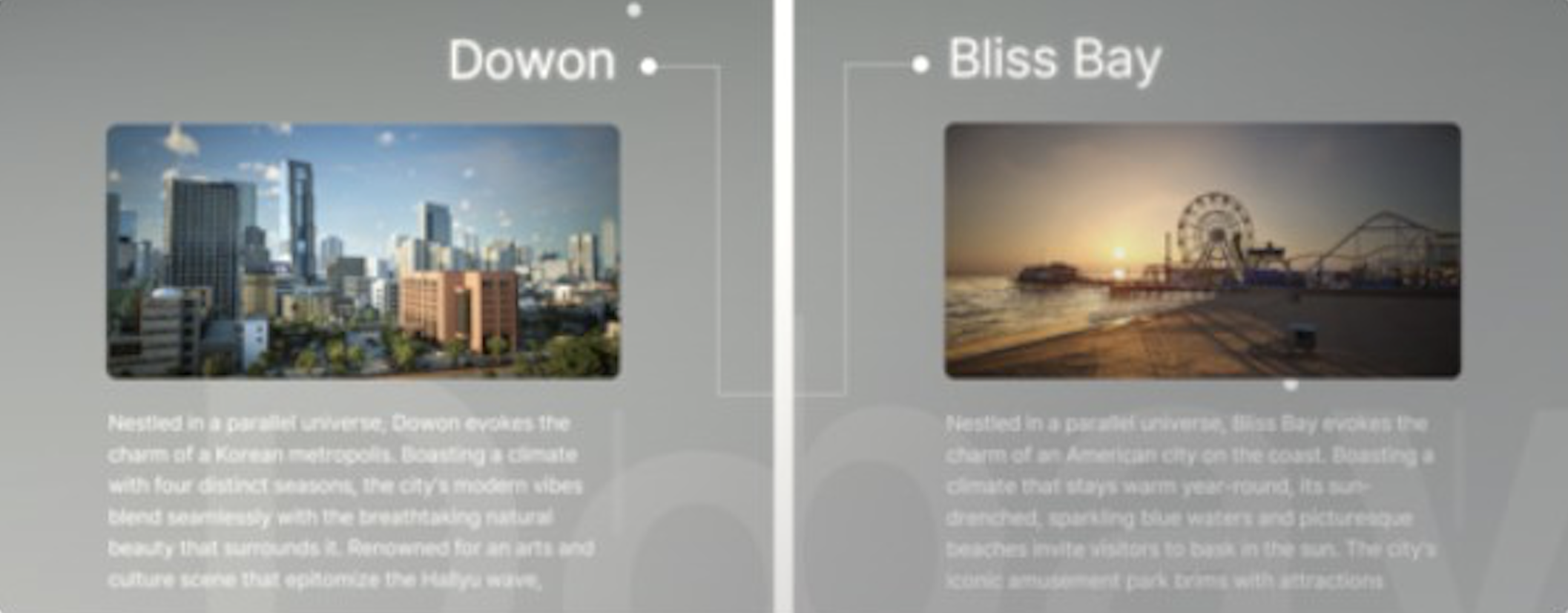
Cross-City Moves | Zois cannot relocate between Dowon and Bliss Bay. Moving is limited to lots within the same city. If you want a Zoi in a different city, you must create a new household there. |
Household Size Cap | A household cannot exceed 8 Zois. Merging or transferring Zois into a household that is already at 8 members is blocked. |
Property Ownership | Only one household can own a given lot at a time. The departing household loses ownership of the property when they move out. |
Tips
When moving, sell furniture you do not plan to reuse. The Meow from sold furniture helps offset the cost of purchasing a new lot.
Use household splitting when teenage or young adult children are ready to move out and start their own life. This creates a more realistic family progression.
After a marriage, always accept the move-in prompt if you want the spouses to live together. Doing it later through household management works but is more cumbersome.
Check the household size limit (8 Zois) before merging families. If the combined count exceeds 8, you will need to move some members out first.
Vehicles transfer automatically when moving, so you do not need to sell and repurchase them.
Plan ahead when splitting households. Ensure the new family has enough Meow to afford a lot and basic furnishings before confirming the split.