
Loading...
Loading...
Can You Change Your Island Map?
March 31, 2026 at 01:19 PM
Added Cloud Island customization, Magic Numbers, and terrain modification details
No, you cannot change your island map. The island map is fixed for all players in Pokemon Pokopia. Every player starts at the Withered Wasteland, and the terrain for all areas remains the same across every save file.
Unlike games such as Animal Crossing: New Horizons where each player gets a randomized island layout, Pokemon Pokopia uses a fixed map. Every player experiences the same geography, terrain layout, and area placement. This means visiting another player's world in multiplayer will show the same base terrain structure as your own.
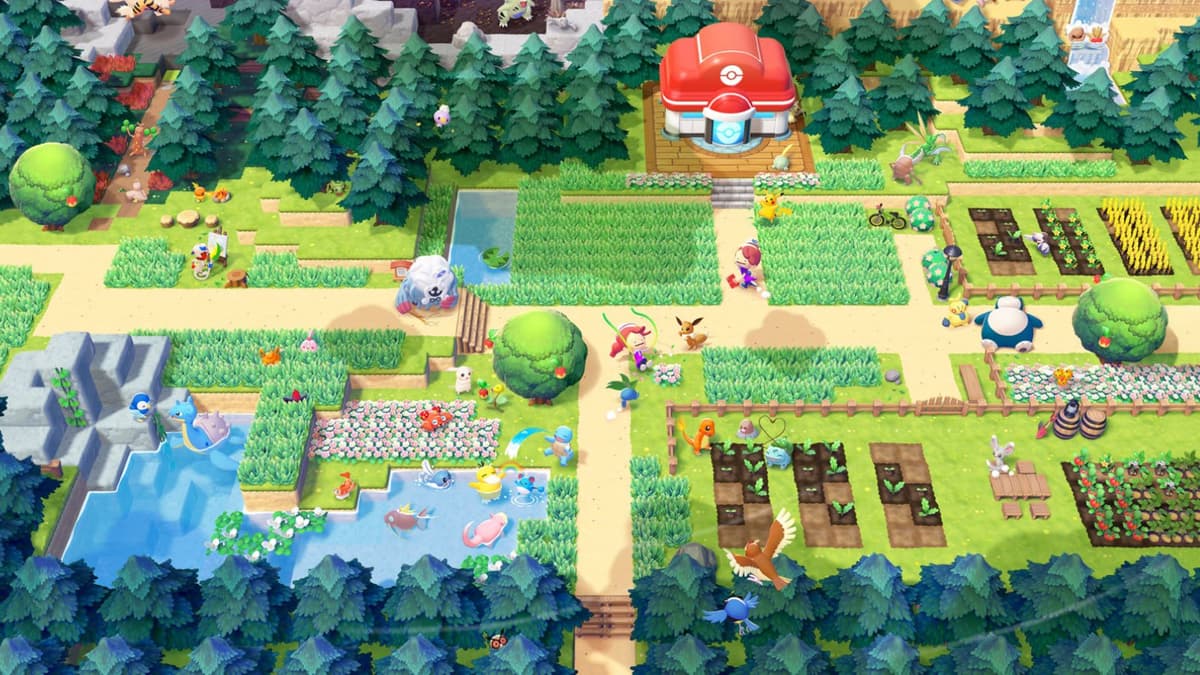
All five main areas have identical terrain for every player:
Area | Description |
|---|---|
Starting area; dry, barren landscape based on Fuchsia City | |
Coastal area with harbor; based on Vermilion City | |
Volcanic ruins; based on Pewter City | |
Floating islands; based on Celadon/Saffron Cities | |
Creative sandbox; based on Pallet Town |
While the main island cannot be modified, Cloud Islands offer customization through rerolling. Cloud Islands can be rerolled every time you recreate them, giving you a different layout each time. However, newly created Cloud Islands start without any pre-installed facilities, so you need to build everything from scratch.
When creating a Cloud Island, it is best to create one with a PC located near the center of the map, then build your house and Pokemon Habitats nearby. This central placement makes navigation across the island much easier and reduces travel time when managing your town.
The main island map is permanent and identical for all players. If you want layout variety, Cloud Islands are the only option. They can be rerolled freely, though you trade convenience (no pre-built facilities) for layout flexibility.
While the main story islands have fixed terrain, Cloud Islands offer more flexibility. Cloud Islands are persistent multiplayer islands with a randomly generated layout. Each Cloud Island is created from a "Magic Number" seed, which determines the terrain shape, elevation, and biome features.
Feature | Main Story Islands | Cloud Islands | Palette Town |
|---|---|---|---|
Terrain | Fixed; cannot be changed | Randomly generated from Magic Number seed | Fixed layout |
Terraforming | Limited to Bulldoze and block placement | Full block placement; Bulldoze available | Full block placement |
Facilities | Pokemon Centers, pre-built ruins | No pre-installed facilities | No pre-installed facilities |
Can Reroll | No | Yes (creating a new Cloud Island scraps the old one) | No |
Multiplayer | Host-only building | Up to 4 players can build | Up to 4 players can build |
When creating a Cloud Island, the game generates a 9-digit alphanumeric Magic Number that serves as the island's seed. Sharing your Magic Number with friends lets them create a Cloud Island with the same terrain layout. Note that sharing the seed copies only the terrain, not any structures or items you have placed.
You can only have one active Cloud Island at a time. Creating a new one permanently deletes the previous one, along with all placed structures and items. Make sure to save any Blueprints of important builds before creating a new island.
While you cannot change the overall map layout of the four main regions, you can modify terrain in limited ways:
Block Placement: Place blocks to create elevated platforms, bridges, walls, and custom structures anywhere.
Bulldoze: Pokemon with the Bulldoze specialty can flatten small areas and relocate objects.
Water Manipulation: Using Suck Up Liquids (from Paldean Wooper), you can move water source blocks to create custom ponds, rivers, and waterfalls.
Vegetation: Plant flowers, trees, and hedges to transform the visual landscape of any area.
