
Loading...
Photo Mode
September 7, 2026 at 12:34 AM
Rewrote from the official photo mode guide: added entry conditions, the V and D-Pad Down binding, camera behaviour, PNG capture and gallery upload; corrected the claim that the mode freezes the world and works during combat
Photo Mode is a dedicated screenshot feature. It runs in real time rather than freezing the world: the player adjusts the camera angle and the character's pose together, then captures the frame. It is one of the systems the alpha build shipped with a full guide for, and Nexon notes that every system name attached to it is provisional and can change before launch.
Photo Mode is not available at all times. The restrictions are deliberate, and they are the part most players run into first.
It cannot be opened during combat with monsters.
If the player is locked on to a target while out of combat, lock-on is released automatically before Photo Mode opens.
It cannot be opened during interactions, cutscenes, or forced story sequences.
It closes on its own the moment the character takes damage.
The practical result is that Photo Mode is an exploration and downtime tool. Quiet stretches between fights, campsites and the scenic overlooks scattered through each region are where it is meant to be used, not the middle of a boss encounter.
Photo Mode is opened directly with a dedicated input, or through the in-game menu under Camera.
Input | Binding |
|---|---|
Open Photo Mode | V on keyboard and mouse, D-Pad Down on a controller |
Menu path | Menu, then Camera, then Photo Mode |
Toggle HUD and UI | Q on keyboard and mouse, Y on a controller |
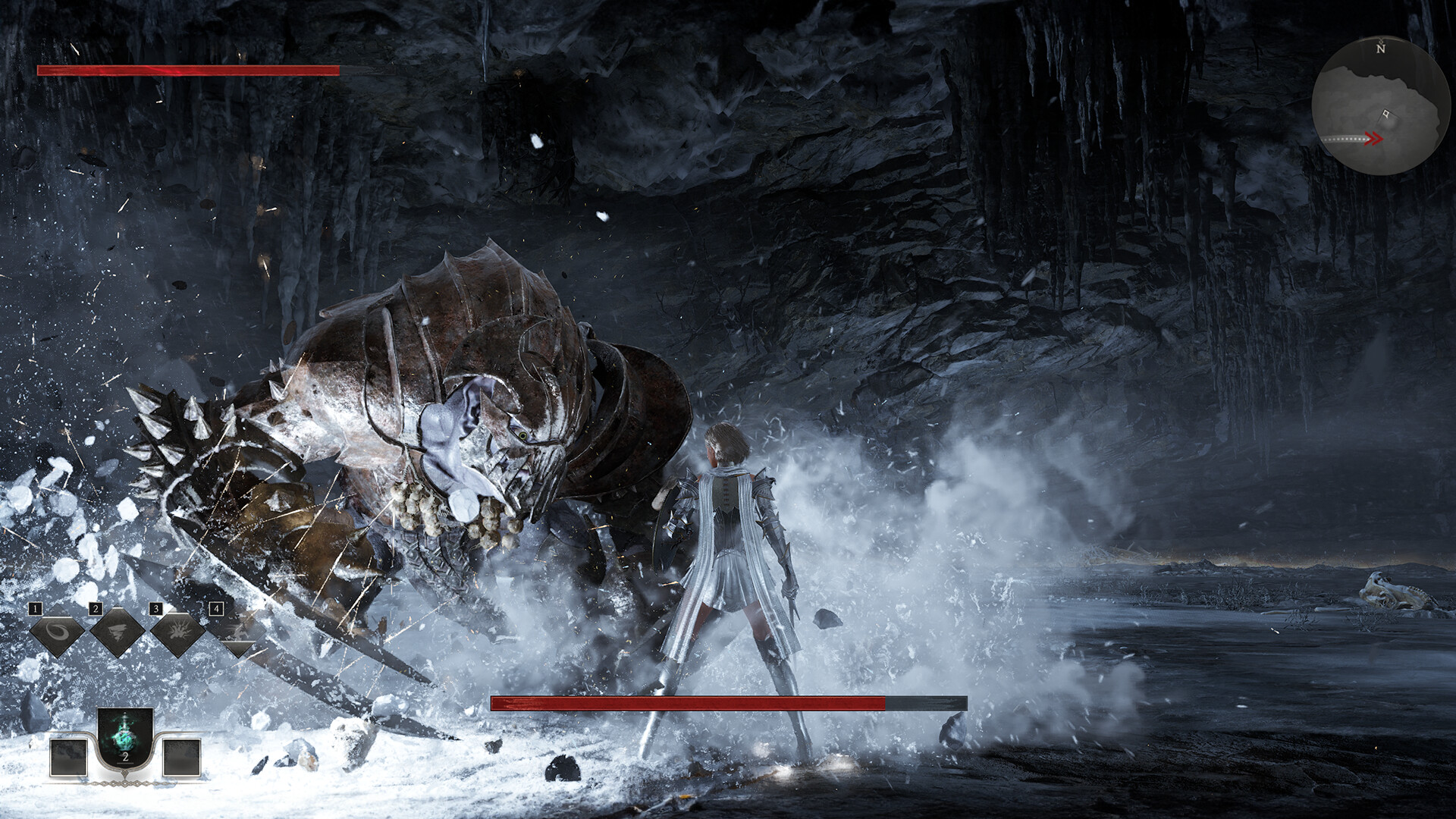
The camera orbits the character and can be rotated, moved vertically and horizontally, and zoomed. To keep shots usable in tight interiors, the camera avoids collision with terrain and props rather than clipping through them, and the character is rendered semi-transparent when the camera is pushed in very close.
Control can also be handed back and forth between the character and the camera, so a pose can be set first and the framing adjusted afterwards without leaving the mode.
Screenshots save as PNG files at the resolution the game is currently running at.
The UI is excluded from the saved image, so hiding the HUD is about composing the shot on screen rather than cleaning up the file afterwards.
Captured screenshots can be uploaded to the platform gallery from inside the mode.
Gestures can be triggered while Photo Mode is open, which is the main way players pose a character rather than catching an idle animation. Each character has exclusive gestures granted at creation that reflect their personality, alongside a set of shared gestures tied to body type. Gestures are registered into presets and pulled up with a shortcut key, and Nexon calls out Photo Mode as one of the situations the preset system exists for. See Character Customization for the full gesture and appearance breakdown.
Photo Mode is the visible payoff for the depth of the appearance editor. A player who has spent time on outfits, dyes and physique sliders has a way to show the result, and because the mode captures at native resolution with the interface stripped out, what leaves the game looks like a promotional still rather than a screenshot with health bars in the corner.