
Photo Mode
Complete guide to Photo Mode in Starsand Island. Covers camera controls, the three shooting modes (Handheld, Selfie, Free Roam), Scenery Album landmarks, NPC photos at Heart Level 2, the sugar painting connection with Hattie, photo frames for home decoration, and tips for earning Starsand Points through photography.
On This Page
Photo Mode is the built-in camera and screenshot system in Starsand Island. It lets you capture scenic shots, take selfies with your character, photograph landmarks for the Scenery Album, and snap photos with NPCs to commission sugar paintings. Photos can also be placed in frames as home decorations, making your house uniquely yours. The Camera app is available from the start of the game with no unlock requirements, and photographing landmarks is one of the reliable methods for earning Starsand Points.
How to Access Photo Mode
There are three ways to open the camera:
Input | Method |
|---|---|
Keyboard | Press P |
Controller | Press LB + Left |
Phone Menu | Open your phone (Tab on keyboard, Y on controller) and select the Camera app |
All three methods open the same Photo Mode interface. The Camera app is in the top row of phone apps and requires no progression to unlock.
Camera Modes
Photo Mode offers three distinct camera perspectives. Switch between them using the "Switch Mode" button in the photo HUD.
Mode | Description |
|---|---|
Handheld | Standard third-person photography. The camera stays behind your character, framing the scene as if holding a camera. |
Selfie | Front-facing camera for character portraits. Your character faces the lens, and you can adjust the angle for group shots with NPCs or scenic backdrops. |
Free Roam | Detaches the camera from your character entirely. Fly the camera to any position and angle for the perfect composition, independent of where your character stands. |
Free Roam is the most versatile mode for landscape photography, since you can position the camera at dramatic angles that are impossible in Handheld or Selfie mode.
Camera Settings
The photo HUD provides several adjustment options to fine-tune your shots:
Setting | Effect |
|---|---|
Zoom | Adjust the focal length to zoom in or out on your subject |
Tilt | Rotate the camera along the horizontal axis for Dutch angle effects |
Time of Day | Change the lighting by shifting the in-game time (golden hour, sunset, night, etc.) |
Brightness | Increase or decrease the overall exposure |
Contrast | Sharpen or soften the difference between light and dark areas |
Saturation | Boost or mute the color intensity |
Vignette | Add a darkened border around the edges for a cinematic look |
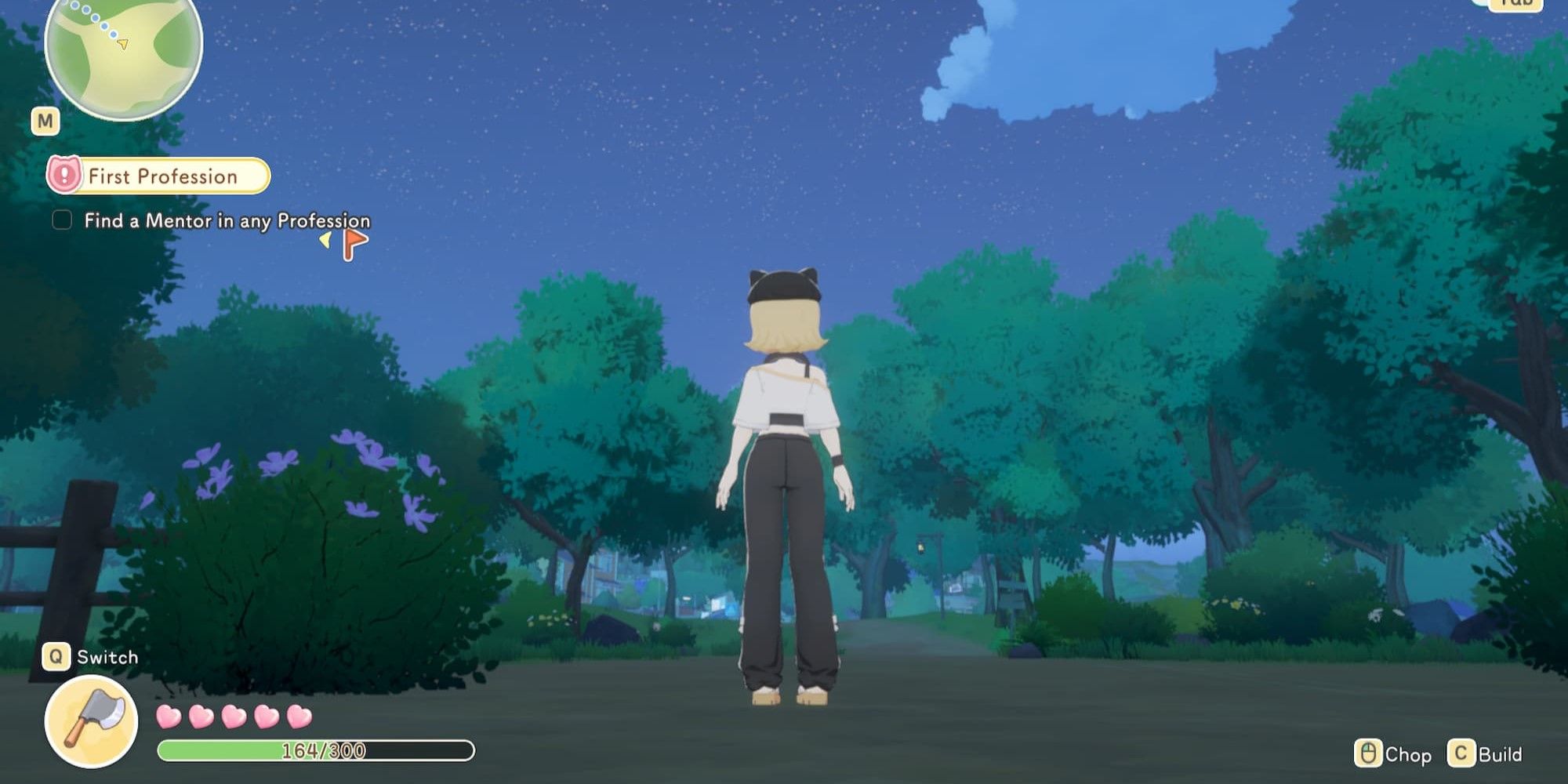
To hide all on-screen UI elements for a clean screenshot, press Tab (keyboard) or Y (controller) while in Photo Mode. This removes the HUD, health bar, and minimap.
Scenery Album
The Scenery Album is a collectible system tied to the Album app on your phone. Important Points of Interest (POIs) are scattered across the island, including shops, statues, piers, and unique landmarks. Taking a photo of a POI adds it to your Collected Sceneries list and rewards Starsand Points.
Known landmark POIs include:
Serena's Store
Half-Moon Bay Pier
Windflute Island Pier
Various statues and scenic overlooks
At certain collection milestones, you receive emotes as rewards. Emotes can be used during social interactions and in Photo Mode itself. The Scenery Album is one of four methods for acquiring emotes (alongside treasure chests, the Ethereal Styles store, and DLC content).
To access the Scenery Album, open the Album app on your phone and switch to the Scenery tab. You can also reach it directly from within Photo Mode by selecting the Album option.
NPC Photos
At Heart Level 2 (220 Affection Points) with any NPC, you unlock the ability to take a photo with them. Speak to the character and select the photo option. The NPC will strike a pose for the camera.
NPC photos serve two purposes:
Sugar paintings. Bring a photo of an NPC to Hattie at her booth near the town center to commission a personalized sugar painting for 100 Coins. The resulting item ("Sugar Painting - [NPC Name]") makes an excellent gift for the depicted character.
Personal collection. Photos taken with NPCs are saved in your gallery and can be placed in photo frames as home decorations.
NPC photo milestones fit into the broader Heart Level progression:
Heart Level | Affection Required | Milestone |
|---|---|---|
1 Heart | 90 Points | NPC gives daily gifts when talked to |
2 Hearts | 220 Points | Can take a photo with the NPC |
3 Hearts | 370 Points | Access to their private bedroom (contains a gift chest) |
4 Hearts | 770 Points | Request board opens for that NPC |
5 Hearts | 820 Points | Can ask them to move in (romanceable NPCs only) |
Sugar Painting Connection
Hattie (the Tanghua Master) operates a booth near the center of Starsand Town, closest to Soluna Cafe. She creates personalized sugar paintings from your NPC photos. The process:
Take a photo with an NPC (requires Heart Level 2+)
Visit Hattie's booth and select the photo
Pay 100 Coins for the sugar painting
Receive a "Sugar Painting - [NPC Name]" item
Gift the painting to the depicted NPC for an affection boost
Limitations: You can commission only one sugar painting per day. If Hattie says "this one is a bit hard to draw," you need to retake the photo.
Sugar painting affection bonuses vary by NPC:
Reaction | NPCs |
|---|---|
Super Adored (+30 Affection) | |
Loves (+10 Affection) | |
Likes (+5 Affection) | |
Neutral (no bonus) | Alex (does not care for sweets) |
Photo Frames
Photos taken in Photo Mode can be displayed in photo frames as home decorations. This lets you personalize your house with scenic shots, character portraits, or memorable moments from your island life. Photo frames are placed like any other furniture item through the Build Mode system.
Tourist Photo Requests
Random tourist NPCs wearing colorful clothing spawn around the island at locations including Half-Moon Bay, piers, the town square, the ranch area, the Flower Corridor, and beaches. Some tourists will ask you to take their photo when you interact with them. Completing a tourist photo request rewards:
Starsand Points
Various items (fish bait, flowers, seeds, crafting materials)
Tourists also give you a random gift just for starting a conversation with them, even if they do not have a photo request.
Tips
Tip | Details |
|---|---|
Use Free Roam for landscapes | Detaching the camera lets you find dramatic angles impossible in standard mode. Great for sweeping coastal shots and elevated forest vistas. |
Adjust Time of Day for golden light | The Time of Day slider in Photo Mode settings lets you shift to sunrise or sunset lighting without waiting. This is purely a visual adjustment for the photo; it does not change the actual in-game time. |
Photograph every landmark | The Scenery Album grants Starsand Points for each new POI captured. Equip a Skateboard or Rollerblades for faster movement between landmark locations. |
Stock up on NPC photos for sugar paintings | Since you can only commission one painting per day, take photos with multiple NPCs and visit Hattie daily for a steady stream of personalized gifts. |
Hide the UI before capturing | Press Tab (keyboard) or Y (controller) to remove all HUD elements for clean screenshots. |
Place photos in your home | Photo frames let you display your best shots as unique decorations that no other player will have. |