

Overview
Despite the absence of official mod tools from Pearl Abyss, Crimson Desert developed an active modding community within its first two weeks on sale. Hundreds of community mods are now published, ranging from quality-of-life fixes and save editors to camera overhauls and inventory tweaks. The community has built its own file browsers, mod managers, and patching utilities that work around the game's proprietary archive format.
Pearl Abyss's Stance on Official Mod Support
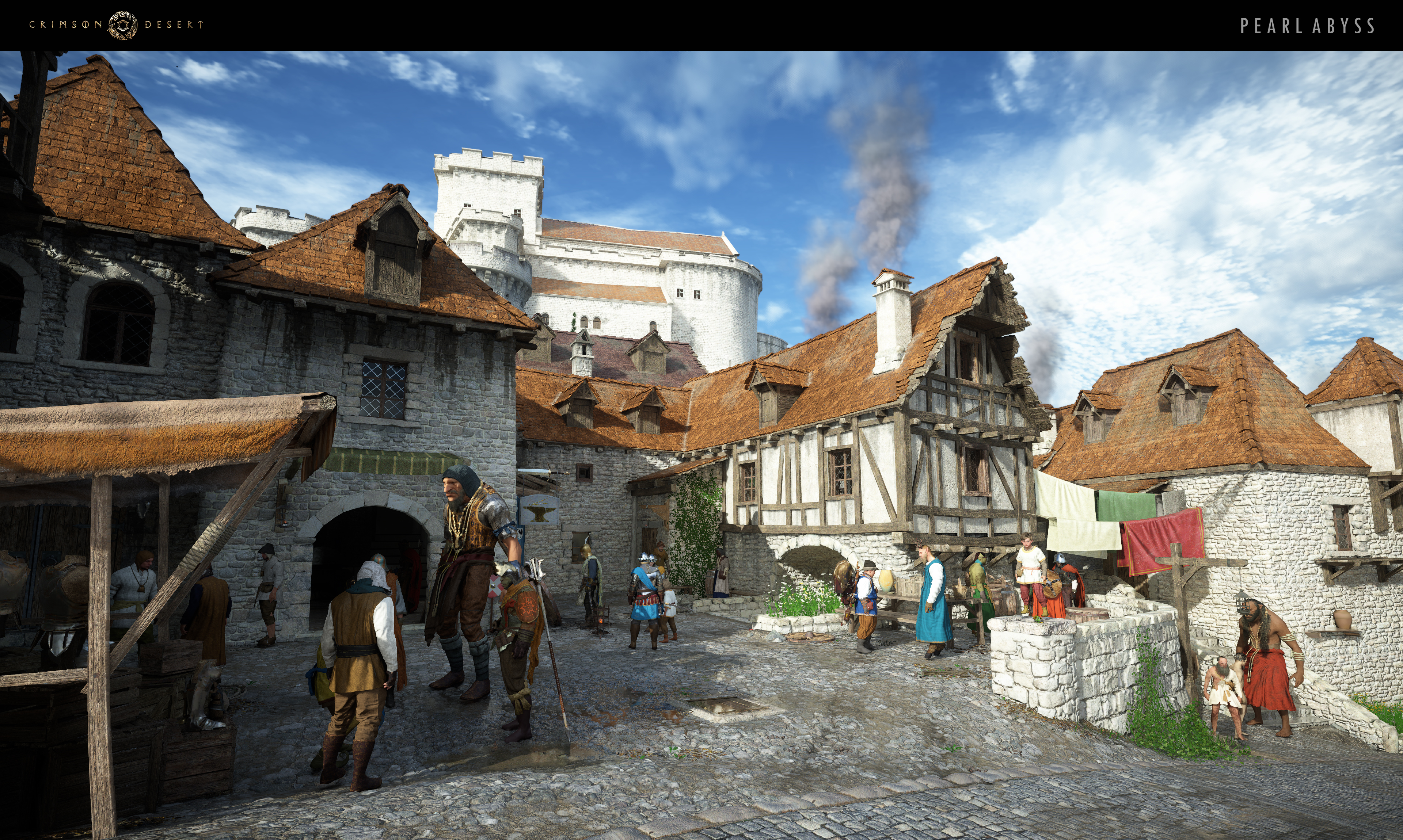
Pearl Abyss has not provided official modding tools or an SDK for Crimson Desert. During a shareholder meeting in early 2026, CEO Heo Jin-young was asked whether the studio planned to release a mod kit similar to what Bethesda offers for The Elder Scrolls and Fallout series. He acknowledged that mods could be a "strong advantage" for the franchise given its sandbox nature, but stated that "providing mod tools would require disclosing a significant portion of the engine, so there are no concrete plans yet."
The studio's immediate priority has been boosting base game sales and delivering free content updates rather than building out mod infrastructure. Internally, the team has confirmed that discussions about official mod support are ongoing, and they are monitoring how the community uses existing third-party tools. For now, Pearl Abyss takes a hands-off approach: mods are neither endorsed nor actively blocked, and no players have been banned for using single-player mods.
The PAZ/PAMT Archive System
Crimson Desert stores virtually all of its game data inside a proprietary archive system composed of three file types. Understanding this system is essential for anyone who wants to create or install mods, because nearly every mod interacts with these archives in some way.
File Type | Purpose |
|---|---|
PAZ | The primary archive containers that hold game assets such as textures, models, animations, configuration files, and scripts. Multiple PAZ files can exist, each containing thousands of entries. |
PAMT | The index (metadata) file that maps filenames and paths to their offsets and sizes within the PAZ archives. The game reads the PAMT to locate any specific asset. |
PAPGT | A hash registry that the game uses for integrity verification. Modifications to PAZ files must also update the corresponding PAPGT entries, or the game may reject the changes. |
Encrypted entries within the archives (such as XML configuration files) use ChaCha20 encryption with keys derived deterministically from the filename. Compressed entries use LZ4 block compression. These layers of protection mean that raw file editing is impractical without dedicated tools.
Types of Mods
Community-created mods for Crimson Desert fall into several categories based on how they interact with the game's files.
Mod Type | Description |
|---|---|
JSON Byte-Patch Mods | Small JSON files that describe byte-level changes at specific offsets within PAZ archives. These are applied by the JSON Mod Manager through an overlay system, leaving original game files untouched. |
PAZ/PAMT Replacement Mods | Folders containing modified PAZ or PAMT files that overwrite specific game data. These require careful management to avoid corrupting the archive index. |
ASI Plugins | Native DLL plugins loaded through an ASI Loader that hook into the game process at runtime. Used for camera mods, input modifications, and other real-time changes. |
Script Mods | Batch (.bat) or Python (.py) installer scripts that automate the patching process. CDUMM can run these scripts and capture the resulting file changes. |
Save File Edits | External tools that modify save data outside the game. These do not alter game files at all and instead change the player's progression, inventory, or unlocked content. |
Mod Managers and Tools
Several community-built tools handle mod installation, conflict resolution, and archive browsing. Choosing the right tool depends on what kinds of mods you plan to use.
Crimson Desert Ultimate Mods Manager (CDUMM)
CDUMM is the most comprehensive mod manager available. It accepts every mod type in a single interface: PAZ/PAMT folder mods, JSON byte-patch mods, ASI plugins, batch and Python script mods, and binary patch (.bsdiff) files. Installation is drag-and-drop. The manager uses delta-based patching, meaning it stores only the changed bytes rather than full file copies. Multiple mods can modify the same PAZ file at different offsets without conflict.
When two mods do touch the same bytes, CDUMM detects the conflict and displays it in a color-coded tree view. It also supports load order control so users can prioritize one mod's changes over another. A one-click revert option restores all archives to their original state. CDUMM is distributed through the usual community mod repositories and its own open-source project page.
JSON Mod Manager
The JSON Mod Manager is a lighter alternative focused specifically on JSON byte-patch mods. It applies all changes through a separate overlay directory, so no original game files are ever modified. The tool auto-detects Steam installations and provides a simple GUI for activating or deactivating individual patches. Uninstalling a mod removes the overlay and restores the original PAPGT file, returning the game to a completely vanilla state.
After a game update, the JSON Mod Manager checks whether the expected bytes at each offset still match. If they do not, it skips those patches and reports which ones failed, alerting mod authors that their JSON files need updating.
Crimson Browser and Mod Manager
Crimson Browser is a standalone archive browser that reads the PAMT metadata and lets users explore PAZ contents, preview common asset types, and extract individual files. It also includes a basic mod deployment feature that can apply folder-based overrides without touching the original archives.
Crimson Desert Unpacker
The Crimson Desert Unpacker is a C# GUI application paired with Python CLI scripts for reading, extracting, decrypting, and decompressing PAZ archives. It is primarily a development and research tool rather than an end-user mod manager. Modders use it to inspect game data and understand file structures before building their mods.
Repacking modified files back into PAZ archives remains unreliable due to the game's integrity checks on metadata files. Modified files must also fit within the original file's allocated size, as there is currently no way to expand archive entries.
Popular Mods
The following mods are among the most downloaded and endorsed by the community. All of them address common quality-of-life complaints or add functionality that many players consider essential.
Mod | Category | Description |
|---|---|---|
SWISS Knife Save Editor | Save Editor | A standalone save file editor that can modify equipment stats, unlock mounts and dragons, skip quests, expand storage to 700 slots, and spawn any of the game's 6,000+ items through a donor system. Creates automatic backups before every edit. |
CDCamera | Camera | A camera overhaul mod that locks the camera distance so it no longer zooms out when sprinting. Includes a Steadycam feature, multiple presets (Western, Immersive, Cinematic, Lower Camera), and the ability to increase the field of view by up to 40 degrees. |
Inventory Expander | Inventory | Increases baseline inventory slots from 50 up to 200. The game has a hardcoded crash limit at 240 slots, so this mod stays within safe bounds. |
Fat Stacks | Inventory | Increases stack sizes for all stackable items. Users choose a multiplier (2x, 3x, 5x, 10x, or 9999) through JSON files loaded by the JSON Mod Manager. Only one multiplier can be active at a time. |
InstantInteract | Quality of Life | Removes the 1.5-second hold-to-interact timer. All interactions (looting, NPC dialogue, object use) trigger immediately on a single button press. Also includes an adjustable interaction range multiplier. |
Configurable AutoLoot and Fast Interact | Quality of Life | Automatically loots nearby items, extends interaction distance, and speeds up hold-button prompts. Fully configurable through a settings file. |
MFG X4 Unlock | Performance | Unlocks frame generation for AMD, NVIDIA, and Intel GPUs. Supports DLSS and FSR frame generation for improved performance at higher resolutions. |
Getting Started with Mods
The community-maintained Crimson Desert Modding Guide is the recommended starting point for new modders. It covers installation procedures for each mod type, troubleshooting steps for common issues, and instructions for handling game updates. The guide has been updated multiple times since its initial v1.0 release.
Recommended Setup
Install CDUMM or JSON Mod Manager first. A mod manager prevents conflicts and makes uninstallation clean. CDUMM is preferred if you plan to use multiple mod types.
Back up your save files. Save files are located in the game's local data directory. Copy them to a separate folder before installing any mods, especially save editors.
Install one mod at a time. Test each mod individually before adding the next. This makes it easy to identify which mod causes a problem if something breaks.
Check mod compatibility after game updates. Patches from Pearl Abyss can shift byte offsets within PAZ archives, breaking JSON byte-patch mods. Wait for mod authors to release updated versions before applying mods to a newly patched game.
Read each mod's description page carefully. Some mods require specific load orders or are incompatible with others. Each mod's download page lists known conflicts and dependencies.
Risks and Considerations
Because Crimson Desert lacks official mod support, all modding carries some inherent risk. Incorrectly installed mods can corrupt save files or cause crashes. The PAZ archive system was not designed for third-party modification, and the game's integrity checks can reject improperly patched files.
Save corruption: Save editors and inventory mods can produce save files that the game cannot load if values exceed internal limits. Always keep manual backups.
Game updates: Every patch from Pearl Abyss can invalidate existing mods by changing file offsets, adding new integrity checks, or altering internal data structures.
Online features: While Pearl Abyss has not banned players for single-player mods, future multiplayer features could change this policy. Use caution with mods that modify gameplay values if online components are added.
No warranty: Mod authors are community volunteers. Mods may be abandoned, contain bugs, or conflict with each other in unexpected ways.
Community Resources
The Crimson Desert modding community is spread across several platforms. A single large mod repository handles most downloads and hosts the community modding guide. CDUMM and the Crimson Desert Unpacker maintain open-source project pages where users can report bugs and contribute code. Player-written guides on the Steam store's community hub cover graphics optimization, performance tuning, and mod collection recommendations.
For troubleshooting, the comment thread on each mod's download page functions as a support forum where users and mod authors discuss issues. The Crimson Desert Modding Guide also includes a dedicated troubleshooting section that addresses the most common installation problems.