
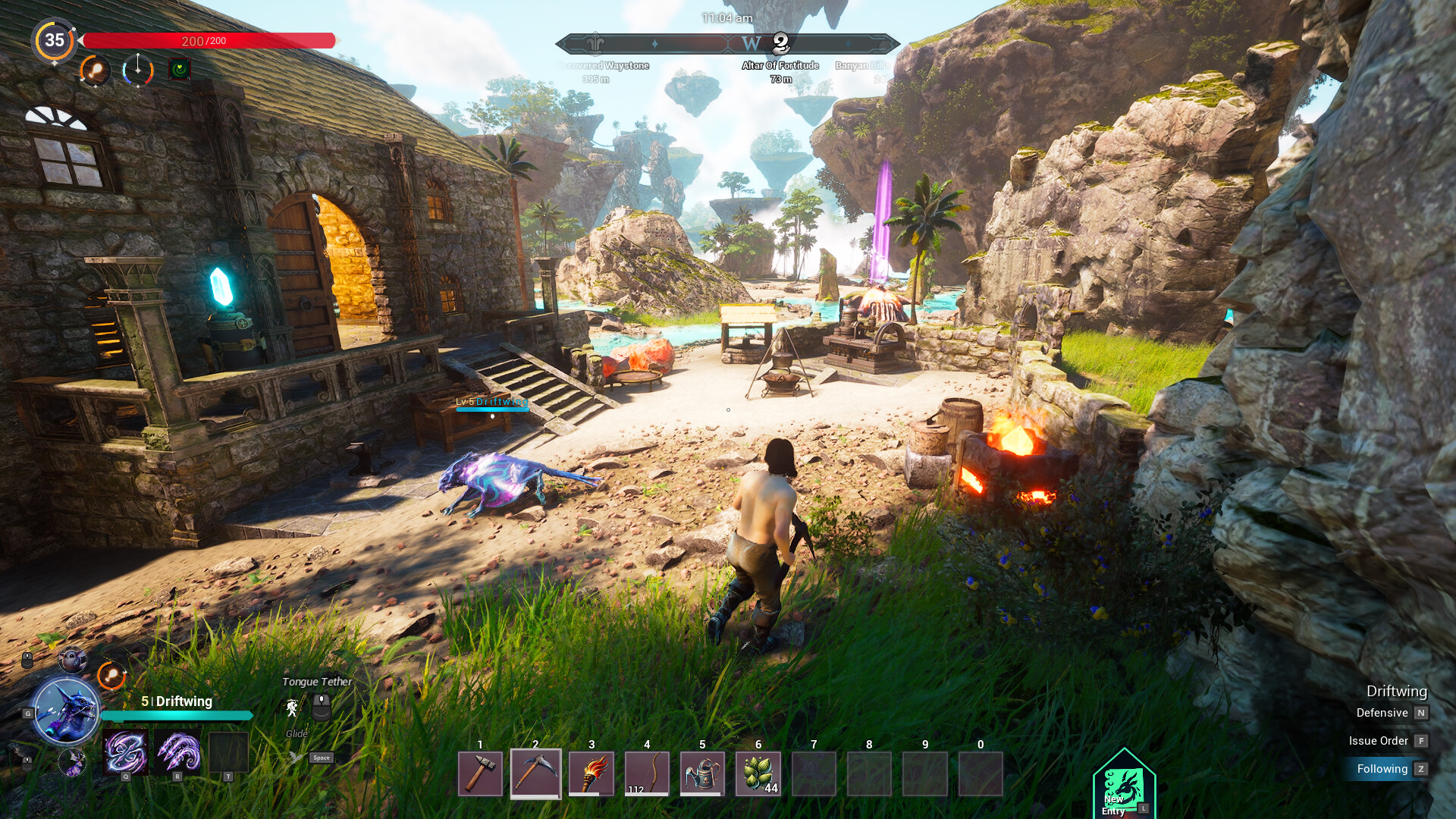
Building is one of the most popular parts of Guardians of the Wild Sky, according to the developers, and they have kept expanding it since the first playtests. Players can build anything from a cozy cottage to an elaborate homestead or a floating castle that flies, and the same tools are used to build Airships. The developers have said their building system is a significant improvement over their previous games.
Core features
Feature | Details |
|---|---|
Free rotation | Pieces can be rotated in all directions |
Copy and replace | Pieces can be copied and replaced with higher tier pieces |
Snap modes | Multiple snap modes and magnetized attachment points |
Undo | Ctrl+Z undoes build actions |
Rotation snapping | Walls and floors rotate to match the surface or floor edge being built on; toggled with the U key |
Ghost building | Place structures before having the materials |
Blueprints | Save, export, import and share builds |
Recipes from merchants | New building recipes, including nature themed decor, can be found at merchants |
Ghost building
Ghost building arrived in January 2026. Before that, the game followed the traditional survival rule that you need the materials to build. Now a structure can be placed straight away as a ghost, and it becomes real once the player or a Guardian deposits the required materials. The developers said this lets players map out a whole home or airship in one go, experiment with designs without losing resources, and come back from exploring to find construction finished by their Guardians.
Build mode
During the demo, building used a hammer tool. In March 2026 the developers announced that the hammer system is gone: players now press B to enter build mode and browse structures in a full screen building menu. The interface also gained a new set of icons, replacing placeholders used in the demo. In October 2026 the developers said they are removing all AI placeholder icons used during development and that the game will be AI free at launch.
Blueprints
Any structure can be saved as a blueprint. In the demo, the process worked like this:
Equip the hammer and scroll to the Blueprint option.
Look at the structure and right click it. All neighboring structures are collected into a placeable blueprint.
Press Insert to open a popup with the blueprint code.
Copy the code into a text file to keep or share it.
In another world, open the hammer, select Blueprint and choose Import Blueprint.
The steps above describe the demo's hammer tool, which has since been replaced by build mode, so the exact controls may differ in Early Access. Blueprint size has a configurable maximum, and the demo raised it in February 2026. A demo bug where placing a blueprint only placed part of a structure was fixed on 12 February 2026.
Structure sets
Wood and stone are the two structure sets shown most often. Demo updates added wood and stone foundation pieces, pieces that cover the long side of 45 degree triangles, roof peaks, and better stair placement and wall to floor alignment. Structure health values were raised, and wood and stone stairs, which had only 100 maximum health, were fixed. After the Paradox Arc deal the developers said they would add more cohesive structures that better fit the game's atmosphere.
Flying castles
Any base can be lifted into the sky. The developers showed this in a June 2025 time lapse of a castle built from the ground up until liftoff, and they list flying pagodas and fortified castles among the builds the demo supported.
Building contest
During Steam Next Fest the developers ran the Immortalize Your Builds contest, with categories for Best Flying Vessel, Best Compact Design and Best Creative Design. Winning blueprints are to become learnable schematics sold by an in-game merchant, with the builder's name attached. The results are on the Steam Next Fest Demo page.
Modded building sets
Mod makers showcased by the developers in June 2026 included an elven woodland building set and a nomad tent set, both made with the game's mod tools. See Mod Support.